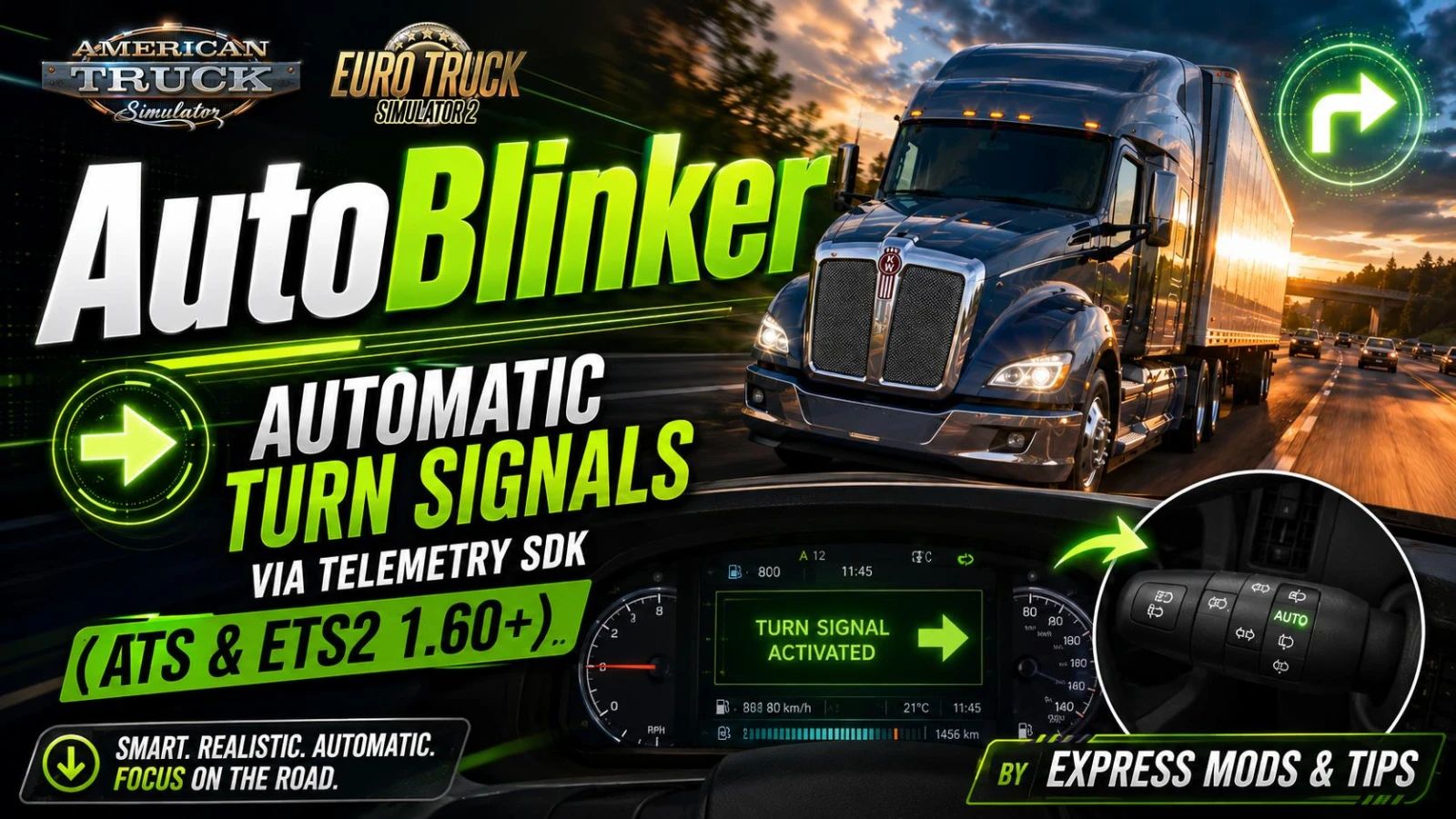
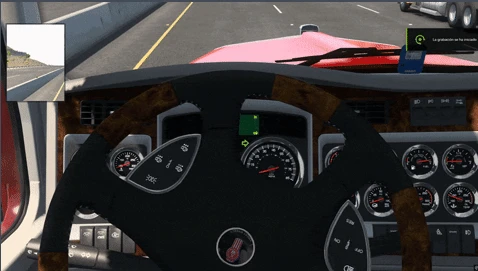
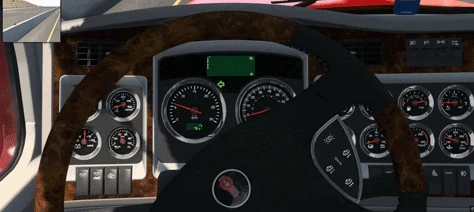
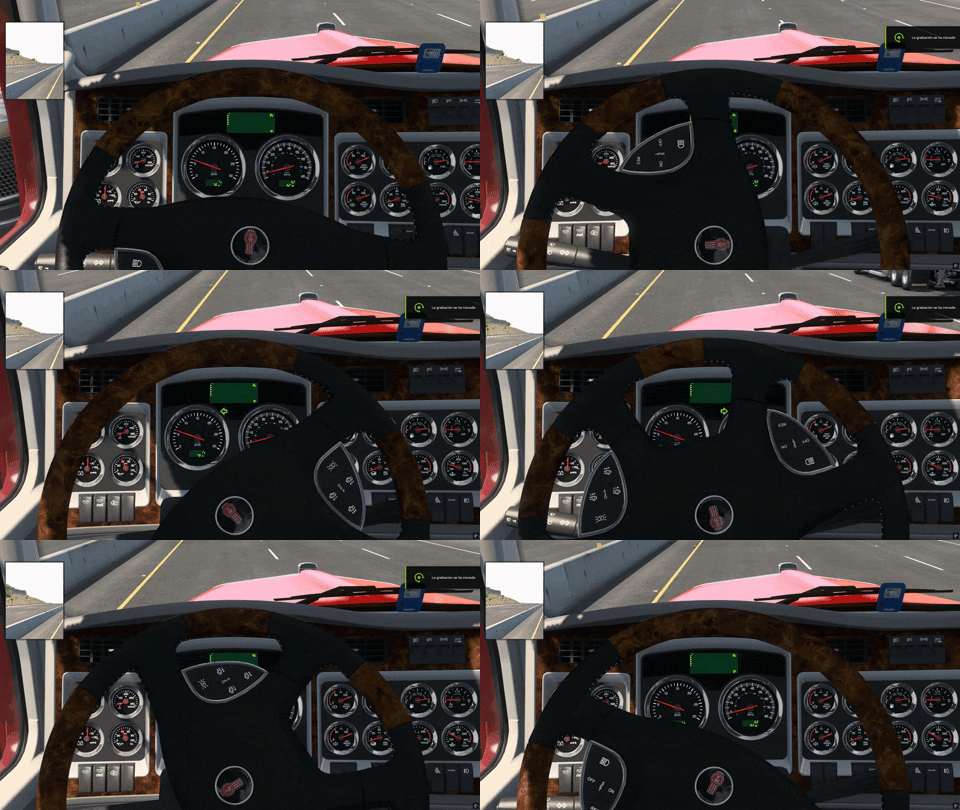
Tired of forgetting your blinker at every intersection? AutoBlinker reads your steering input in real time: steer past ~70 degrees — the natural turn at a traffic light, a highway exit or a company entrance — and the correct turn signal switches on by itself. Straighten the wheel and it switches off. No keys to press, no bindings to configure, nothing to enable in the mod manager. 😆
✦ Features
Fully automatic — left/right blinker follows your actual steering angle with hysteresis (on at ~70°, off when the wheel straightens), so it never flickers mid-turn
Native input injection — uses the official SCS Input SDK semantical device. It triggers the game’s own lblinker/rblinker actions directly. No keyboard simulation, no macros, no memory hacking
Minimum speed filter — won’t blink while parking or crawling in a yard (configurable)
Hold & toggle modes — match it to your controller setup
Live config reload — edit the INI while driving, changes apply in ~2 seconds, no restart
Pause-aware — does nothing in menus, map screen or while the sim is paused
Works with keyboard, gamepad and steering wheels
✦ How it works (technical)
Single DLL exporting both SCS SDK interfaces:
Telemetry API — reads truck.effective.steering, speed, current blinker state and pause state every frame
Input API — registers a semantical input device whose inputs auto-bind to the existing mixes in your controls.sii. The game treats it exactly like a hardware button press
Built against the official SCS SDK 1.14. No game files are modified, no .scs mod is installed — your profile, save games and achievements are untouched. It does not appear in the mod manager because it is a plugin, not a mod.
✦ Installation (30 seconds)
Close the game
Copy autoblinker.dll and autoblinker.ini into:
…\SteamLibrary\steamapps\common\American Truck Simulator\bin\win_x64\plugins\
(create the plugins folder if it doesn’t exist — same path under Euro Truck Simulator 2 for ETS2)
Launch the game. Press OK on the standard “advanced SDK features” warning (normal for every telemetry plugin, e.g. dashboards or ProMods Trucky)
Drive. Turn. Watch the blinker do its job 🙄
To uninstall: delete the DLL from the plugins folder. That’s all.
✦ Configuration (autoblinker.ini)
steer_on = 0.157 ; activation threshold (~70 degrees of steering)
steer_off = 0.06 ; release threshold (hysteresis prevents flicker)
min_speed = … ; no blinking below this speed (km/h)
mode = hold ; hold = follows the wheel | toggle = fires the blinker action once
Every value hot-reloads in-game.
✦ Compatibility
American Truck Simulator and Euro Truck Simulator 2, 1.60+ (telemetry SDK is version-stable, so future patches should work too)
Compatible with every mod — it touches zero game files
Plays fine alongside other telemetry plugins (dashboards, Trucky, SimHub)
Credits:
Created by Express Mods & Tips — devs: 6 & tarkin711
Downloads
| Name | Format | Size |
|---|---|---|
| AutoBlinker_v1.0_ExpressModsTips.zip | ZIP | 27.23 KB |
To start download click the filename. To open archive files use one of these programs: WinRAR, 7-Zip, WinZip. Some mod archives may need to be extracted before the mods will work.