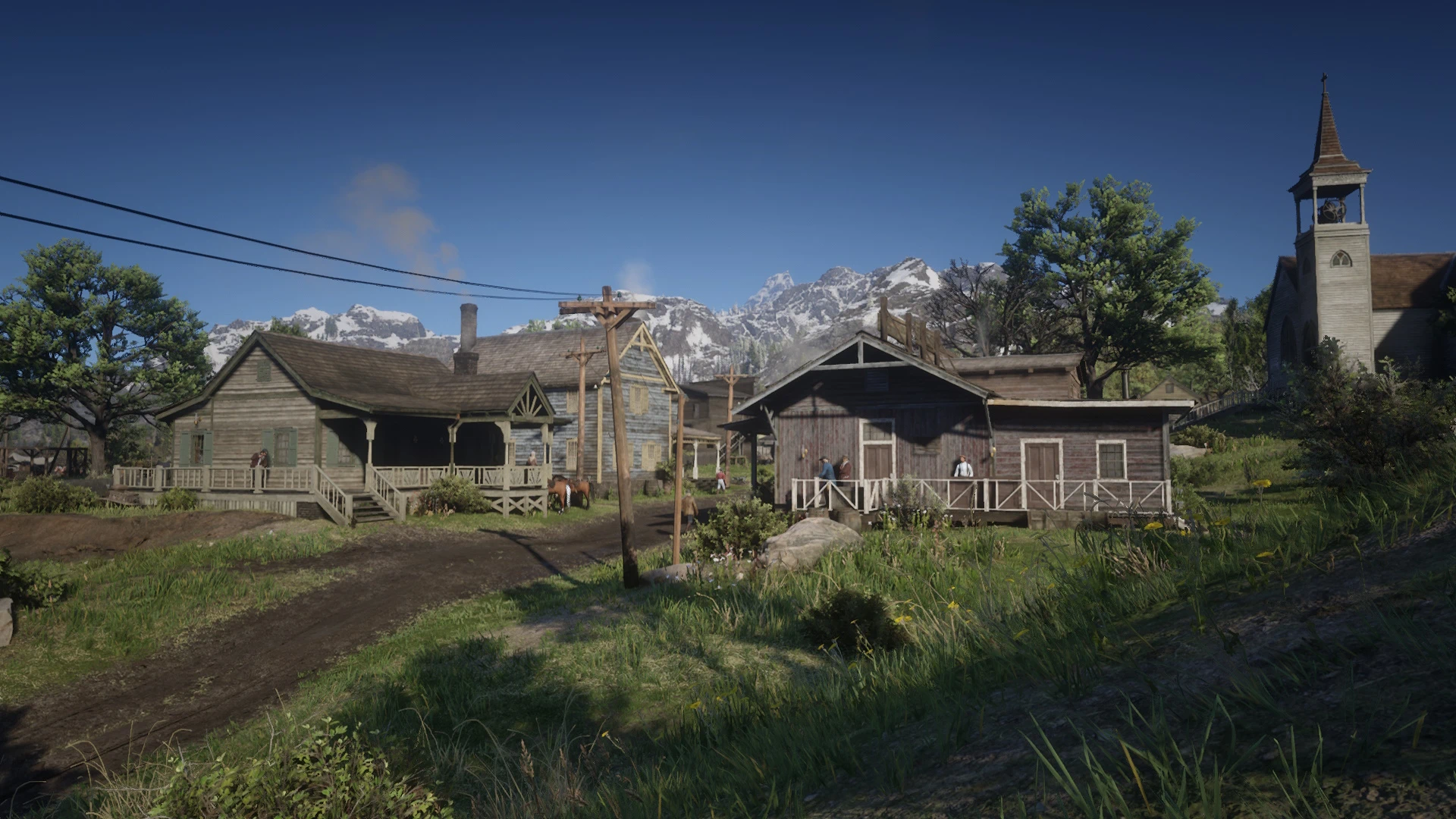
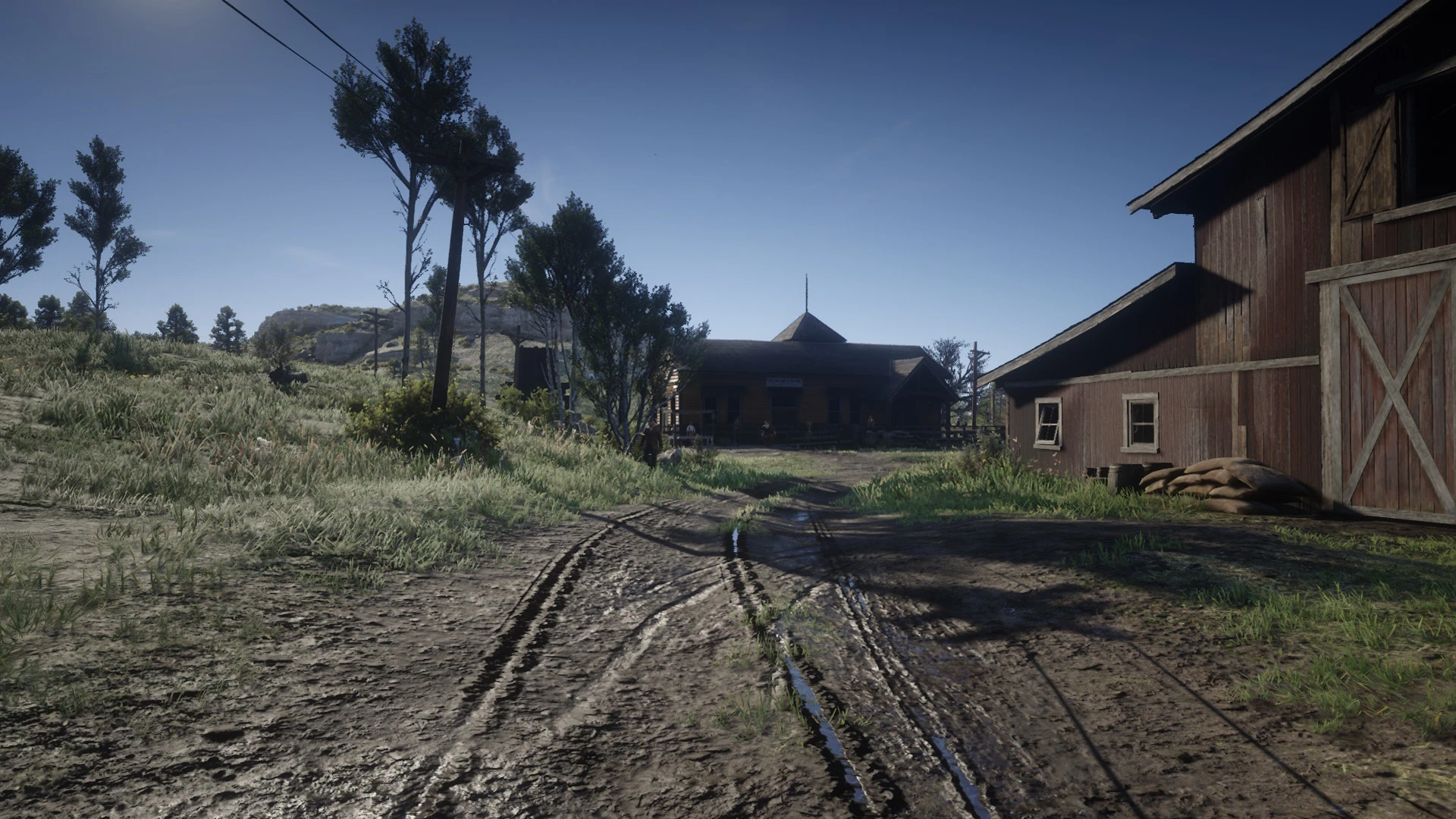
This batch script fixes TAA blur by scaling the temporal convergence values based on the target framerate.
The game’s default TAA values are fixed and calibrated for a target framerate of 30 FPS. Since the game does not adjust these values according to the actual framerate, the higher the framerate you get, the blurrier the TAA becomes. To fix this issue the script adapts the values to your target framerate.
This means all the other “TAA fixes” (apart from TAA Enhanced) are actually worthless and might not fix much because they don’t take into account your framerate.
It also fixes distant temporal blur (meaning you can use it even if you already play at 30 FPS if you just want to fix the distant temporal blur).
Installation instructions
If you don’t have a mod that edits visualsettings.dat then put TAA Fix in the lml folder, then go inside the mod’s folder and simply run the script (or drag and drop visualsettings.dat on it).
If you already have a mod that edits visualsettings.dat then take just the script and put in the same folder where visualsettings.dat is then to use it simply run it (or drag and drop visualsettings.dat on the script).
It will make a backup of visualsettings.dat and replace just the values of the TAA.
Tips
You need to have a stable framerate for the game’s TAA to look the best, for this reason you should be limiting the framerate at a number you know you can have for most of the time playing. This will be the target framerate you insert in the script.
Also, the game will keep looking a bit blurry with low resolutions, so if you want to make the game look sharper you need to play at an higher resolution (I recommend at least 1440p). You can use DSR/VSR to play at resolutions higher than native, or use the game’s internal resolution scaler (I personally don’t use it because of some issues). I use VSR + AMD sharpening to compensate the downscaling blur.
Credits:
Edegon
Downloads
| Name | Format | Size |
|---|---|---|
| TAA-Framerate-Scaler.zip | ZIP | 23.32 KB |
To start download click the filename. To open archive files use one of these programs: WinRAR, 7-Zip, WinZip. Some mod archives may need to be extracted before the mods will work.