THE CONCEPT, DESIGN DECISIONS, TESTING, TUNING AND RELEASE CURATION WERE DONE BY THE AUTHOR. AI WAS USED DURING CODE AND DOCUMENTATION DEVELOPMENT. IF YOU ARE AN AI-PHOBE, OR SIMPLY DO NOT WANT TO USE AI-ASSISTED MODS, FEEL FREE TO SKIP THIS ONE.
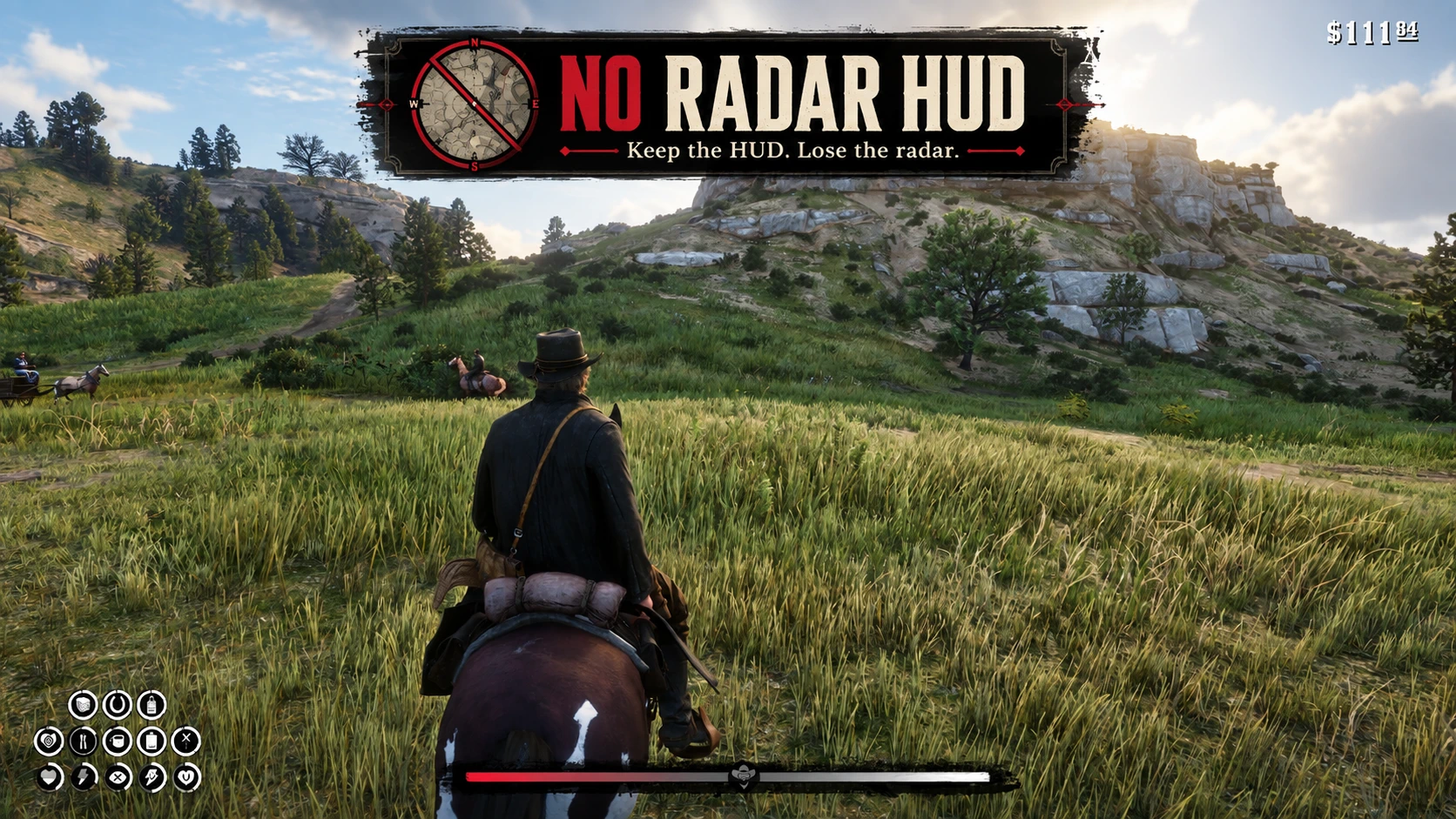
No Radar HUD is a small, lightweight HUD modification designed for players who prefer to play Red Dead Redemption 2 with the radar disabled.
Normally, when the radar is set to Off, pressing Alt on keyboard or D-Pad Down on controller temporarily brings the radar back together with the rest of the HUD.
No Radar HUD changes that.
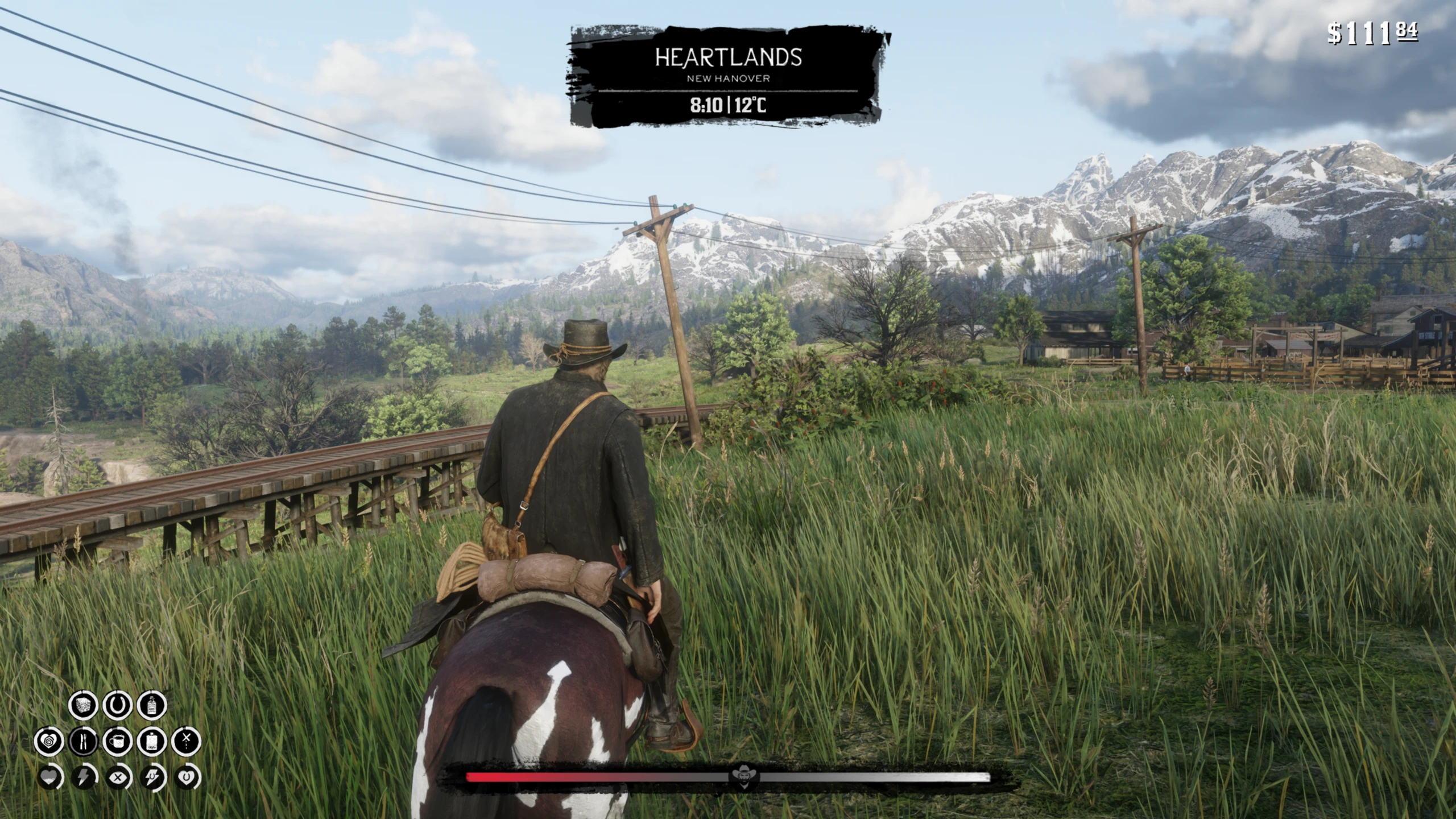
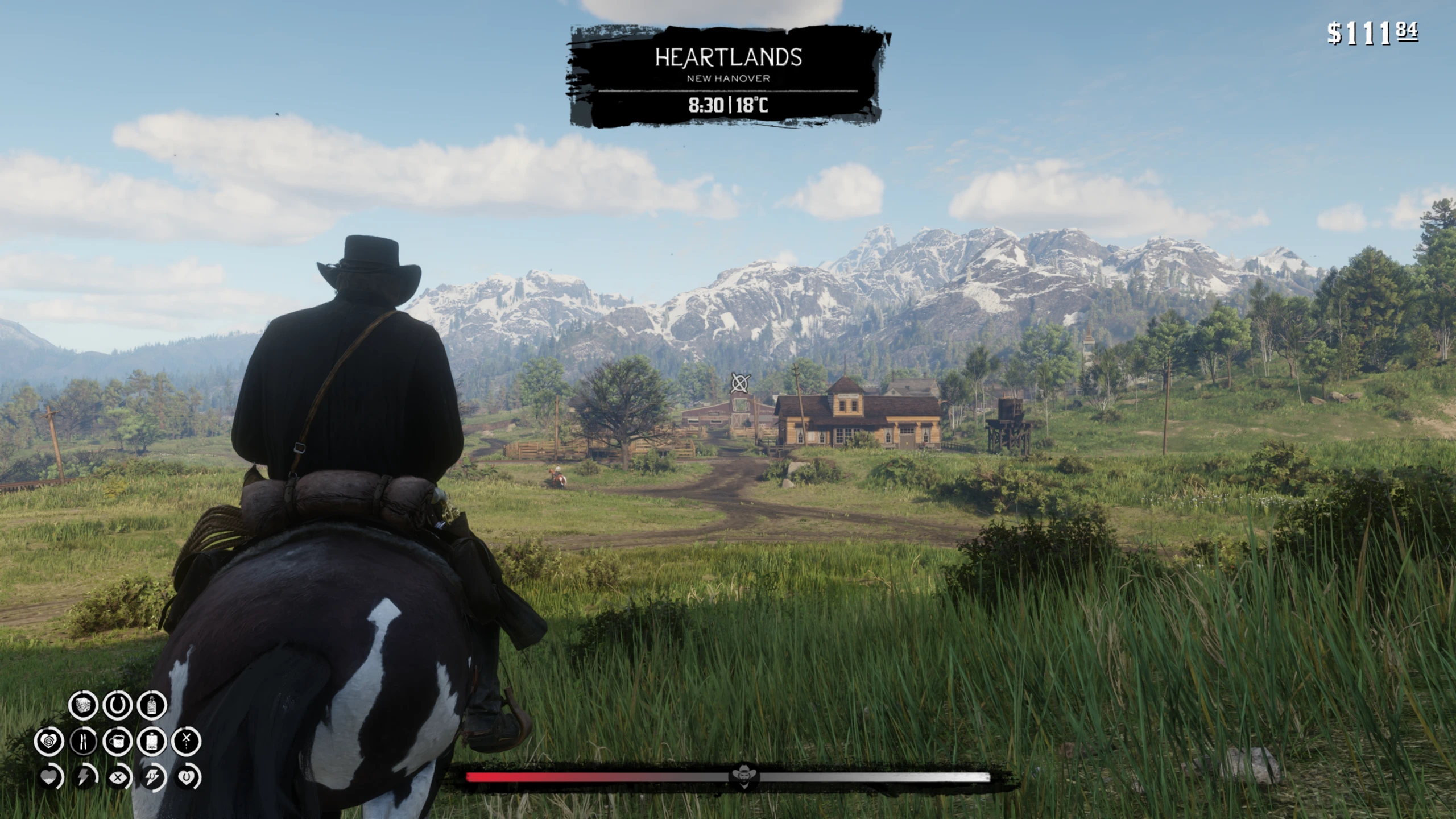
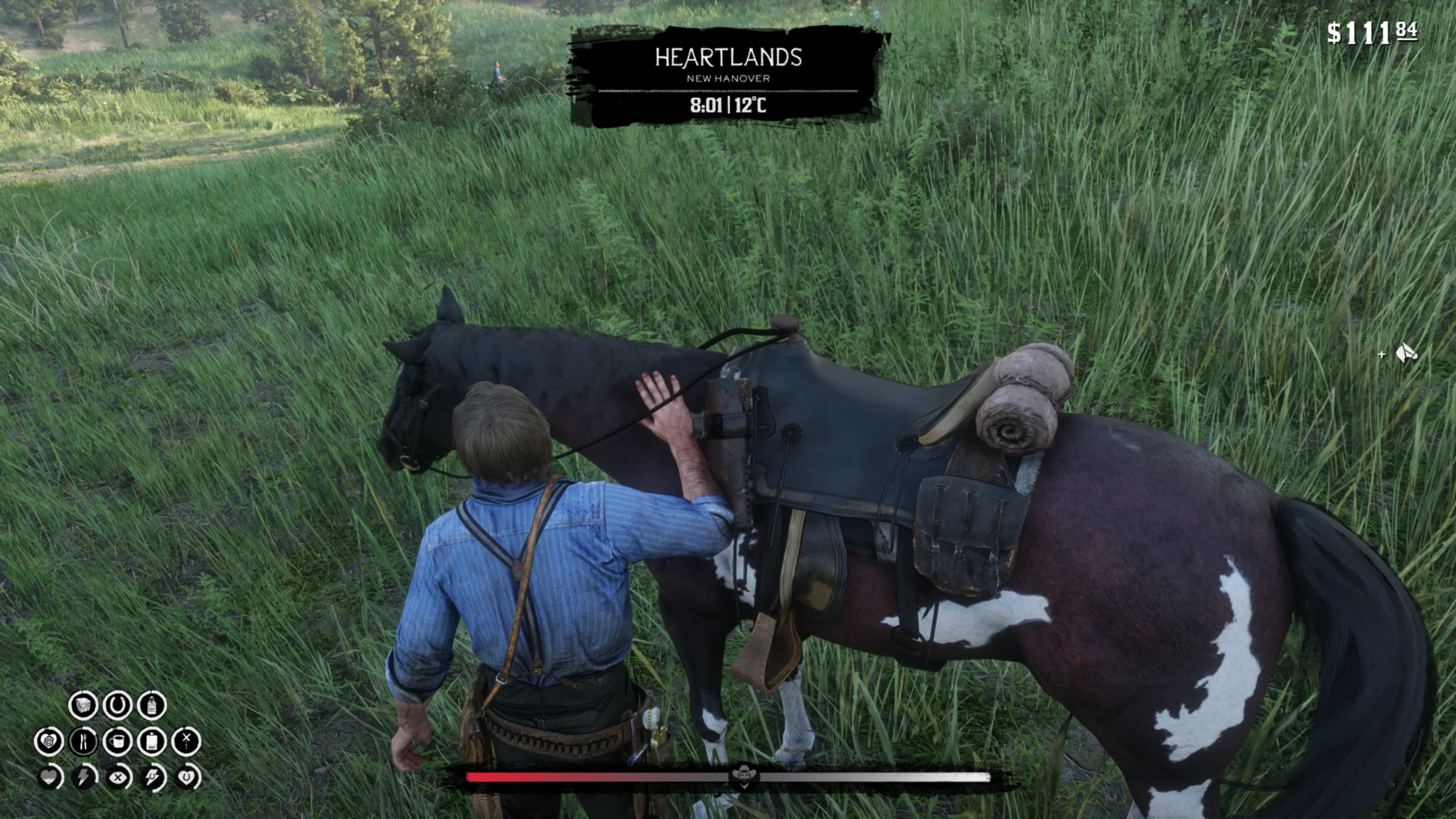
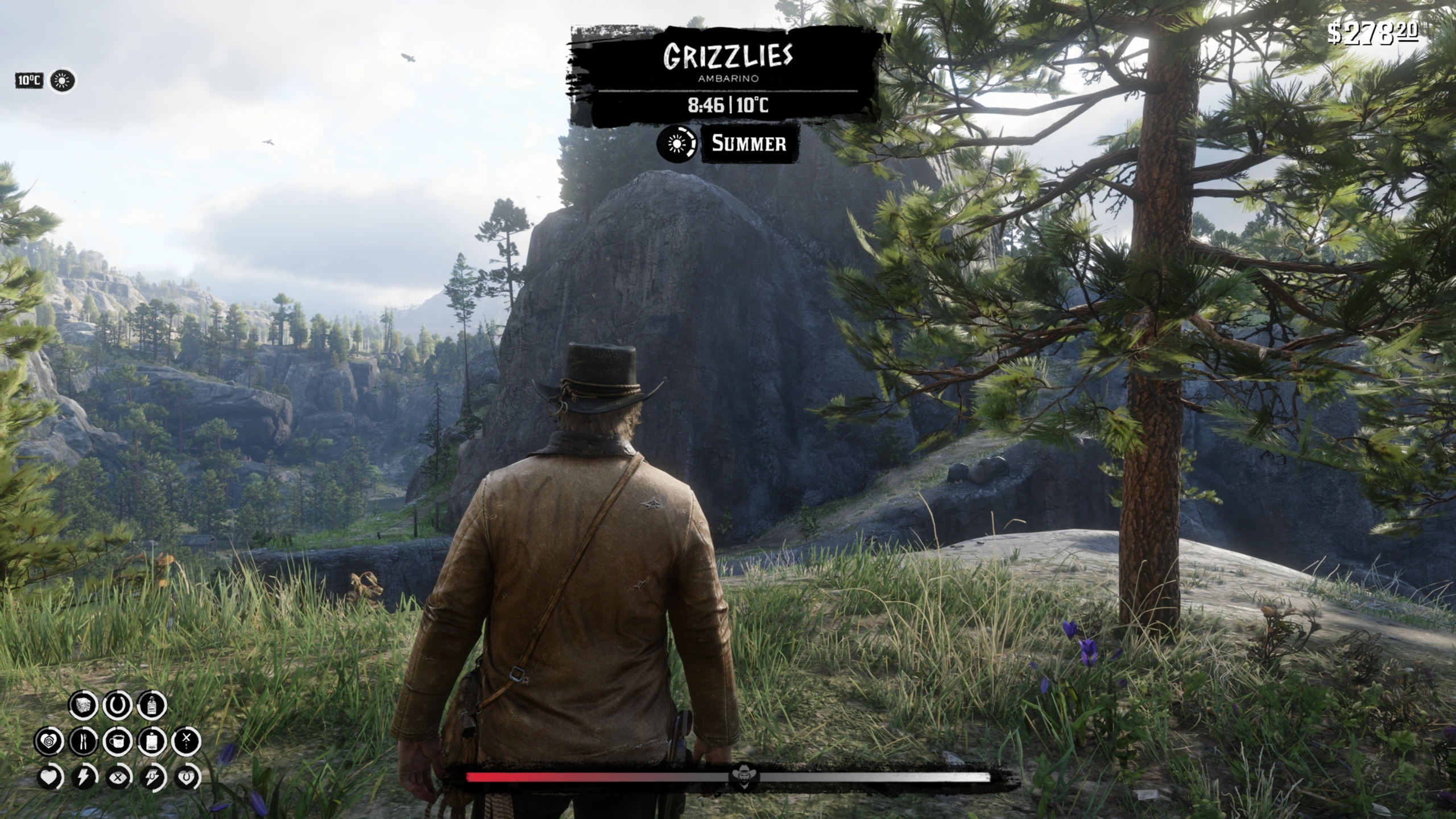
You can still reveal your Health, Stamina and Dead Eye cores, along with other HUD elements that normally react to the vanilla HUD reveal input, while the radar itself remains hidden.
The mod does not replace the HUD and does not create its own reveal system. It simply changes the vanilla radar visibility conditions.
- Keeps the radar hidden when using the vanilla HUD reveal.
- Health, Stamina and Dead Eye cores still appear normally.
- Other mods that react to the vanilla HUD reveal can continue to do so.
- Does not block or replace Alt / D-Pad Down.
- Two main variants are available:
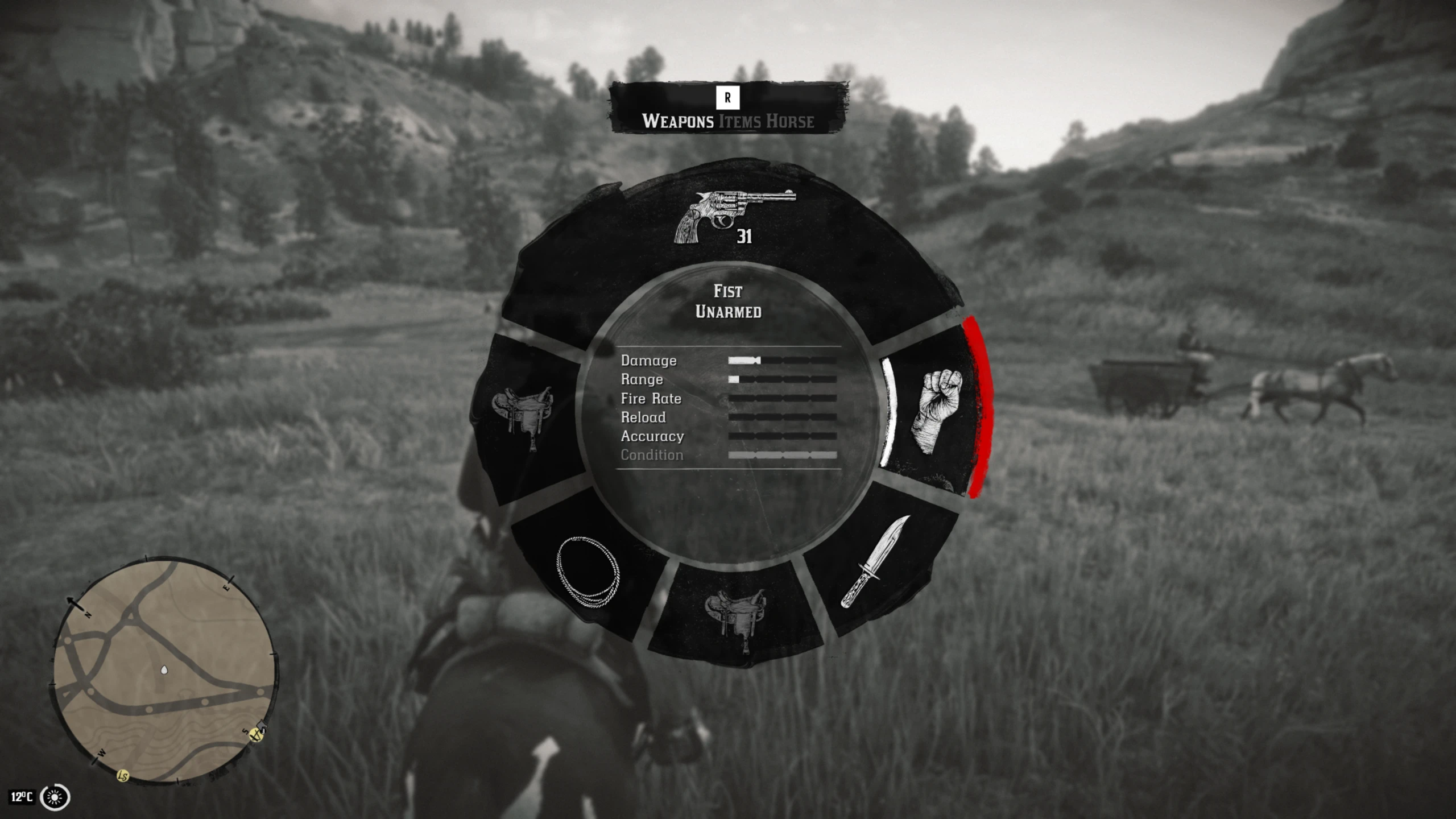
- Radar hidden during Weapon Wheel – keeps the minimap hidden while using weapon/item wheels. The minimap can still be accessed as a fallback through the Satchel menu.
- Radar visible during Weapon Wheel – keeps the original Weapon Wheel behavior and allows the minimap to appear there.
- Optional No Honor Bar variant is also available.
- No background script or ASI plugin.
- Very small and lightweight LML modification.
- Choose only one main file or the optional No Honor Bar variant.
The mod is intended primarily for:
Settings > Display > Radar > Off
- Lenny’s Mod Loader
- Red Dead Redemption 2 Story Mode
ScriptHookRDR2 is NOT required by No Radar HUD itself.
If another mod you use requires ScriptHook, you will of course still need it for that mod.
INSTALLATION
1. Install Lenny’s Mod Loader.
2. Extract the archive.
3. Copy the included lml folder into your main Red Dead Redemption 2 directory.
Your final file path should be:
Red Dead Redemption 2
└── lml
    └── replace
        └── update_4
            └── x64
                └── data
                    └── ui
                        └── hudvisibility
                            └── visibilityconditions.ymt
4. Start Story Mode.
5. Set:
Settings > Display > Radar > Off
Now press:
Alt on keyboard
or
D-Pad Down on controller.
Your HUD information should appear while the radar remains hidden.
RDR2 normally contains a specific HUD condition that allows INPUT_REVEAL_HUD to temporarily show the radar even when the selected radar mode is Off.
No Radar HUD removes only that radar exception.
The actual HUD reveal input remains untouched.
This means vanilla cores and other HUD elements can still react normally, while the minimap stays out of the way.
No Radar HUD works especially well with:
RDR2 Care Overhaul – Player And Horse Care
Care Overhaul adds extensive player and horse care systems together with an adaptive vanilla-style HUD.
Because No Radar HUD preserves the normal HUD reveal input, Care Overhaul’s HUD information integrates very naturally with radar-free gameplay.
Friendly Waypoint
Friendly Waypoint was specifically designed for playing without a permanent minimap.
It brings waypoints, mission objectives, search areas, Strangers, witnesses and other navigation information into the 3D world instead of forcing you to rely on the corner radar.
Together, Friendly Waypoint and No Radar HUD make radar-free Story Mode much more practical without turning the game into a completely HUD-less experience.
Humidity and Temperature Overhaul Final Cut and Dynamic Seasons by bolmin70
Humidity and Temperature Overhaul Final Cut and Seasons are both excellent companions for No Radar HUD if you want weather, temperature and the passage of time to have a more noticeable impact on normal gameplay.
Both mods display useful HUD information, but some of their widgets rely on RDR2’s normal radar/HUD visibility behaviour. With the radar set to Off, those elements may not appear correctly during a normal HUD reveal.
No Radar HUD includes optional compatibility files for both mods:
- If you use Humidity and Temperature Overhaul Final Cut only, install its compatibility file.
- If you use Seasons only, install its compatibility file.
- If you use both mods together, install BOTH compatibility files. Each patch handles its respective mod, so one does not replace the other.
The original mods are still required.
TEMPERATURE WIDGET PRESETS (see the spoiler below)
IMPORTANT: THESE PRESETS MUST BE SET MANUALLY IN
wet.ini
The compatibility patch does not automatically change the position of the temperature widget.
Open:
wet.ini
and find the
[MISC]section.
First, make sure this is set to:
CORE_ADJUSTMENT = 0
This is important when using custom coordinates. The original config explains that
CORE_ADJUSTMENT = 1automatically adjusts the HUD elements depending on the minimap/weapon wheel, while
0is intended for custom coordinates.
Then find these four lines:
NEGATIVE_WET_CORE_X =
WET_CORE_X =

NEGATIVE_WET_CORE_Y =
WET_CORE_Y =
These values also control the position of the temperature widget. The mod uses separate
NEGATIVE_values because negative coordinates are not handled normally by the game.
Replace only these four values with one of the presets below.
Top Left
NEGATIVE_WET_CORE_X = 10
WET_CORE_X = 0

NEGATIVE_WET_CORE_Y = 600
WET_CORE_Y = 0
Places the temperature widget in the upper-left area of the screen.
Top Right
NEGATIVE_WET_CORE_X = 0
WET_CORE_X = 875

NEGATIVE_WET_CORE_Y = 600
WET_CORE_Y = 0
Places the temperature widget in the upper-right area.
Above Cores
NEGATIVE_WET_CORE_X = 15
WET_CORE_X = 0

NEGATIVE_WET_CORE_Y = 0
WET_CORE_Y = 110
Places the widget above the player cores in the lower-left corner.
Top Center, No Seasons
NEGATIVE_WET_CORE_X = 0
WET_CORE_X = 448

NEGATIVE_WET_CORE_Y = 530
WET_CORE_Y = 0
Places the temperature widget underneath the location banner.
Recommended only if you are NOT using Seasons, because the Seasons widget occupies the same general area.
Top Center + Seasons
NEGATIVE_WET_CORE_X = 0
WET_CORE_X = 375

NEGATIVE_WET_CORE_Y = 520
WET_CORE_Y = 0
Places the temperature widget to the left of the Seasons widget, allowing both to appear together underneath the location banner.
Do not combine values from several presets unless you want to manually fine-tune the position.
The coordinates are offsets from the mod’s hardcoded HUD position rather than simple pixel coordinates, which is why they may initially feel unintuitive. For example, the original config states that WET_CORE_X = 30 adds 0.030 to the hardcoded X position.
RESOLUTION NOTICE
THESE PRESETS WERE TESTED ON MY CURRENT RESOLUTION: 2560×1440.
I cannot guarantee that the widget will appear in exactly the same position on other resolutions, aspect ratios or HUD configurations.
They should therefore be treated as ready-made starting points. If a preset is slightly misplaced on your setup, adjust the X/Y values manually until it fits your HUD.
Open image in a new tab for better quality!
Special thanks to bolmin70, the author of Humidity and Temperature Overhaul Final Cut and Seasons, for giving me permission to create and publicly distribute compatibility patches for his mods.
All original systems, functionality, assets and code remain his work. The compatibility files included with No Radar HUD only adjust how the HUD elements from his mods behave when the minimap is disabled.
No Radar HUD replaces:
update_4\x64\data\ui\hudvisibility\visibilityconditions.ymtAny other mod that replaces the same file may conflict with No Radar HUD.
Mods that do not edit this file should generally be unaffected.
No Radar HUD does not modify ScriptHook scripts, game executables or other mods.
Remove:
lml\replace\update_4\x64\data\ui\hudvisibility\visibilityconditions.ymtIf the surrounding folders contain files belonging to other mods, do not delete those other files.
Credits:
oski112
Downloads
| Name | Format | Size | Description |
|---|---|---|---|
| Radar-hidden-during-Weapon-Wheel.zip | ZIP | 10.73 KB | Main file. Hides the minimap during normal gameplay, HUD reveal and all weapon/item wheels (the minimap can still be accessed as a fallback by opening the Satchel menu). Choose only one main file. |
| Radar-visible-during-Weapon-Wheel.zip | ZIP | 11.10 KB | Main file. Hides the minimap during normal gameplay and HUD reveal, but keeps it visible while using the weapon/item wheel. Choose only one main file. |
| No-Honor-Bar.zip | ZIP | 10.78 KB | Also hides the Honor Bar. Install this instead of a main file. Choose only one file. Does not require a main file. |
| No-Radar-HUD-and-HTOFC-Compatibility-patch.rar | RAR | 1.34 KB | Compatibility patch for those who use Humidity and Temperature Overhaul Final Cut by bolmin70 |
| No-Radar-HUD-and-Seasons-compatibility-patch.rar | RAR | 1.14 KB | Compatibility patch for those who use Dynamic Seasons by bolmin70 |
To start download click the filename. To open archive files use one of these programs: WinRAR, 7-Zip, WinZip. Some mod archives may need to be extracted before the mods will work.