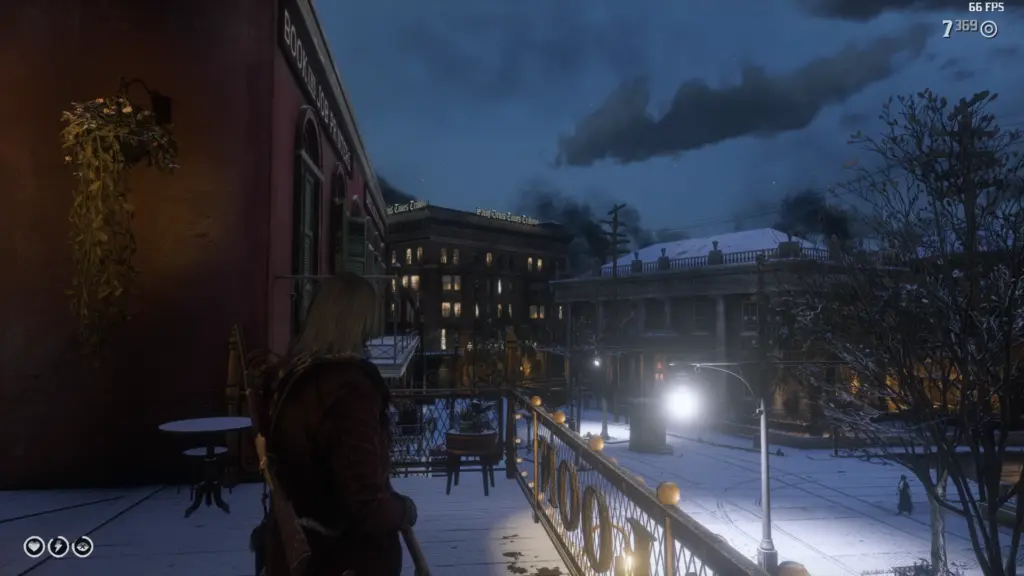
Remove the grey dot in the middle of the screen when you have a weapon out and aren’t aiming it.
Just added one line to scripts\gtav.hud.hudComponents\HUD_RETICLE:
function set sfIsAiming(value)
{
if(this._isBow)
{
if(value)
{
this.reticle.startEnterFrame();
}
else
{
this.reticle.stopEnterFrame();
}
}
this.reticleMC._visible = value;
}
{
if(this._isBow)
{
if(value)
{
this.reticle.startEnterFrame();
}
else
{
this.reticle.stopEnterFrame();
}
}
this.reticleMC._visible = value;
}
Used file from Graphical issue fixes so reticle box fix is also included.
To install put in the lml/stream folder.
Credits:
DeathWrench
Downloads
| Name | Format | Size |
|---|---|---|
| Inactive-Crosshair-Remover-1-0-1.zip | ZIP | 10.99 KB |
To start download click the filename. To open archive files use one of these programs: WinRAR, 7-Zip, WinZip. Some mod archives may need to be extracted before the mods will work.