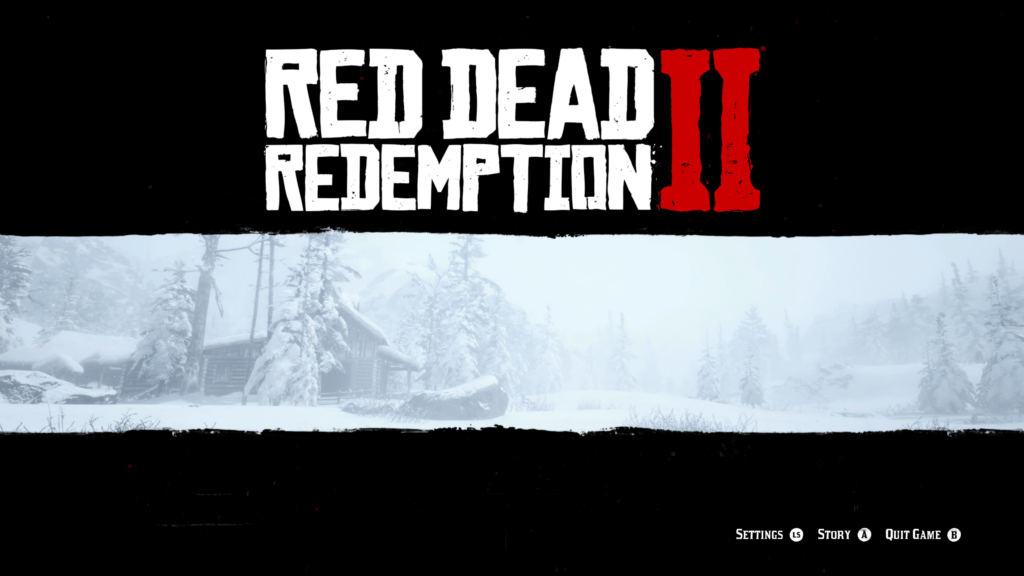
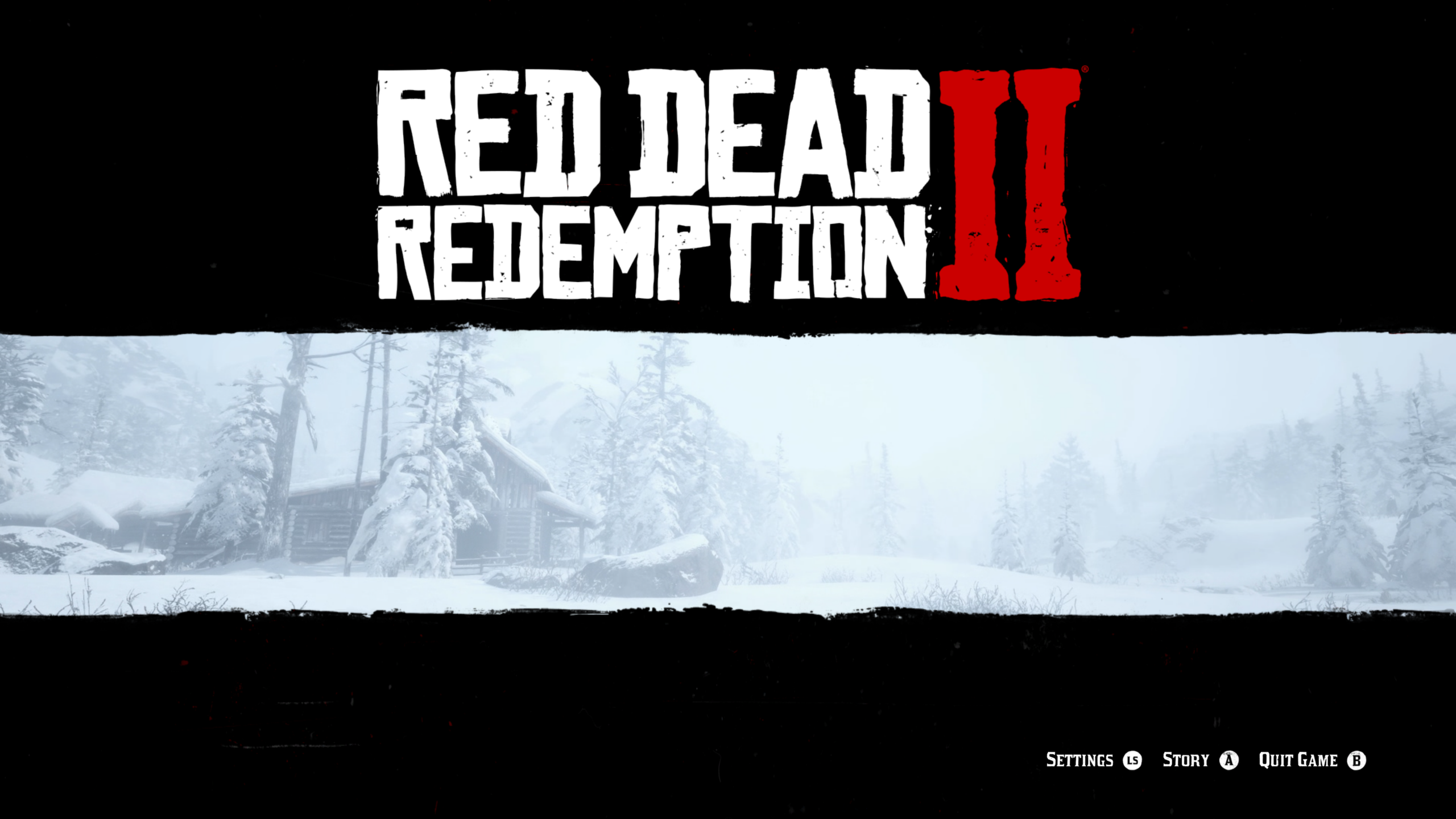
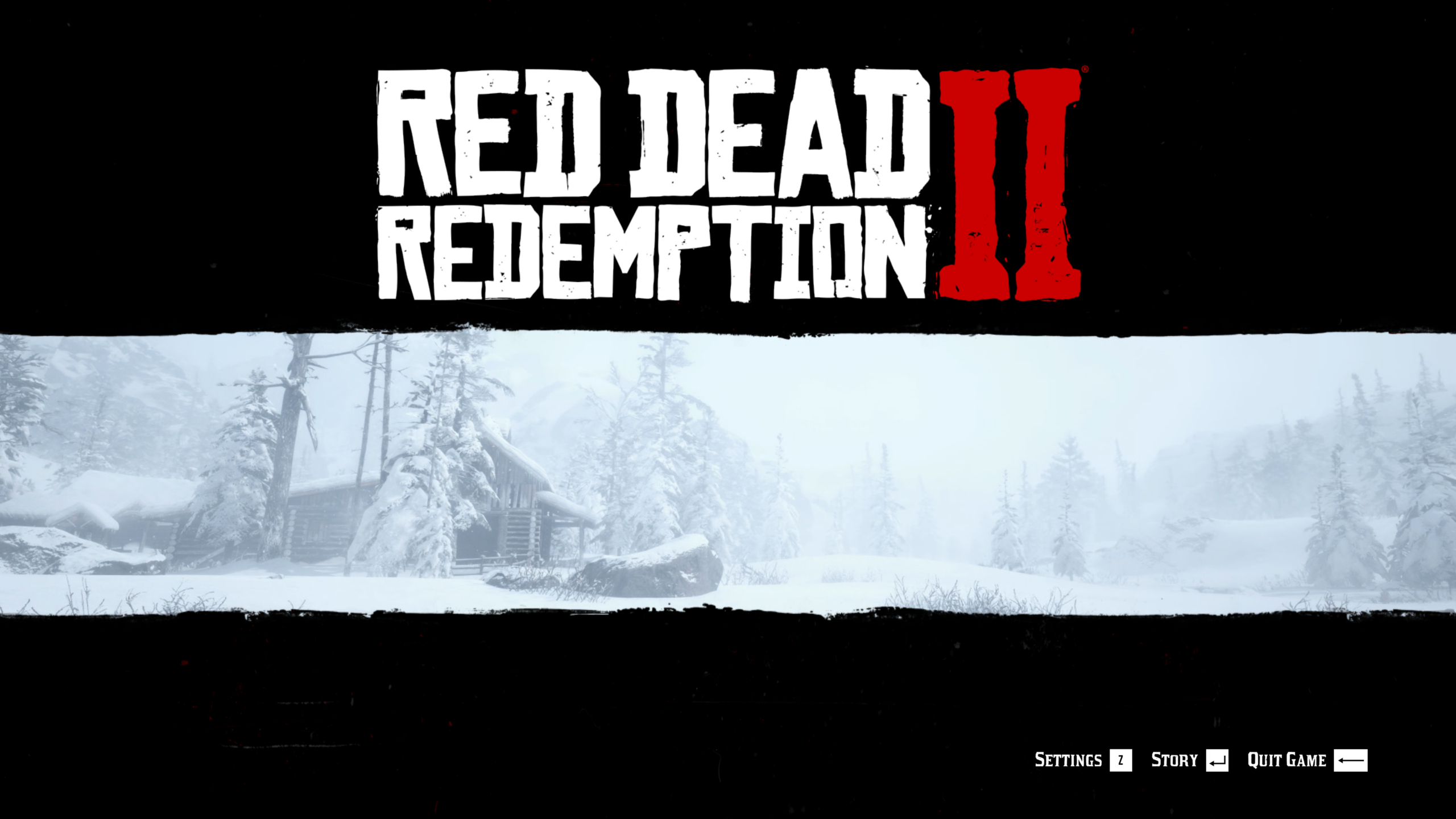
Removes the switch to online buttons on top right corner of landing page menu including removing the Social Club button from the bottom right of the landing page menu.
-INSTALL-
– First you need to install Lenny’s Mod Loader correctly.
– Then Just place the “lml” folder in your game directory for your Red Dead Redemption 2.
– Enjoy the single player feeling as you start the game.
Credits:
PlayRedThenStayDead
Downloads
| Name | Format | Size |
|---|---|---|
| Remove-Online-Social-Club-from-Main-Menu-1-0.zip | ZIP | 3.59 KB |
To start download click the filename. To open archive files use one of these programs: WinRAR, 7-Zip, WinZip. Some mod archives may need to be extracted before the mods will work.