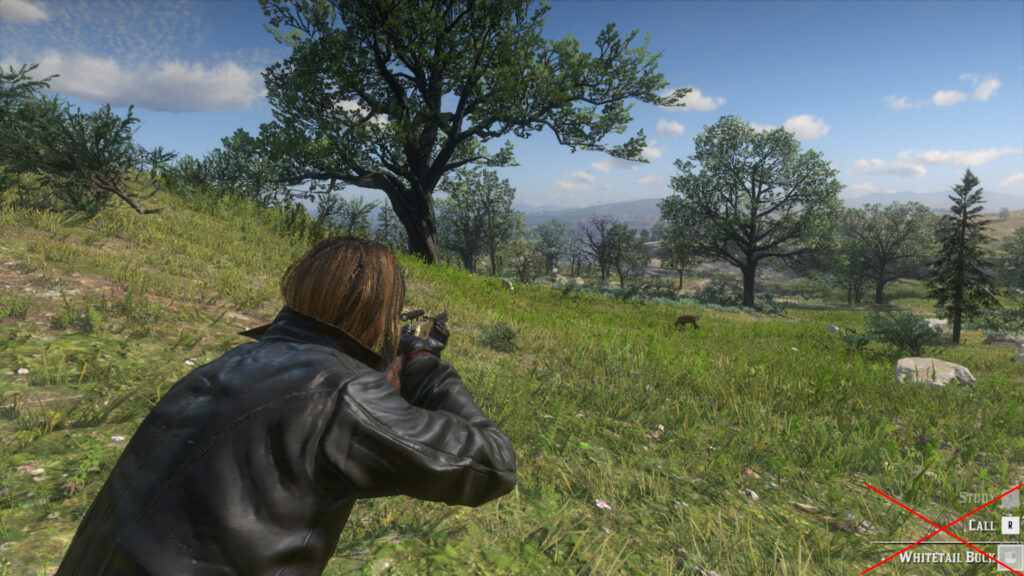
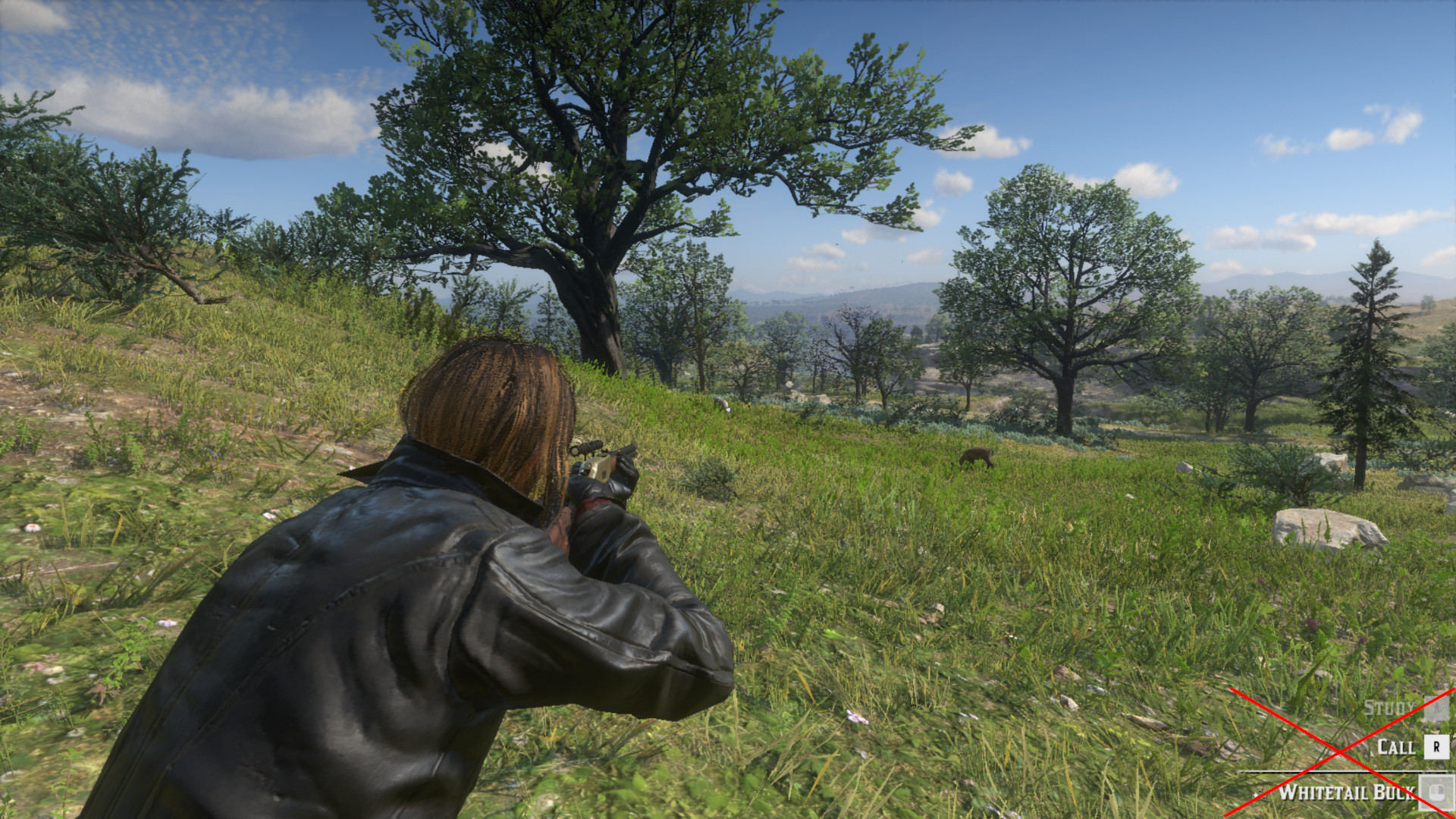
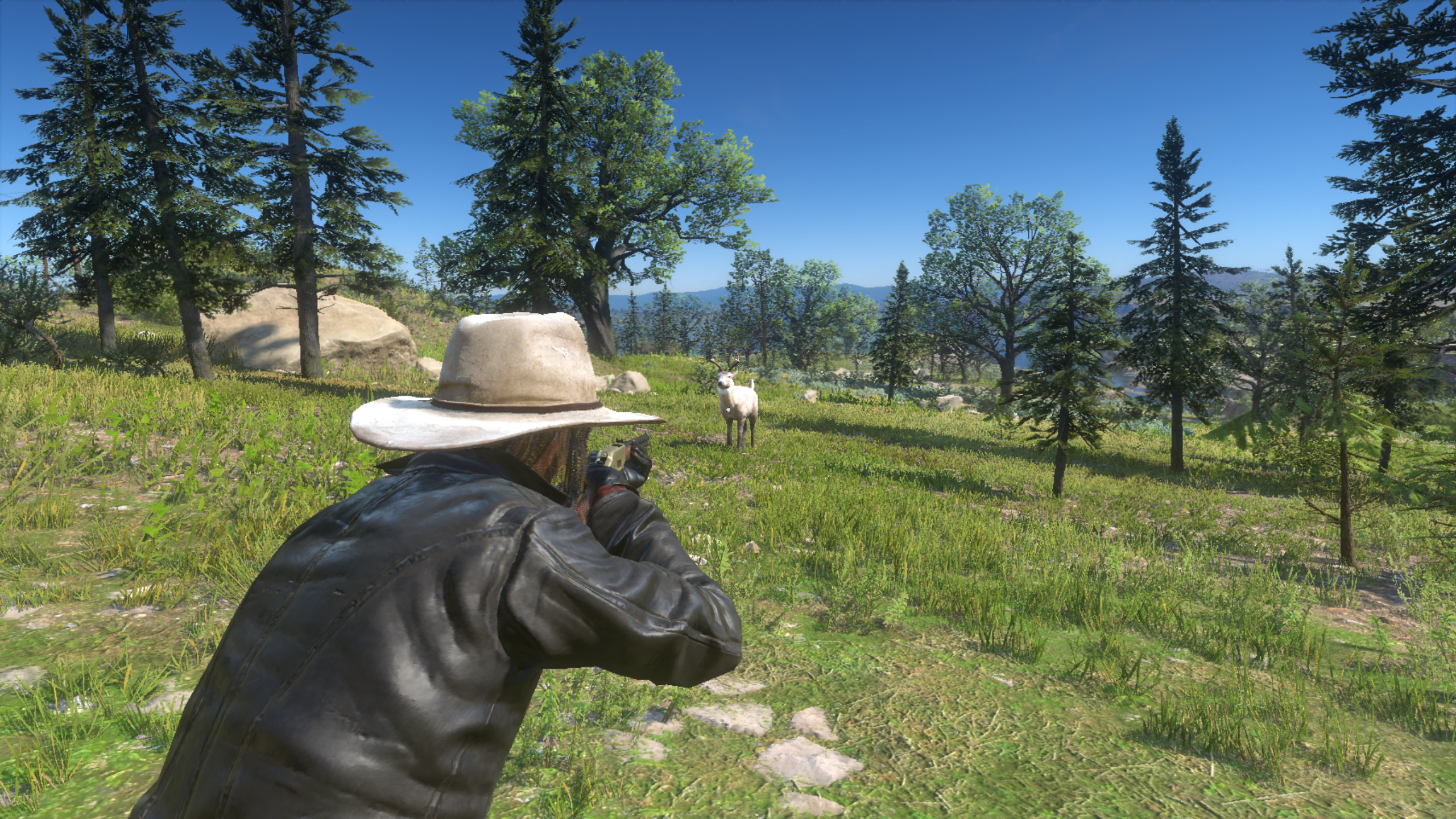
Hides the bottom-right HUD text when aiming with a weapon. Like the animal description and interaction keys.
For people who wants to feel more immersed while hunting. Now you will have to trust your eyes to locate the animals.
Note:
If you want to rob someone at gunpoint, just press the iron sight key/button (mouse wheel up/down, d-pad down) while aiming at a human to restore the interaction text.
To change your shoulder side when aiming, just release the aiming key, press the change shoulder key, and quickly press the aiming key again.
When using binoculars, interactions and pause menu are disabled. To restore those actions just unequip it.
Just drop the file in your Red Dead Redemption 2 folder
Credits:
alteredbeast
Downloads
| Name | Format | Size |
|---|---|---|
| No-HUD-Text-While-Aiming.zip | ZIP | 43.81 KB |
To start download click the filename. To open archive files use one of these programs: WinRAR, 7-Zip, WinZip. Some mod archives may need to be extracted before the mods will work.