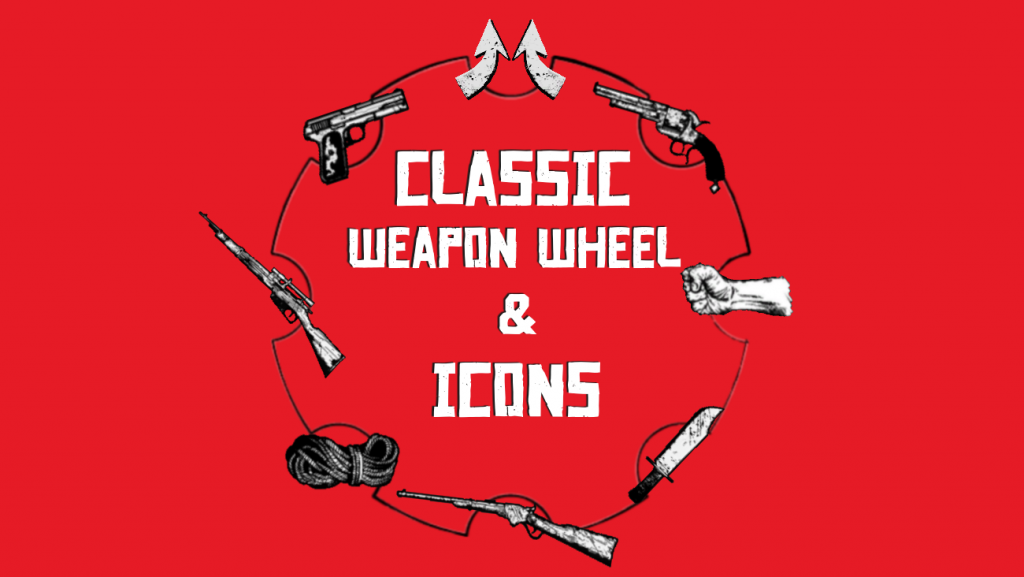
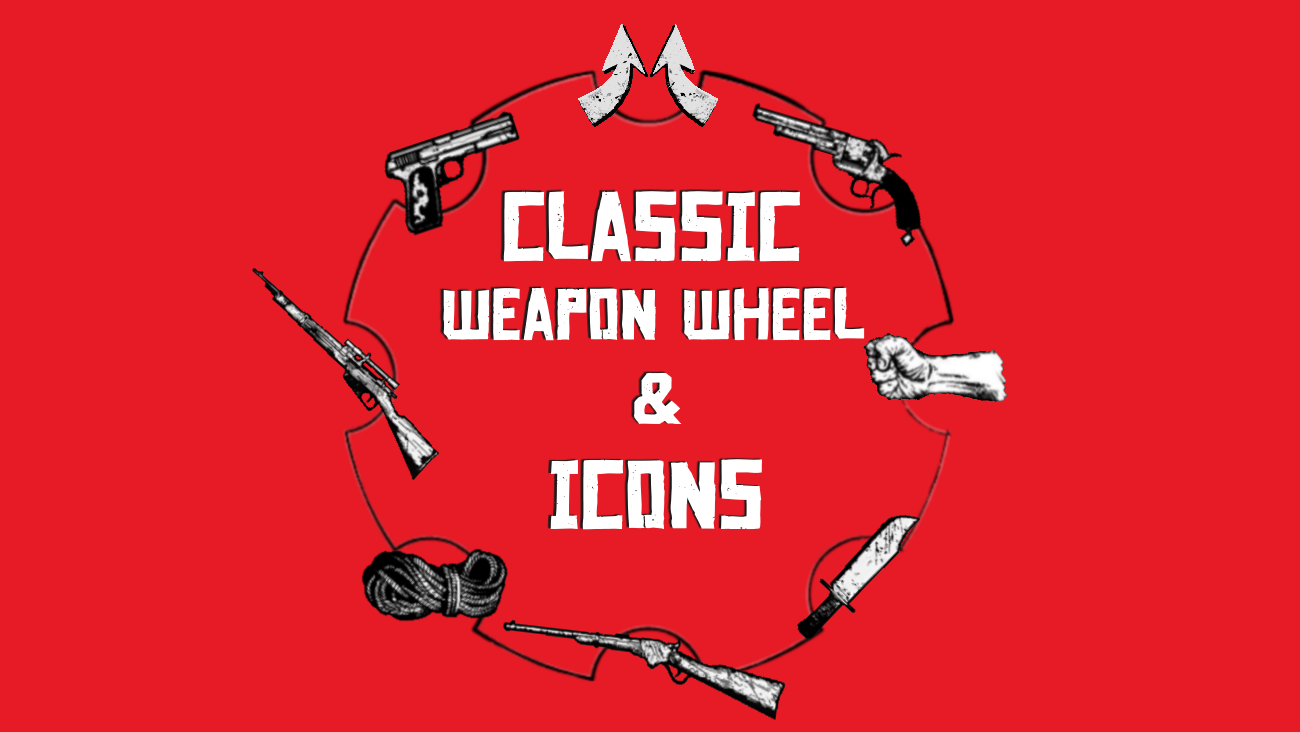
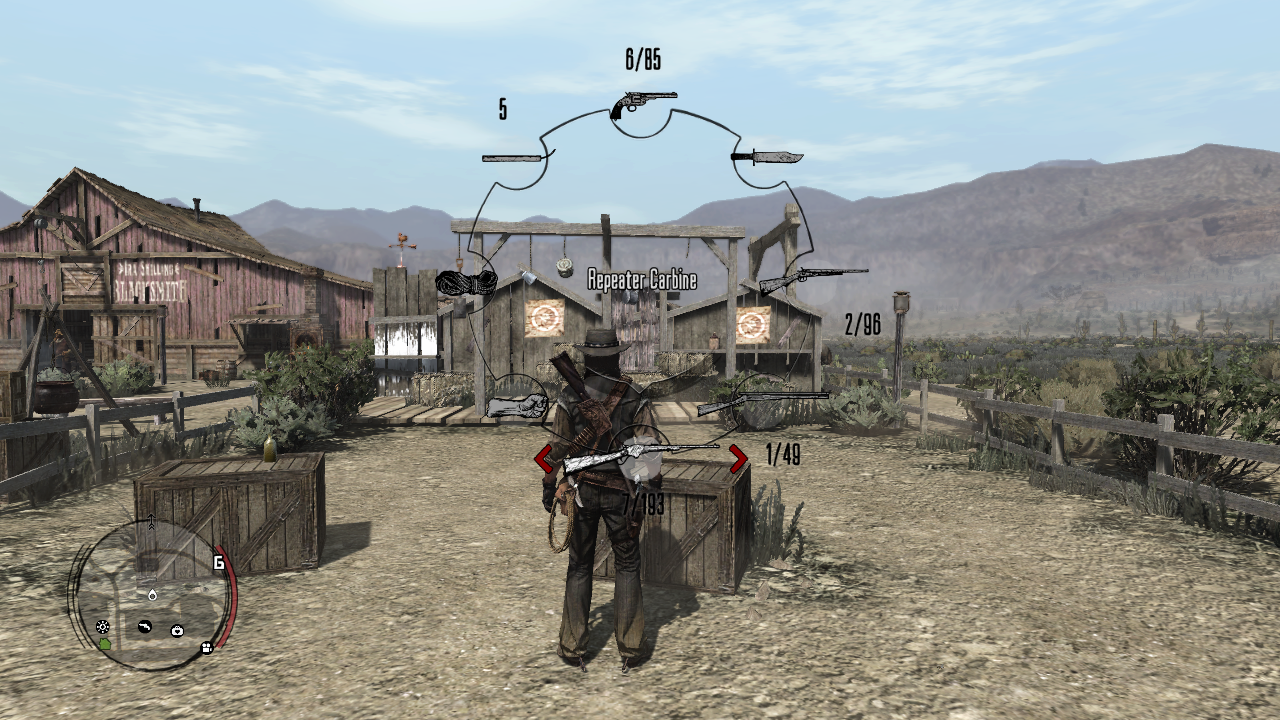
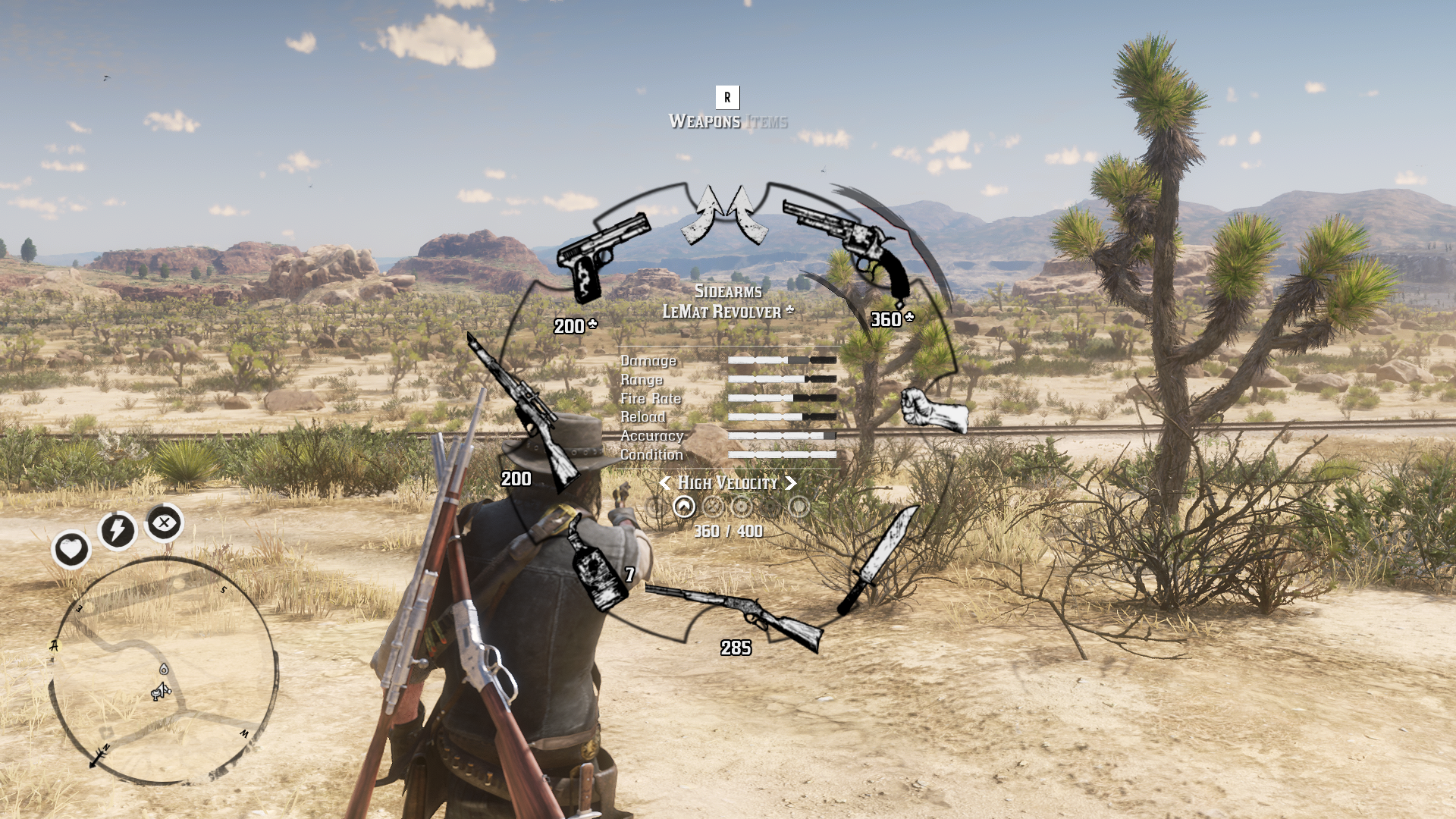
This file changes the in-game weapon wheel and weapon icons to match the original textures from the 2010 title. It also changes the weapon names to match the RDR1 weapon names.
Installation has been made very simple for you.
Open the Classic Weapons and Icons folder, then drag the “lml” folder into your RDR2 directory. This saves you the trouble of having to open folders on your own and dragging things in manually. And no, this will not fully overwrite your lml folder, it will only add in the files from this mod.
I may add more updates to this file over time, such as making the inventory selection area have the RDR1 wheel as well, plus original tonic icons, bandana icons, camp icons, kit icons and more.
I’m giving thanks to weebletron for handing his weapon wheel mod over to me to complete, and thanks to GuiCORLEONEx794 for supplying the wheel + selection texture, fist texture and varmint rifle texture.
Credits:
Redemptify AKA Eki
Downloads
| Name | Format | Size |
|---|---|---|
| Classic-Weapon-Wheel-and-Icons.rar | RAR | 4.44 MB |
To start download click the filename. To open archive files use one of these programs: WinRAR, 7-Zip, WinZip. Some mod archives may need to be extracted before the mods will work.