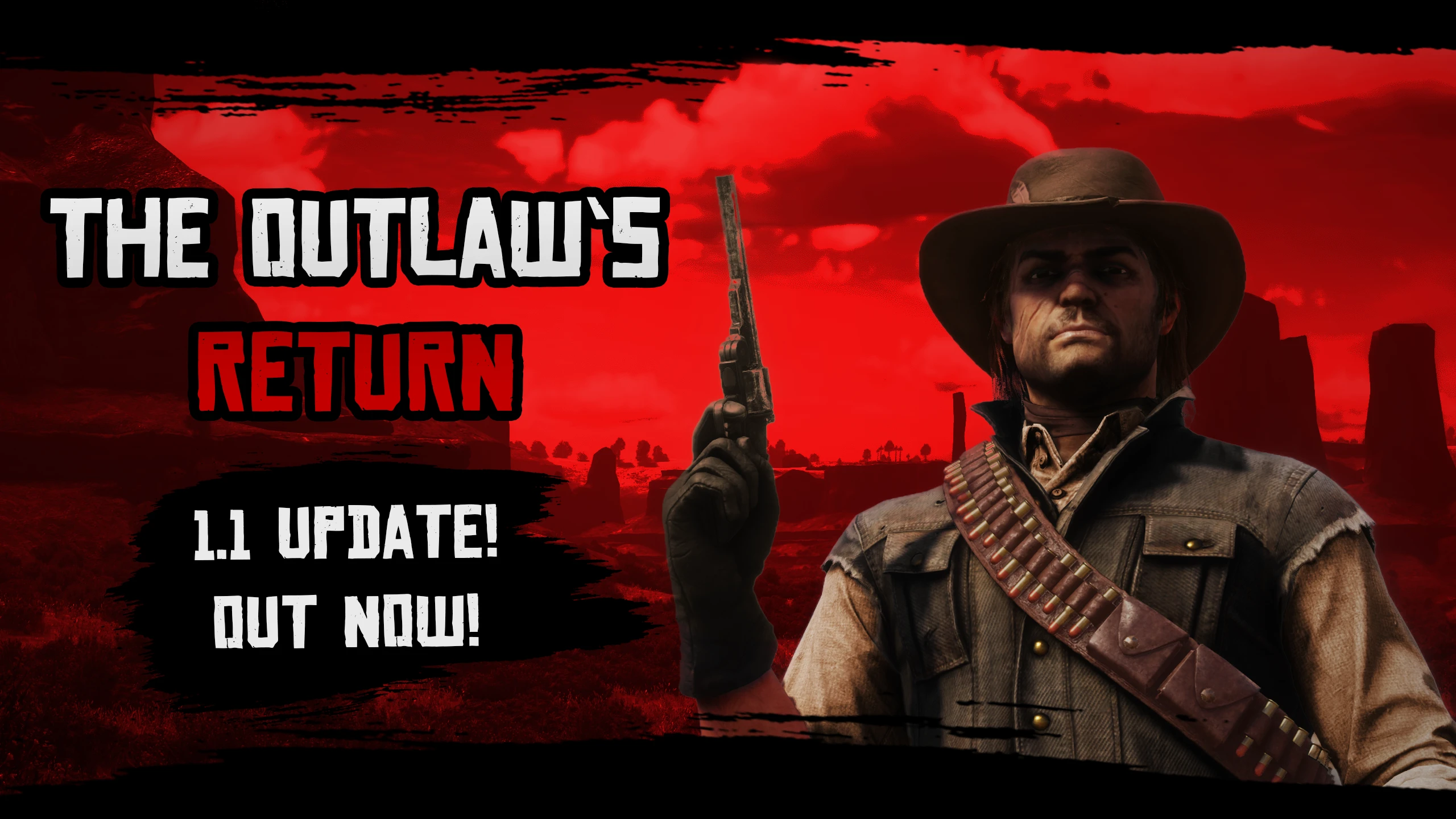
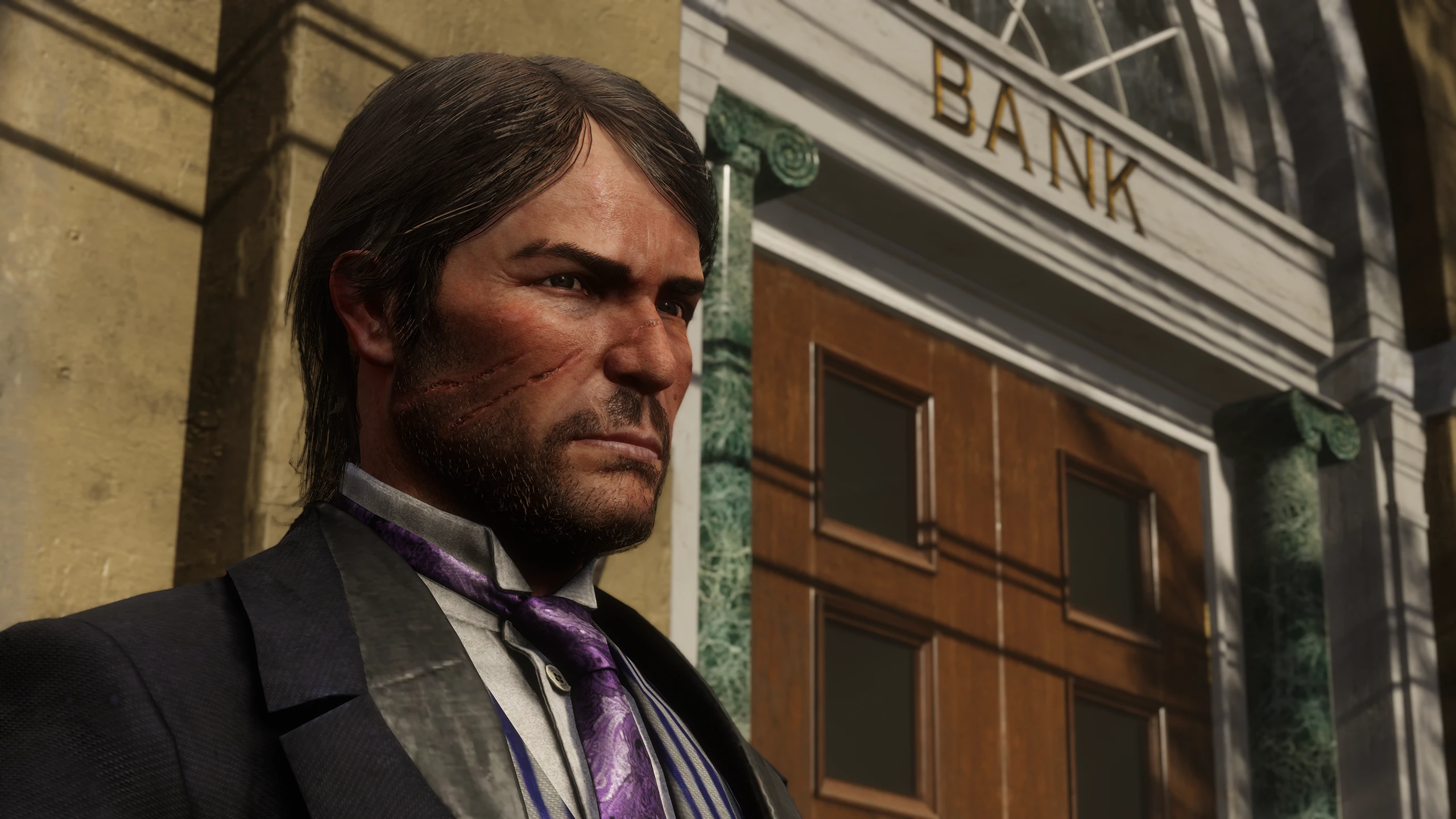
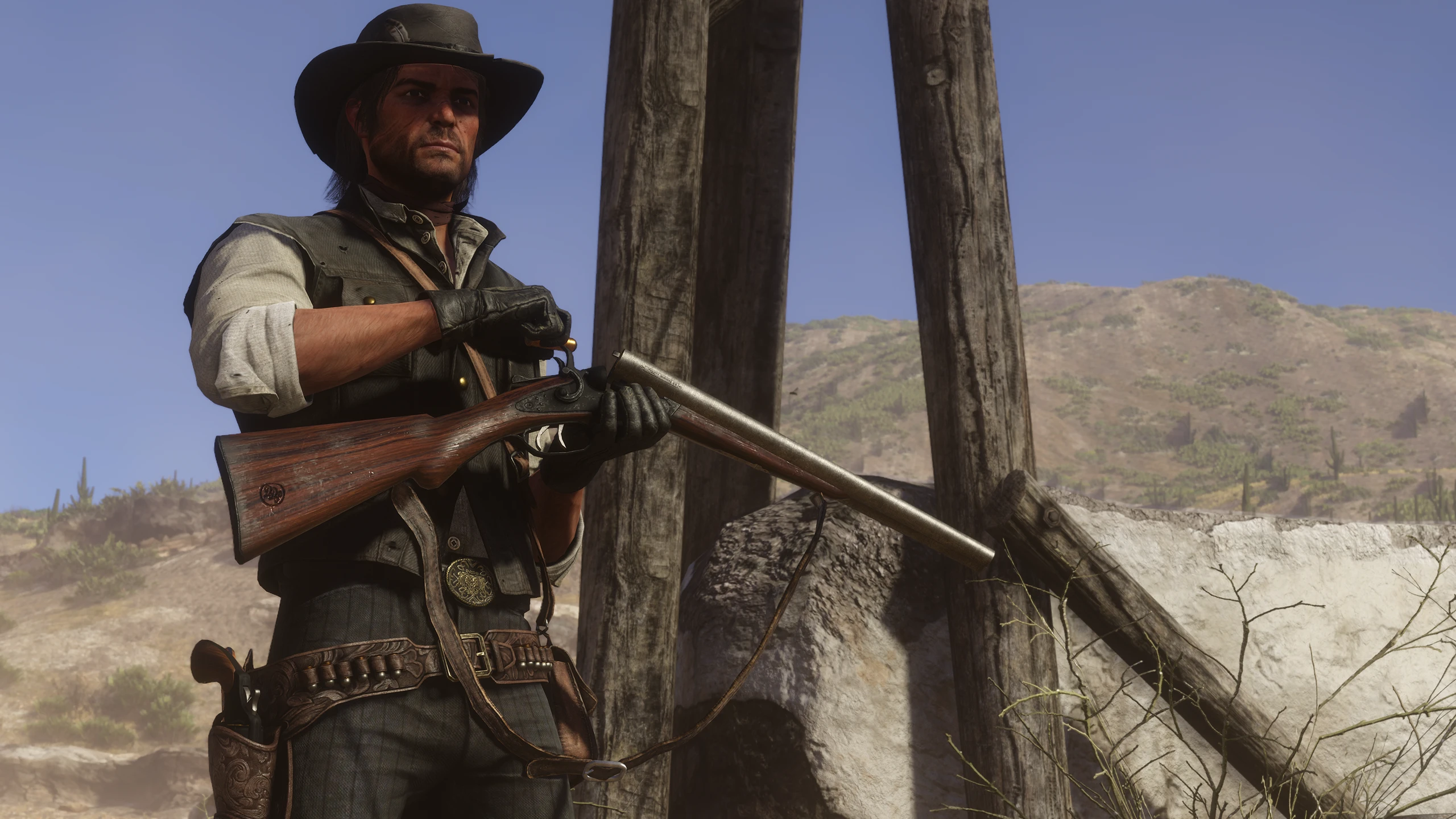
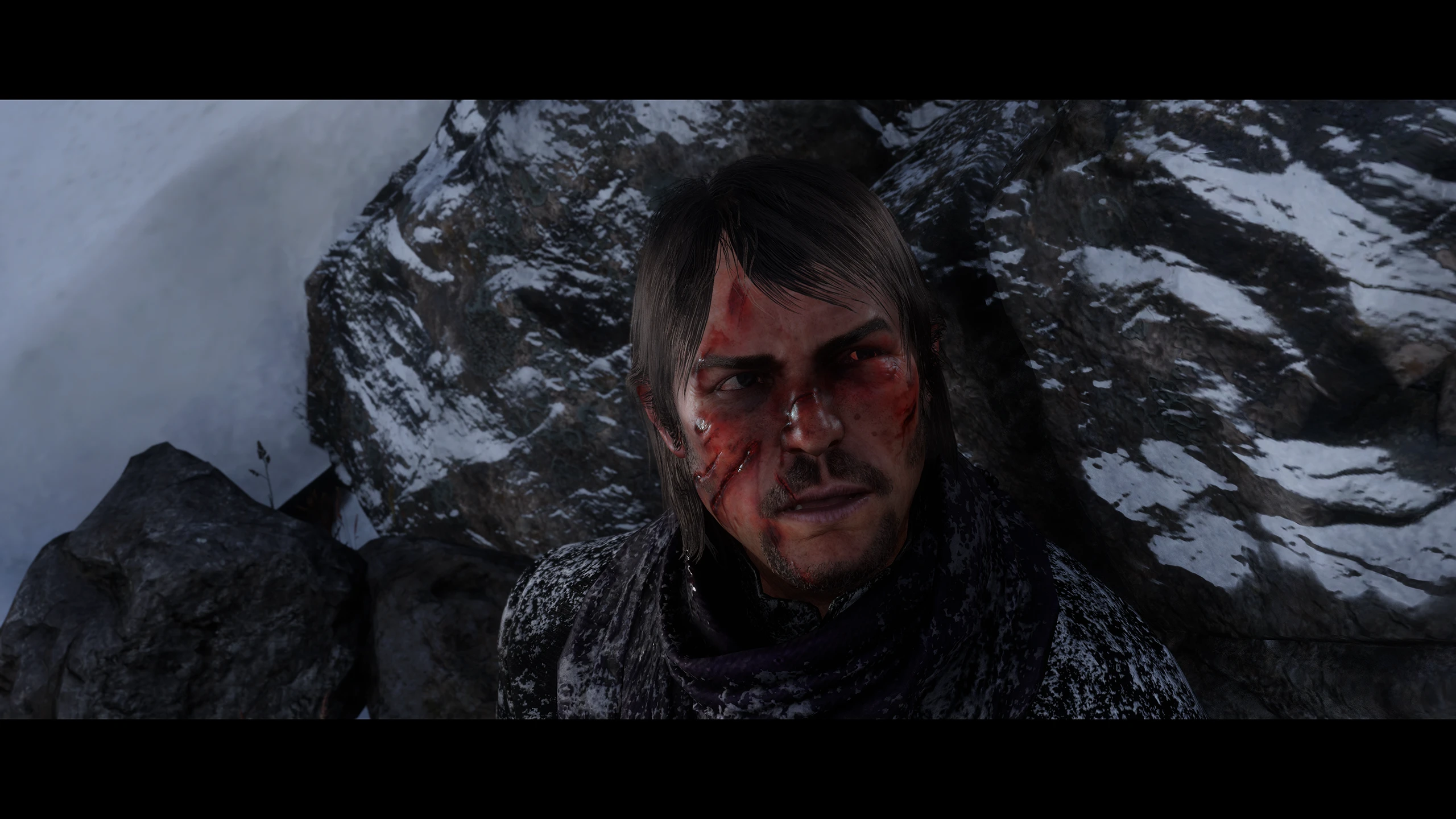
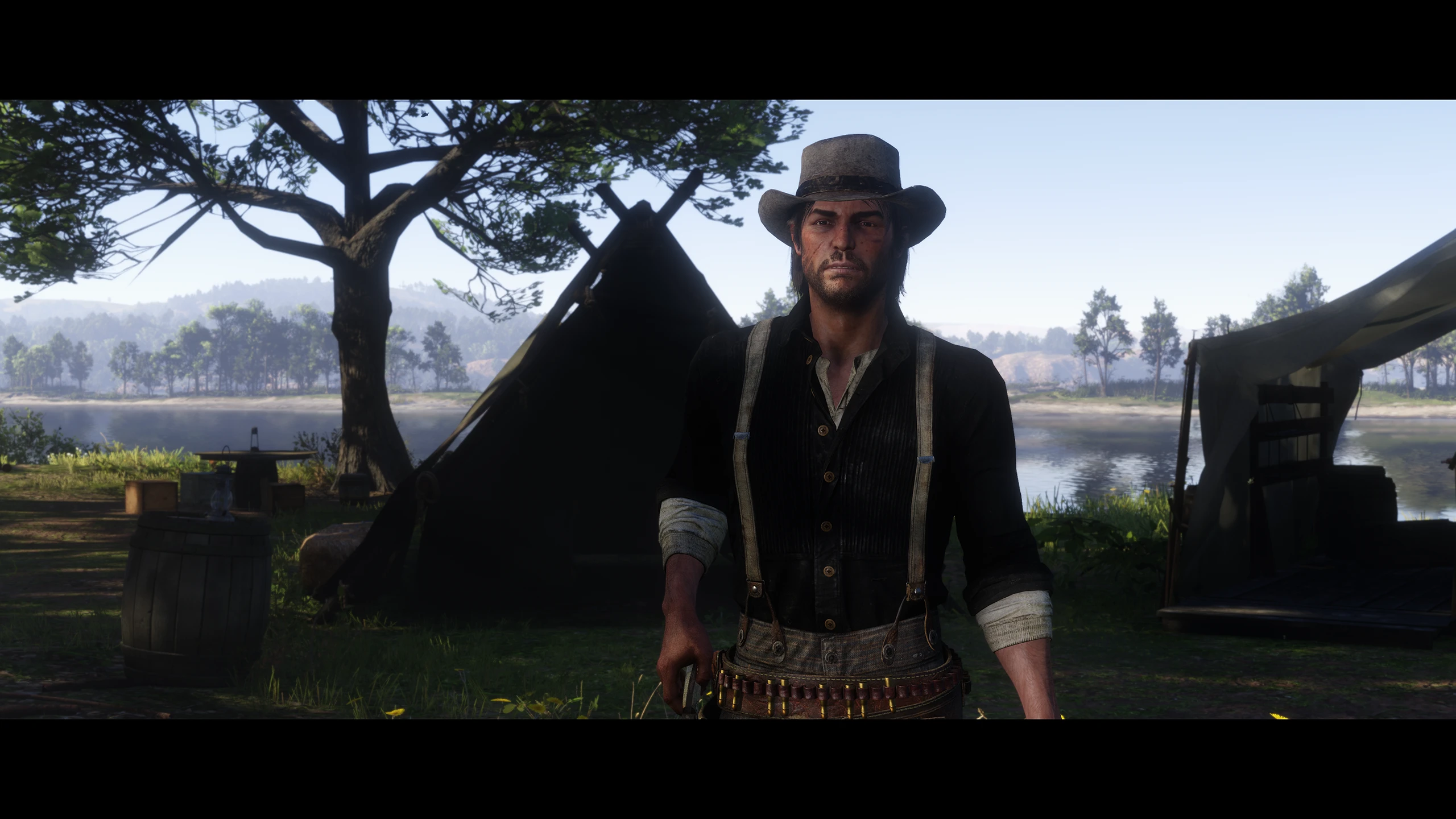
Overhauls John Marston’s NPC & Player Assets to be as RDR1-accurate as possible, while still retaining the RDR2 art style.
Perhaps the most controversial aspect of RDR2 is that of John Marston’s appearance. Most infamous are the many inconsistencies present in his rushed Epilogue assets. But beyond that, even his Beta/1899 appearance had a fleeting resemblance to his RDR1 design. Age difference does not excuse this; the shape of his scars, his skin tone, his beard growth, and his entire facial structure were completely redesigned for his appearance in RDR2.
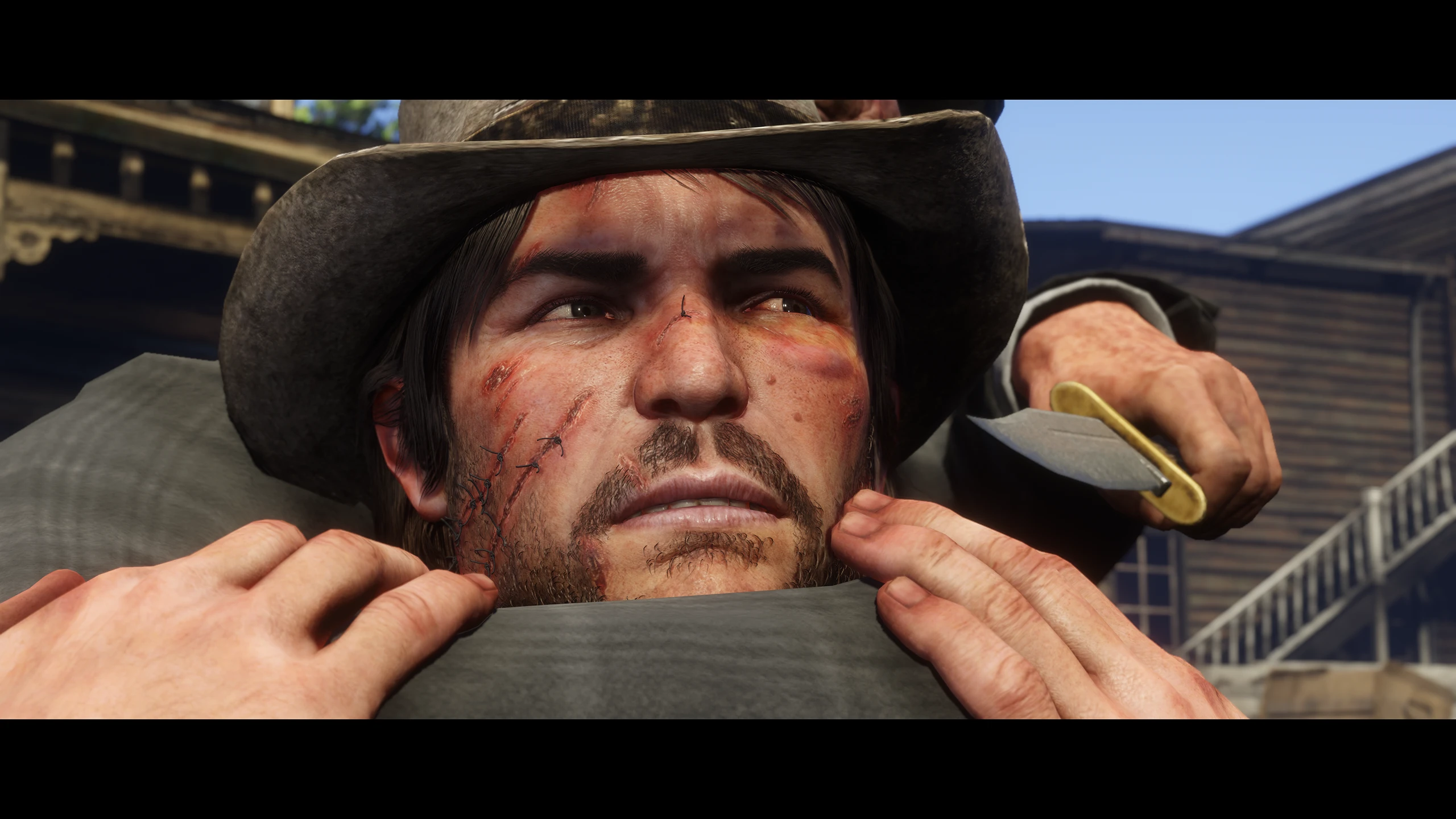
This mod attempts to bring back the old design of the man seen in the 2010 videogame, while carefully preserving the game’s vanilla art style. Furthermore, we’ve also implemented visible age differences between his two variants: his 1899 counterpart resembles his Beta RDR1 look, whereas 1907 John aligns with his Release Depiction. Multiple NPC assets were also restored, such as unused outfit variations and extra face healing stages.
We have gone above and beyond, attempting to deliver the best RDR1 JM recreation possible for Red Dead Redemption 2.
John’s body textures & models have all been massively overhauled, making his facial structure, his scars, his beard, and his skin tone resemble his RDR1 variant more closely than ever.
The cut bandage hair has also been recreated & restored for 1899 John, to better encapsulate his RDR1 appearance and hopefully resolve the original hair debates that plagued the early days of RDR2.
NPC John’s stubble is also subtly modeled now, giving his beard more depth. For those who aren’t fond of this change, an optional file is available to remove the beard models.
All beard models have been redone entirely, being refitted to the new head model and aligned with the new textured beard shape.
The mod comes with two different skin tones: a lighter one, which matches the look of John’s pre-release RDR1 appearance, and a darker one that matches his heavily tanned look in the release version of Red Dead Redemption (2010).
By default, the lighter-toned textures are assigned to the NPC variant, and the darker tone is assigned to the player variant. An optional file is included to customize this however one wishes, letting you change the skin tone of NPC John and player John independently.
The mod also comes with a few replacement beard textures to choose from for the extra clean-shaven style, inspired by John’s different beard styles throughout the duology.
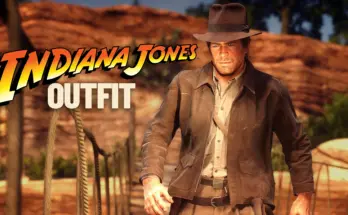
John’s NPC outfits have been altered to reflect each chapter’s regional climate properly. Several mission outfits have been redone for improved consistency, along with restorations for his unused Chapter 6 outfits & a newly done sleepwear outfit for Chapter 2. He has also been given an outfit inspired by his Promotional Artwork Look, featuring his cowboy vest and classic hat, so that his change of clothes at the end of “Motherhood” holds a deeper significance for his days as one of Dutch’s enforcers.
For those who are not fond of the outfit changes, an optional file is included to revert this.
John’s beta RDR2 Cowboy clothing textures have also been restored, desaturating the outfit and making it feel more aligned with its RDR1 counterpart. John’s squirrel statue has also been given HD textures, and the Beta Blackwater bank document signature has been restored. Furthermore, all Generic NPCs have had their shared textures with John brought to a higher quality.
Installation:
Firstly, make sure you have ScriptHookRDR2 and Lenny’s Mod Loader installed.
Provided in this mod page are 3 main files:
– Catalogue Improvements Merge
– QoL – Artie and Johnny Merge
– Standalone
You must install only one of them.
It is possible to use TOR on its own with the Standalone file. However, for a better experience, it is extremely recommended to also install either: Catalogue Improvements or QoL – Artie and Johnny
After downloading TOR, extract the contents of the ZIP archive, and drag the ASI files and the lml folder into your main RDR2 directory.
Inside the ZIP, you will also find a folder named “Replacement Styles For Extra Clean Shaven”. This is where you will find the other optional Extra Clean Shaven variants shown on this page. To install any of them, just copy the “lml” folder found inside each respective folder, paste it in your main RDR2 directory, and replace the files when prompted.
If you installed Catalogue Improvements or QoL, use Lenny’s Mod Manager to
give The Outlaw’s Return priority by putting our mod below them, and ticking the “overwrite” box.
We’ve also included a few other options:
“Replacement Styles for Extra Clean Shaven”, “NPC Beard Models”, “NPC Outfits”, and “Skin Tones'”.
To install them, copy the “lml” folder found inside each respective folder, paste it in your main RDR2 directory, and replace the files when prompted.
Credits:
The TOR Team
Downloads
| Name | Format | Size | Description |
|---|---|---|---|
| TOR-Standalone-1.1.zip | ZIP | 388.68 MB | Drag & Drop the lml folder and the asi into your RDR2 directory. If you want to use one of the other Extra Clean shaven Variants: open the folder for the given optional, place its lml folder into the directory, then click Replace All when prompted. |
| TOR-Catalogue-Improvements-Merge-1.1.zip | ZIP | 401.19 MB | Drag & Drop the lml folder and the asi into your RDR2 directory, and give TOR the highest priority in LML (can be done in Mod Manager). The instructions for the Extra Clean Shaven variants are the same as the Standalone build. Requires CI (obviously). |
| TOR-QoL-Merge-1.1.zip | ZIP | 392.36 MB | Drag & Drop the lml folder and the asi into your RDR2 directory, and give TOR the highest priority in LML (can be done in Mod Manager). The instructions for the Extra Clean Shaven variants are the same as the Standalone build. Requires QoL (obviously). |
| TOR-Optional-Files-1.1.zip | ZIP | 400.92 MB | Drag & Drop the lml folder for the Optional of your choosing into your RDR2 directory, and select Replace All when prompted. |
To start download click the filename. To open archive files use one of these programs: WinRAR, 7-Zip, WinZip. Some mod archives may need to be extracted before the mods will work.