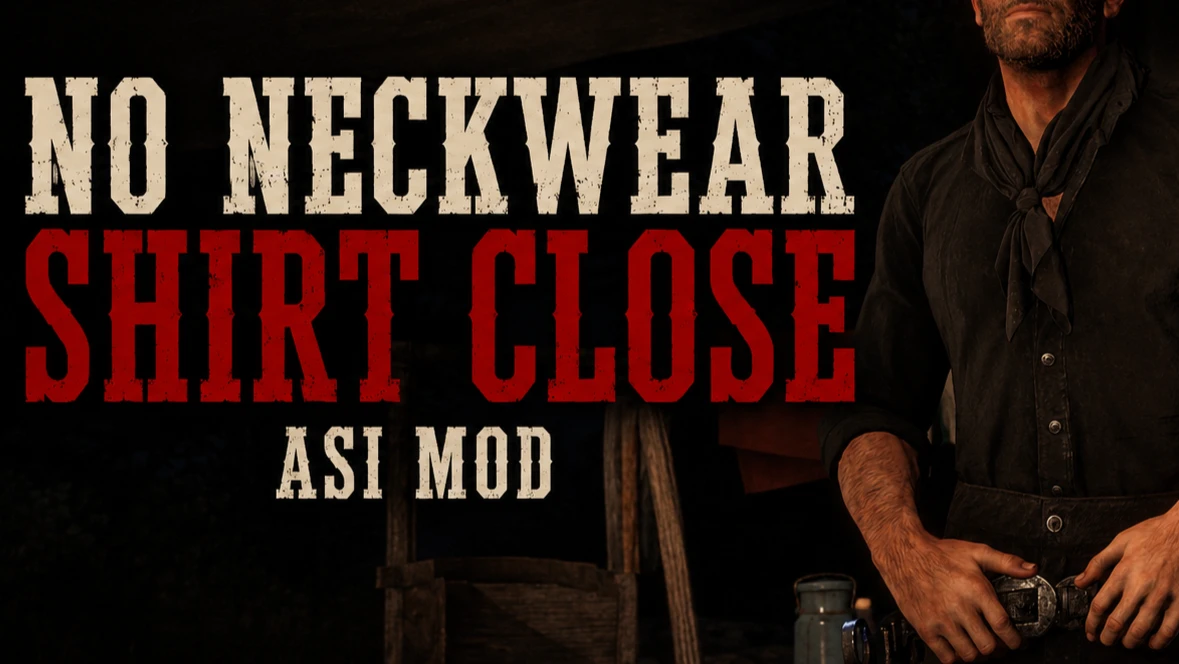

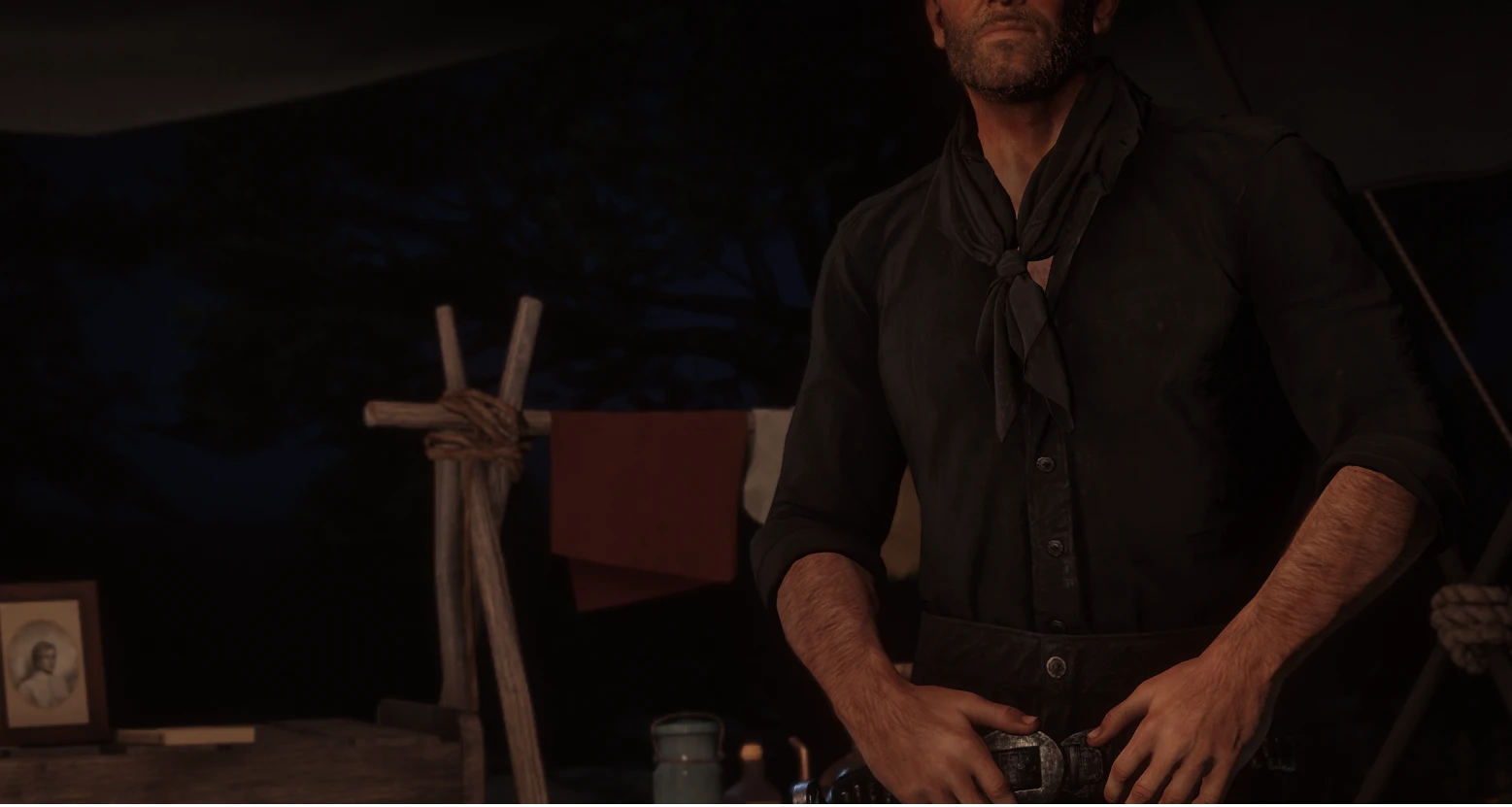
Stops neckwear and masks from forcing player’s shirt into a closed-collar state.
This ASI keeps compatible shirts in their open-collar state when wearing neckwear, bandanas, or masks. It is mostly meant to be used alongside Remove Pulled Down Bandana.
Without that mod, you should expect clipping with many shirt/neckwear combinations. The mod works by restoring the matching open-shirt state when the game forces a known closed-collar state. It does not edit YMT files and does not replace clothing assets.
Features
▫️ Works at runtime through an ASI
▫️ No YMT editing required
▫️ Controlled through an INI file
▫️ Can be enabled or disabled easily
▫️ Includes separate INI options for Standard and Catalogue Improvements setups
▫️ INI can be reloaded in-game with Insert
Installation
Place the ASI file and the matching INI file in your Red Dead Redemption 2 game folder, next to RDR2.exe.
Two INI versions are included:
▫️ Standard INI
▫️ Catalogue Improvements INI
Use the Standard INI if you do not use Catalogue Improvements.
Use the Catalogue Improvements INI if you do.
Open NoNeckwearShirtClose.ini to change settings.
▫️Enable the mod: enabled=1
▫️Disable it : enabled=0
After changing the INI, press Insert in-game to reload the settings without restarting.
Credits:
sauvy11
Downloads
| Name | Format | Size |
|---|---|---|
| No-Neckwear-Shirt-Closed-V4.zip | ZIP | 375.07 KB |
To start download click the filename. To open archive files use one of these programs: WinRAR, 7-Zip, WinZip. Some mod archives may need to be extracted before the mods will work.