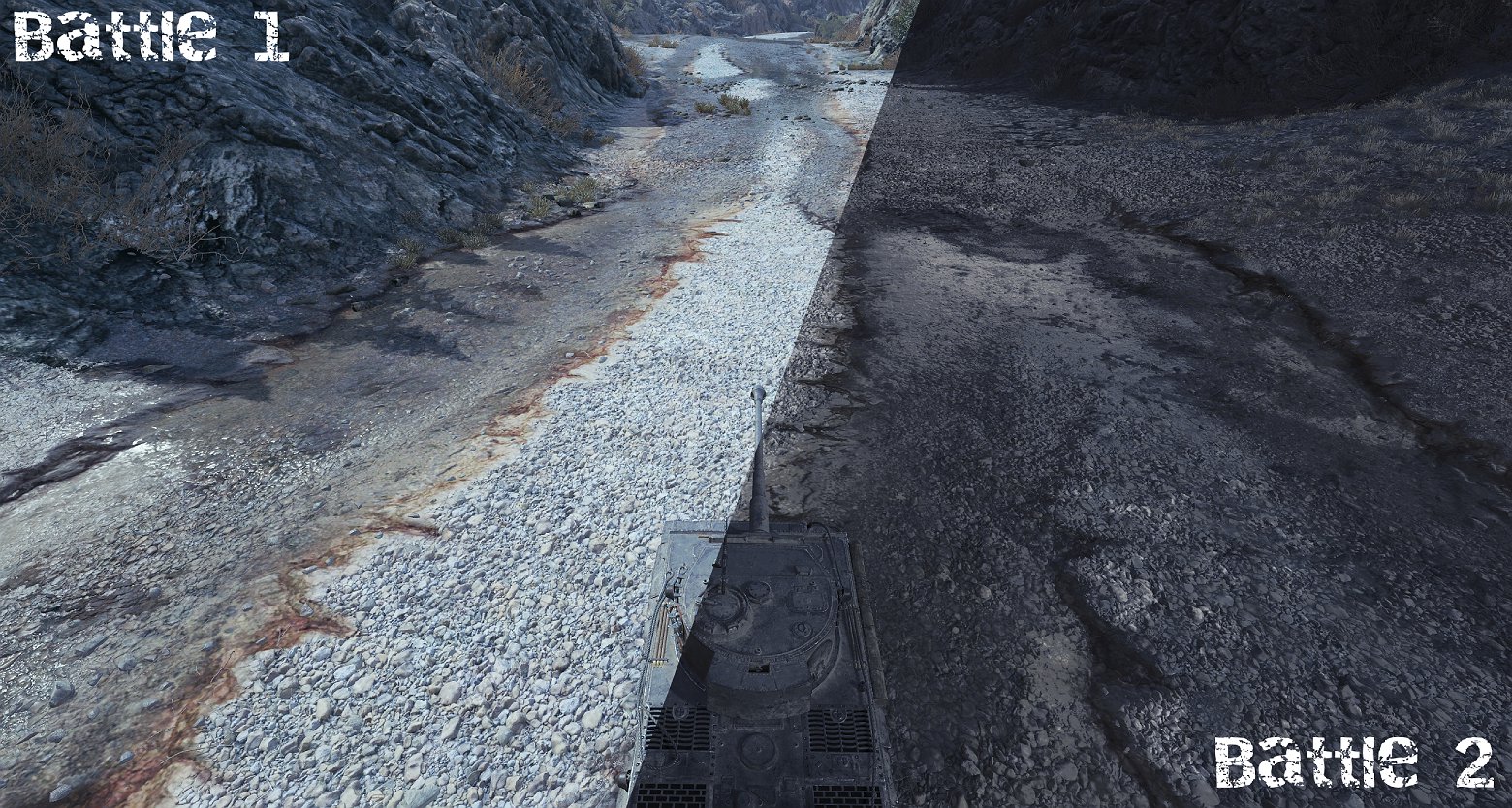
This modification allows for environment/skybox packs to be selected randomly between battles without the need to restart the game.
Installation
Place the sbRandomizer.wotmod file into the mods/[current version]/ folder, and add your weather/environment/skybox packs into the mods/sbr_Packsfolder.
Out-of-the-box, the mod loads the game’s default environment (default.wotmod, which can be removed if you prefer no default lighting) along with Aslain’s Night Sky Edit.
Make sure your res_mods/[current version]/ is empty before running
The game might close on the first launch – don’t worry, restart it.
Credits:
BlackJader
Downloads
| Name | Format | Size | Description |
|---|---|---|---|
| sbRandomizer_release.zip | ZIP | 234.80 KB | 2.1.1.1 |
To start download click the filename. To open archive files use one of these programs: WinRAR, 7-Zip, WinZip. Some mod archives may need to be extracted before the mods will work.