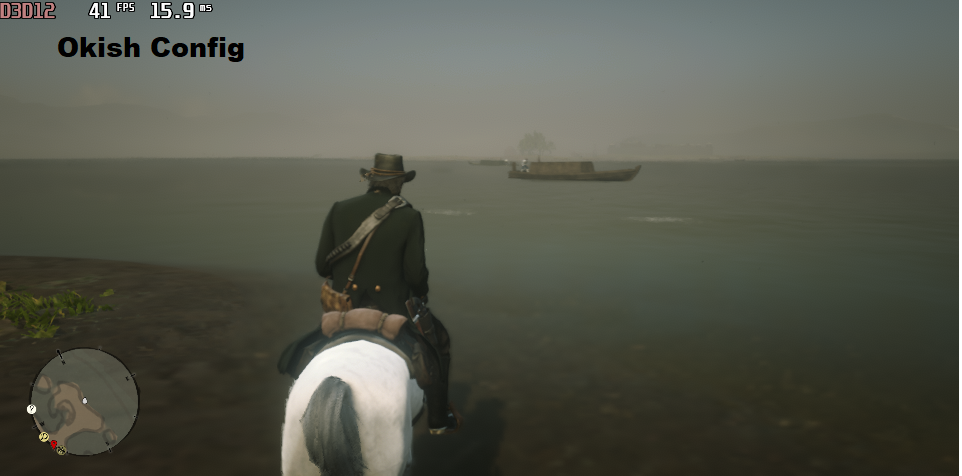
This makes everything in the game Low. Also if you get a black screen in fullscreen with these settings use windowed borderless or if you have any issues tell me at the Comments
To use this you need to copy all of it until there is the text
Credits:
Guerdian
Downloads
| Name | Format | Size |
|---|---|---|
| Okish-Config-No-Antialiasing-Config.zip | ZIP | 1.27 KB |
| Kinda-Bad-No-Antialiasing-Config.rar | RAR | 1.24 KB |
| Kinda-Bad-Config.zip | ZIP | 1.28 KB |
| Okish-Config.zip | ZIP | 1.27 KB |
To start download click the filename. To open archive files use one of these programs: WinRAR, 7-Zip, WinZip. Some mod archives may need to be extracted before the mods will work.