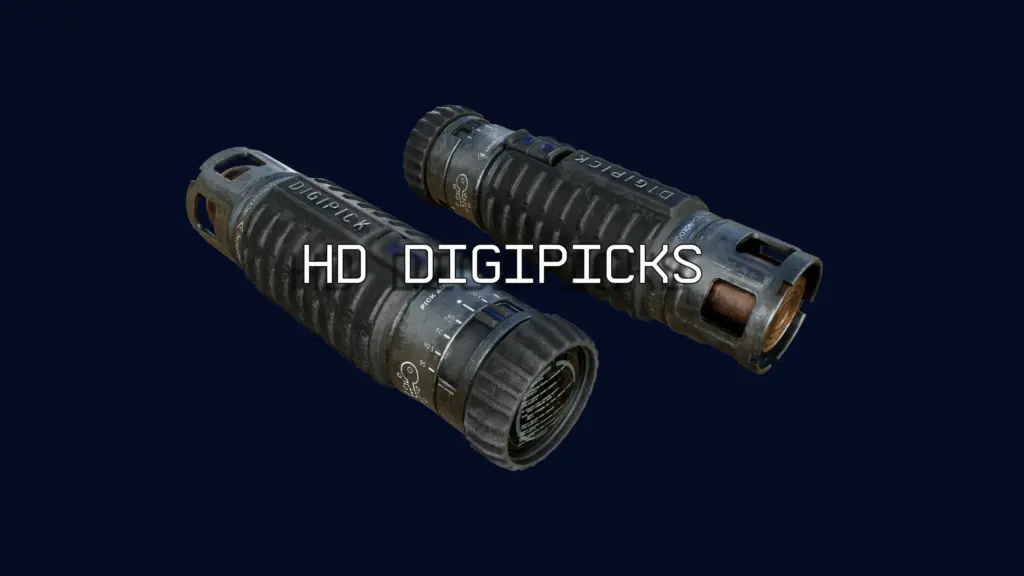
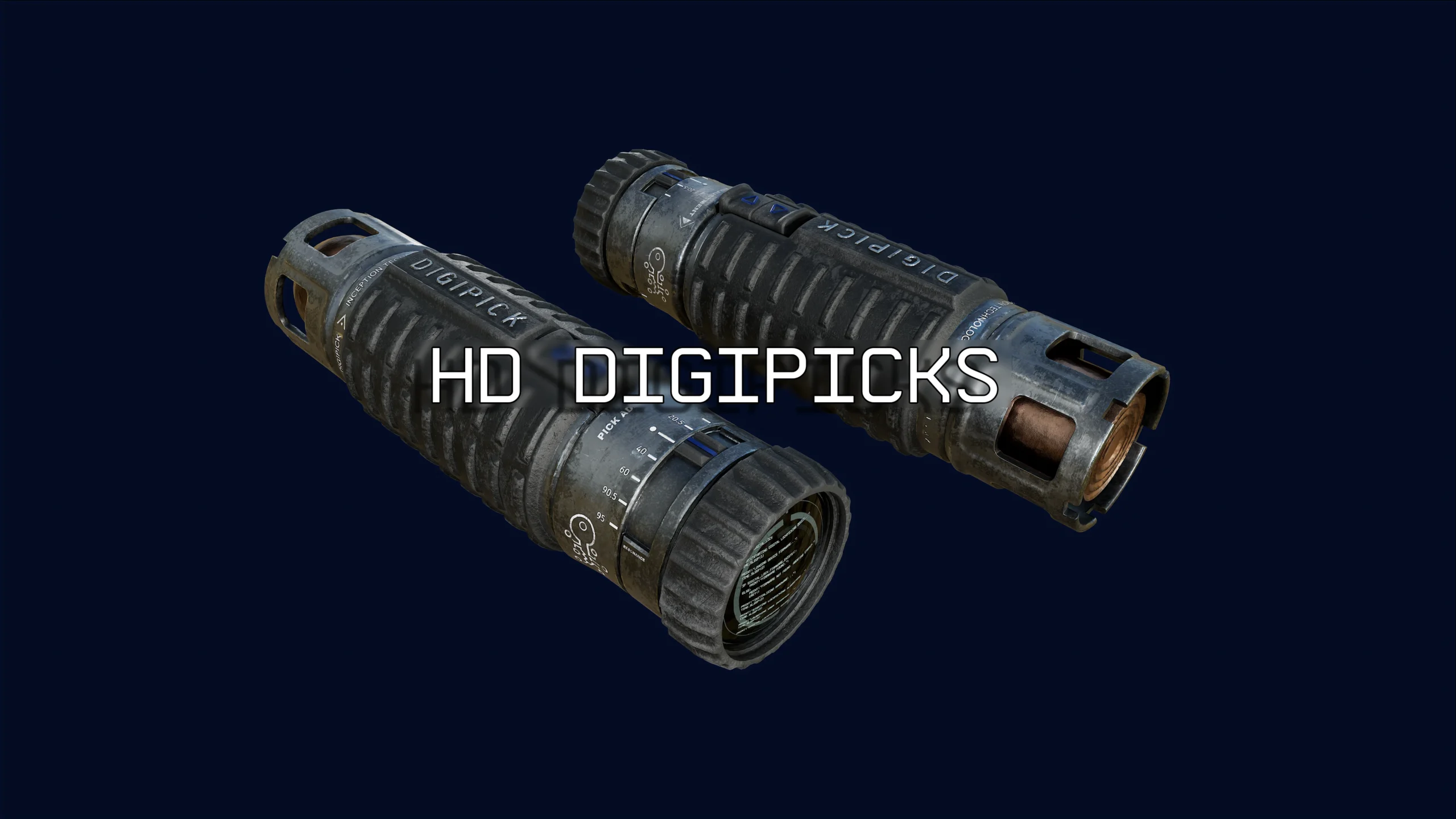
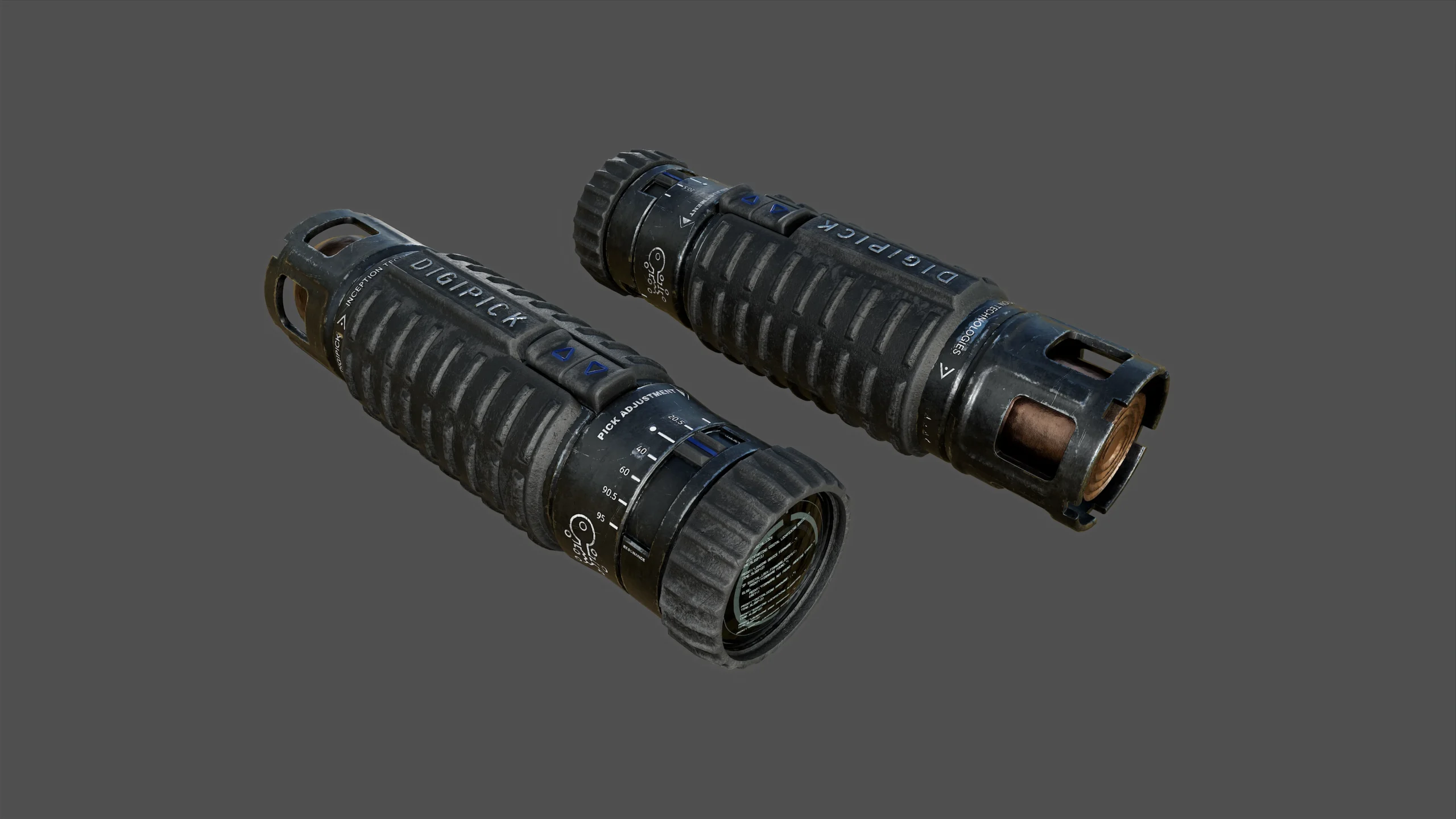
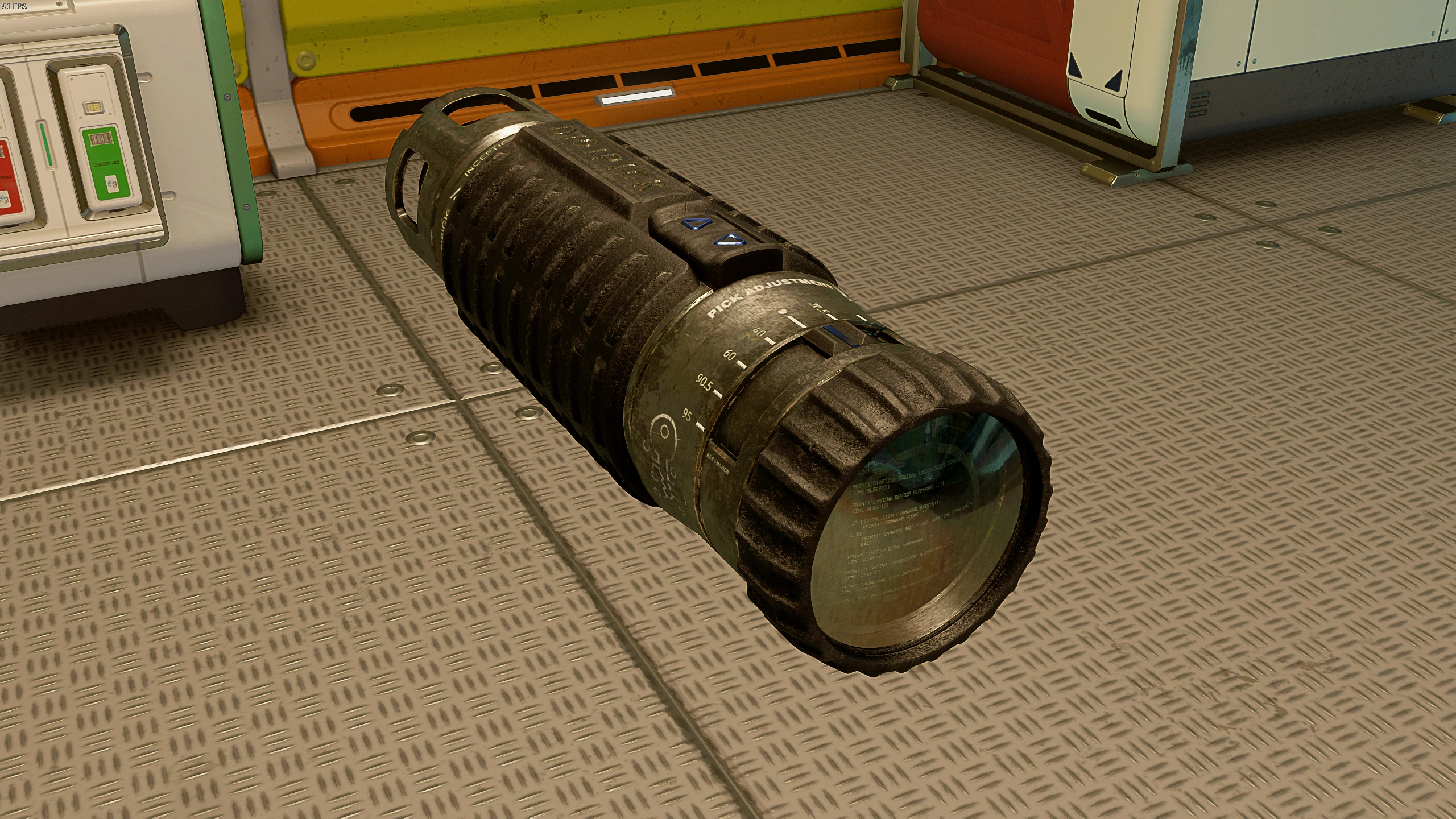
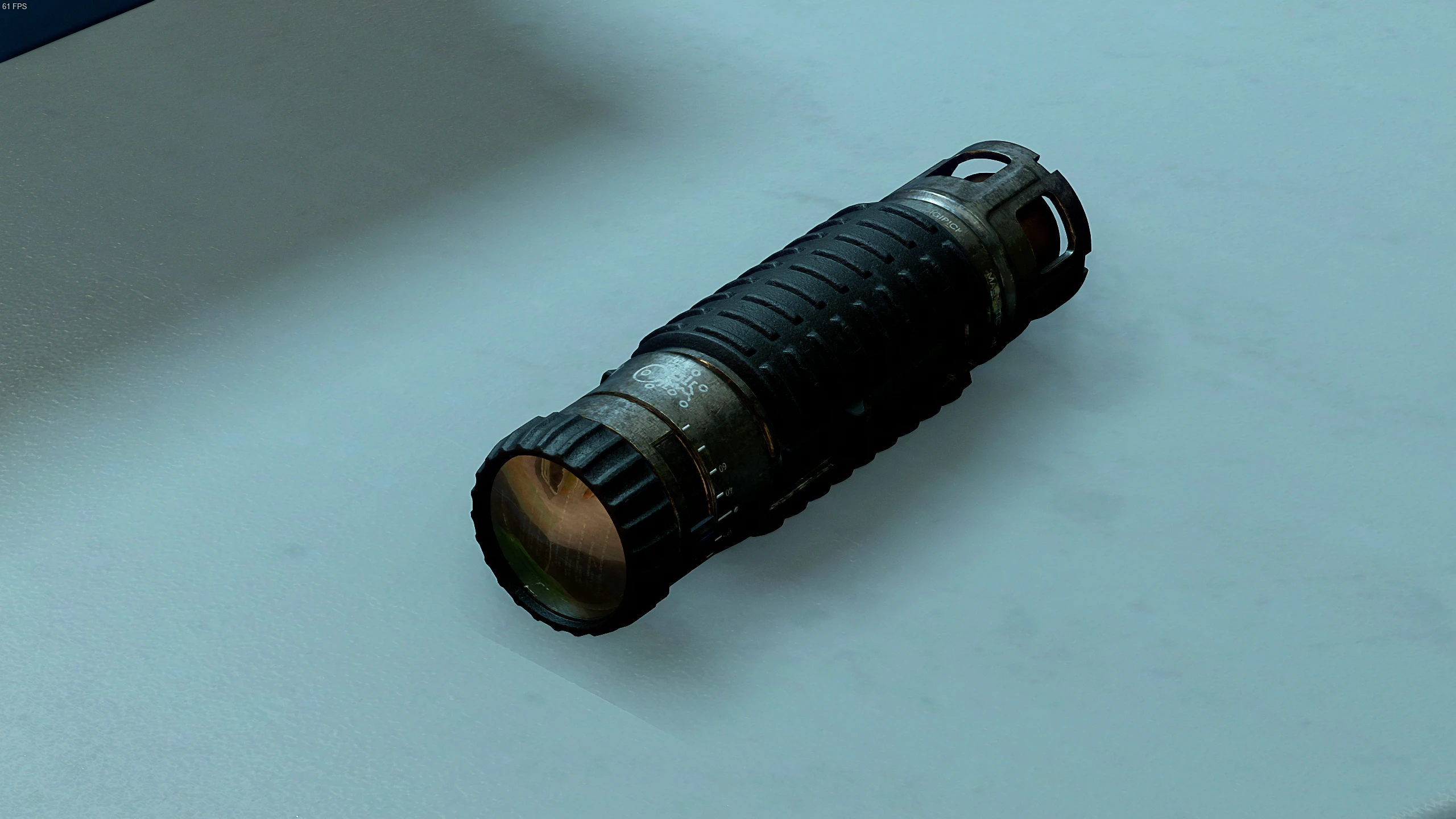
Newly painted PBR textures for digipicks in 4k and 2k sizes. and in two color variants, steel and dark steel.
You need to unzip the file and put it in this folder:
“…\Documents\My Games\Starfield\Data\Textures\
This is where the DDS files should go for this mod to work, even if it’s different from other games.
Then you need to create or edit this file:
“…\Documents\My Games\Starfield\StarfieldCustom.ini”
And add these lines to both of them under [Archive]
:bInvalidateOlderFiles=1
sResourceDataDirsFinal=
Credits:
dpillari
Downloads
| Name | Format | Size |
|---|---|---|
| dp-digipick-steel-4k.rar | RAR | 29.35 MB |
| dp-digipick-dark-steel-4k.rar | RAR | 25.71 MB |
| dp-digipick-steel-2k.rar | RAR | 6.36 MB |
| dp-digipick-dark-steel-2k.rar | RAR | 5.27 MB |
To start download click the filename. To open archive files use one of these programs: WinRAR, 7-Zip, WinZip. Some mod archives may need to be extracted before the mods will work.