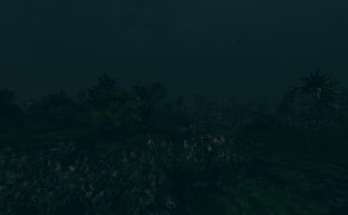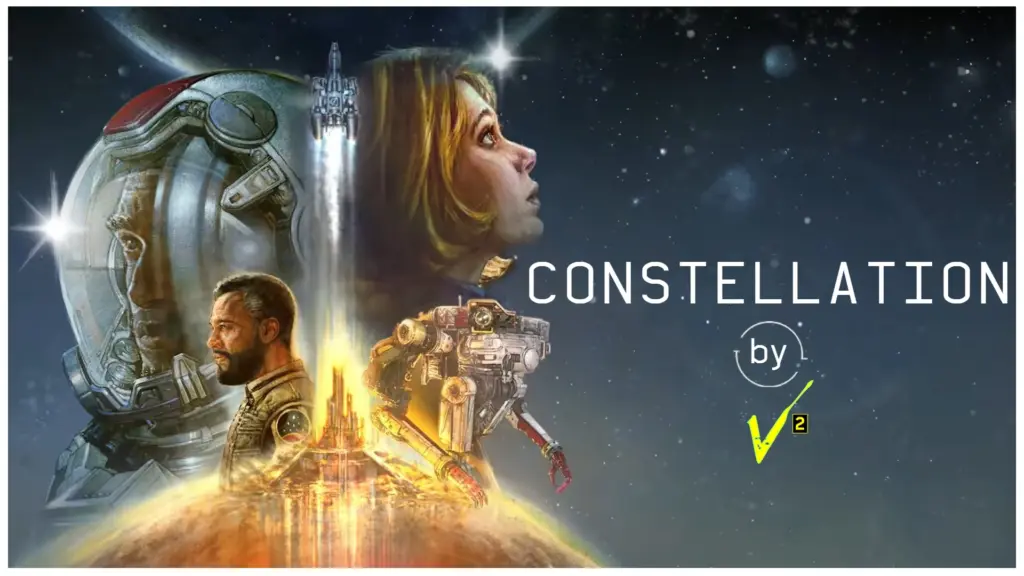
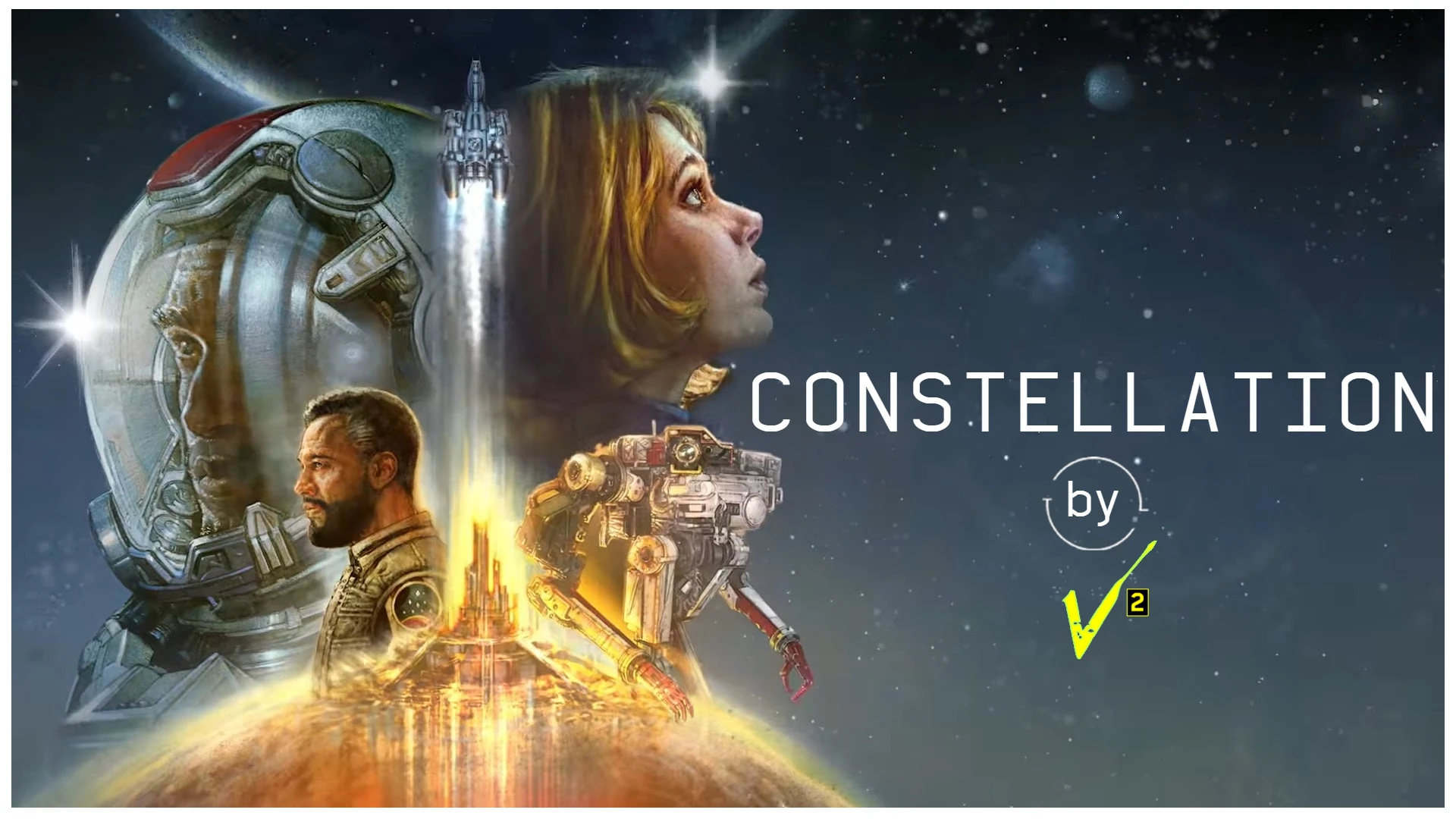
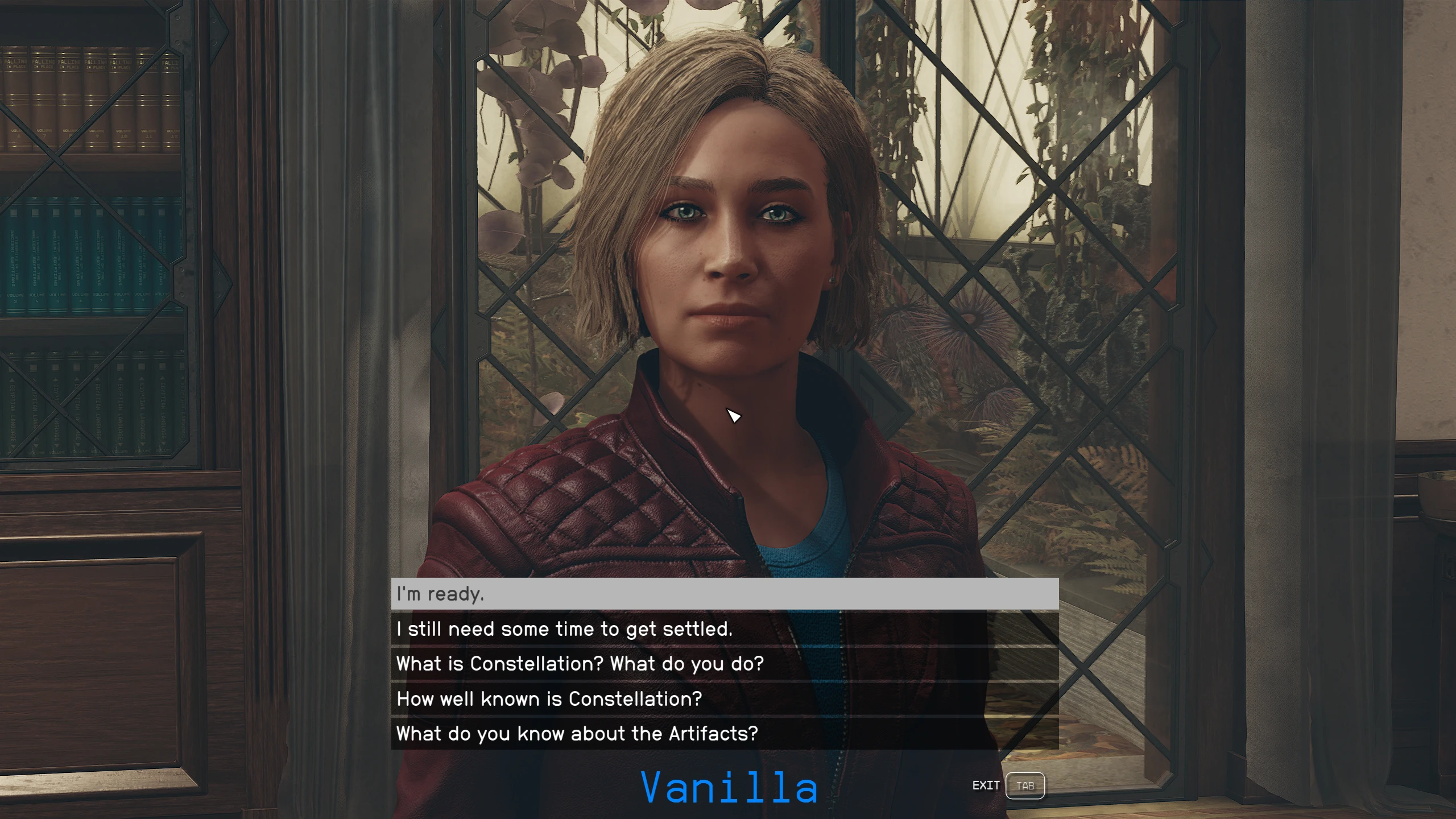
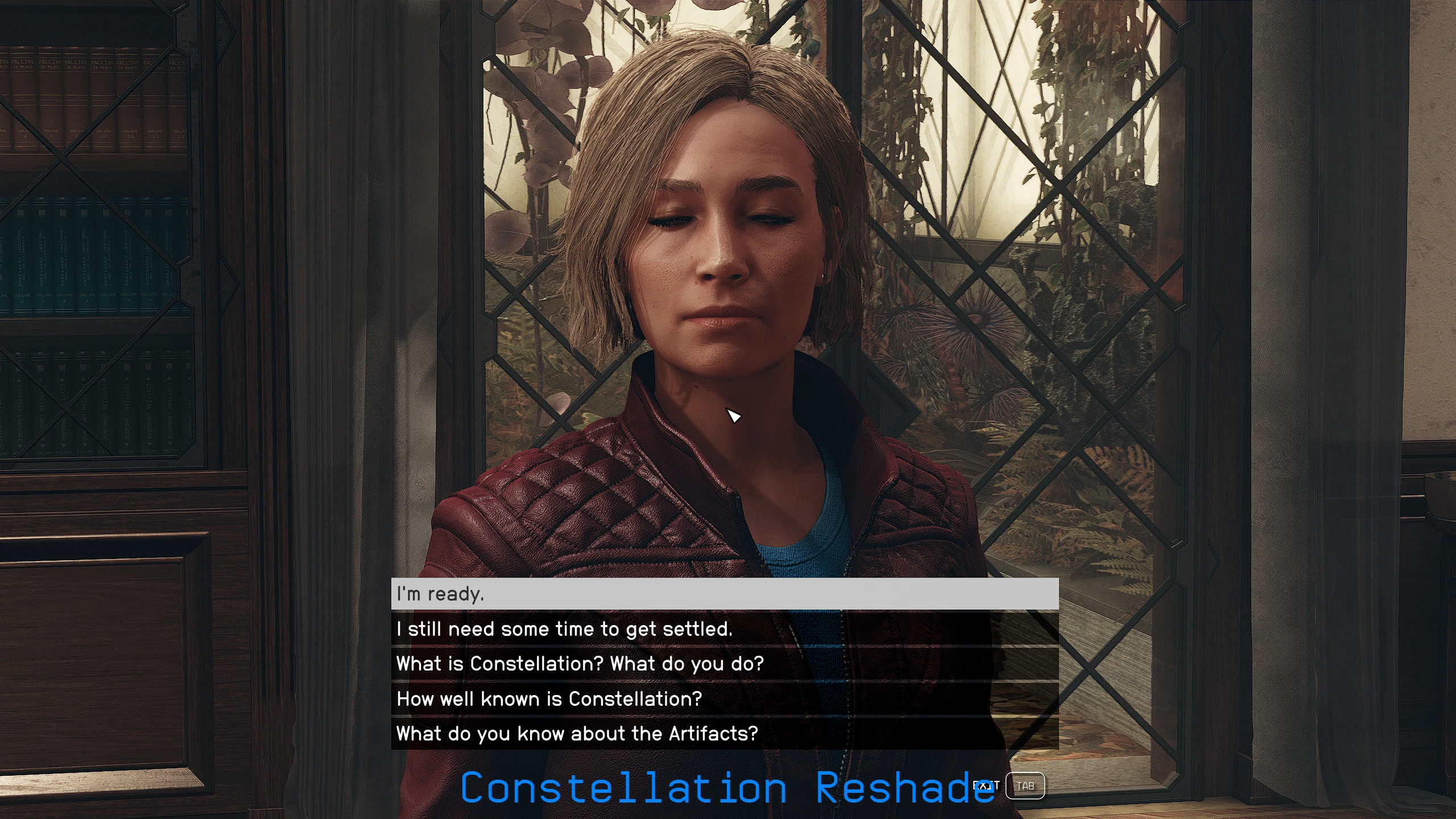
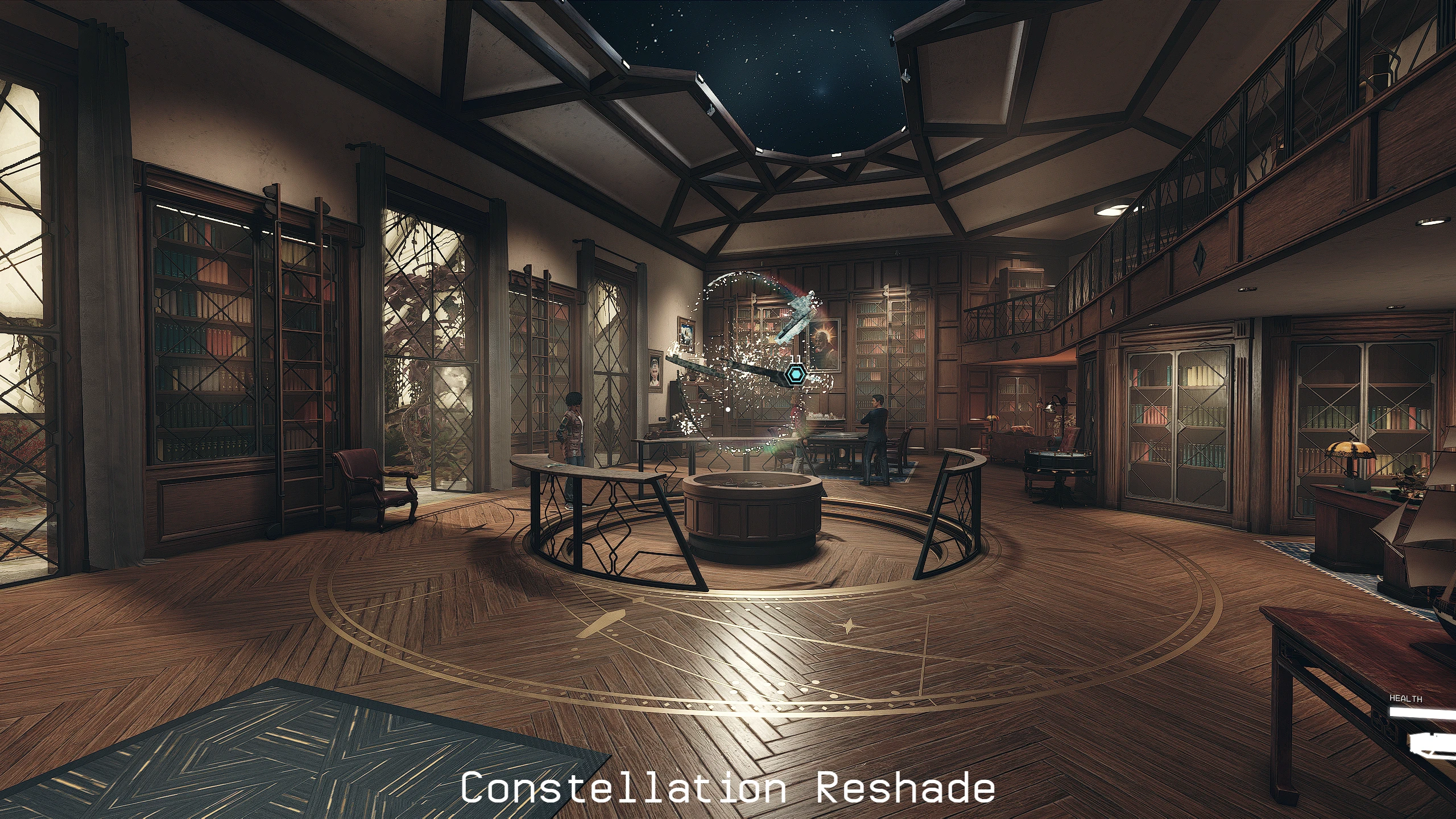
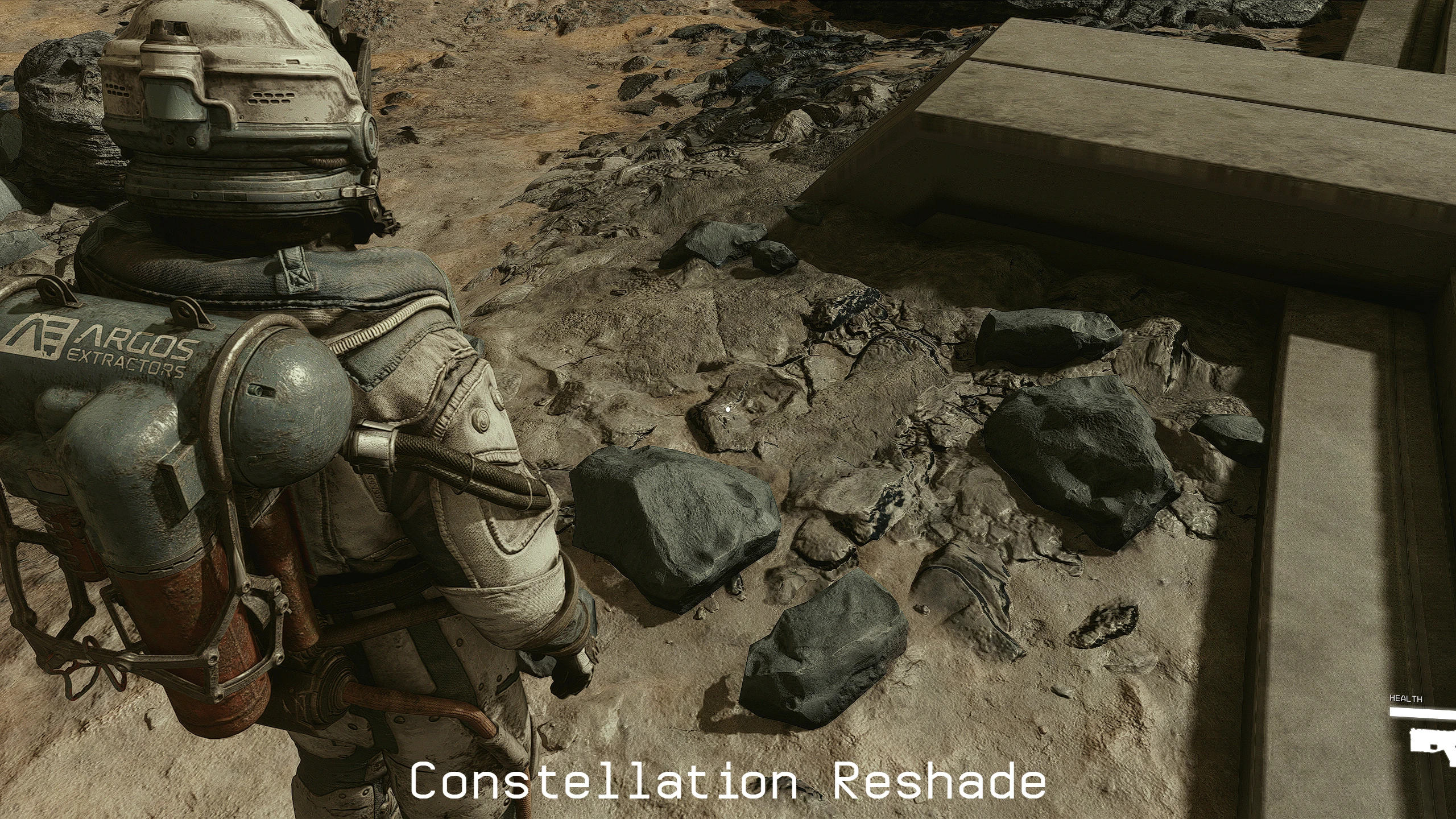
Constellation: This Reshade will sharpen the image enhance reflections and give a more realistic look to the game dark areas will be darker and overall colour will be enhanced.

1. Download and Install with Vortex.

1. Copy my files from the “v2_Constellation Reshade” folder to your main “Starfield” folder. (where Starfield.exe is located) Overwrite all files when prompted to do so.
2. Download and install ReShade
3. Go to the folder where you downloaded reshade and execute the exe file.
4. Select browse and find the “Starfield.exe” and select it.
5. Select dierectX 10/11/12.
6. On the “select preset to install” select next
7. Select next and finish the installation.
8. Run the game
Reshade controls
End key to toggle main effects
Home key to open GUI
Credits:
2077v2
Downloads
| Name | Format | Size |
|---|---|---|
| v2_Constellation-Reshade-1.4.7z | 7Z | 26.94 MB |
To start download click the filename. To open archive files use one of these programs: WinRAR, 7-Zip, WinZip. Some mod archives may need to be extracted before the mods will work.