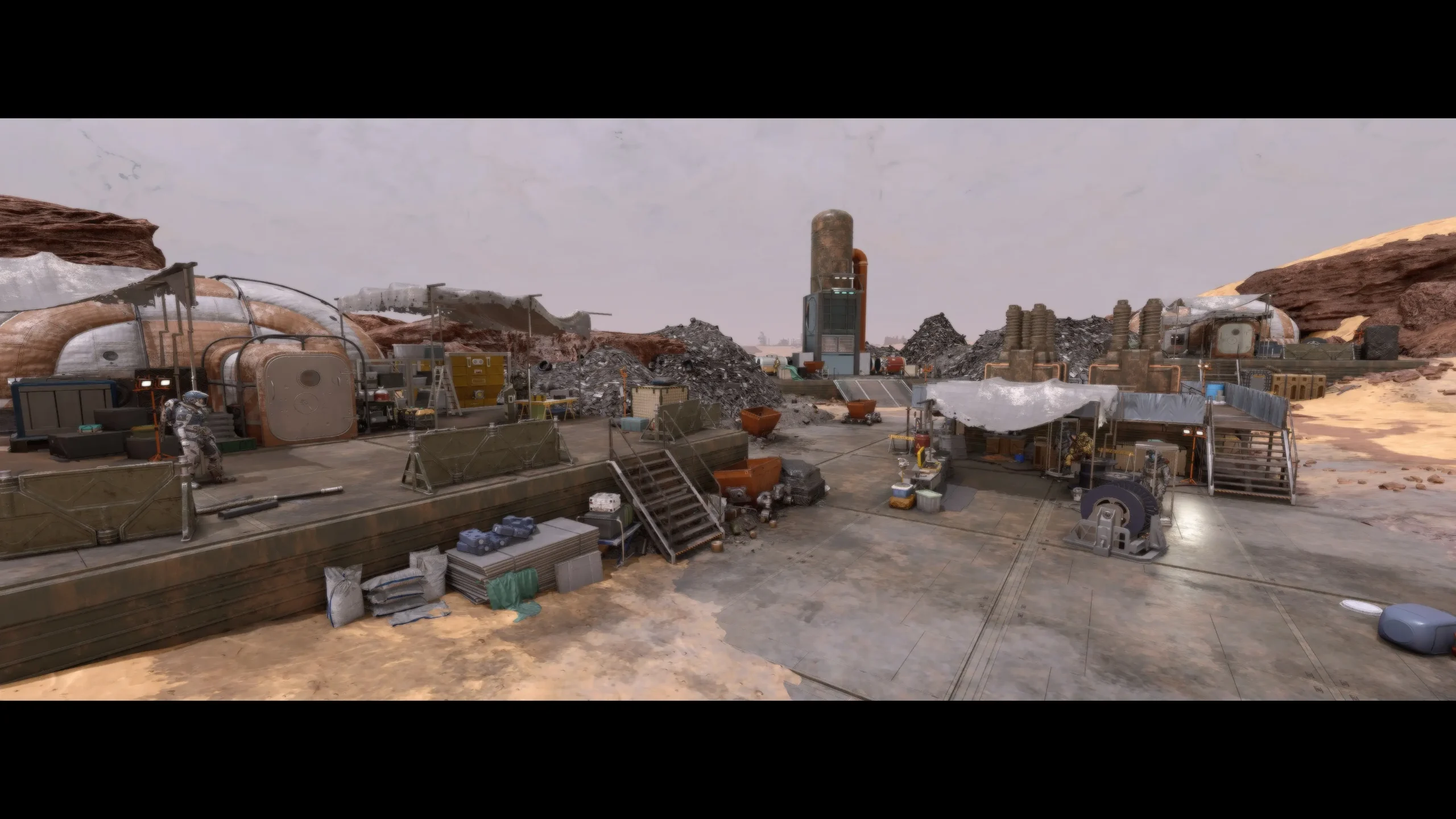
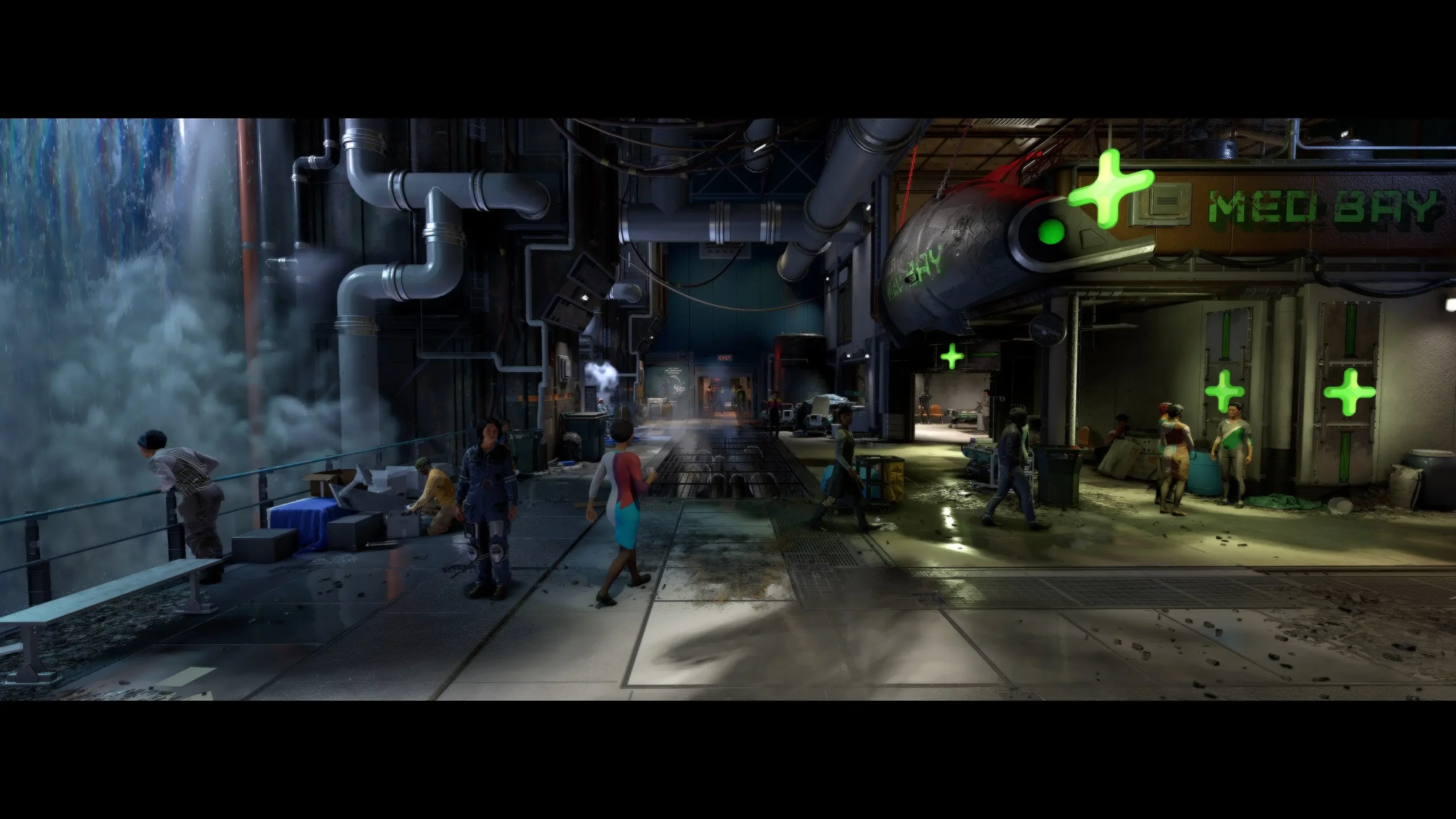
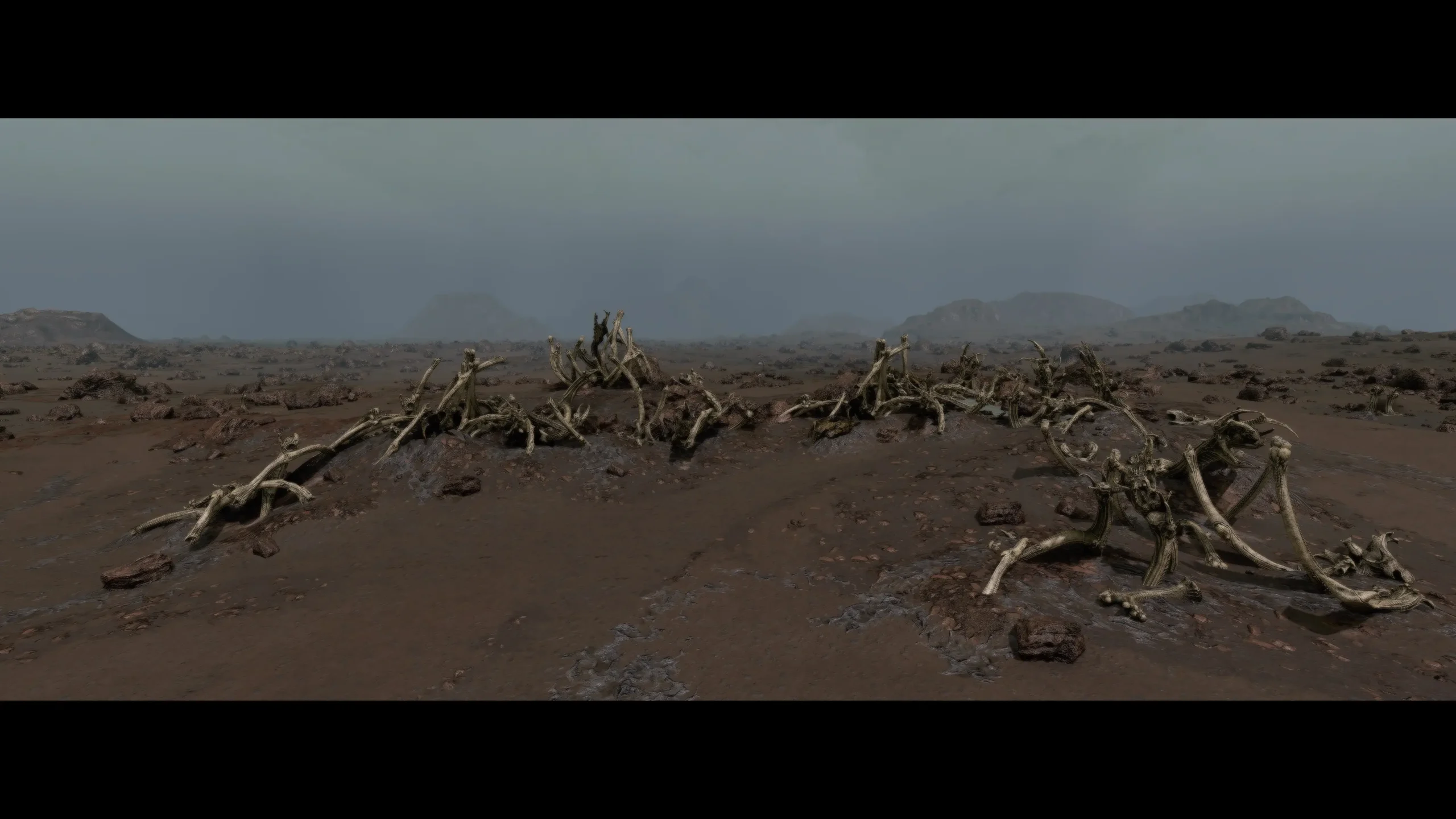
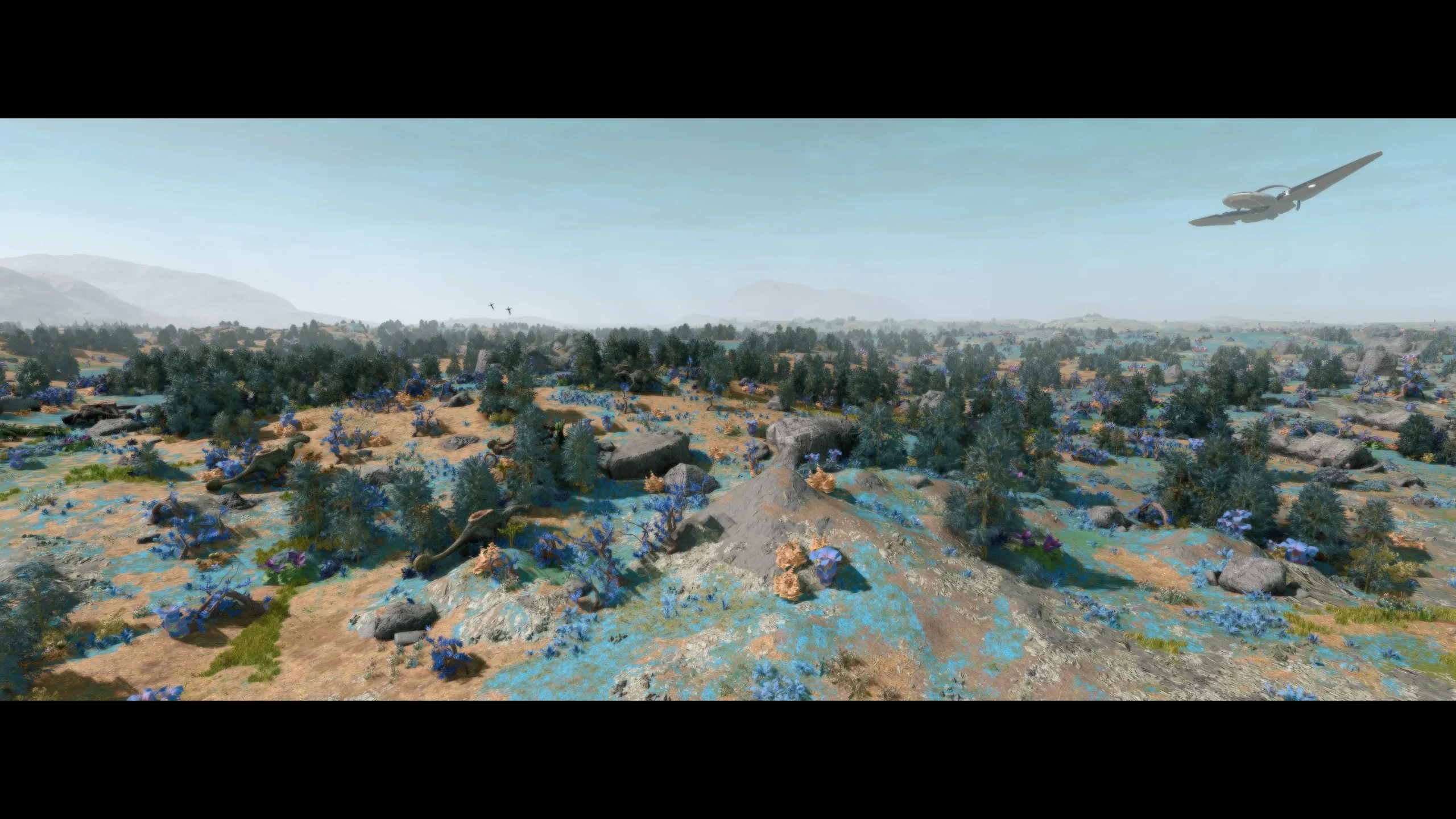
Installation
1.Place the Data folder into C:\users\%userprofile%\Documents\My Games\Starfield
2.Add the following lines to your StarfieldCustom.ini file :
[Archive]
bInvalidateOlderFiles=1
sResourceDataDirsFinal=
If you want a special sharper result, install my Reshade preset.
Installation
1.Drag CineFX.ini into steamapps\common\Starfield
2.Download the latest Reshade and run the installer
3.Select Starfield.exe
4.Select DirectX 12
5.Select CineFX.ini and finish the installation
(4k settings)
(Reshade Preset from the old version of CineFX which used Reshade)
If you want a special sharper result, install my Reshade preset.
Credits:
Chakra
Downloads
| Name | Format | Size |
|---|---|---|
| CineFX-Reshade-Preset-1-0.rar | RAR | 392.00 B |
| CINE-FIDELITY-2-0.rar | RAR | 1.60 MB |
To start download click the filename. To open archive files use one of these programs: WinRAR, 7-Zip, WinZip. Some mod archives may need to be extracted before the mods will work.