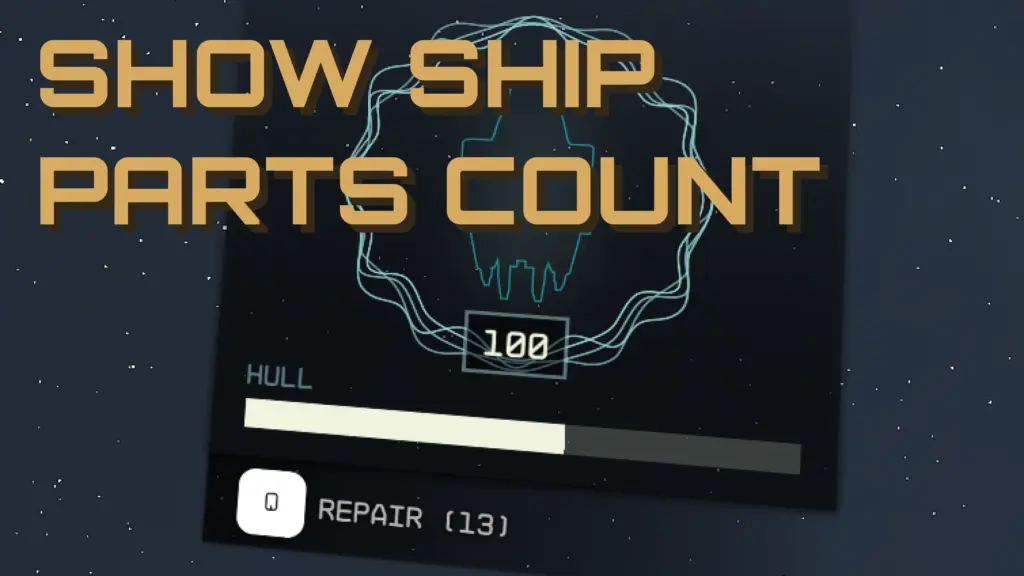
Displays the number of Ship Parts/Repair Kits you currently have beside the repair icon on your HUD.
INSTALLATION
– FOMOD Install: Select desired options + mod manager in the installer.
– Manual Install: Extract your desired Data folder into the Starfield game directory.
– Make sure this mod overwrites any mod changing the same files!
– Download the Basic StarfieldCustom.ini under miscellaneous files.
– Place StarfieldCustom.ini in “Documents/My Games/Starfield”
– If you already have a preexisting StarfieldCustom.ini add the following.
[Archive]
bInvalidateOlderFiles=1
sResourceDataDirsFinal=
Credits:
Stentorious
Downloads
| Name | Format | Size |
|---|---|---|
| Basic-StarfieldCustom.ini-Show-Ship-Parts-Count.zip | ZIP | 233.00 B |
| Show-Ship-Parts-Count-1-1.zip | ZIP | 1.15 MB |
To start download click the filename. To open archive files use one of these programs: WinRAR, 7-Zip, WinZip. Some mod archives may need to be extracted before the mods will work.