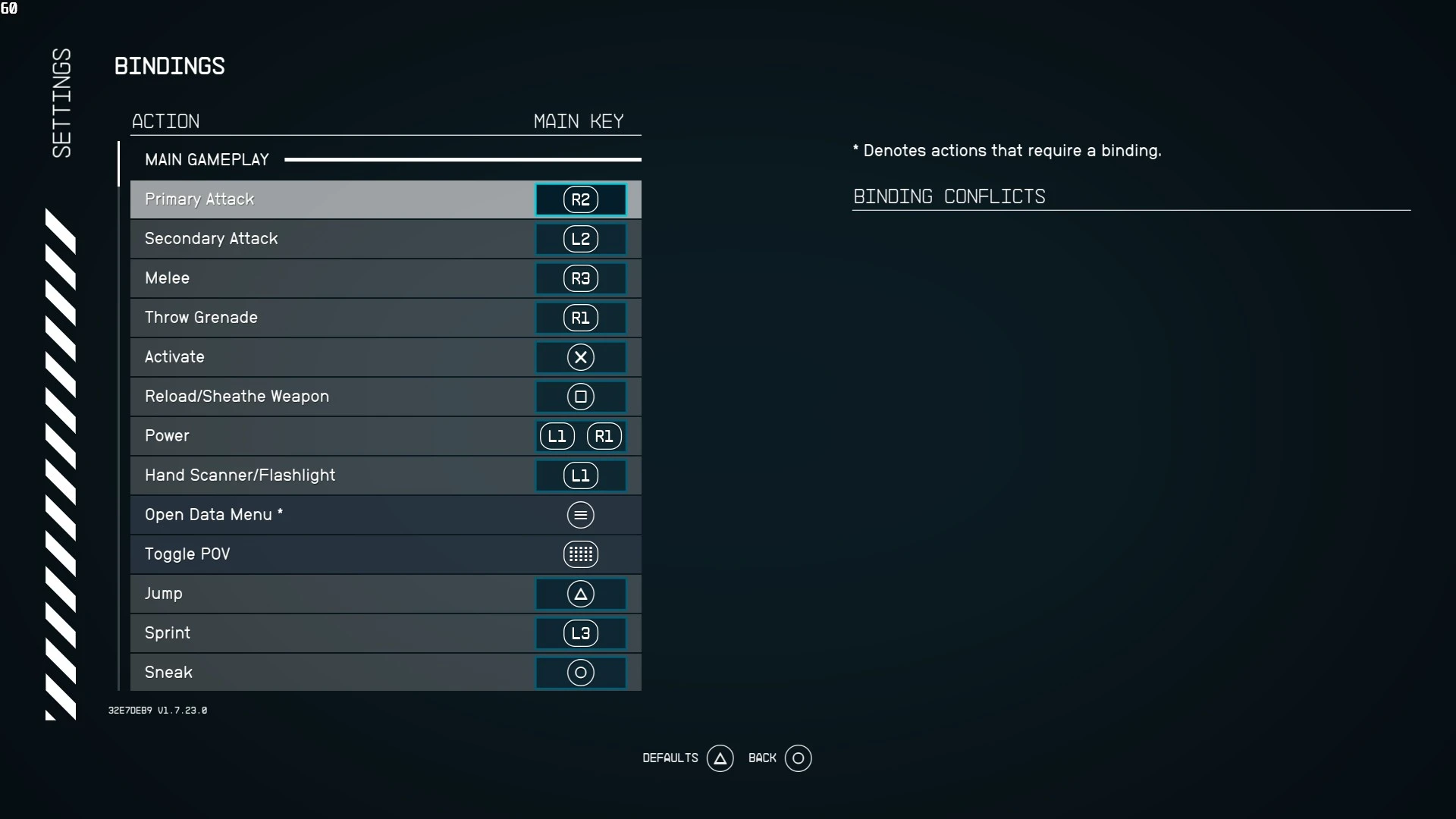
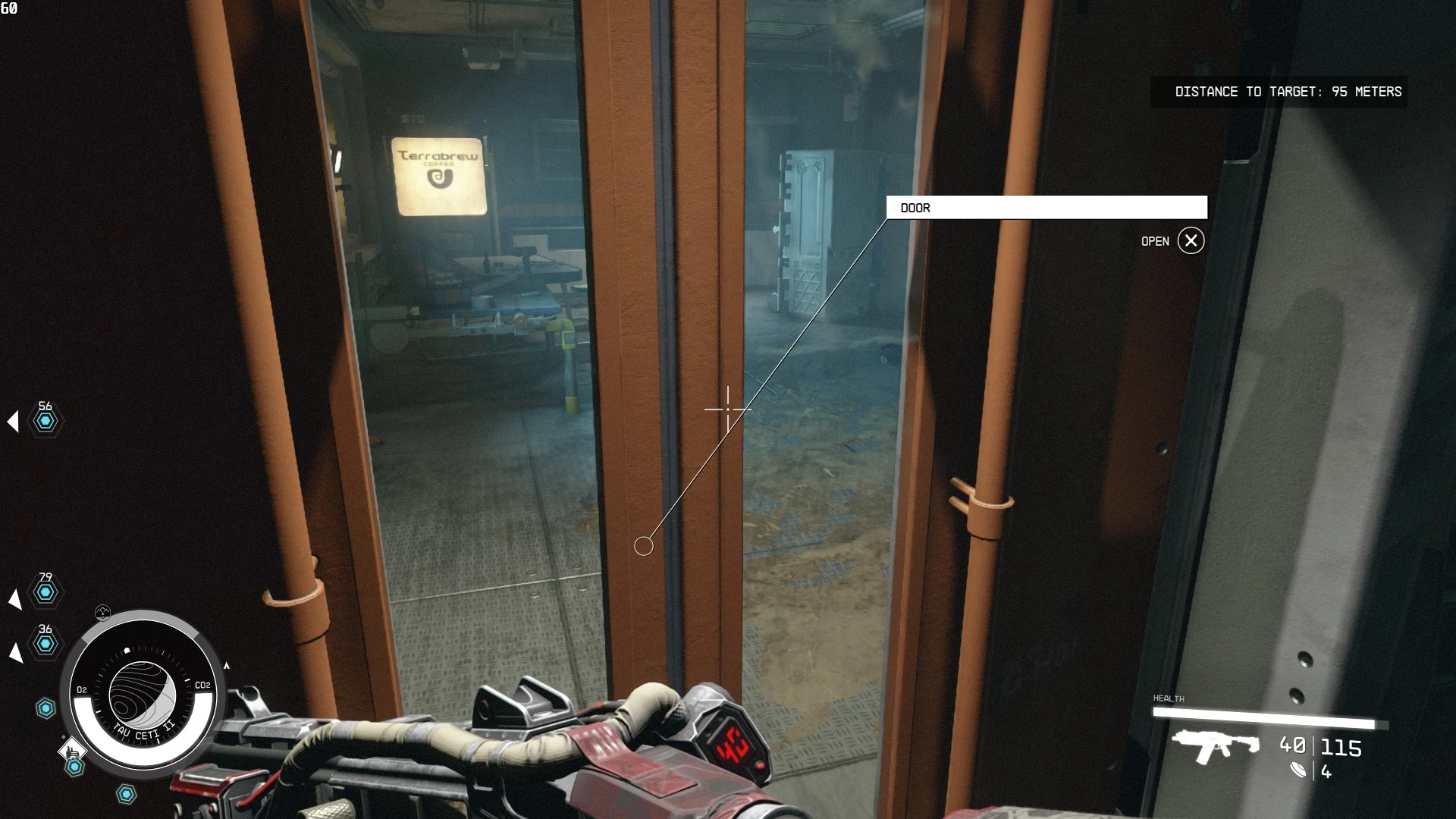
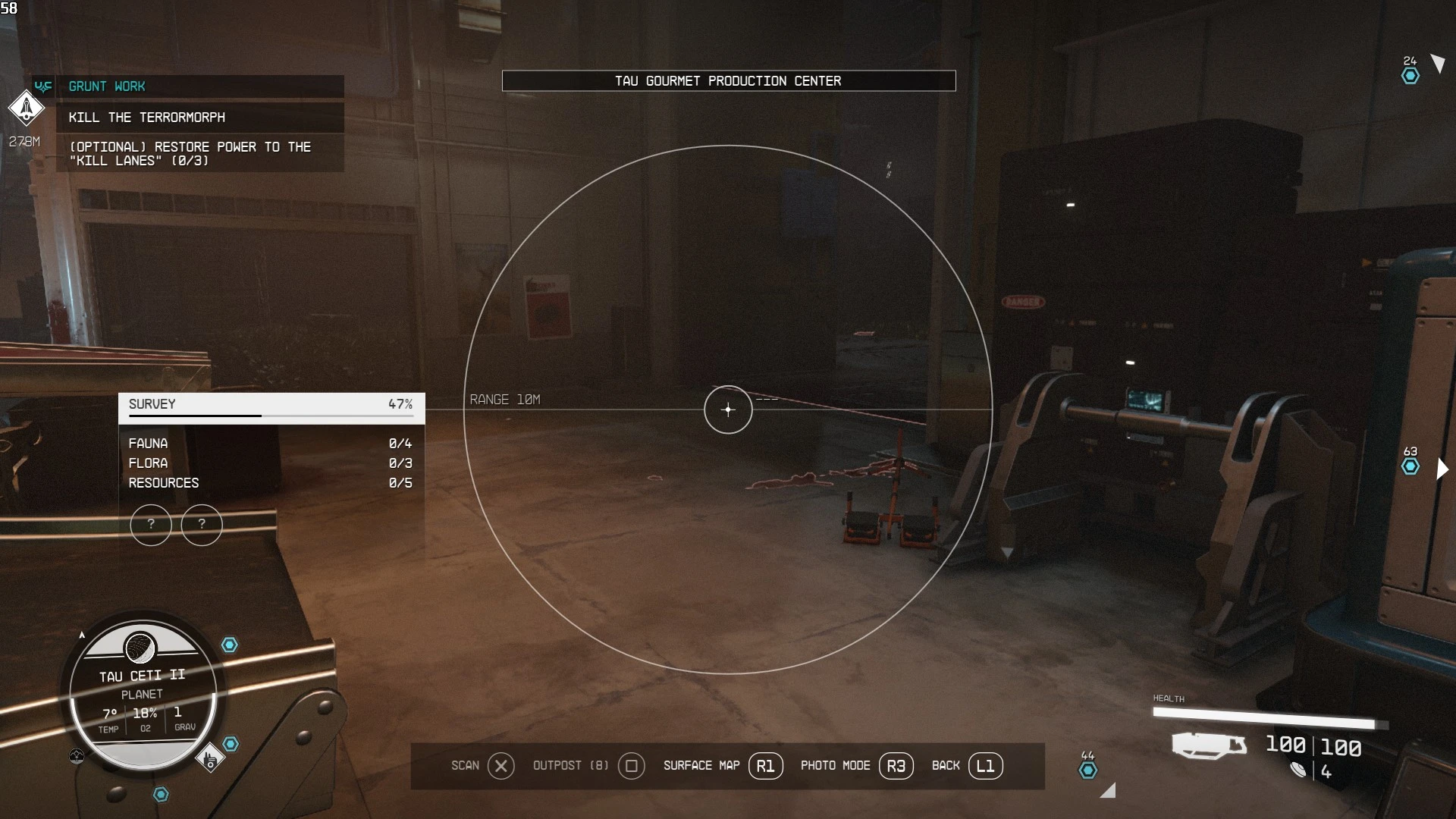
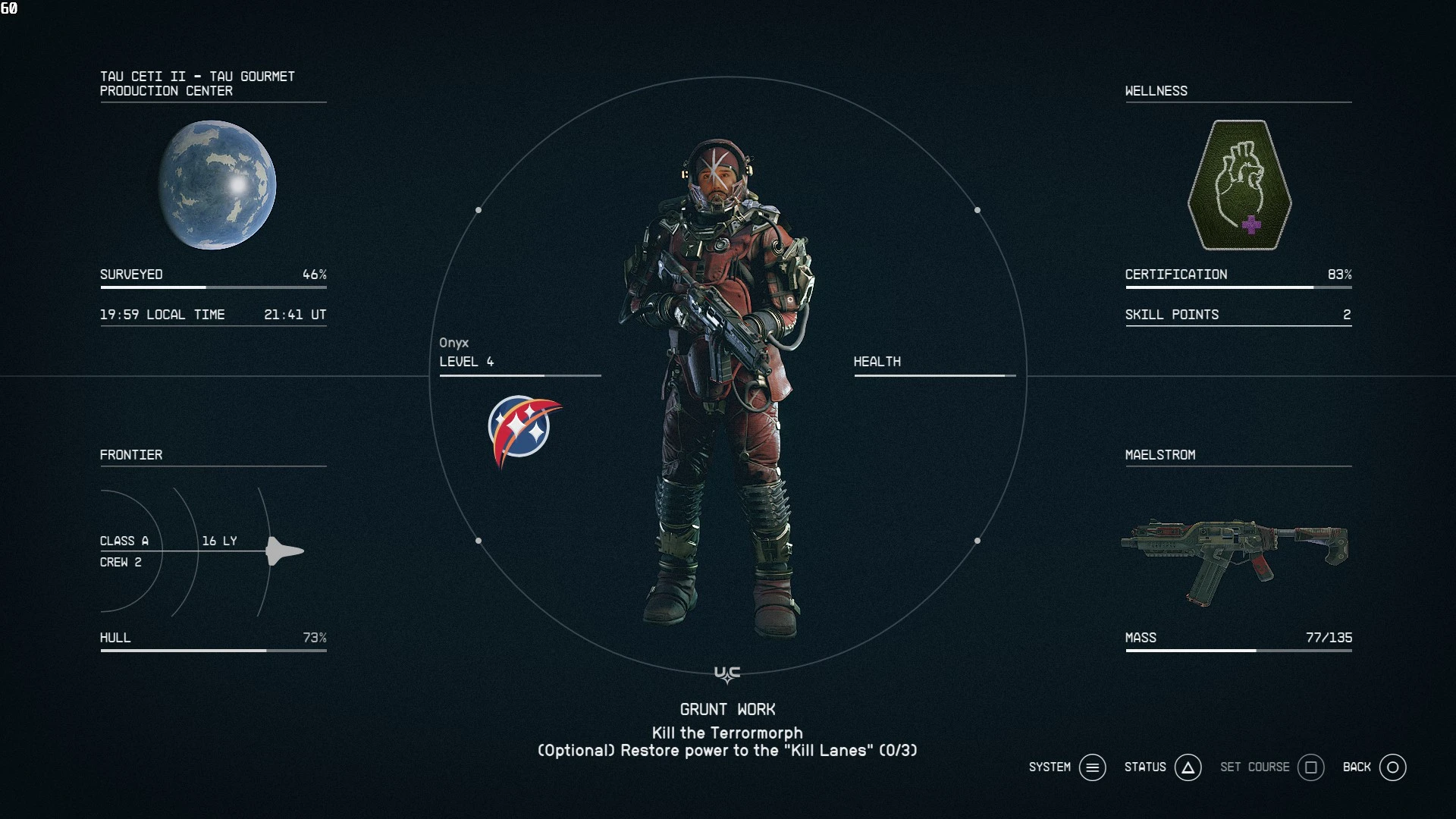
This mod will change the Xbox icons to PlayStation icons. Useful for Dualsense owners.
Installation:
For the game to load loose files you need to go to C:/Documents/My Games/Starfield/ and create a file called StarfieldCustom.ini Inside that file you must paste these lines:
[Archive]
bInvalidateOlderFiles=1
sResourceDataDirsFinal=
Afterwards extract my zip file into steam/steamapps/common/Starfield/Data/
So the file structure should look like “Starfield/Data/interface/fonts.gfx”
Credits:
EASKATER
Downloads
| Name | Format | Size |
|---|---|---|
| StarfieldCustom-Ini-File-1-0.7z | 7Z | 209.00 B |
| Starfield-PS5-Icons-zhcn-1-0.7z | 7Z | 8.34 MB |
| Starfield-PS5-Icons-ja-1-0.7z | 7Z | 13.60 MB |
| Starfield-PS5-Icons-Share-Button-1-1.7z | 7Z | 372.99 KB |
| Starfield-PS5-Icons-1-0.7z | 7Z | 367.34 KB |
To start download click the filename. To open archive files use one of these programs: WinRAR, 7-Zip, WinZip. Some mod archives may need to be extracted before the mods will work.