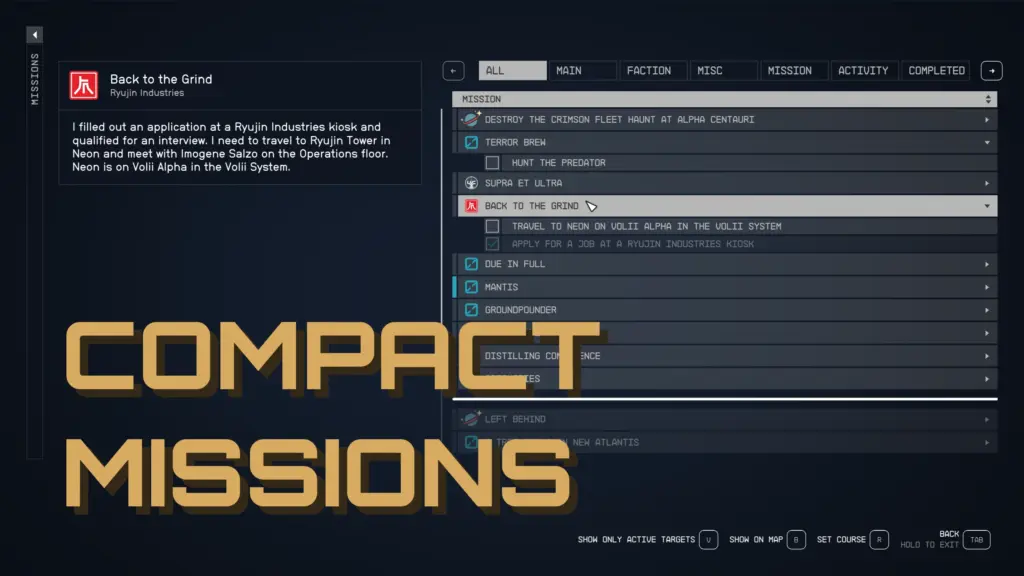
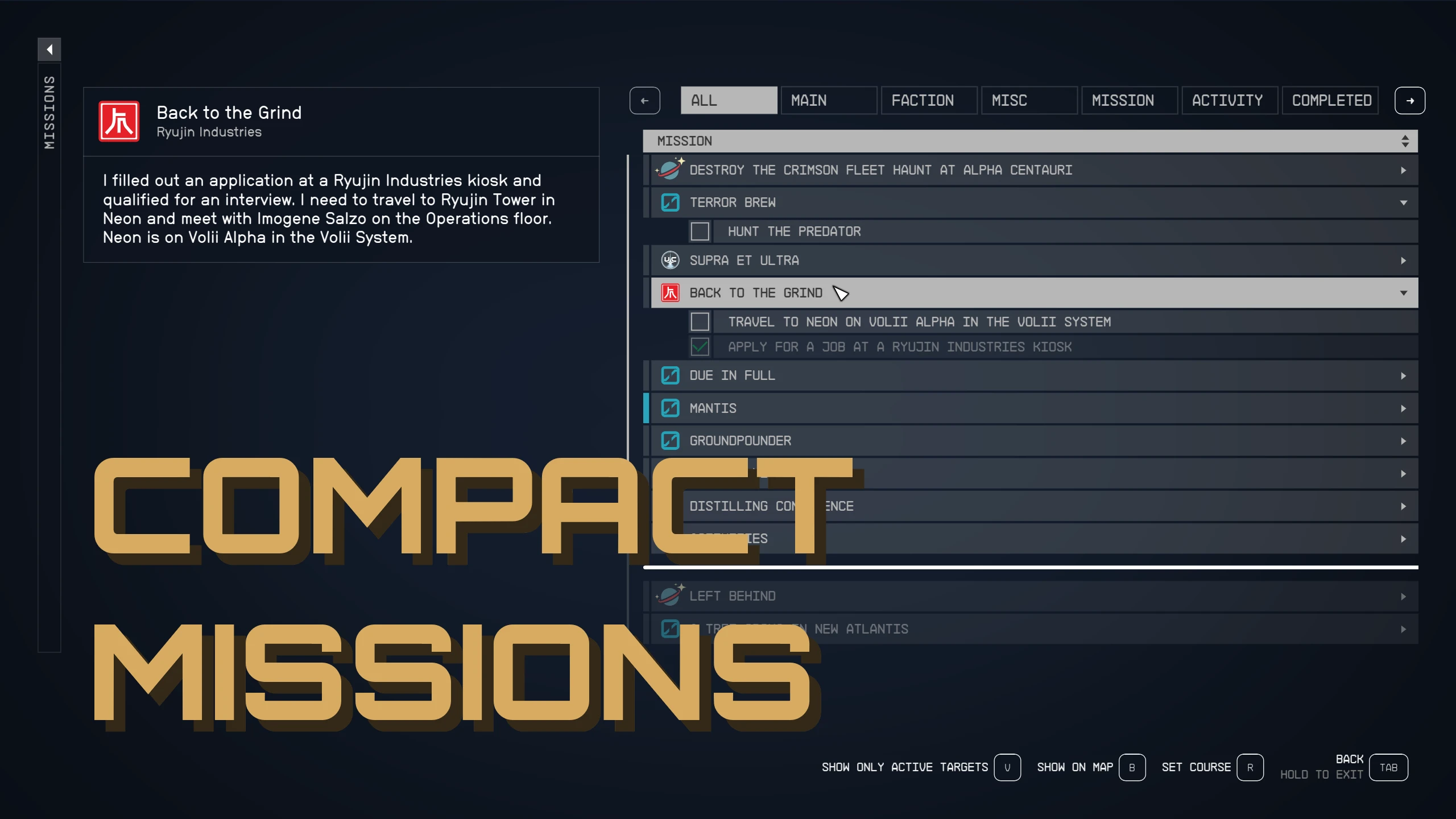
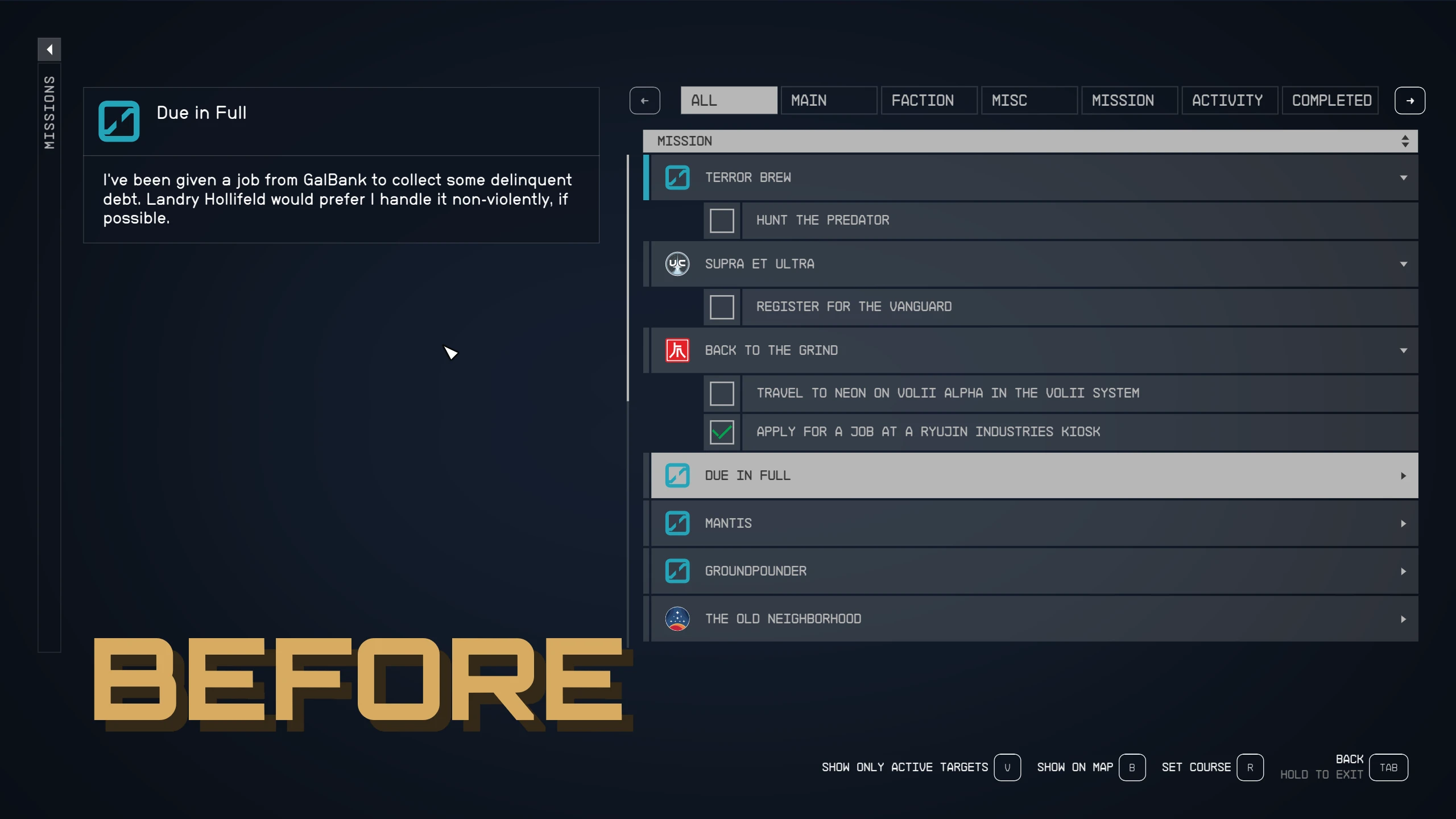
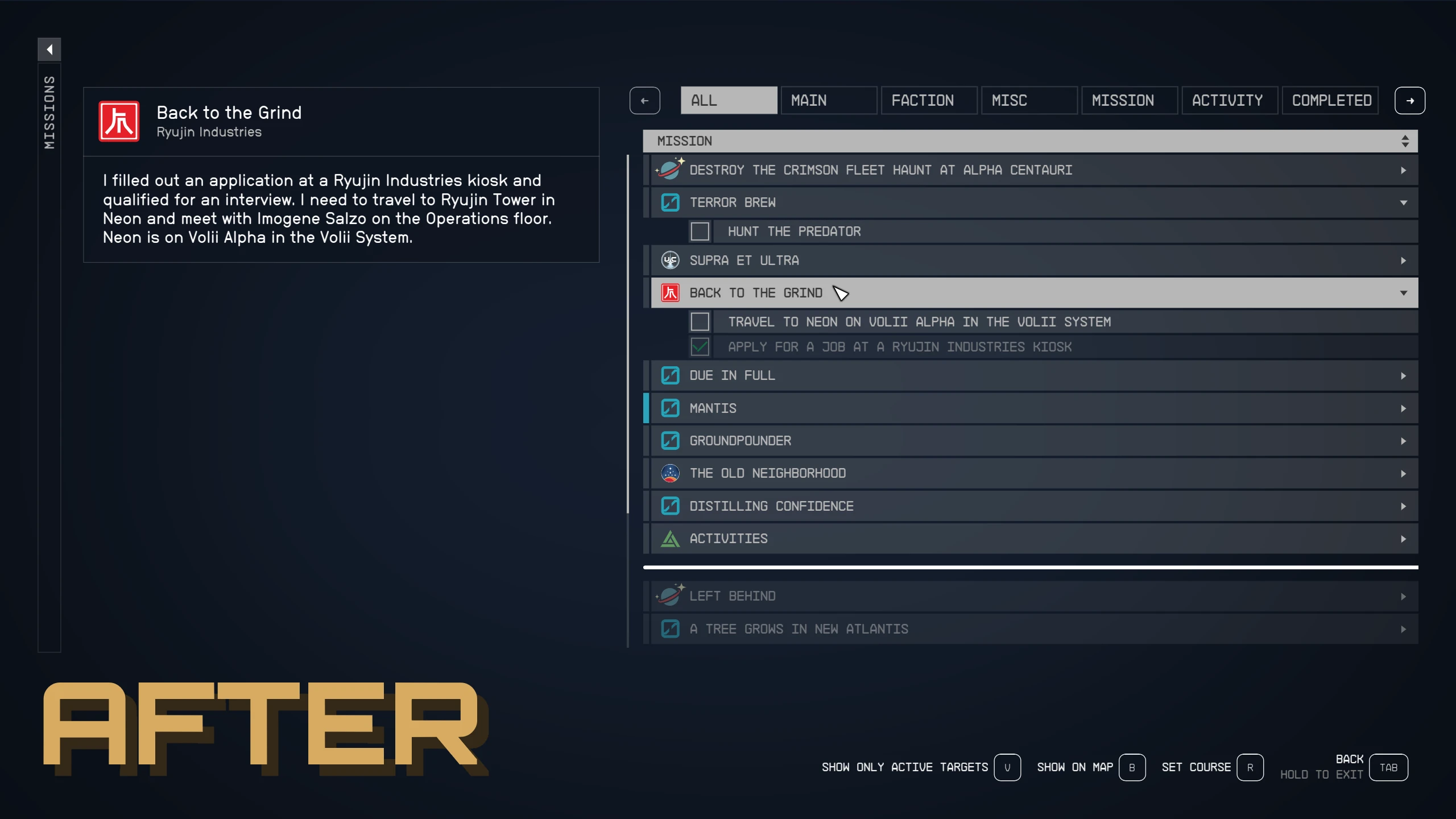
Modifies the mission menu so more items can be seen at once. Increases viewable items by 50%.
OVERVIEW
– Increases viewable mission items by 50%
– Lowers opacity of completed items. Thanks Unreleasedd!
COMPACT UI SERIES
– Inventory
INSTALLATION
– Installs like any other mod, manually or using a mod manager.
– Make sure the “Large Menu Fonts” Accessibility option is disabled!
– Make sure this mod overwrites any mod changing the same files!
MANUAL INSTALL
– Extract the Data folder into the Starfield game directory.
– Enable archive invalidation by adding the following lines to your StarfieldCustom.ini
– StarfieldCustom.ini must be created in “Documents/My Games/Starfield”
[Archive]
bInvalidateOlderFiles=1
sResourceDataDirsFinal=
Credits:
Stentorious
Downloads
| Name | Format | Size |
|---|---|---|
| Compact-Mission-UI-60-FPS-1-2.zip | ZIP | 693.54 KB |
| Compact-Mission-UI-30-FPS-1-2.zip | ZIP | 693.54 KB |
| Compact-Mission-UI-120-FPS-1-2.zip | ZIP | 693.54 KB |
| Basic-StarfieldCustom.ini-1-0-3.zip | ZIP | 233.00 B |
| Compact-Mission-UI-1-4.zip | ZIP | 4.06 MB |
| Compact-Mission-UI-1-5.zip | ZIP | 8.13 MB |
| Compact-Mission-UI-1-6.zip | ZIP | 8.13 MB |
| Compact-Mission-UI-1-8.zip | ZIP | 8.13 MB |
| Compact-Mission-UI-1-9.zip | ZIP | 8.14 MB |
| Compact-Mission-UI-2-0.zip | ZIP | 8.14 MB |
| Compact-Mission-UI-2-1.zip | ZIP | 8.15 MB |
To start download click the filename. To open archive files use one of these programs: WinRAR, 7-Zip, WinZip. Some mod archives may need to be extracted before the mods will work.