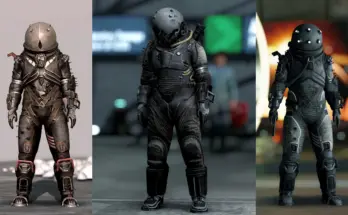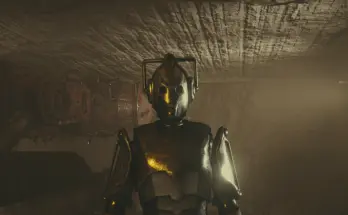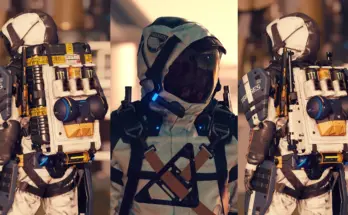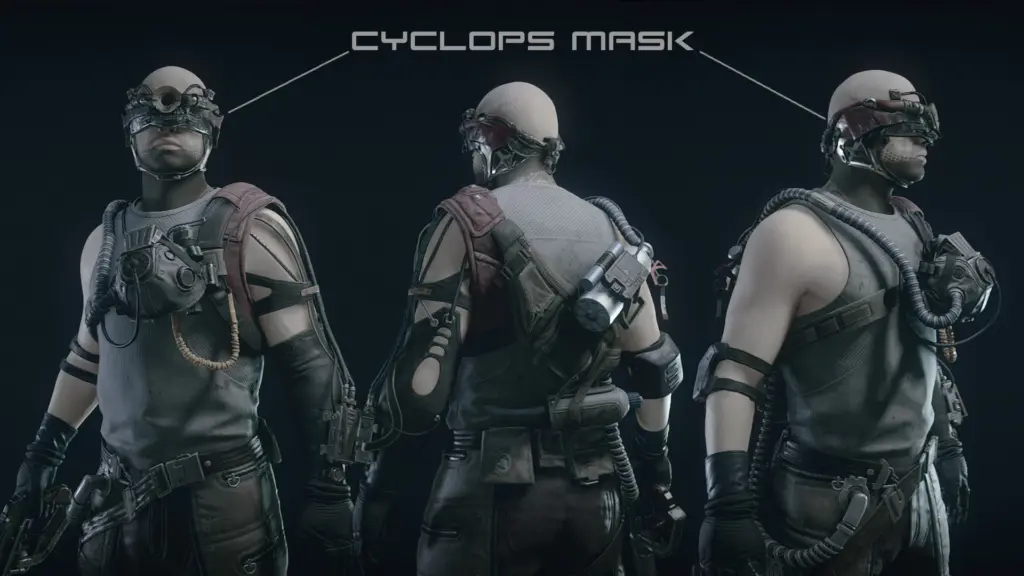
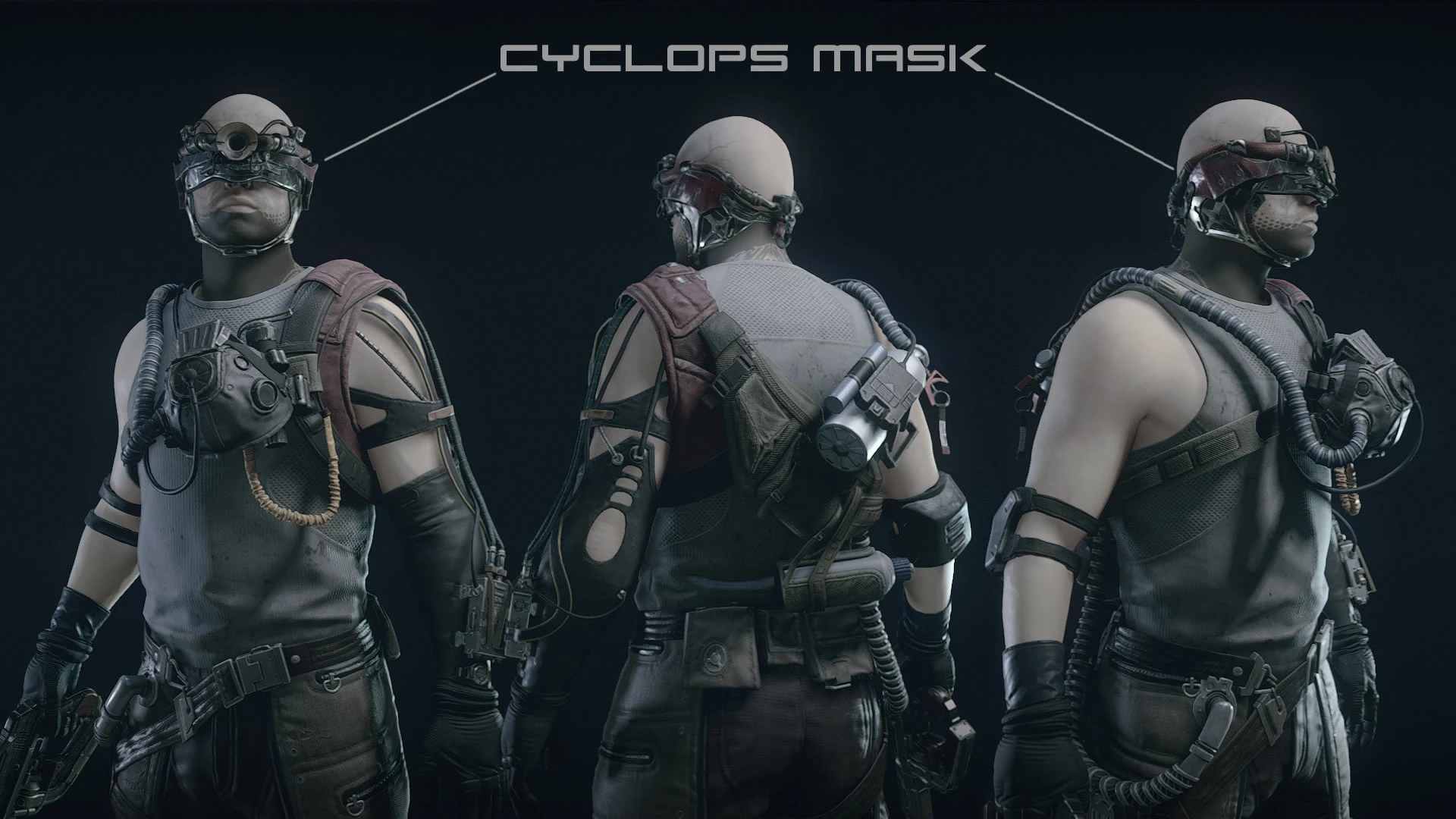
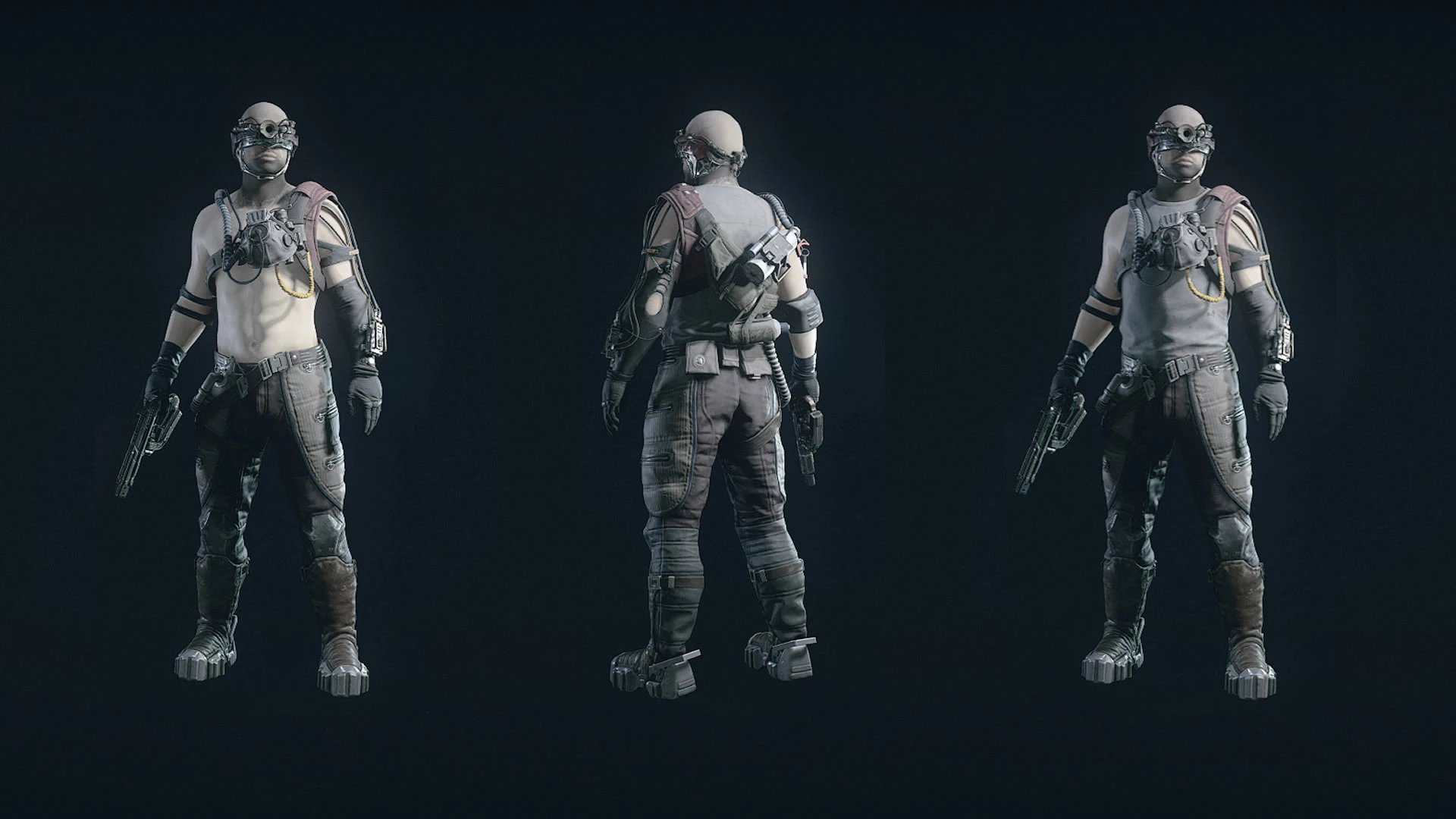
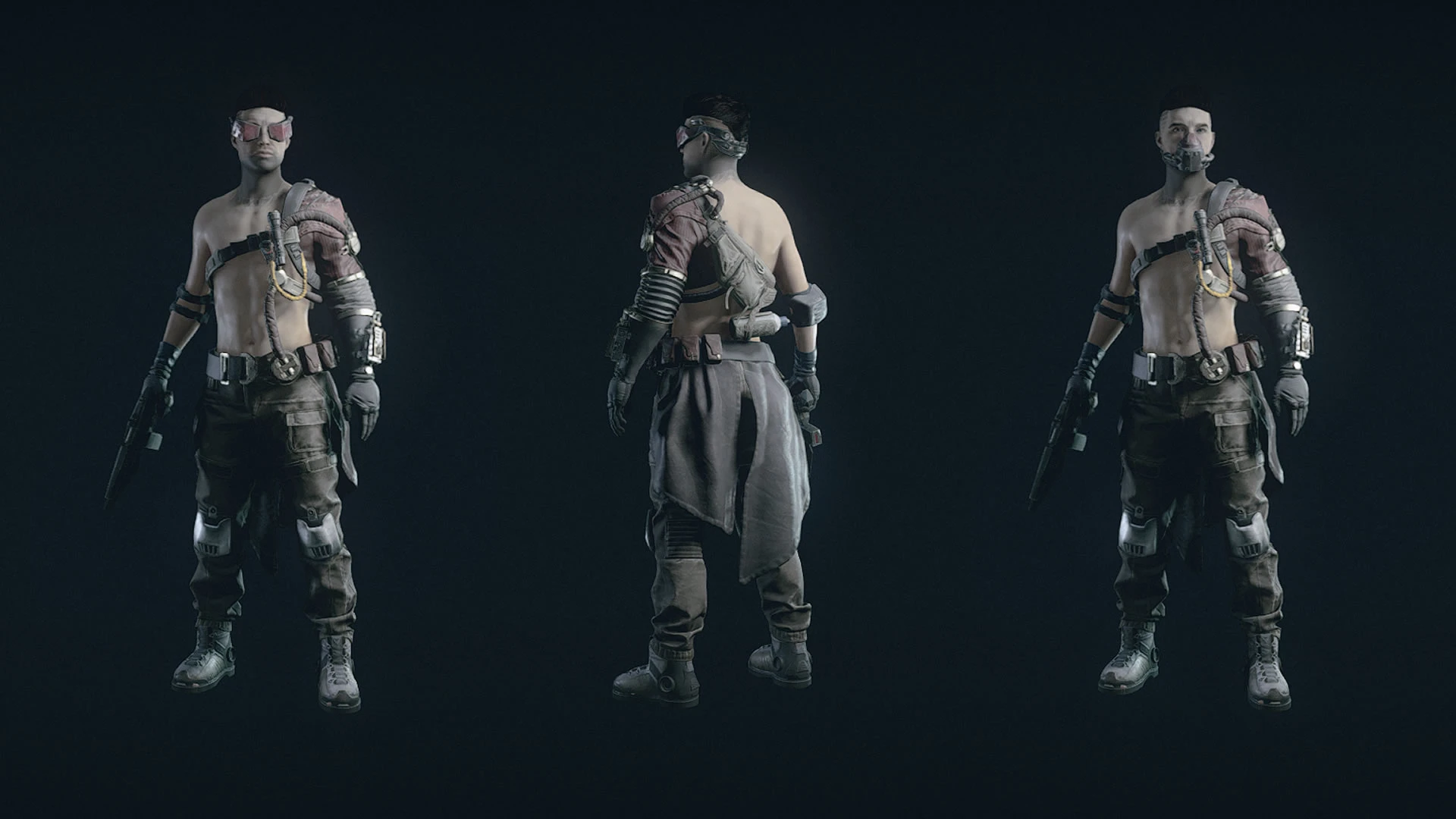
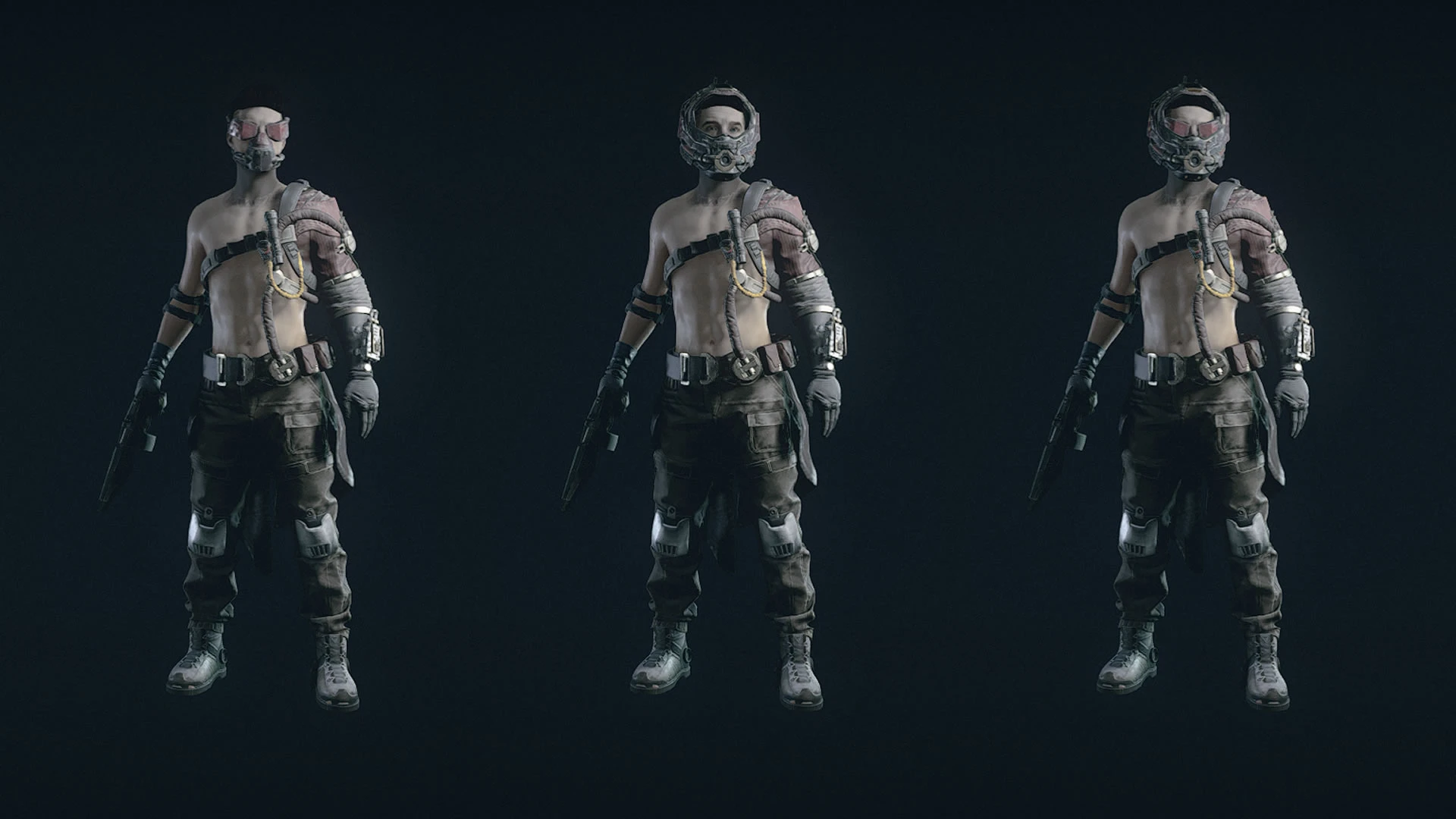
Adds new standalone Crimson Fleet style outfits. (Male Only)
It comes with 4 items.
–Outfits: in different variants
-Shades
-Mask
-Helmet
HOW TO GET
You can buy from ZuriAbara on the Key
You can also use the console commands by pressing ~ and typing Help Scavenger to get Item number.
Then type in player.additem NumberHere 1
FOLLOW THESE STEPS IF YOU HAVE UPDATED, OR THE ITEMS DONT SHOW IN STORE
-Log out of the game.
-Disable the mod.
-Log back in, Save, and log back out.
-Enable mod.
-Log back in, and wait 48 hours in game.
CONFLICTS
Anything that changes the textures on the following will alter the color of the outfit.
outfit_trucker_ashirt_01
outfit_akila_security
spacesuit_pirateset
outfit_shinyavoss
How to install
Install like any other mod with Mod Manager Download
or
Place the Data folder into the folder where Starfield.exe is located.
Steam\steamapps\common\Starfield
Install Plugins.txt Enabler and then paste *Scavenger_Outfit.esm in the Plugin.txt
Edit your StarfieldCustom.ini located in Documents\My Games\Starfield
If you don’t have a StarfieldCustom.ini create one by making a StarfieldCustom.txt and renaming it to StarfieldCustom.ini
It should look like this below.
[Archive]
bInvalidateOlderFiles=1
sResourceDataDirsFinal=
Requirements:
DA – Muscular Male Tone Body Texture – Normal Map 4k – Not required, but this is the body used in screenshots.
Scavs Clothing and More
Credits:
ZoNE79
Downloads
| Name | Format | Size |
|---|---|---|
| Scavenger-Outfit-All-in-One-1-7.rar | RAR | 15.39 MB |
To start download click the filename. To open archive files use one of these programs: WinRAR, 7-Zip, WinZip. Some mod archives may need to be extracted before the mods will work.