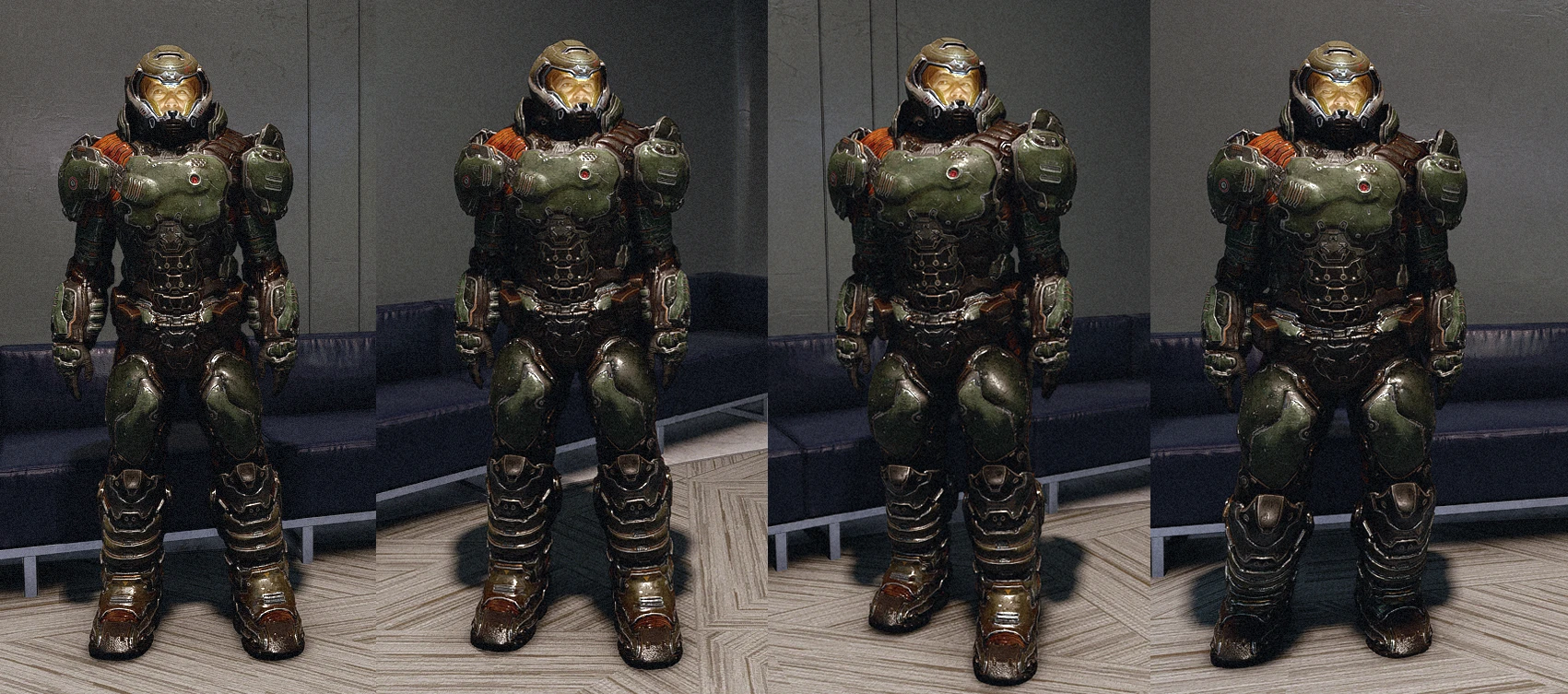
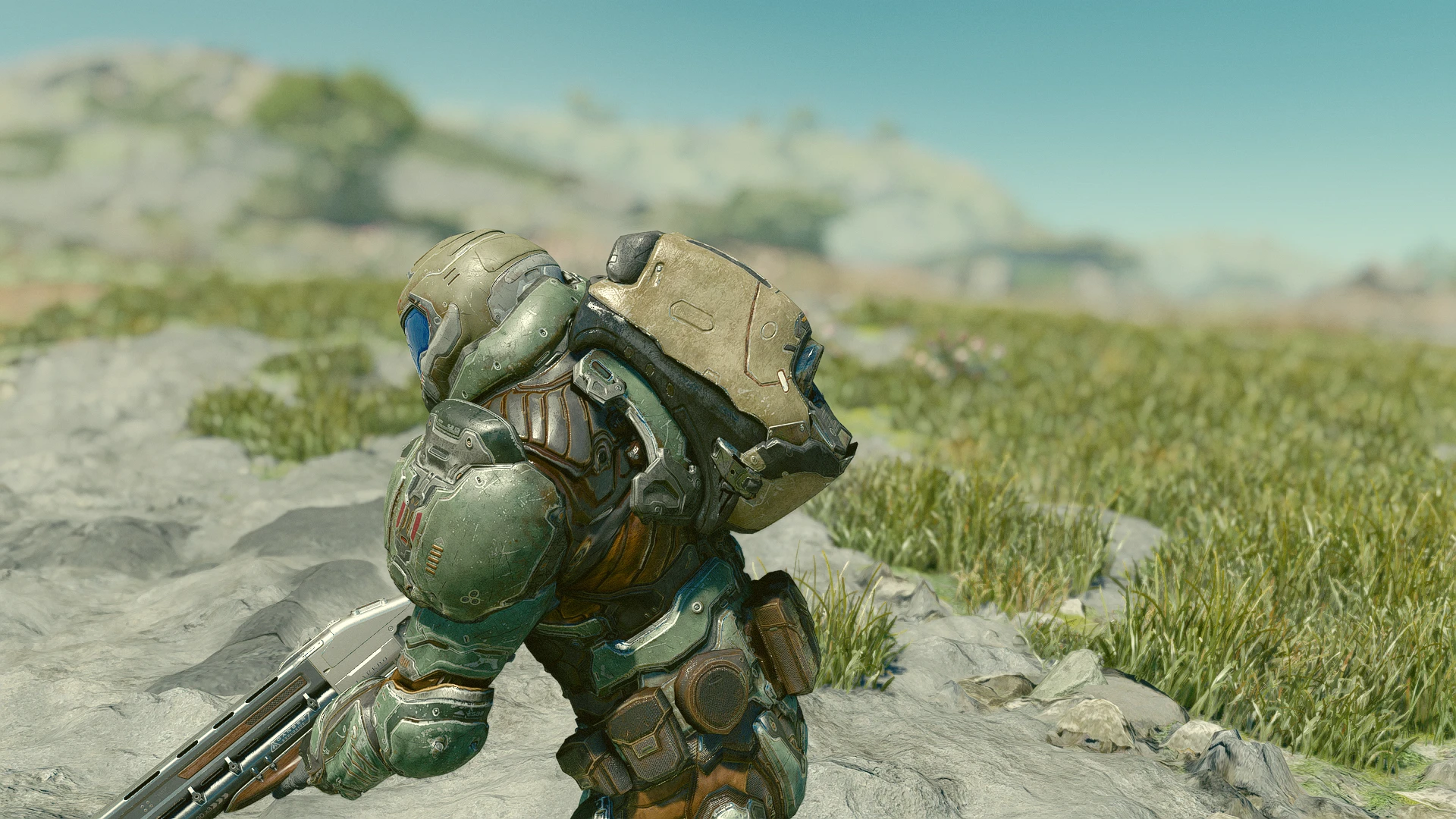
WARNING!: Use a save file outside the Lodge when installing the mod for the 1st time. otherwise I don´t know why the chest is empty .
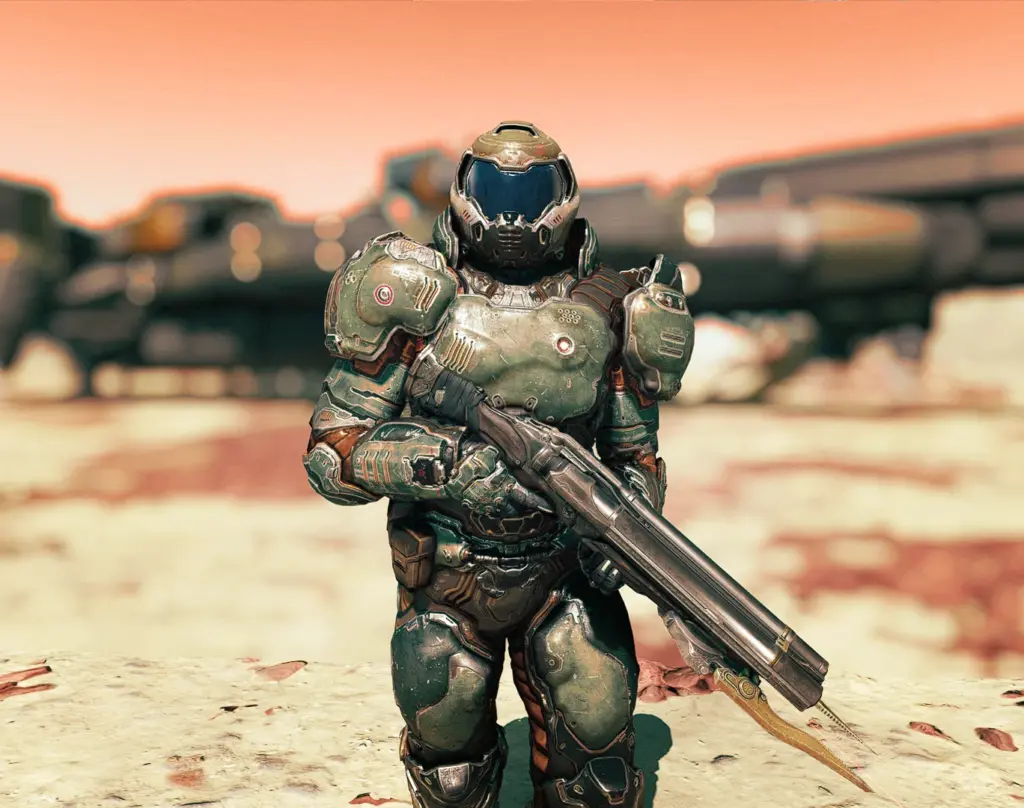
I put 10 complete armor set in the chest, to choose a good legendary roll
if you want a low stat/non legendary version you can type :
help praetor in the console to use the additem function.
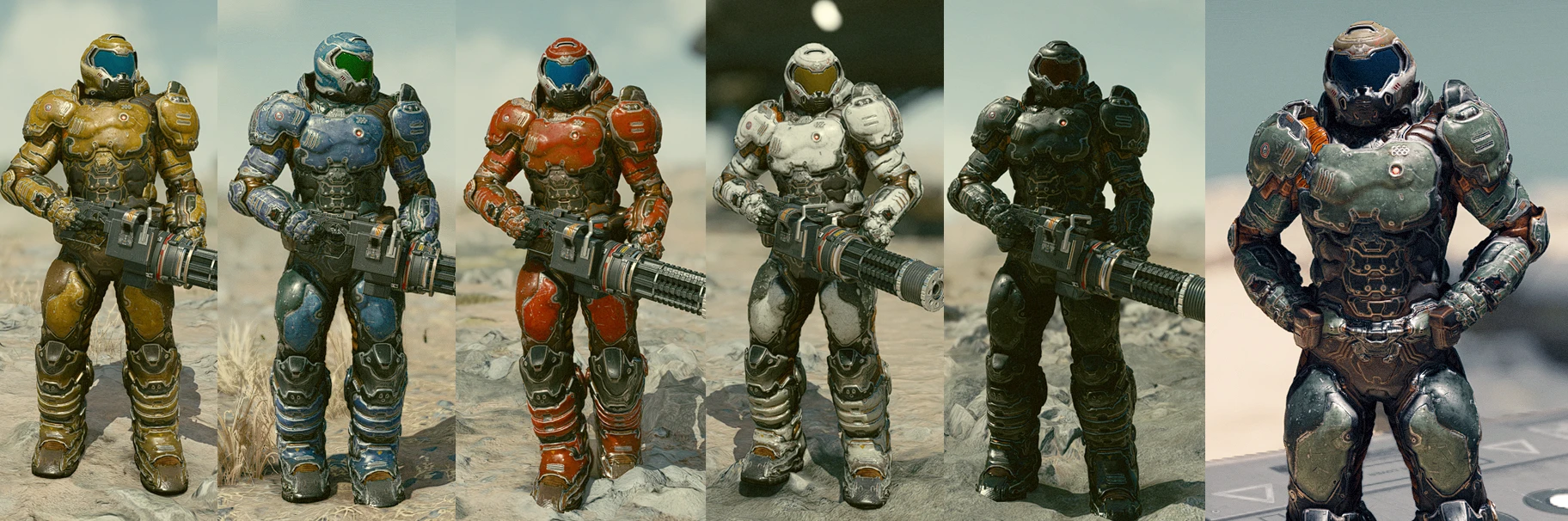
Skins are craftable at the armor workbench.
To download the shotgun: Lucifer’s Bane – Doom Supershotgun
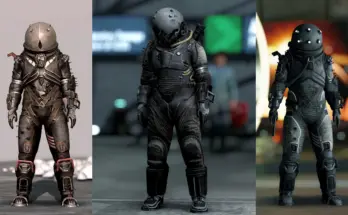
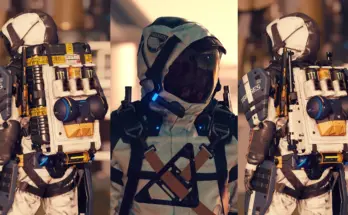
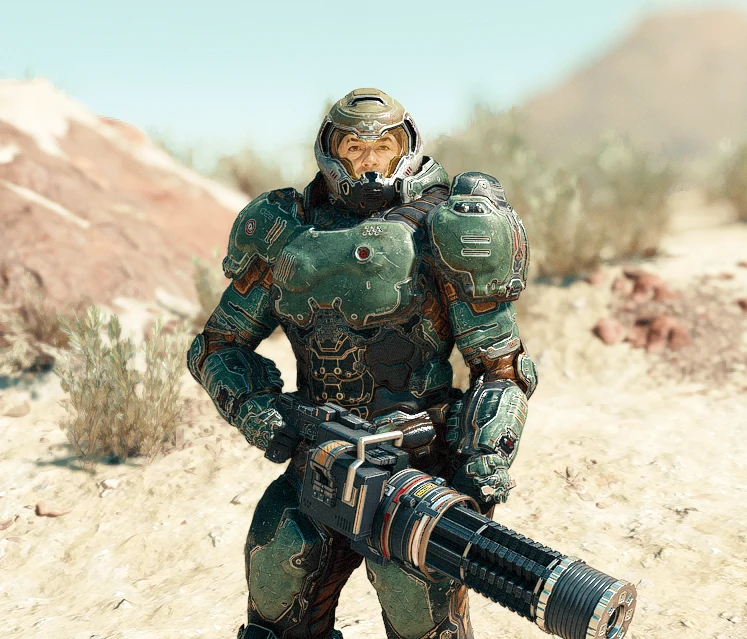
You can still download the spacesuit mercenary replacement in the optional files.
To install the mod:
Use Vortex for the standAlone version.
For the Mercenary spacesuit replacement :
– Extract the Data folder into your Documents\My Games\Starfield\
– You will need to add an .ini file into the same folder (Documents\My Games\Starfield) called StarfieldCustom.ini with the following lines:
[Archive]
bInvalidateOlderFiles=1
sResourceDataDirsFinal=
[General]
bEnableMessageOfTheDay=0
[Display]
sPhotoModeFolder=Photos
or use this one: Starfield Custom ini
Credits:
CaptainSSA
Downloads
| Name | Format | Size |
|---|---|---|
| Doomspacesuit-transparent-visor-1-3.rar | RAR | 84.50 MB |
| Doom-mercenary-Black-recolor-1-0.rar | RAR | 17.31 MB |
| DoomSpacesuit-opaque-visor-1-3.rar | RAR | 84.50 MB |
| DoomSpacesuit-Praetor-StandAlone-1-1.rar | RAR | 176.08 MB |
| Doom-Mercenary-white-recolor-1-0.rar | RAR | 19.49 MB |
| Recolor-red-Doom-mercenary-1-0.rar | RAR | 20.13 MB |
To start download click the filename. To open archive files use one of these programs: WinRAR, 7-Zip, WinZip. Some mod archives may need to be extracted before the mods will work.