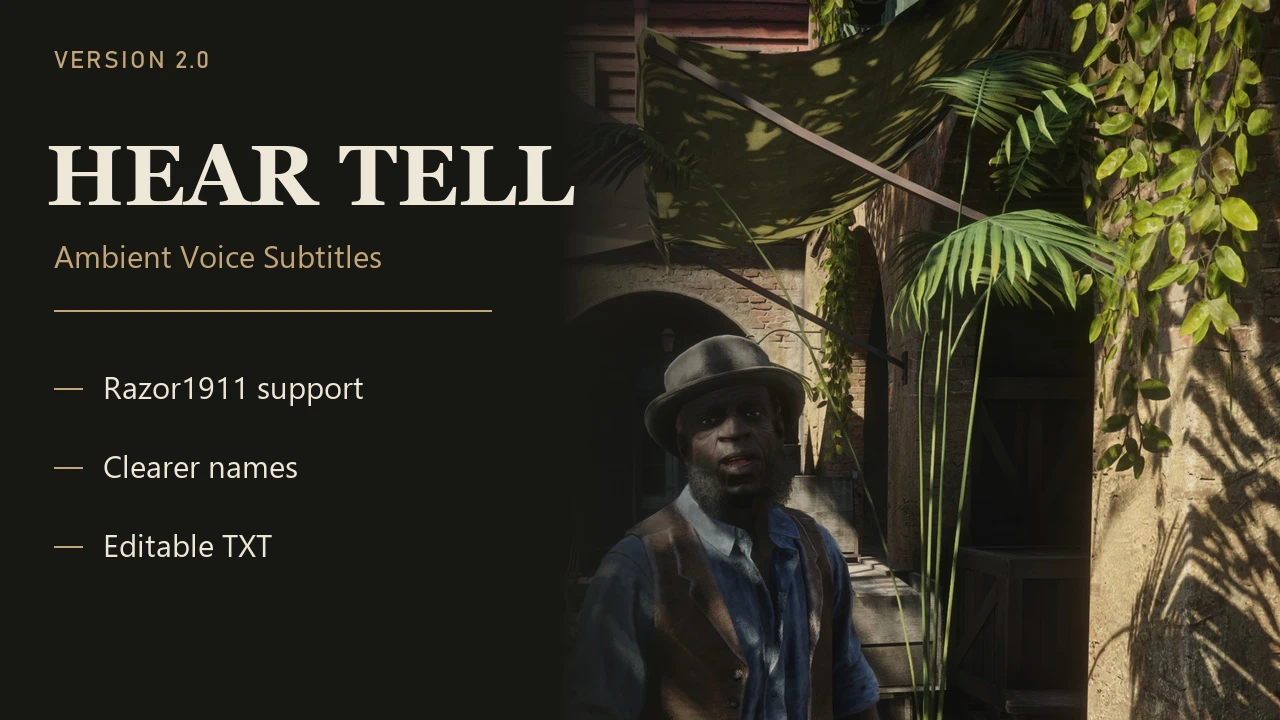
HearTell 2.0 adds missing ambient dialogue to RDR2’s native subtitles. Now supports Razor1911 1.0.1491.50, improves NPC speaker names, and provides editable TXT nickname tables for custom languages. Separate Chinese and English full packages are available for retail and Razor1911 builds, with silent startup and fullscreen support retained from 1.0.
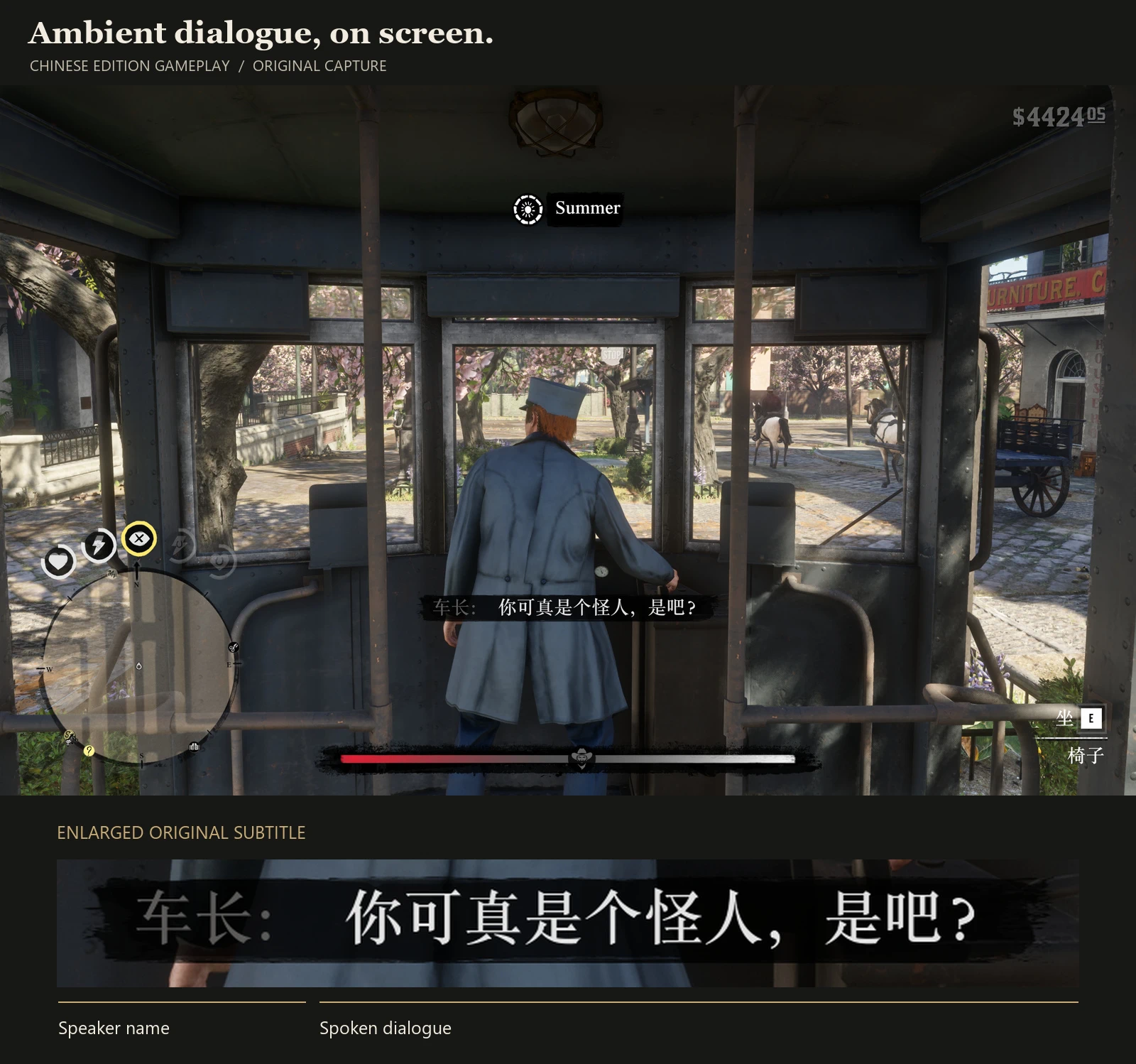
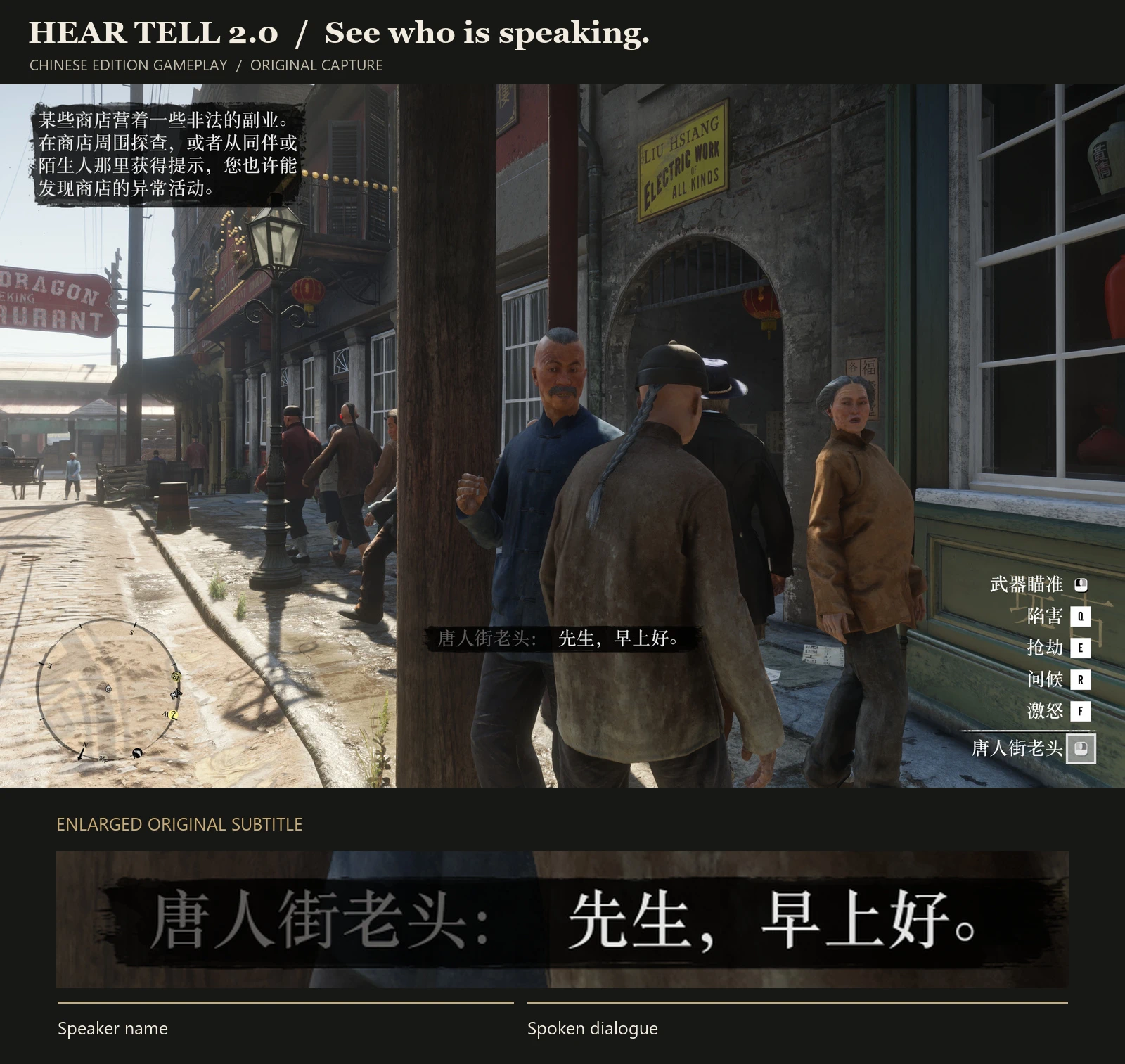
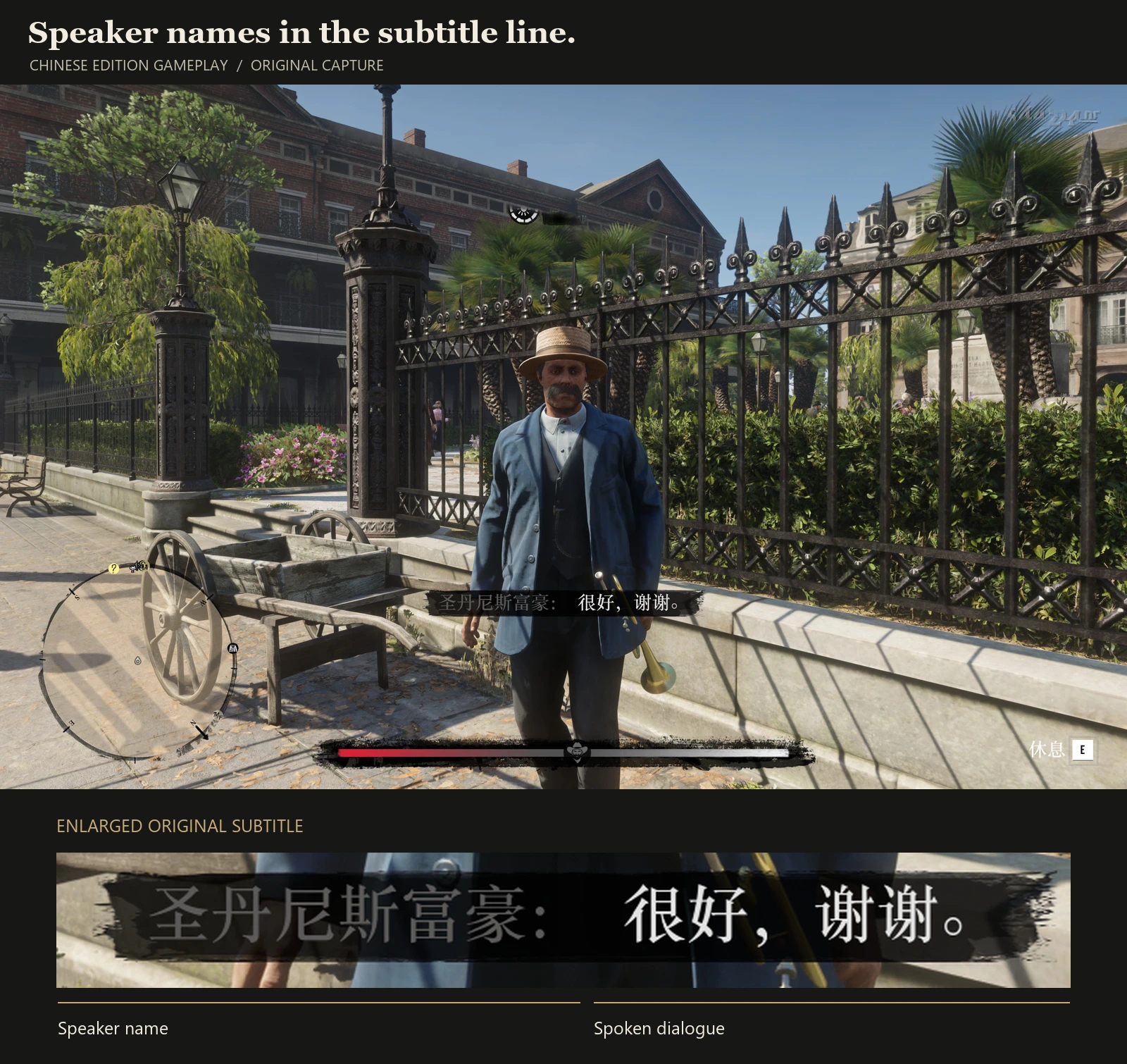
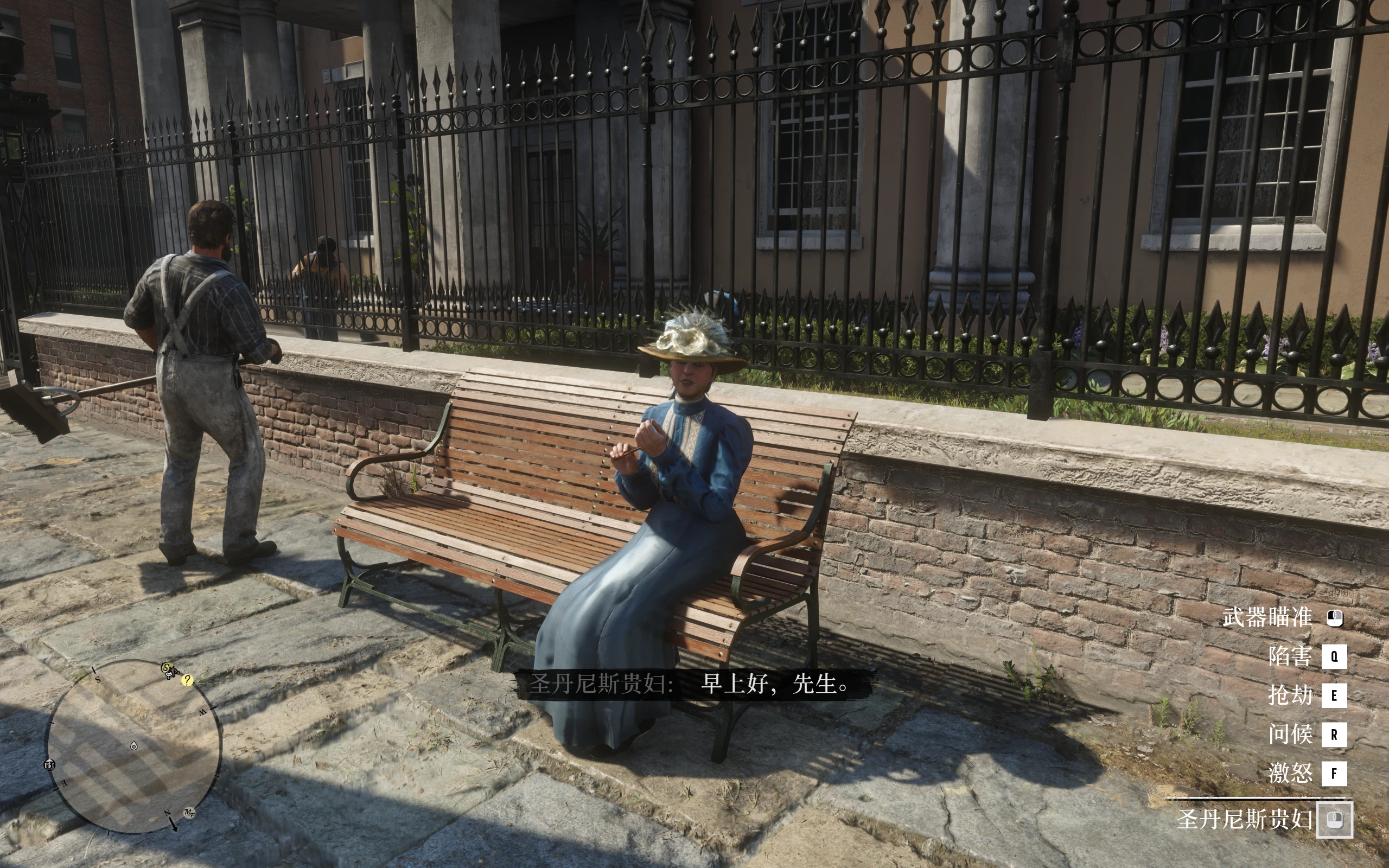
Gameplay screenshots show the Chinese edition, with the original subtitles and speaker names preserved. English packages provide English dialogue text and default speaker names.
“Empty mountains: no one to be seen.
Yet – hear – human sounds echo.”
— Wang Wei, “Deer Park”
Stop for a moment in Valentine, Saint Denis, or Rhodes. A newsboy calls out the headlines. Someone complains about the weather. An argument spills out of a saloon, and a wagon driver shouts from the road.
These voices make Red Dead Redemption 2 feel inhabited. Many of them, however, have no subtitles.
HearTell adds subtitles for many of the ambient, NPC, and player voice lines that would otherwise go unread. It uses the game’s own subtitle system, keeping the familiar presentation and preserving existing official dialogue subtitles.
I started this project because I wanted to understand more of what people were saying around me. Version 2.0 continues that work with a dedicated Razor1911 build, clearer speaker names, and editable name tables.
New in 2.0
Razor1911 support
A dedicated package is now available for the Razor1911 release of RDR2 1.0.1491.50, alongside the retail edition. Choose the build that matches your installation.
Clearer speaker names
Where a matching model entry exists, generic “Stranger” labels can be replaced with a more useful character name, occupation, or role. Existing official character names are preserved; unmatched models keep their original labels.
Custom names, in a TXT file
Rename a speaker, correct an entry, or create another language table through speaker_names.txt. No script editing or compilation is needed.
Silent startup, fullscreen support, and normal Alt+Tab behavior continue from version 1.0.
Installation
Install these two prerequisites separately, using versions compatible with your game build:
ScriptHookRDR2 — provides ScriptHookRDR2.dll
Ultimate ASI Loader — use the dinput8.dll installation
The prerequisites are not bundled. RedLua, LuaJIT, and the silent-startup component are included in the HearTell download.
Install the prerequisites in the folder containing RDR2.exe.
Download the package matching your game build and preferred language.
Extract its contents into that same game folder. RedLua.asi, lua51.dll, AmbientSubsConsole.asi, and the RedLua folder belong there.
Enable subtitles in the game’s display settings.
Launch the game. HearTell starts automatically with the supplied configuration.
Updating an existing installation? Back up customized names, subtitle translations, and any changes to RedLua/Settings.json before replacing the supplied files. Keep AmbientSubsConsole.asi under its supplied name.
More than “Stranger”
A clearer name makes a line easier to follow. HearTell uses a model-to-name table to identify a speaker with a character name, occupation, or role wherever an entry is available.
English editions include 1,018 unique model entries with English display names.
Chinese editions include 1,007 unique model entries with Chinese display names.
Existing official character names remain intact. Unmatched models keep the game’s original label.
Names are matched to models. Pedestrians sharing a model may therefore share a display name.
Make the names your own
Open:
RedLua/Scripts/AmbientSubs/speaker_names.txt
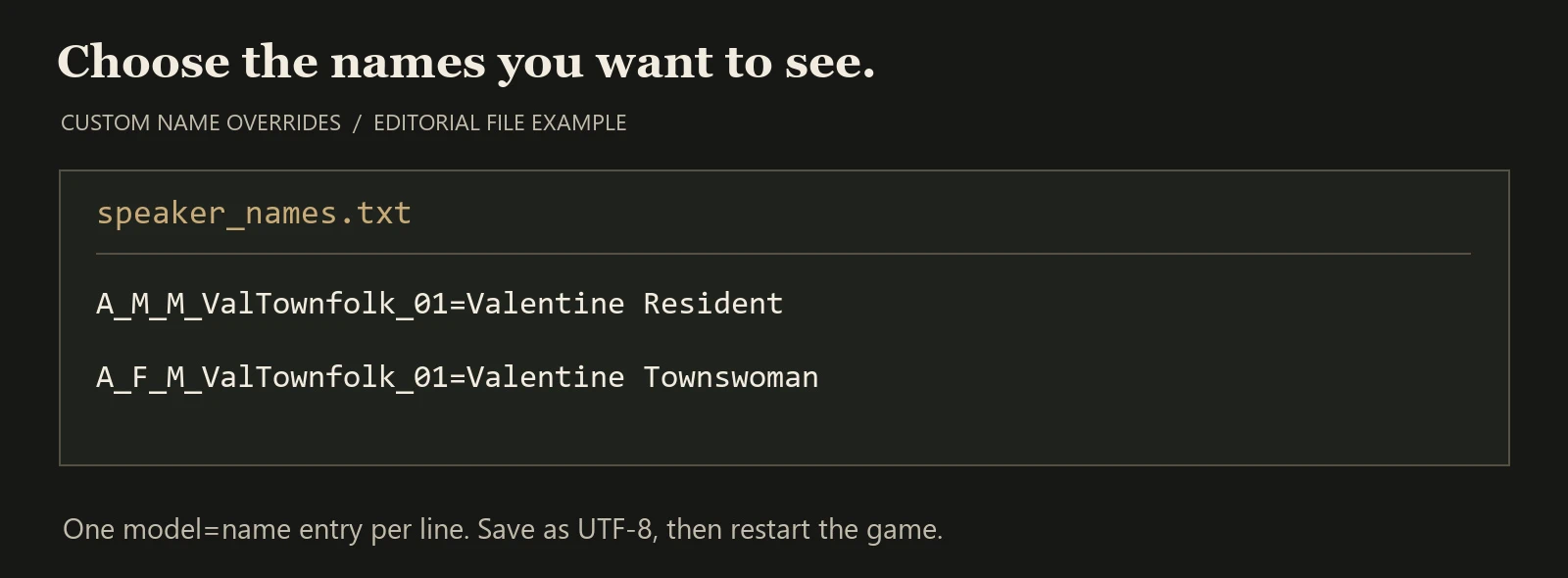
Add one model=name entry per line. Keep the model identifier before the equals sign and change the display name after it:
A_M_M_ValTownfolk_01=Valentine Resident
A_F_M_ValTownfolk_01=Valentine Townswoman
Matching entries override the default table. Additional models can be added in the same format. Save as UTF-8 or UTF-8 with BOM, then restart the game.
The supplied TXT is an override template. Default names remain in speaker_names.dat, so leaving the template empty keeps the built-in table active. Blank lines and comments beginning with #, ;, or // are supported. Optional section headings organize the file; they do not select a language automatically.
Corrections and community translations
Dialogue and speaker names use separate files. To correct or translate dialogue, open:
RedLua/Scripts/AmbientSubs/trans.txt
Each entry has three tab-separated columns:
context name
Edit the third column only. Preserve the first two columns and the tabs, save as UTF-8, and restart the game. Use an editor that handles large text files.
The Chinese edition also includes trans_en.txt as an English fallback for untranslated lines. The English edition uses its English trans.txt directly.
You are welcome to translate the subtitle text and release your translation without asking for permission. Credit is appreciated, but not required. This permission applies to the subtitle text; it does not change any permissions or licensing for third-party character-name data.
If you make a translation, share it in the comments so other players can find it. Additional character support depends on the fonts in your game setup.
Good to know
Coverage is incomplete. Some unclear speech, non-verbal sounds, and lines in other languages may remain unsubtitled.
The text was produced with speech recognition and automated correction. This is a community transcription project, and errors remain.
The dedicated Razor1911 package targets RDR2 1.0.1491.50. Other executable versions and mod combinations have not all been verified.
The download contains HearTell mod files, not a launcher or a game executable.
Credits:
JohnWilliamsson
Downloads
| Name | Format | Size |
|---|---|---|
| HearTell-AmbientVoiceSubtitles-EN2.0.zip | ZIP | 6.59 MB |
To start download click the filename. To open archive files use one of these programs: WinRAR, 7-Zip, WinZip. Some mod archives may need to be extracted before the mods will work.