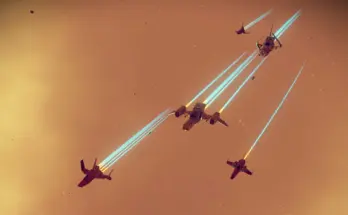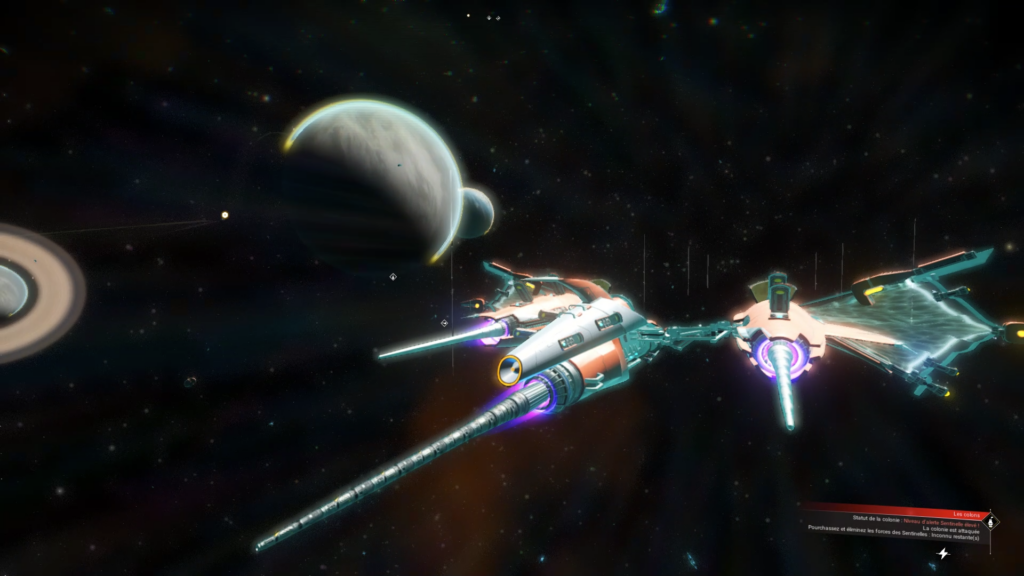
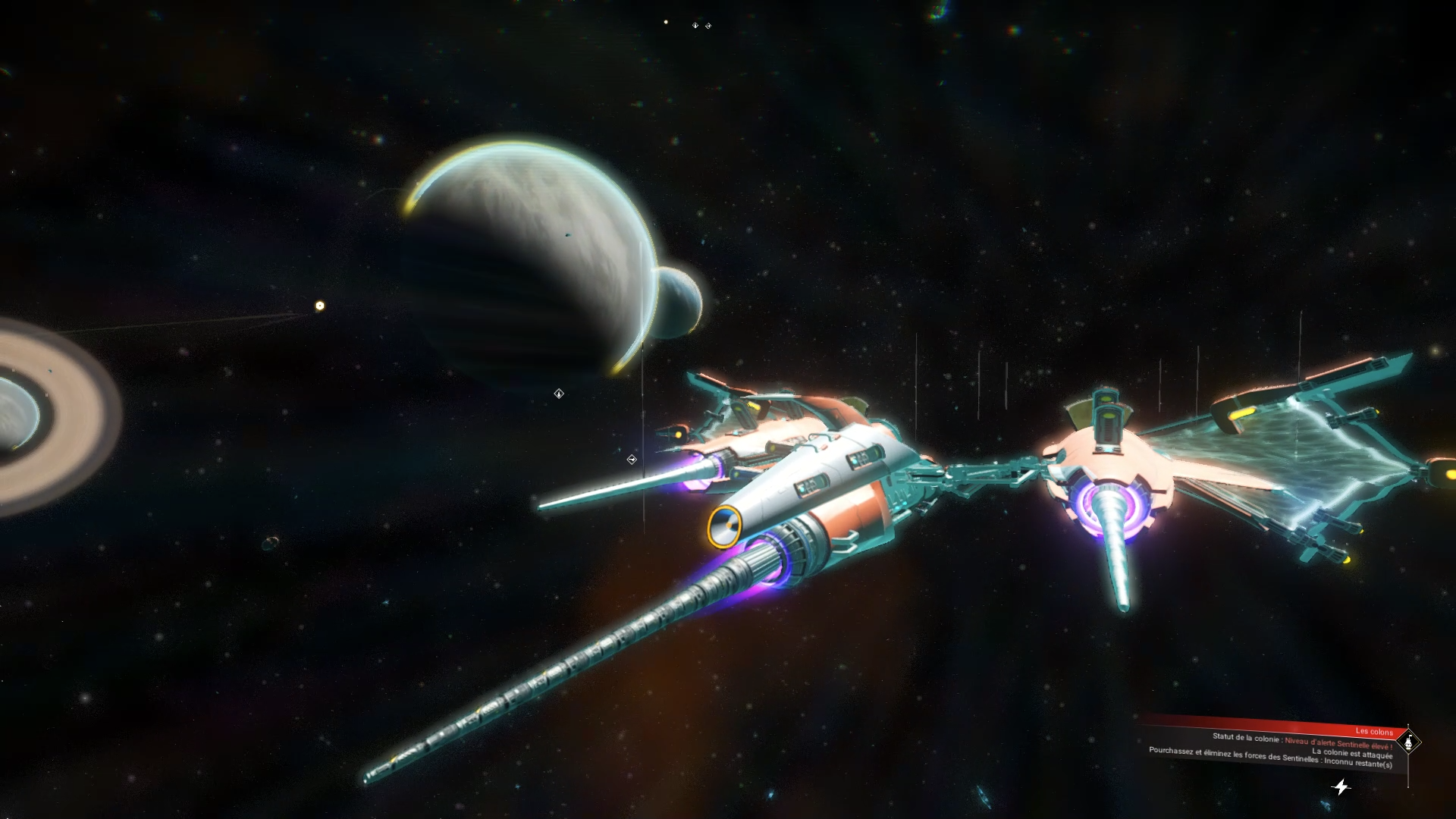
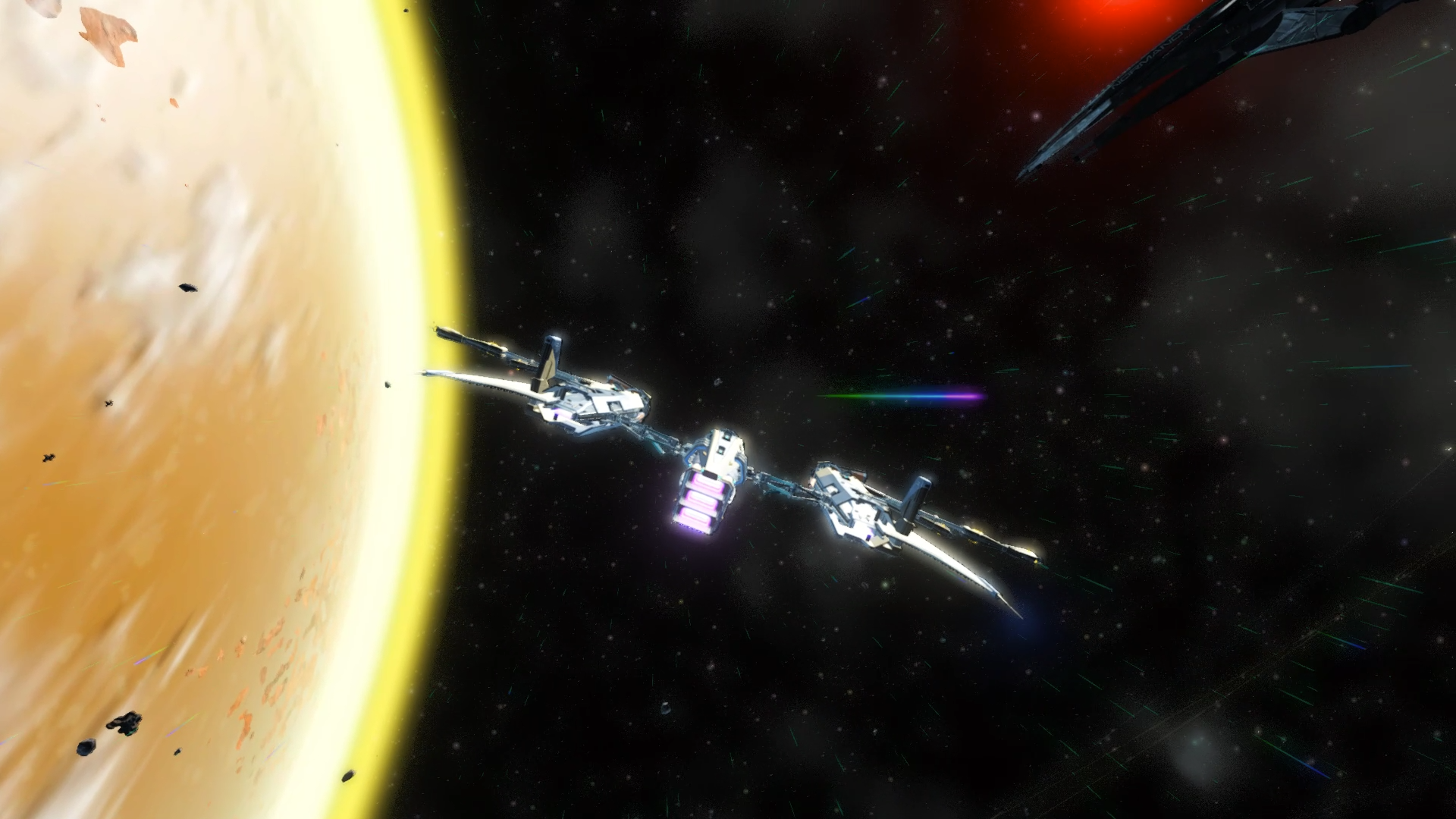
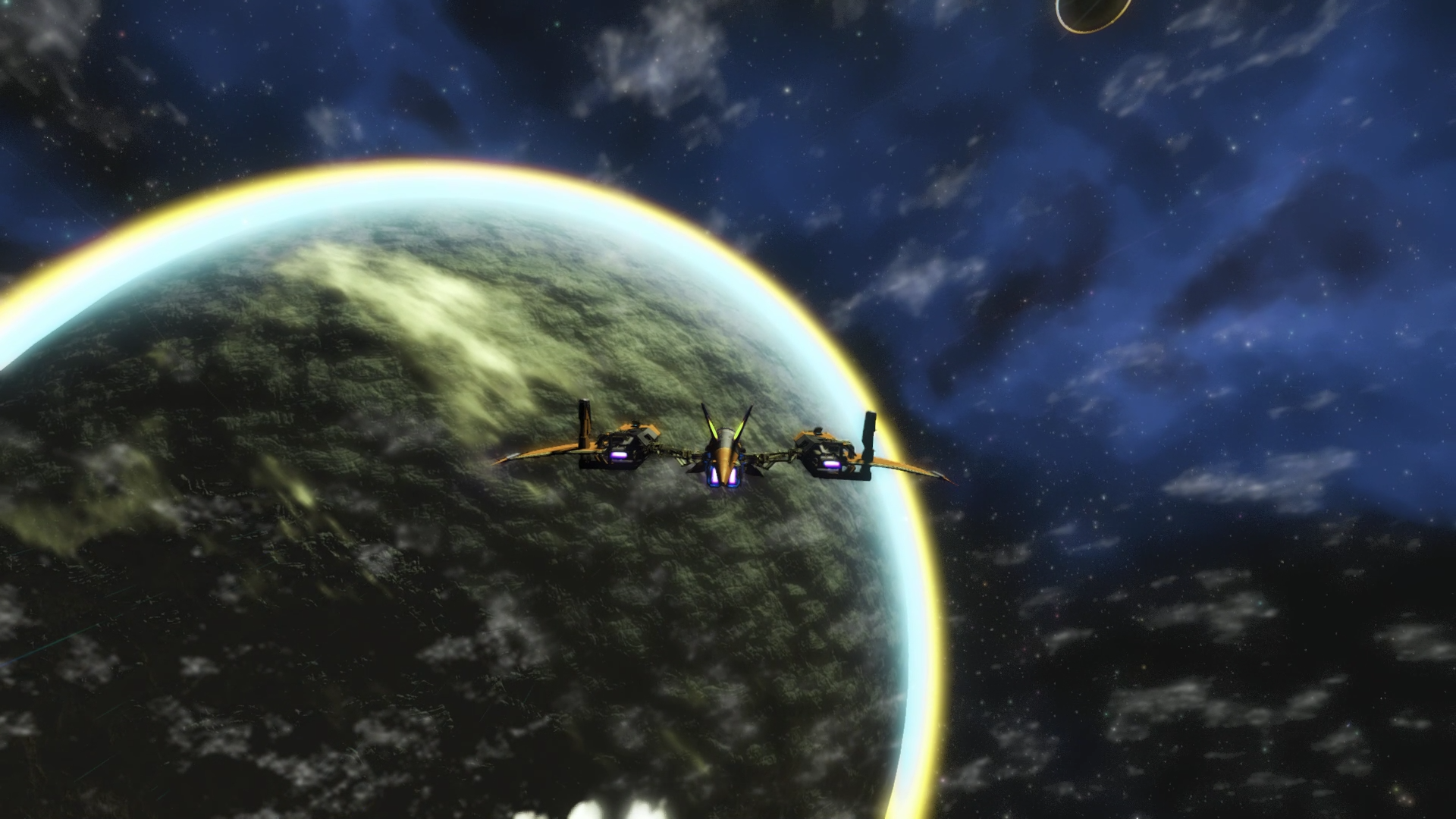
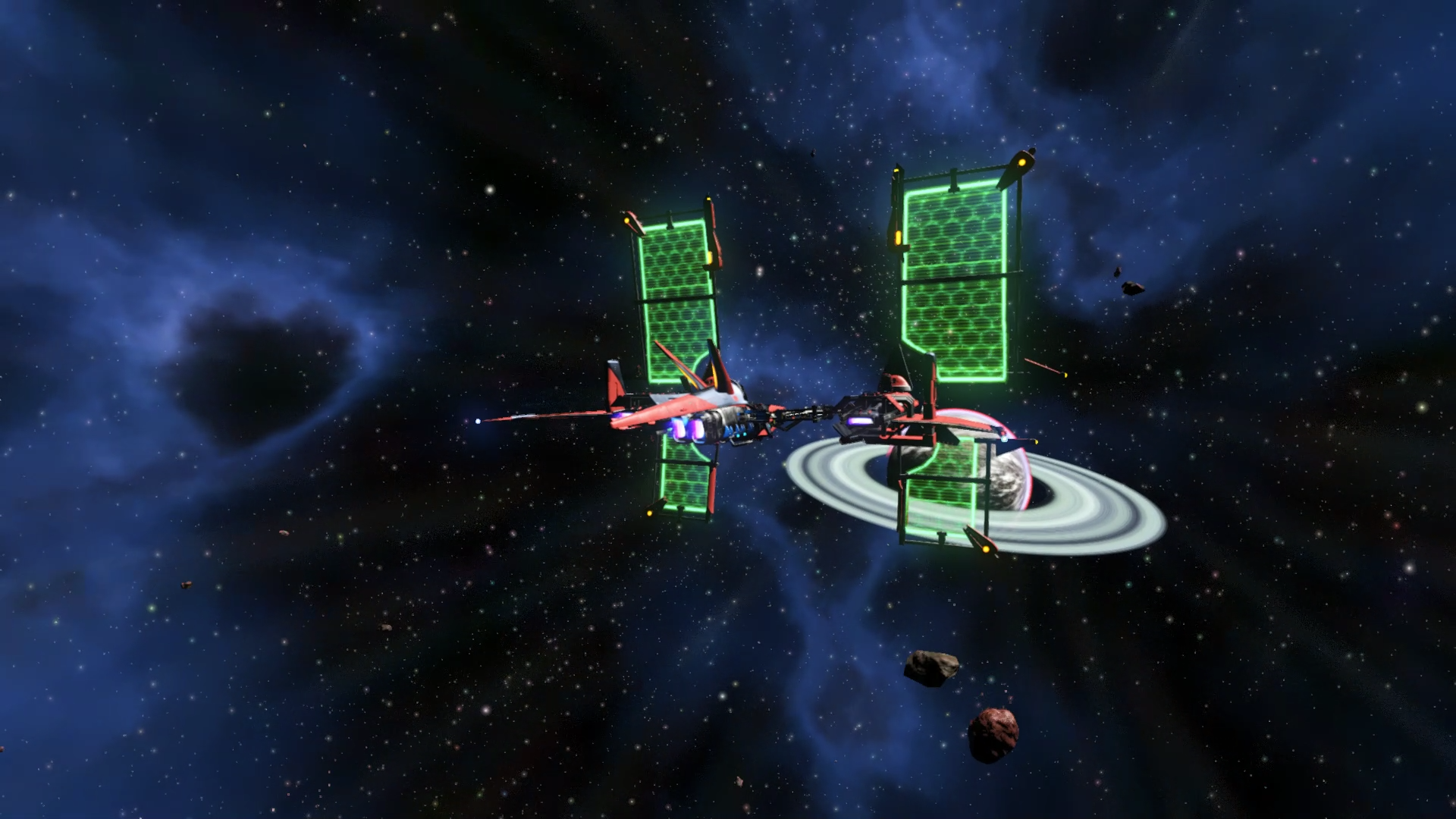
Space colors looks more realisticly dark.
This is an alternative version to the the one by default in REDMAS VISUAL OVERHAUL
This mod will:
– change space colours
– change nebula colours
– change stars colours
Mod Install:
Step 1:
– Make sure to rename or delete the file called “DISABLEMODS.TXT” located in ‘[GAMEPATH]\No Man’s Sky\GAMEDATA\PCBANKS’
( On steam, you can access your game path by right clicking on the game name in your library, then select: property / Local files / browse files )
Step 2:
– Create a “MODS” Folder ( or drag-n-drop the one in the downloaded mod’s archive when it exists ) at this location ‘[GAMEPATH]\No Man’s Sky\GAMEDATA\PCBANKS\’
Credits:
Redmas
Downloads
| Name | Format | Size |
|---|---|---|
| REDMAS-DARK-SPACE-1.zip | ZIP | 6.38 KB |
To start download click the filename. To open archive files use one of these programs: WinRAR, 7-Zip, WinZip. Some mod archives may need to be extracted before the mods will work.