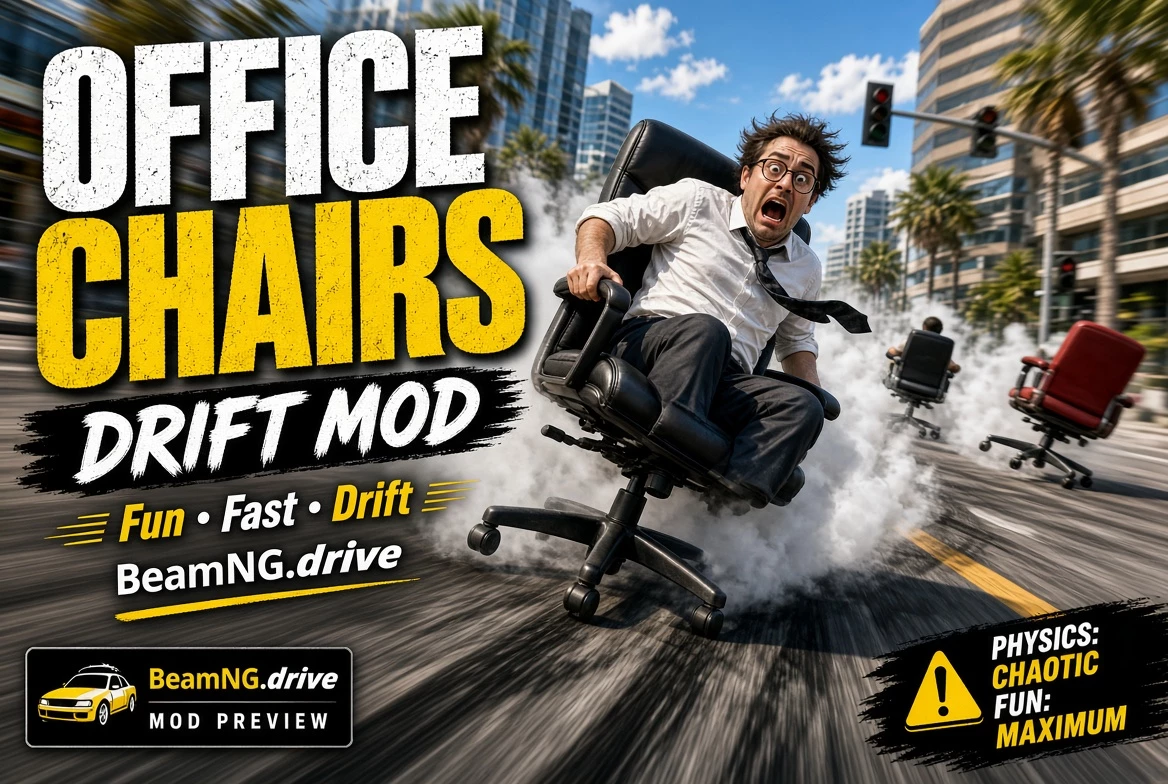
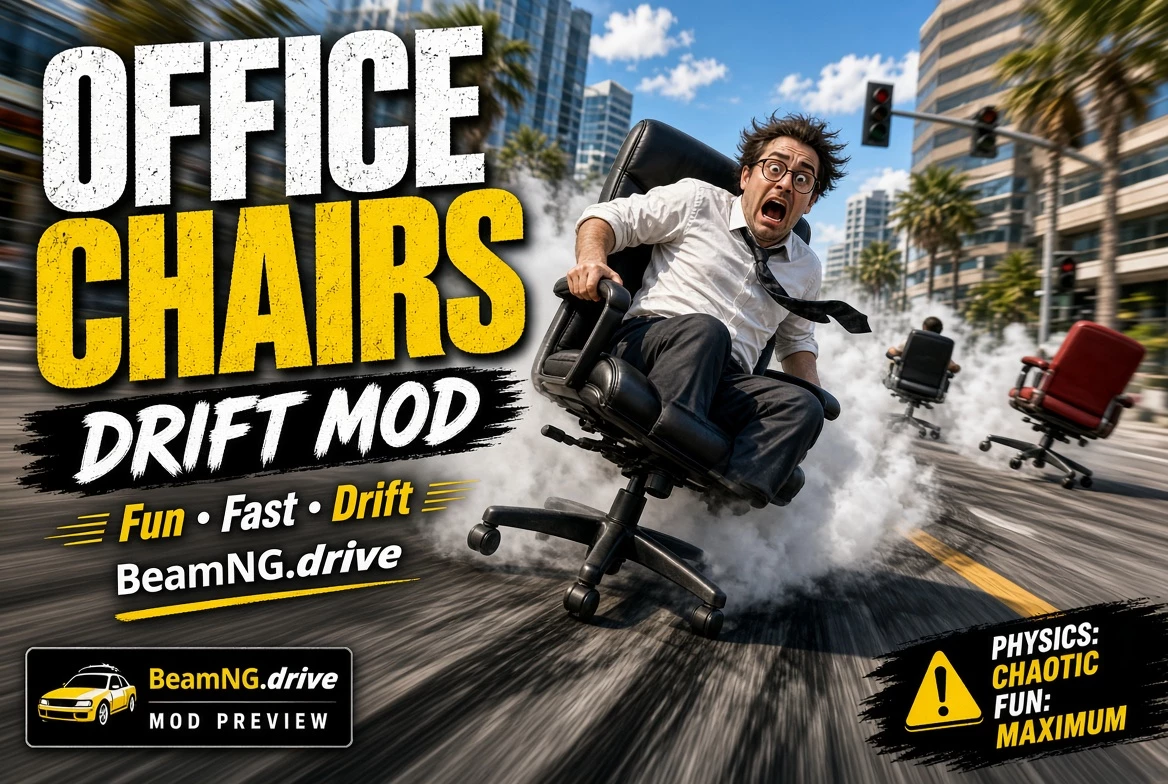
OFFICE CHAIRS
Drift, jump and crash in an office chair.
For BeamNG.drive 0.40
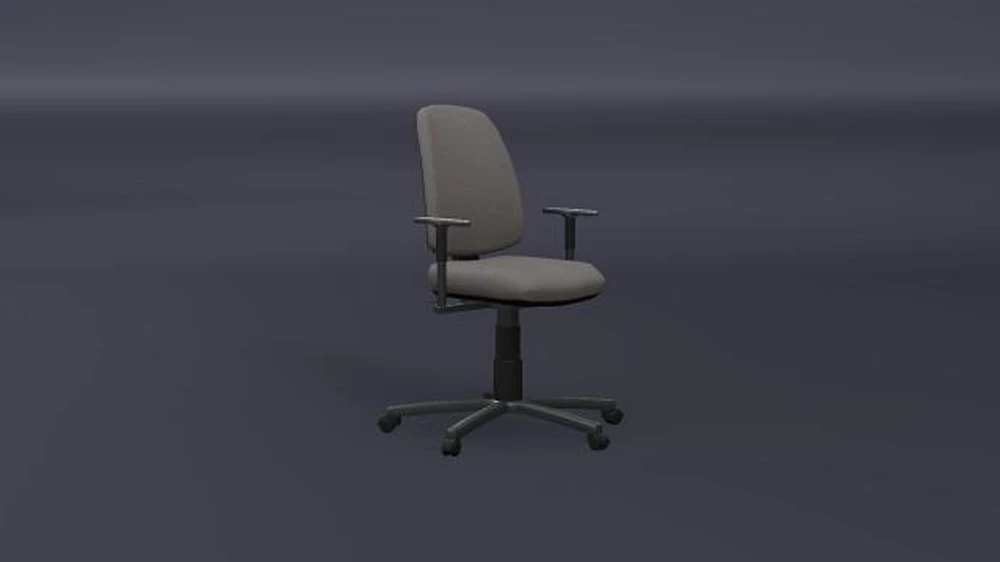
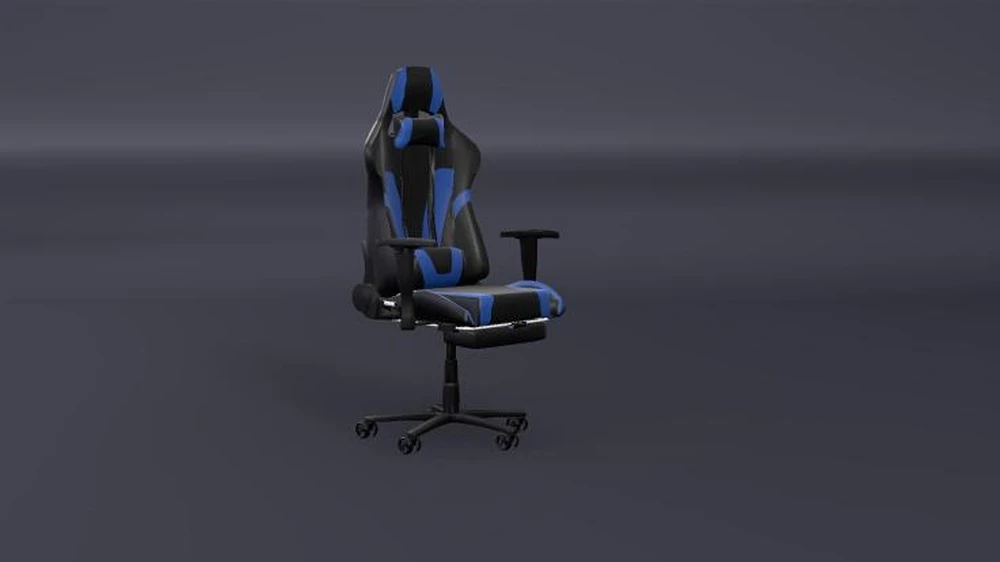
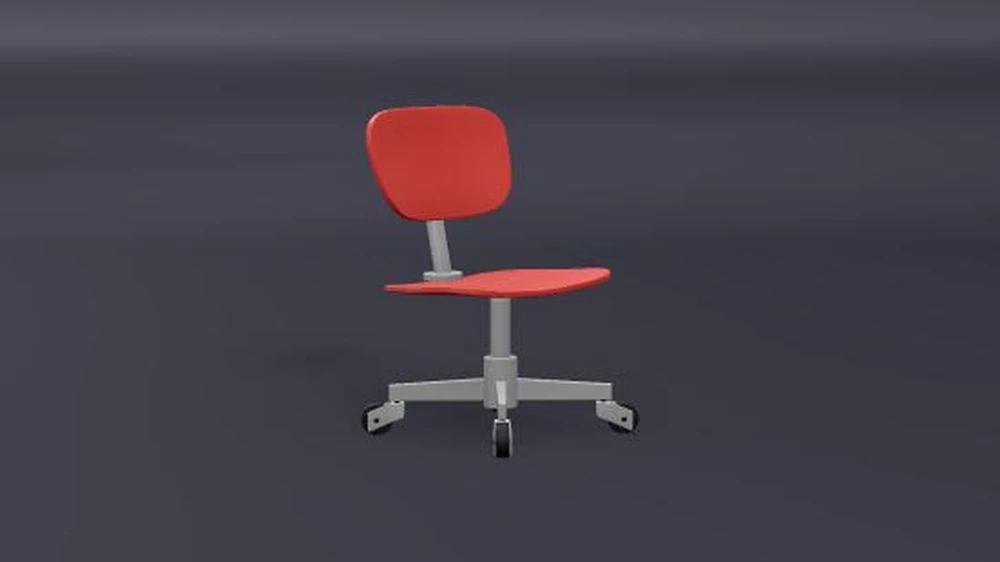
Six office chairs to drive like a car: a grey office chair, an executive chair, a gaming chair, a boss chair, a typist chair and a
red workshop chair. Each comes in two versions:
– Drift: a real drift car under the chair (invisible), for slides, jumps and crashes.
– Arcade: the same with assisted drifts, a boost out of long drifts and 360s – hold full lock in a drift and the chair spins round.
Tom sits on every chair. Crash hard enough and he is thrown off as a ragdoll; the camera follows him. Reset (R) to put him back.
GETTING STARTED
1. Drop “Office Chair 1.0.zip” into your BeamNG mods folder, without unzipping it.
2. Vehicle selector > Office Chair > pick a chair, “Drift” or “Arcade”.
3. Drive.
IN THE AIR
The chair has its own air control:
– Steering rolls it.
– Left stick up / down (or throttle / brake without a gamepad) tips the nose down / up.
– Handbrake + steering turns it flat.
Loops and flips are yours. Come down close to upright and the chair lands itself cleanly on its wheels, no bounce; miss the
trick and you crash.
PARTS (Vehicle Configuration > Parts, in the chair’s part)
– Fire extinguisher: hold G to push the chair along in a white cloud.
– Rocket: hold K for a big push (16 s of fuel, refilled at each reset).
Both also have a button next to the gauges (click: on / off, the ring shows the fuel left).
– Neon under the seat: lights the ground, colour to choose in its own slot. Alt+N switches it on and off.
– Headlights: two LED pods beside the seat, on with the car’s lights (N).
– Caster sparks: a few sparks under the casters in drifts and on landings (on by default).
– Ballast: a jerrycan or a bag of coins on the base.
Keys can be changed in Options > Controls (“Office Chair: …”).
GOOD TO KNOW
– You can have more riders (39) with the Ride Along mod on this website
– With the Pedestrians mod installed, walkers react to the chair’s own size, not to the invisible car under it.
CREDITS
Chair models (CC Attribution 4.0, Sketchfab):
– “Office Chair” by Red Fox / nokillnando – https://sketchfab.com/3d-models/b228a29fa84544c2be501c295653ffe7
– “Office Chair” by artvolodskikh – https://sketchfab.com/3d-models/a7fefb5dde954c84896949246dde5be6
– “Simple Gaming Chair” by avmkrj – https://sketchfab.com/3d-models/9ea3efb052e242e6a15c7083bede2655
– “Office Chair” by clon6767 – https://sketchfab.com/3d-models/9f95348e7bb74f8abbce55344a5ce70b
– “Office Chair (Well Used)” by iedalton – https://sketchfab.com/3d-models/29c10eb4b62e464caae5d62ac7dd19f8
– “Simple Swivel Chair” by Mattyew – https://sketchfab.com/3d-models/680156e643eb441994fd3ab07840bd4d
Tom: Microsoft Rocketbox avatar library (MIT licence).
To uninstall, delete the zip from your mods folder.
You can change who is sitting on the chair if you install Ride Along – Driver & Passengers
Credits:
Loupp
Downloads
| Name | Format | Size |
|---|---|---|
| Office-Chair-1.0.zip | ZIP | 44.56 MB |
To start download click the filename. To open archive files use one of these programs: WinRAR, 7-Zip, WinZip. Some mod archives may need to be extracted before the mods will work.