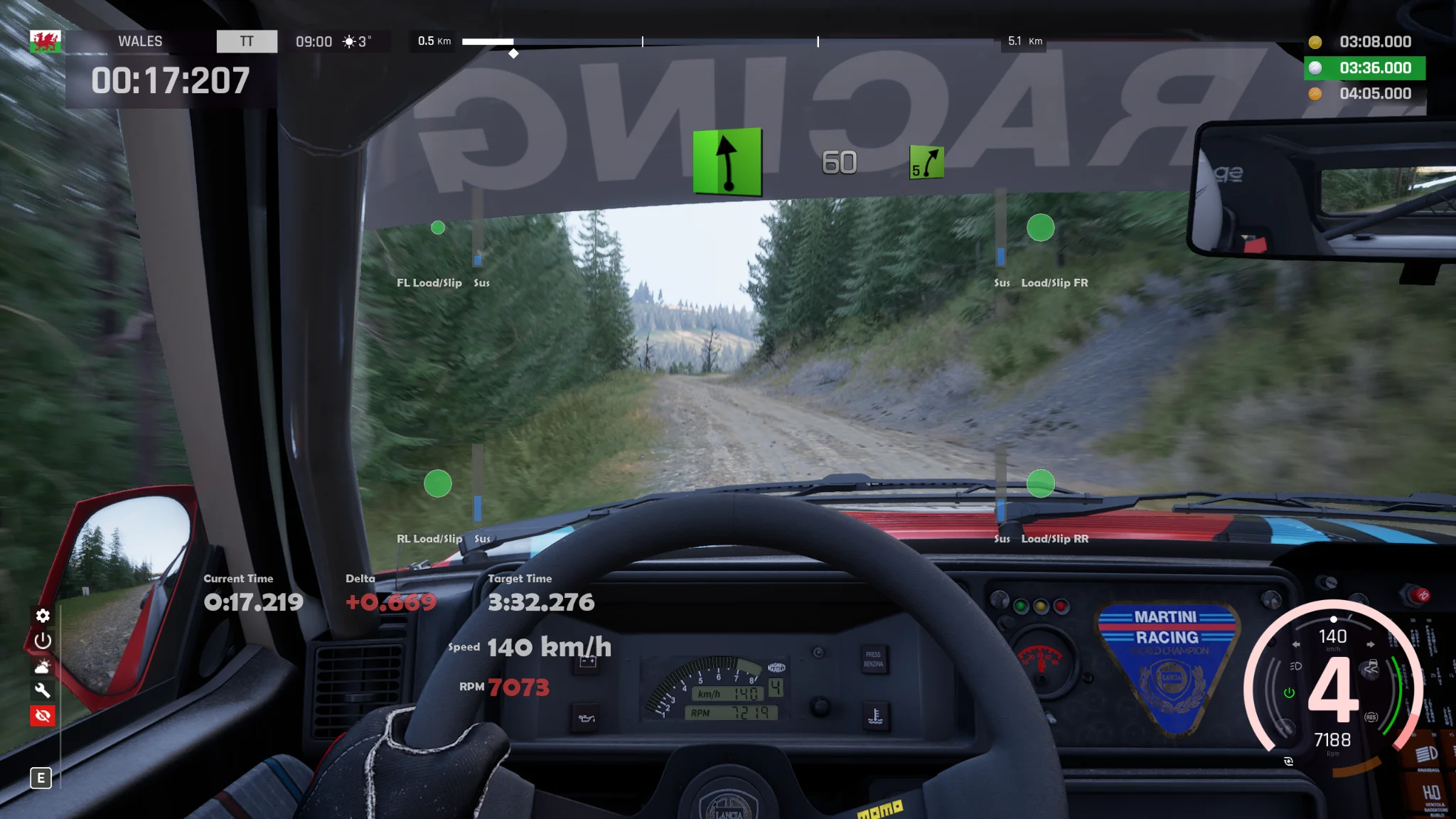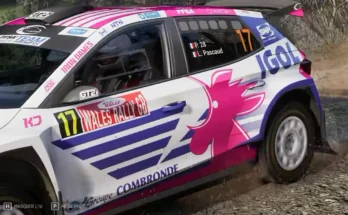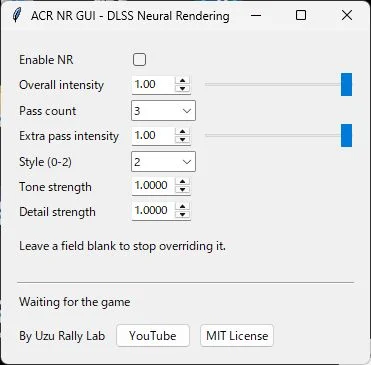
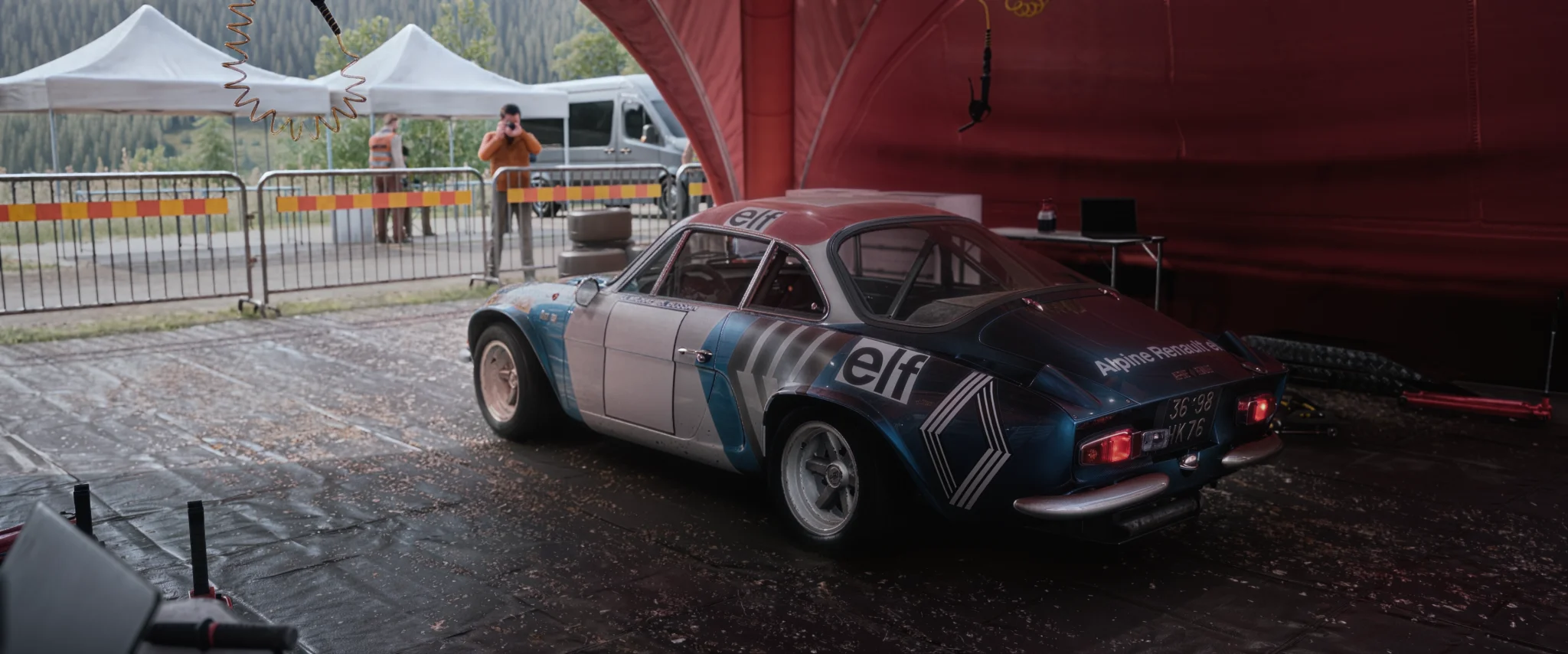
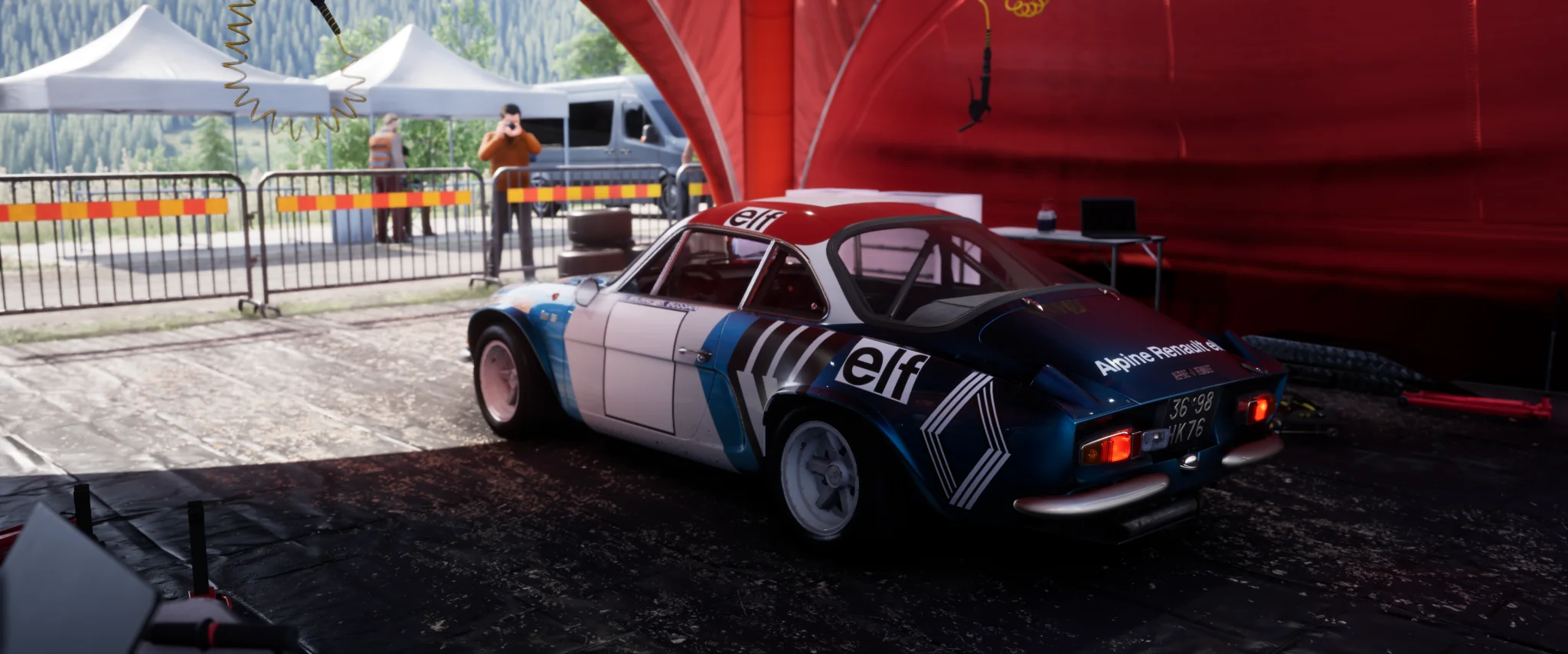
ACR NR GUI is an unofficial tool for adjusting DLSS 5 Neural Rendering in Assetto Corsa Rally v0.7 while the game is running.
You can toggle Neural Rendering and adjust overall intensity, pass count (1–3), extra pass intensity, style, tone strength, and detail strength. The GUI displays the values read back from the game. More passes increase GPU load.
Requirements
• Assetto Corsa Rally v0.7 for Windows
• GeForce RTX 50 Series GPU with working DLSS Neural Rendering in the game
• UE4SS installed in the game
• Python 3.13 for Windows with Tkinter and the Python launcher
Installation
1. Close the game and extract the ZIP.
2. Copy mod/ACRNeuralRendering into the game’s acr/Binaries/Win64/ue4ss/Mods folder.
3. Start the game through Steam and open ACR-NR-GUI.cmd from the extracted folder.
To uninstall, close the game and remove the ACRNeuralRendering folder you copied into Mods.
Created by Uzu Rally Lab. The tool’s code is distributed under the MIT License included in the ZIP.
Credits:
uzuramc
Downloads
| Name | Format | Size |
|---|---|---|
| ACR-NR-GUI-v0.1.1.zip | ZIP | 5.21 KB |
To start download click the filename. To open archive files use one of these programs: WinRAR, 7-Zip, WinZip. Some mod archives may need to be extracted before the mods will work.