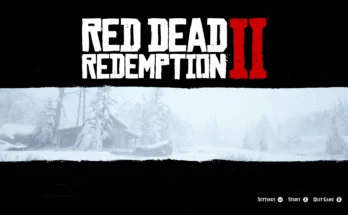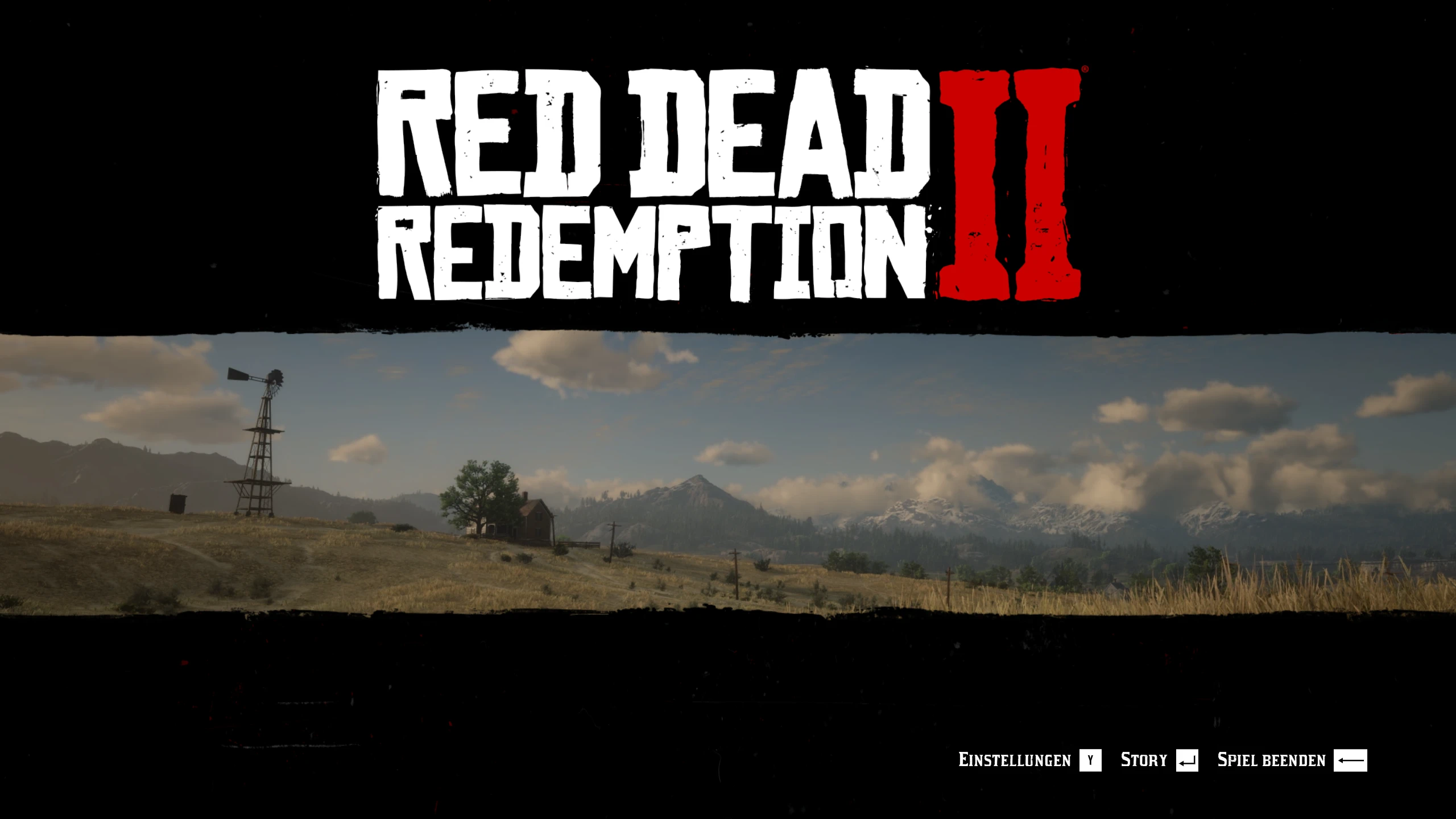
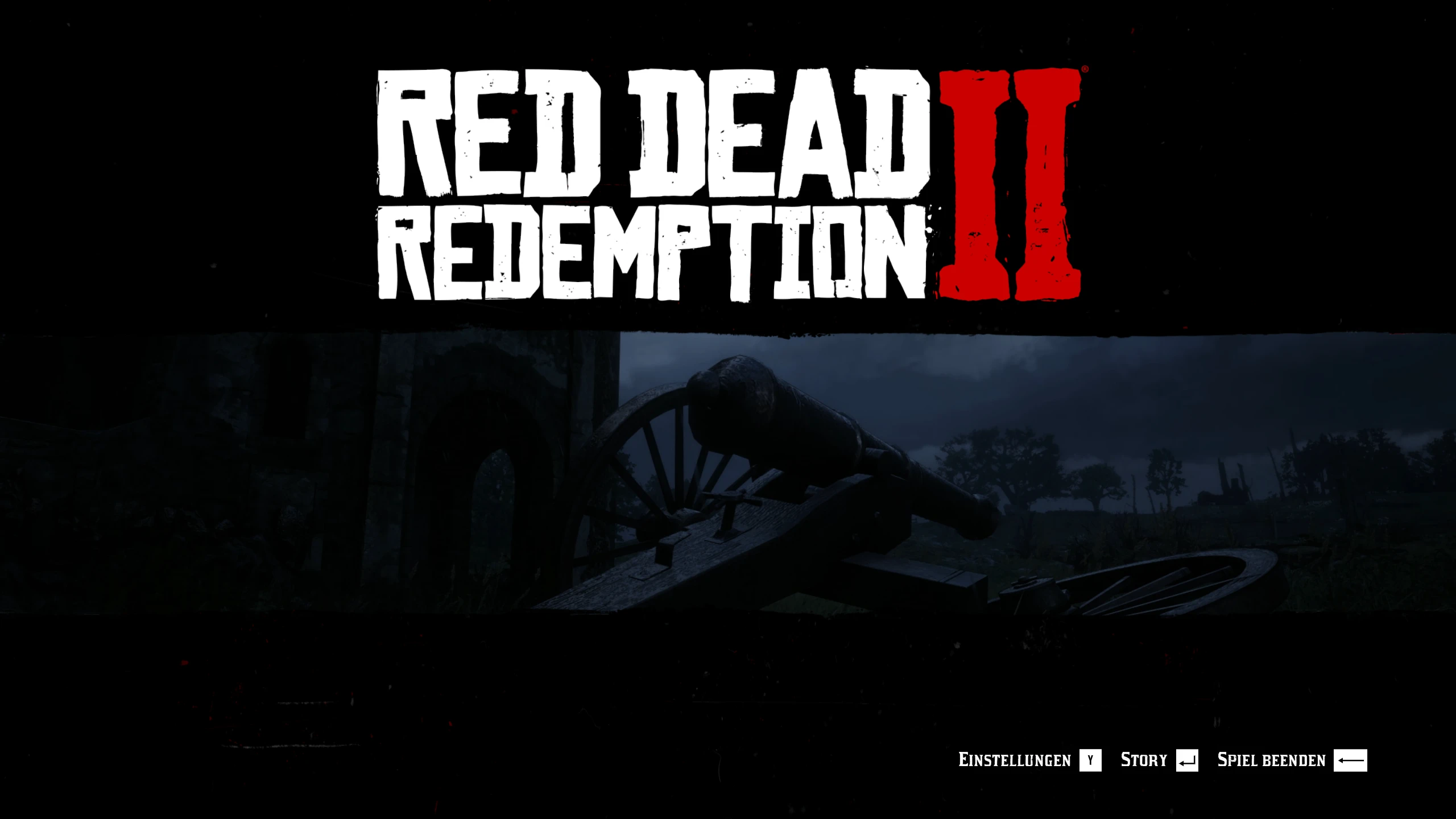
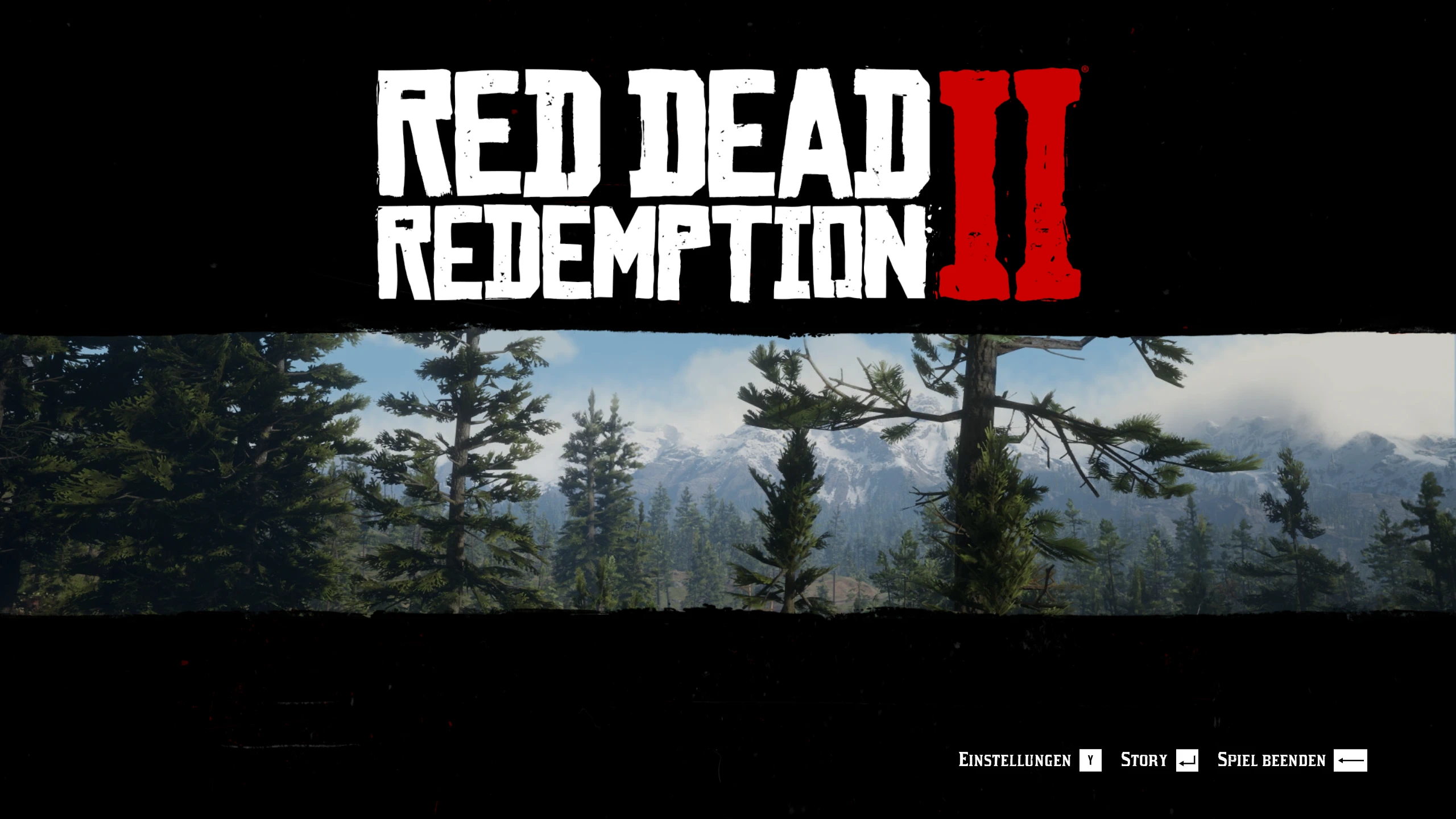
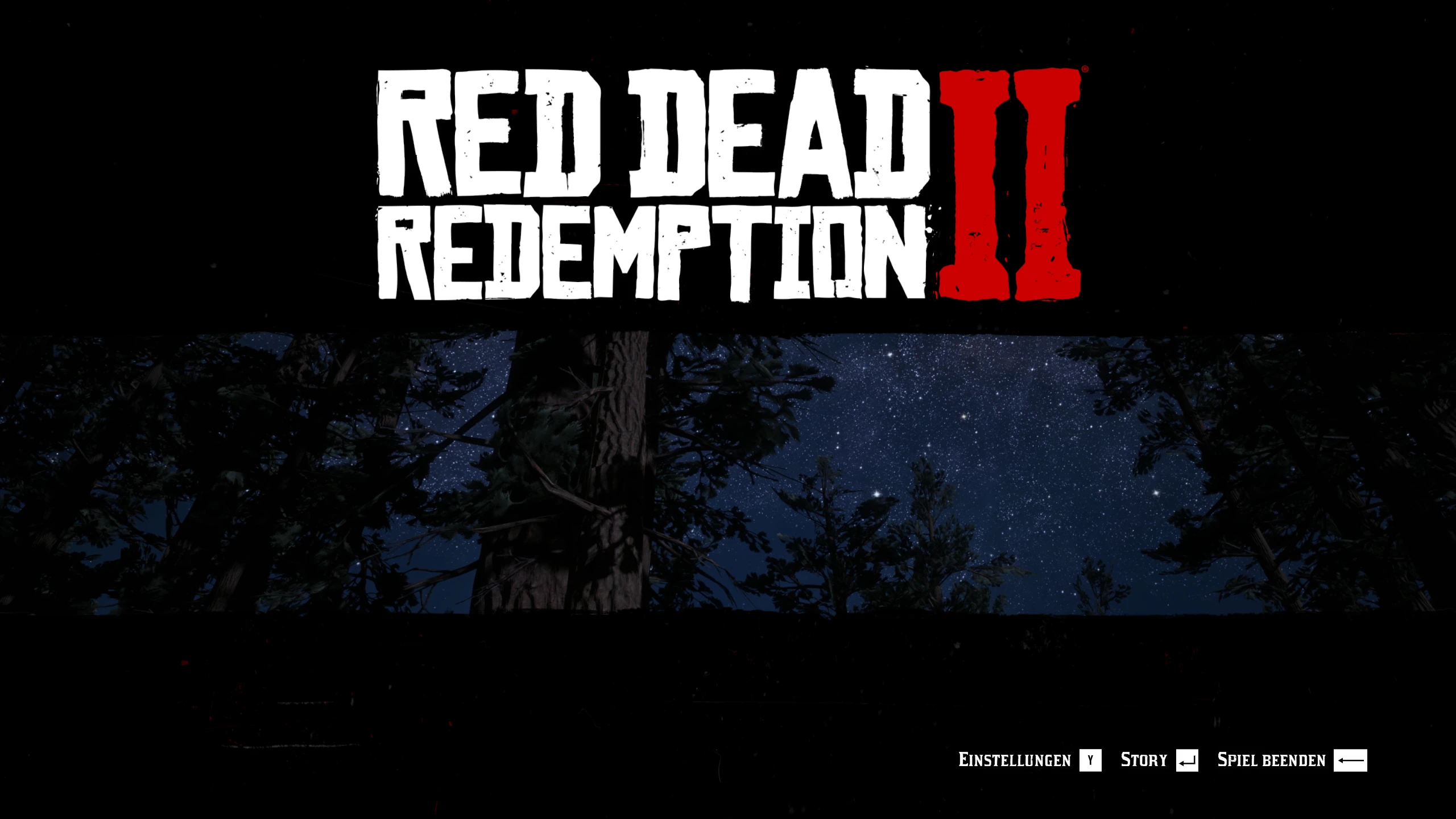
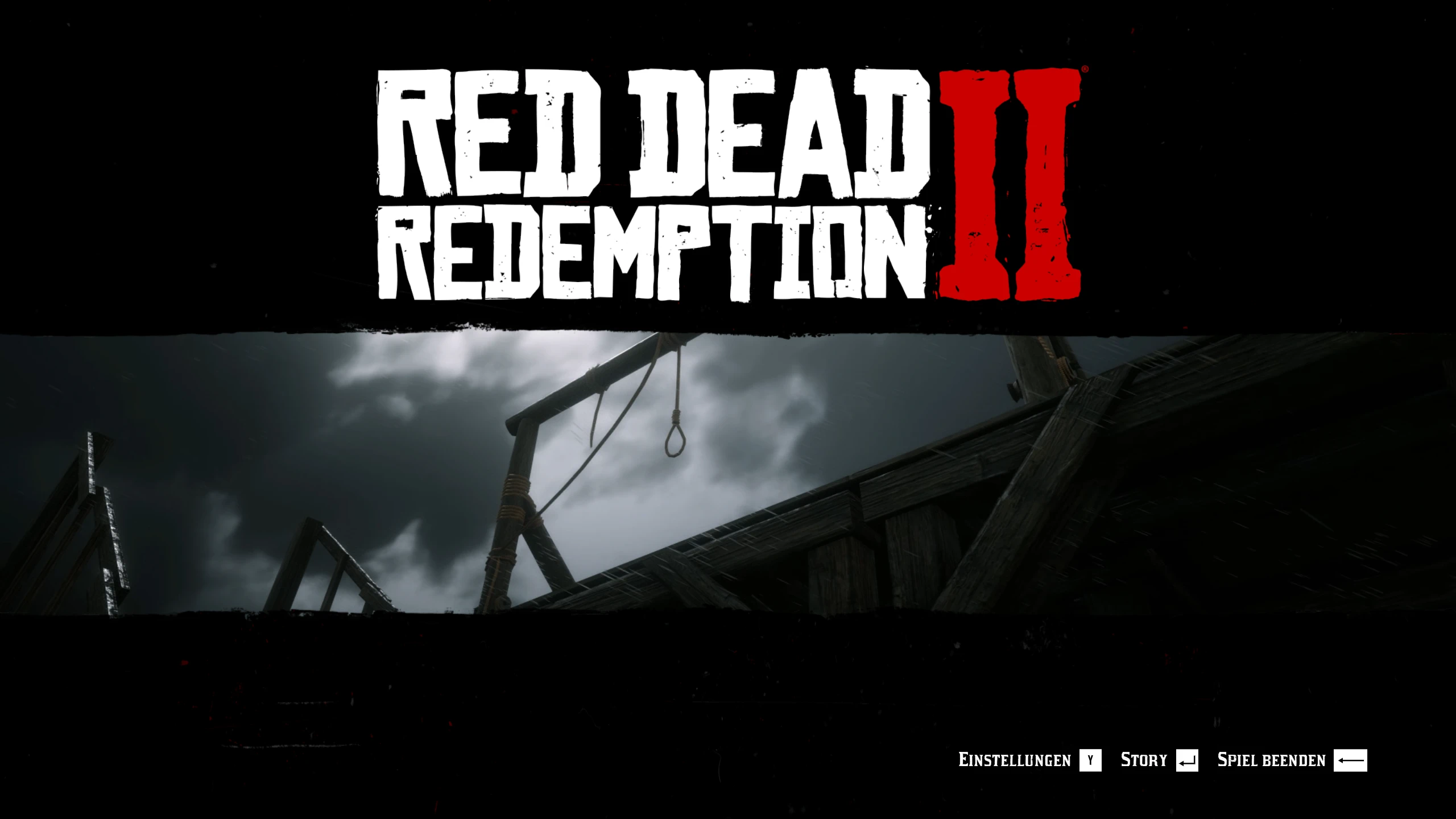
Shows the region you last played in as your main menu background, instead of the snowy Colter screen from chapter 1 that offline players always get. Uses the game’s own 50 menu videos with random variants.
Requires ScriptHookRDR2.
Why?
The main menu band plays one of 50 short region videos that ship with the game.
However, it only does that when connected to the Social Club.
This mod allows this feature in offline play, which would else only show the same snowy Colter from chapter 1.
What it does
Remembers which district you are in while you play (every region)
Shows the matching original Rockstar video in the main menu
Matching sound and music: every video has its own soundscape
Random variant of your region on every menu visit
Option to force your favourite video
Installation
Copy DynamicMenuBackground.asi and the folder DynamicMenuBackground into your game folder (where RDR2.exe is).
(The very first start may still show the snow while the mod indexes the videos (once))
Settings
DynamicMenuBackground\DynamicMenuBackground.ini
RandomVariant – random variant of your region on each menu visit (default: on)
ForceVideo – always show one video, e.g. guarma02 (list of names in the ini)
MenuSound – matching ambient sound and region music for the video (default: on)
Uninstall
Delete the DynamicMenuBackground.asi and the DynamicMenuBackground folder.
Note
To hide the online tab and Social Club button i used the Remove Online-Social Club from Landing Screen Menu mod by PlayRedThenStayDead who has more mods to enhance the offline experience.
Credits:
7synox
Downloads
| Name | Format | Size |
|---|---|---|
| DynamicMenuBackground-1.1.2.zip | ZIP | 204.73 KB |
To start download click the filename. To open archive files use one of these programs: WinRAR, 7-Zip, WinZip. Some mod archives may need to be extracted before the mods will work.