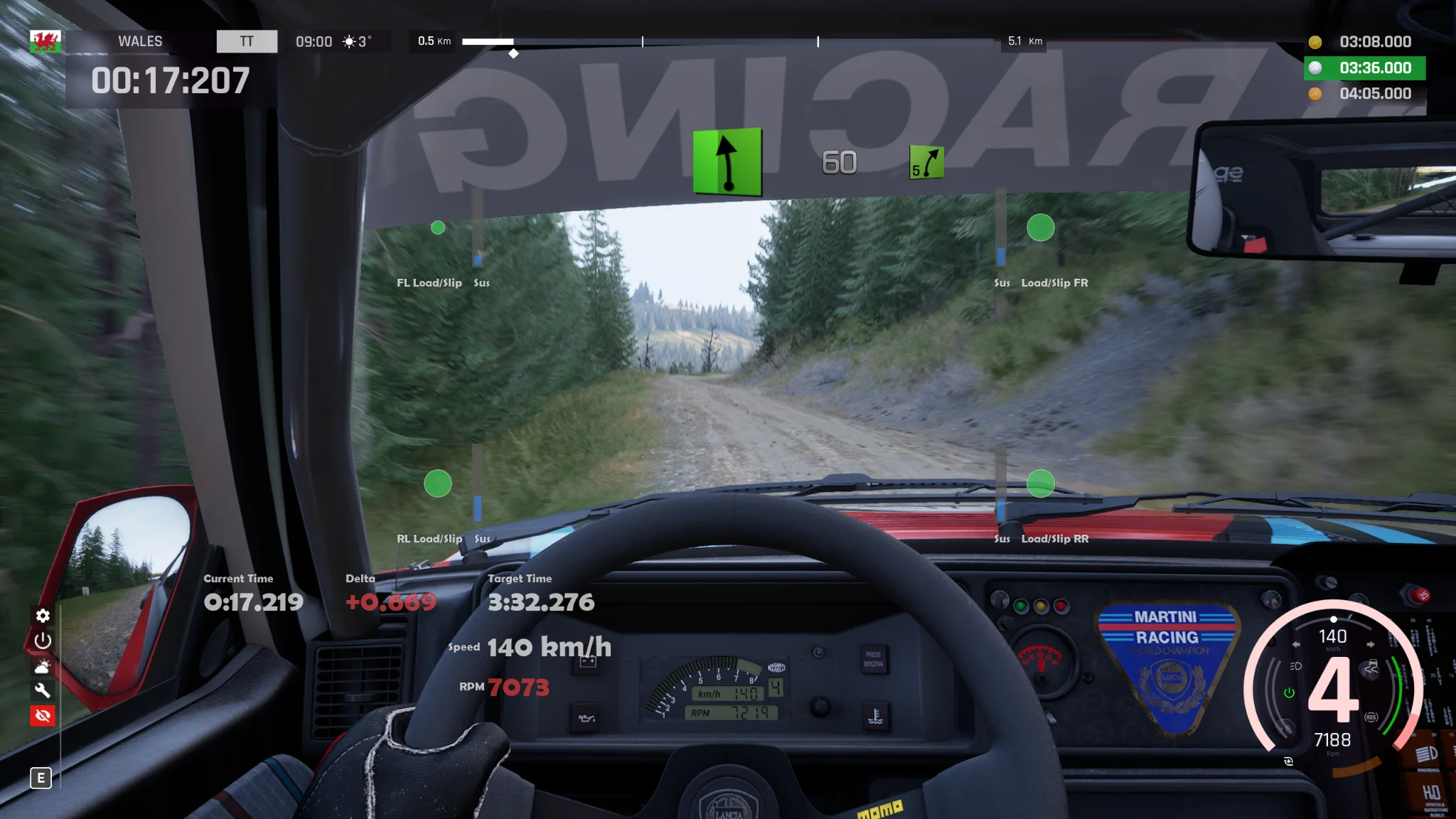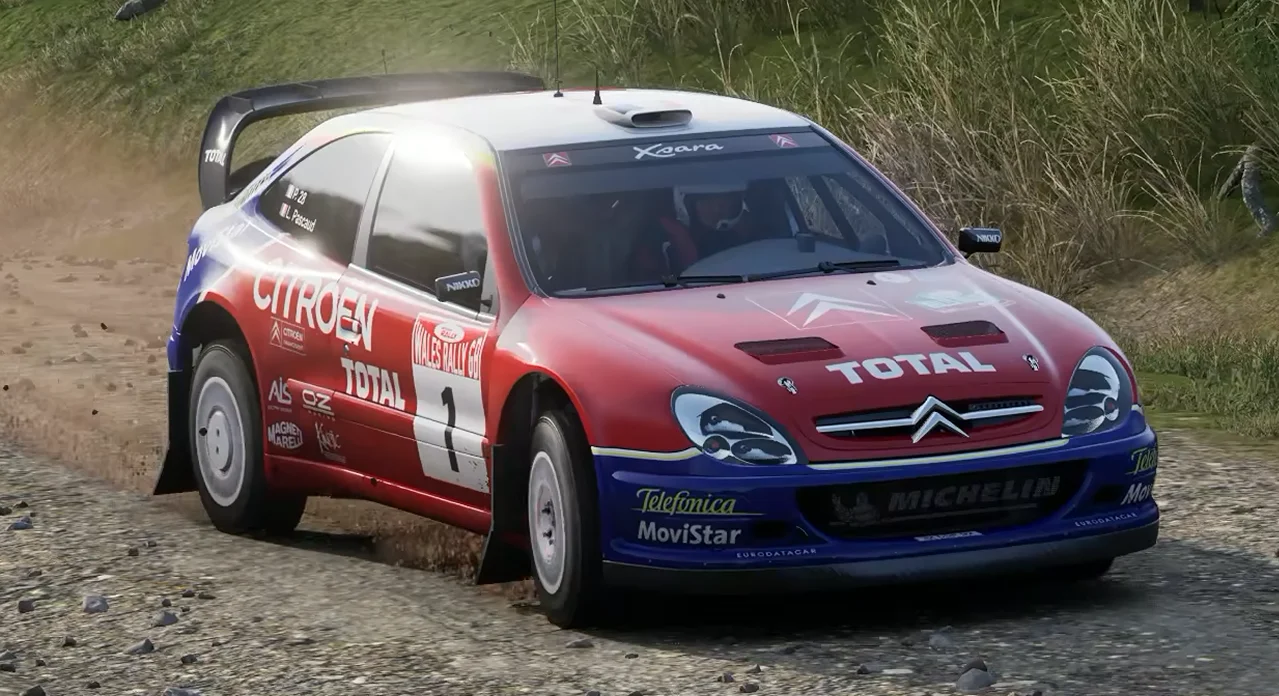
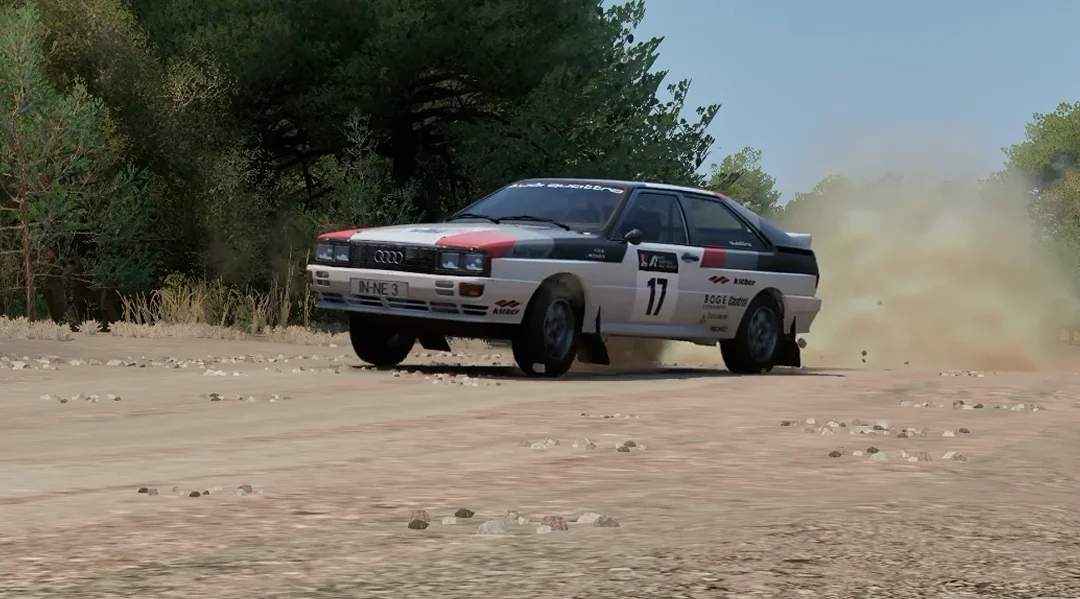
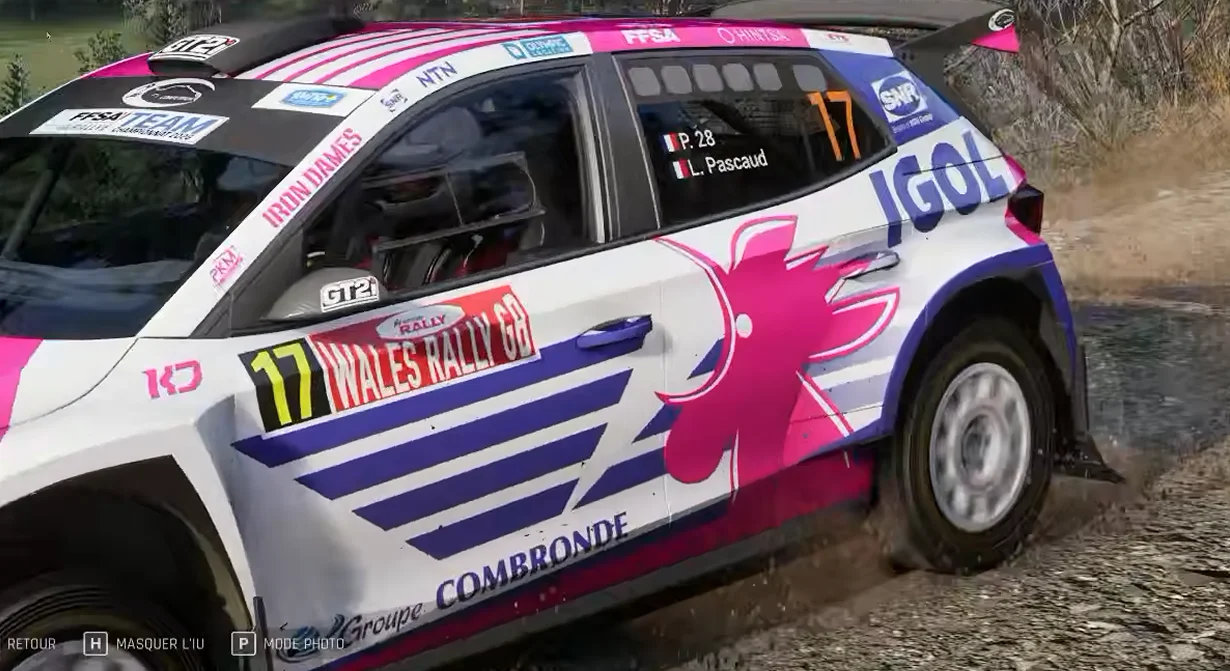
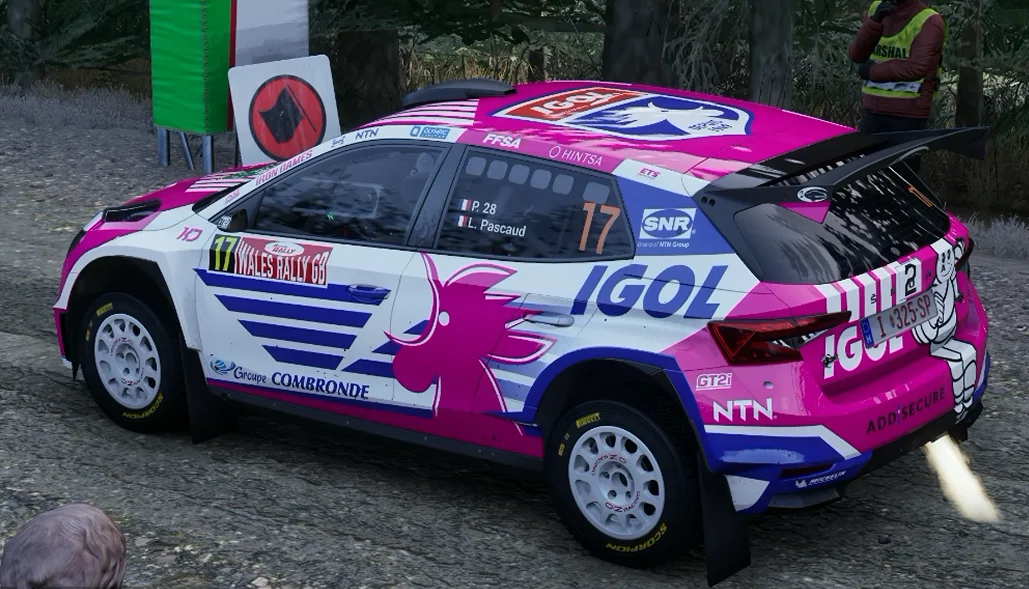
Rally Mudflaps brings realistic, dynamically simulated flexible mudflaps to Assetto Corsa Rally on gravel stages (Wales and Greece by default, or all stages if configured).Instead of static, rigid 3D meshes, each mudflap is simulated in real time using a custom Verlet physics chain synchronized on every rendered frame.
==================================================
 KEY FEATURES
==================================================
• Speed-dependent Aerodynamic Deflection: Mudflaps bend backward progressively with airflow speed (∝ v²) and flutter naturally at high velocities.
• Suspension, Jump & Braking Inertia: Flaps react dynamically to violent braking, jump landings, and suspension compressions over gravel crests.
• Gravel Spray & Stone Impacts: Subtle stochastic vibrations when driving at high speed on loose gravel surfaces.
• True 3D Chassis Attachment: Flaps follow lateral body roll, longitudinal pitch, and wheel-arch geometry on every frame with zero lag or flickering.• Rigid Upper Mount: The upper section stays bolted inside the wheel arch while the lower section flexes freely without clipping through the bumper.
• Live Hot-Reload: Edit and save “mudflaps.ini” while driving — your changes apply within 1 second without restarting the game!• Global Defaults + Per-Car Profiles: Customize width, length, hinge position, stiffness, or disable mudflaps for specific cars via [CarName] sections.
• 100% Safe & Clean: Modifies no core game binaries or .pak files, and registers no intrusive in-game shortcuts.
==================================================
 INSTALLATION
==================================================
Because Assetto Corsa Rally runs on Unreal Engine 5.6, this mod requires UE4SS (Unreal Engine 4/5 Scripting System) to run. If you don’t have UE4SS installed yet, follow Step 1 below (it takes less than a minute).
Step 1 — Install UE4SS (Required if not already installed)Download the latest UE4SS
- Open your Assetto Corsa Rally installation folder: In Steam, right-click Assetto Corsa Rally → Manage → Browse local files
- Open the folder: acr\Binaries\Win64\ (This is the folder where `acr-Win64-Shipping.exe` / `acr.exe` is located).
- Extract the contents of the UE4SS archive (dwmapi.dll and the ue4ss folder) directly into acr\Binaries\Win64\.
Step 2 — Install Rally MudflapsDownload `RallyMudflaps_v1.0.0.zip` from Overtake.gg.
- Extract the archive directly into your main Assetto Corsa Rally root folder (where `acr` is located). (Alternatively, copy the `RallyMudflaps` folder directly into `acr\Binaries\Win64\ue4ss\Mods\`).
- Check that your folder structure looks like this:
- Assetto Corsa Rally\acr\Binaries\Win64\ue4ss\Mods\RallyMudflaps\Scripts\main.lua
- Assetto Corsa Rally\acr\Binaries\Win64\ue4ss\Mods\RallyMudflaps\mudflaps.ini`
- Assetto Corsa Rally\acr\Binaries\Win64\ue4ss\Mods\RallyMudflaps\enabled.txt`
- That’s it! Thanks to the included `enabled.txt` file, UE4SS automatically enables the mod (you do not need to edit `mods.txt`).
- Launch the game and enter any Wales or Greece stage!
—
Customization & Per-Car Overrides (`mudflaps.ini`)
Open `acr\Binaries\Win64\ue4ss\Mods\RallyMudflaps\mudflaps.ini` in Notepad at any time (even while driving in-game — saving the file reloads it within 1 second):
- Enable on all stages (including Tarmac / Snow) : Set `ForceAllStages=1` (or add `MonteCarlo,Alsace,Livigno` to `GravelStages=Wales,Greece`).
- Adjust width, length, or suppleness: Edit `WidthM=0.25`, `LengthFactor=1.35`, `Stiffness=2.6`, `WindCoef=0.025`, or `Inertia=0.35`.
- Customize or disable per car: Add a `[CarName]` section at the bottom of `mudflaps.ini`. For example:
Code:
  [MiniCooperS1275]
  WidthM=0.21
  LengthFactor=1.28
  [AlfaRomeoGiuliaGTAJunior1300]
  Enabled=0
  [HyundaiI20NRally2]
  RearHingeBackFactor=1.14
Supported Car Identifiers (all 18 cars): `AlfaRomeoGiuliaGTAJunior1300`, `AlpineA110`, `AudiQuattroGr4`, `CitroenXsaraWRC`, `Fiat124Abarth`, `Fiat131Abarth`, `HyundaiI20NRally2`, `LanciaDeltaHFIntegraleEvo`, `LanciaFulviaCoupeHF`, `LanciaRally037Evo2`, `LanciaStratosHF`, `MiniCooperS1275`, `Peugeot206WRC`, `Peugeot208Rally4`, `Peugeot306IIMaxi`, `SkodaFabiaRSRally2`, `SubaruImprezaS3`, `VWPoloGTIR5`.
Optional UE4SS Console Commands (`Ctrl+O`)
- mudflaps status — Display current mod status, active stage, and spawned actors
- mudflaps car — Display the exact identifier of your current car and active INI overrides
- mudflaps toggle — Toggle mudflaps on/off live (and save to `mudflaps.ini`)
- mudflaps force / mudflaps auto — Force mudflaps on all stages / return to gravel stage detection
- mudflaps reload — Force immediate reload of `mudflaps.ini`
Credits:
g1.over.take
Downloads
| Name | Format | Size |
|---|---|---|
| RallyMudflaps_v1.0.0.zip | ZIP | 29.47 KB |
To start download click the filename. To open archive files use one of these programs: WinRAR, 7-Zip, WinZip. Some mod archives may need to be extracted before the mods will work.