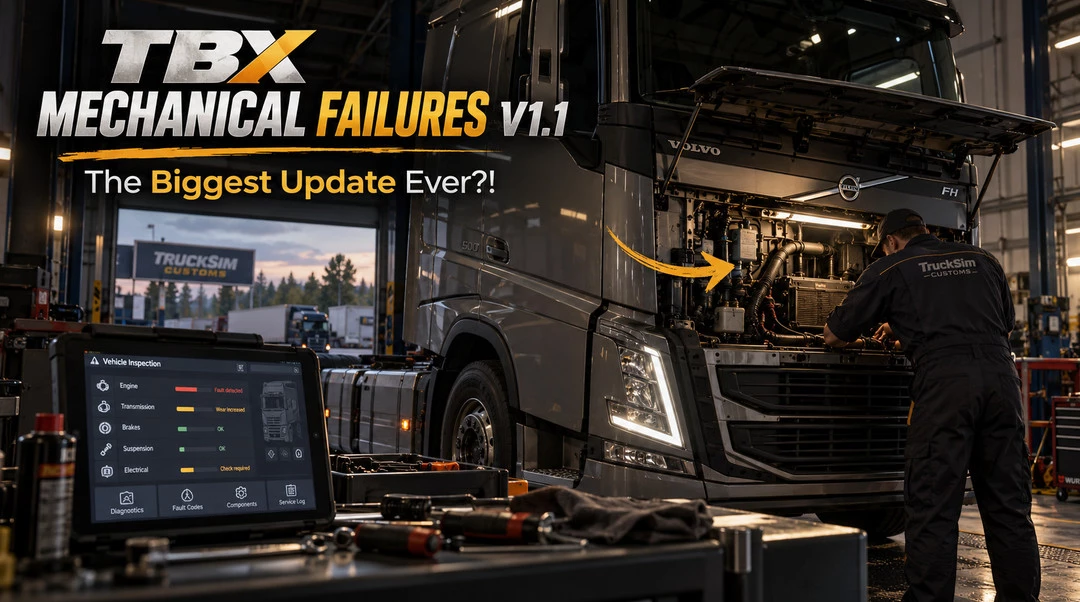
TBX Mechanical Failures introduces a completely new level of interaction with your truck and trailer. You no longer have to wait for something to break before you can start working on it, adding a whole new layer of mechanical interaction to ETS2.
Features
– Inspect Equipment: Interact with components even when they are working perfectly fine, including opening assemblies and inspecting internal surfaces.
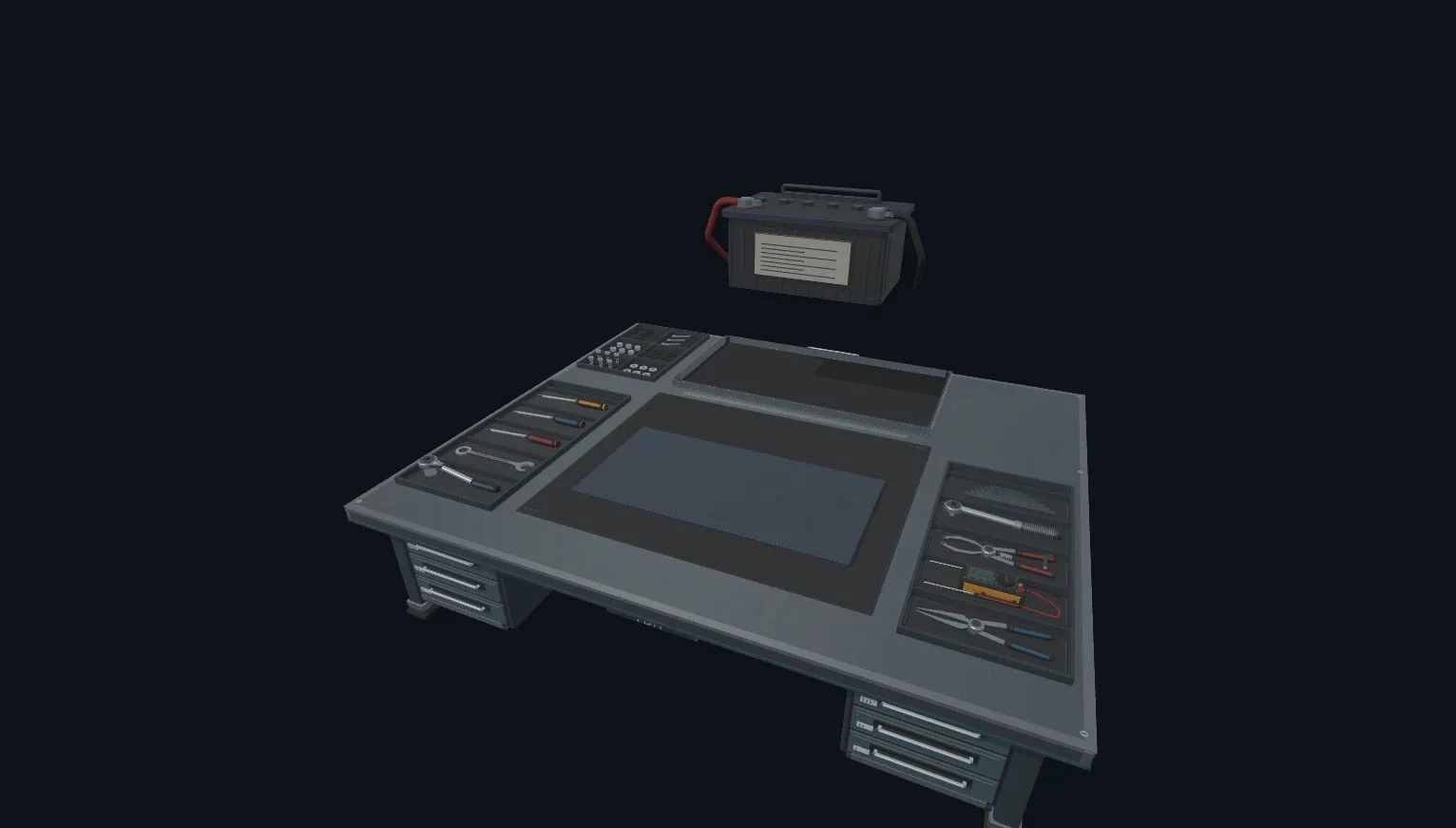
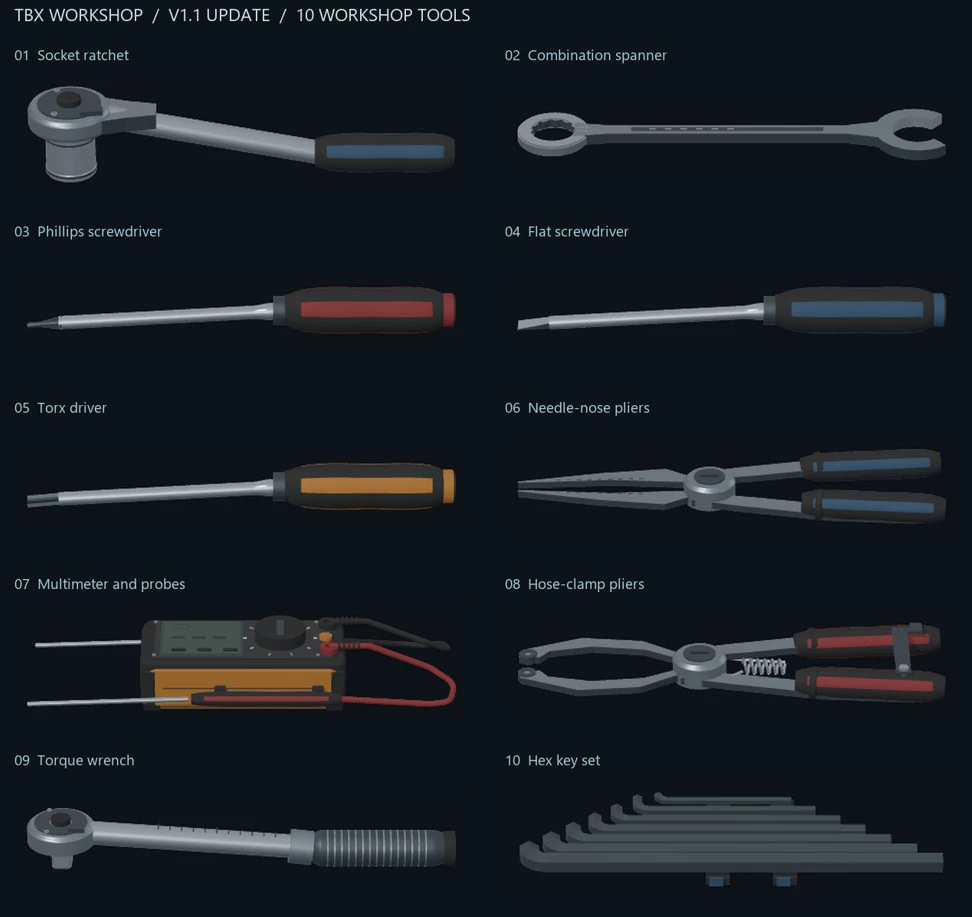
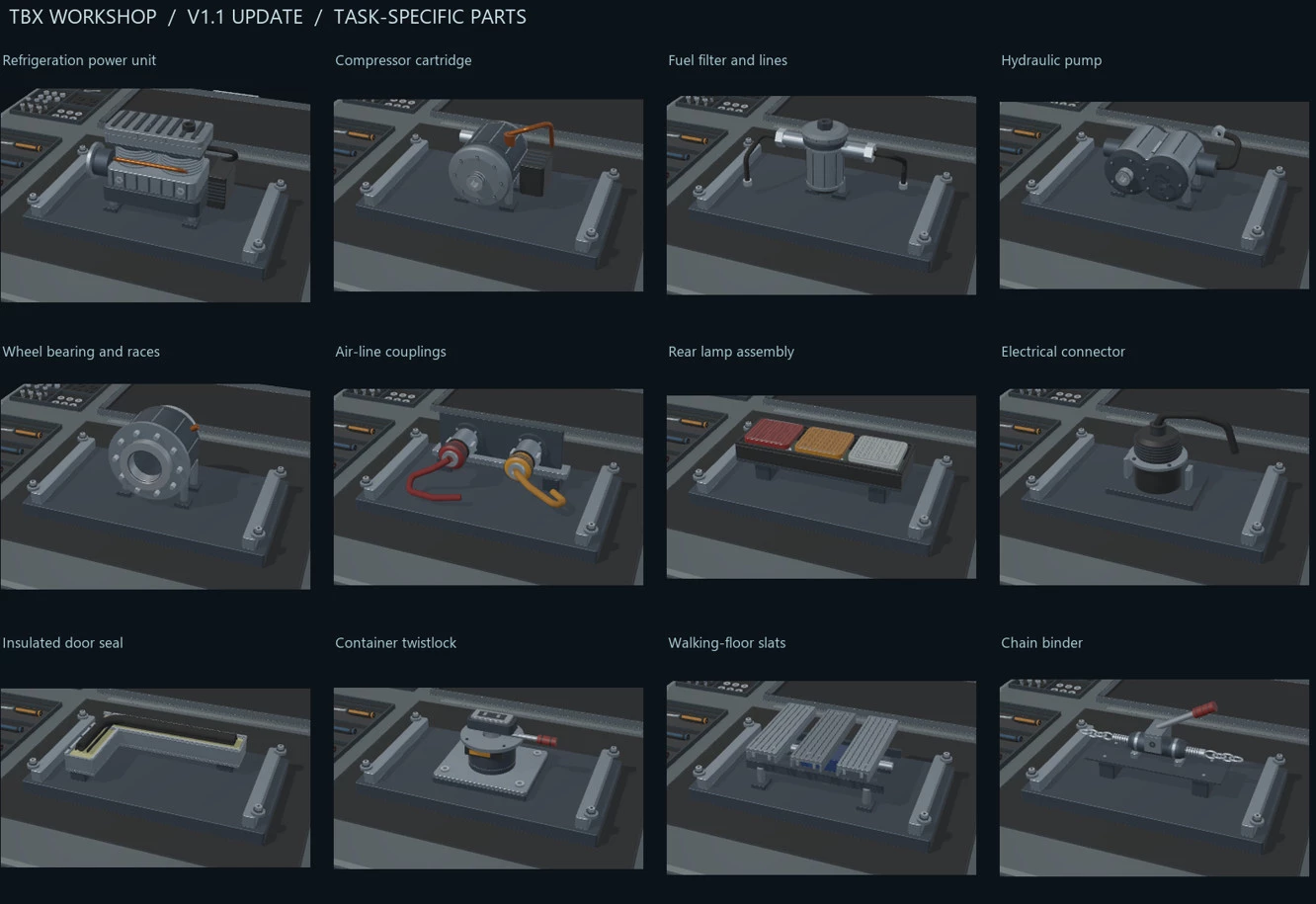
– Expanded Systems: Includes 10 truck components and 42 trailer systems (depending on body type), as well as 10 different workshop tools.
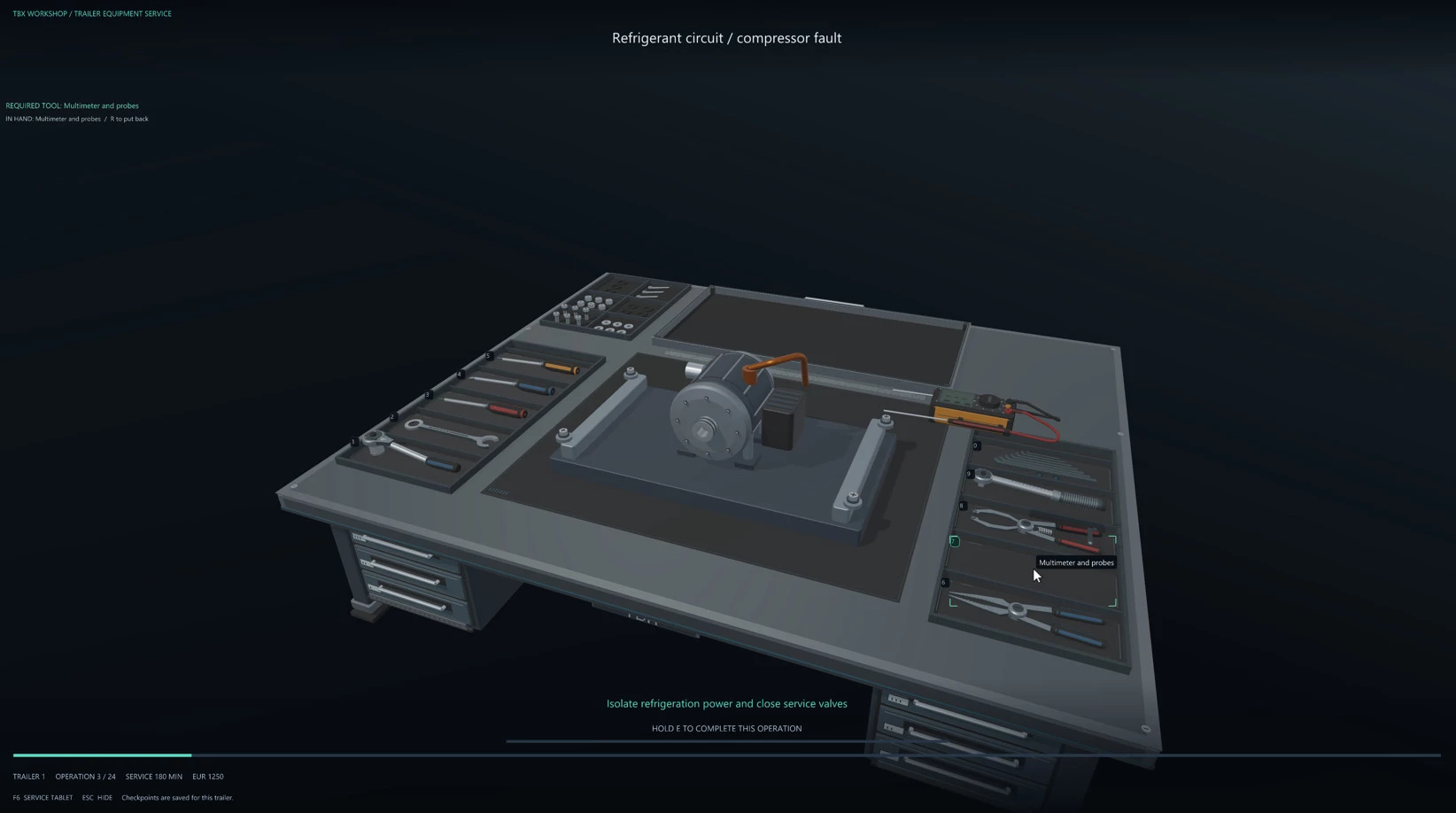
– Detailed Interactions: Pick up/return tools, manage individual fasteners (loosen, remove, insert, tighten), disconnect service connections, and record inspections.
– Operational Requirements: The system checks for correct tools and working conditions, such as engaging the parking brake or shutting down the engine.
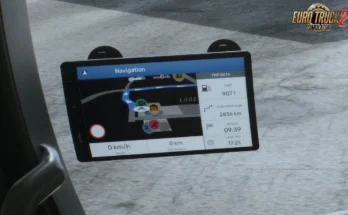
– Saved Progress: Persistent assembly progress tracks unfinished work for each truck and trailer, allowing you to pause and return later via the tablet.
Important Information:
– Some connection animations are still being improved.
– Inspections and reassembly do not automatically replace failed components.
– These operations do not remove ETS2’s native vehicle damage.
– Opened assemblies must be fully reassembled before replacement service can begin
Changelog
V1.1:
– Significantly expanded the existing mechanical repair system.
– Introduced the ability to inspect, disassemble, and reassemble healthy components before failure occurs.
– Added 10 truck components and 42 trailer systems.
– Added 10 different workshop tools.
– Introduced persistent assembly progress, allowing work to be saved and continued later.
Credits:
OverDriveSim
Downloads
| Name | Format | Size |
|---|---|---|
| TBX_Mechanical_Failures_V1.1.zip | ZIP | 18.70 MB |
To start download click the filename. To open archive files use one of these programs: WinRAR, 7-Zip, WinZip. Some mod archives may need to be extracted before the mods will work.