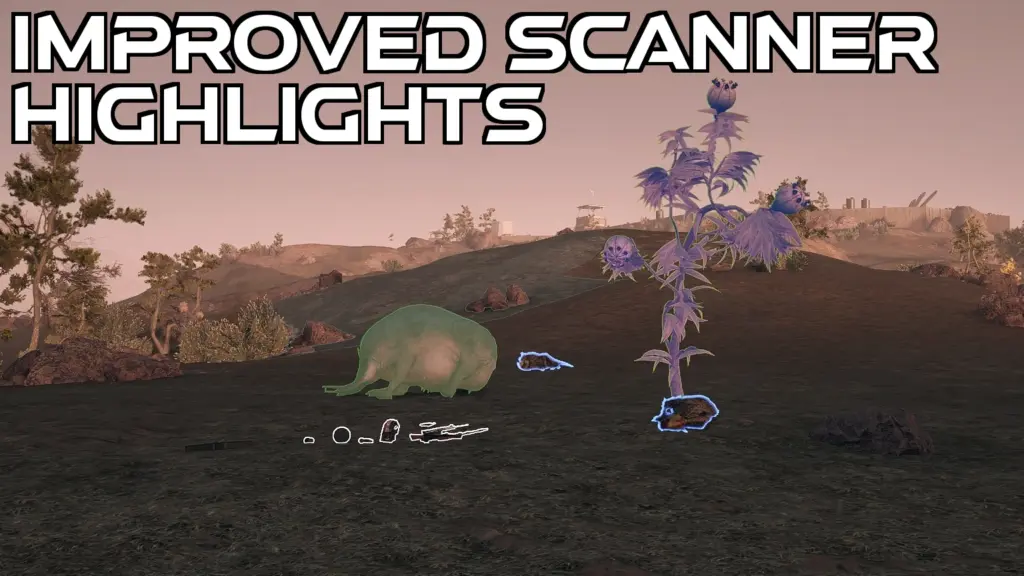
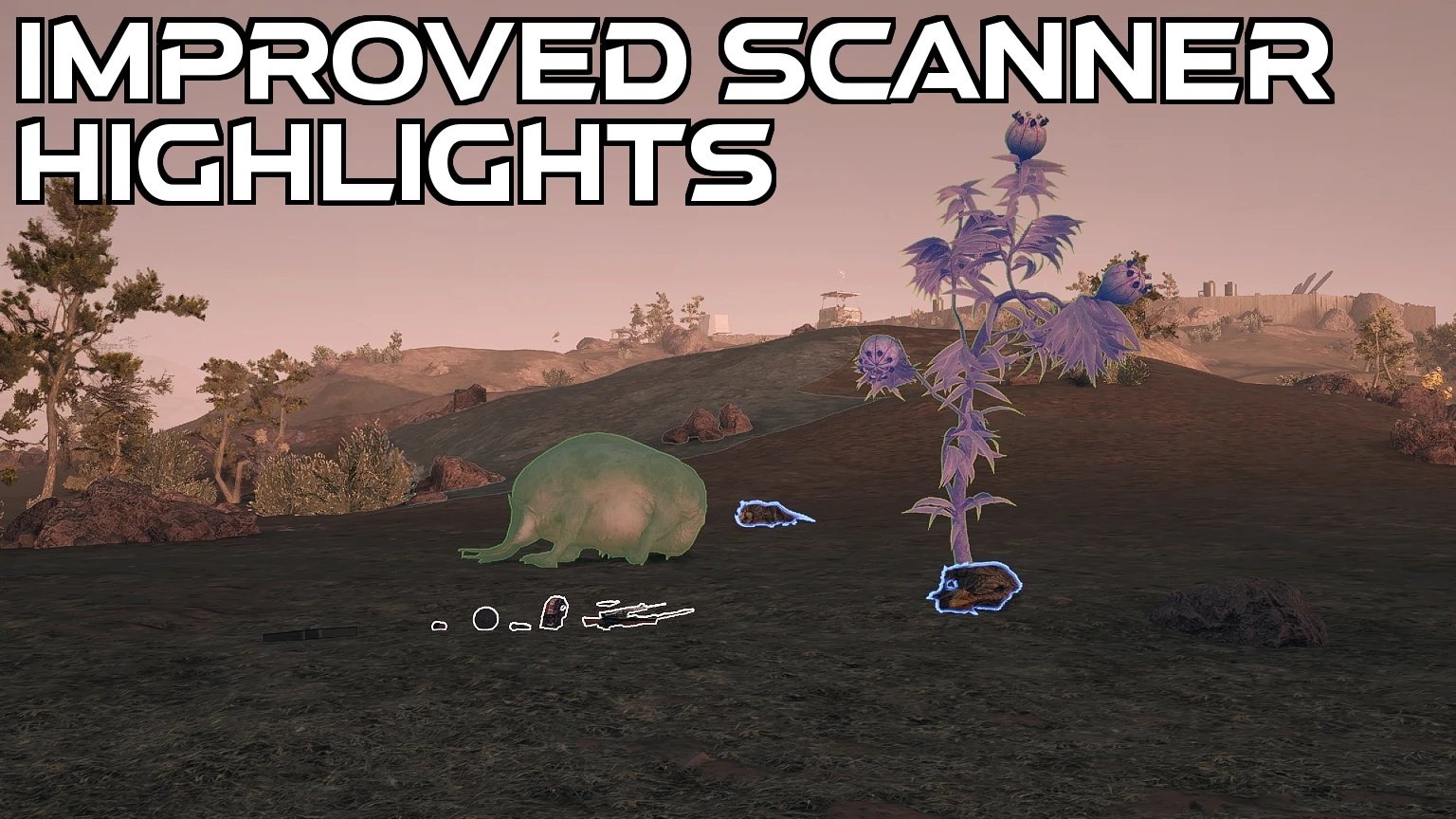
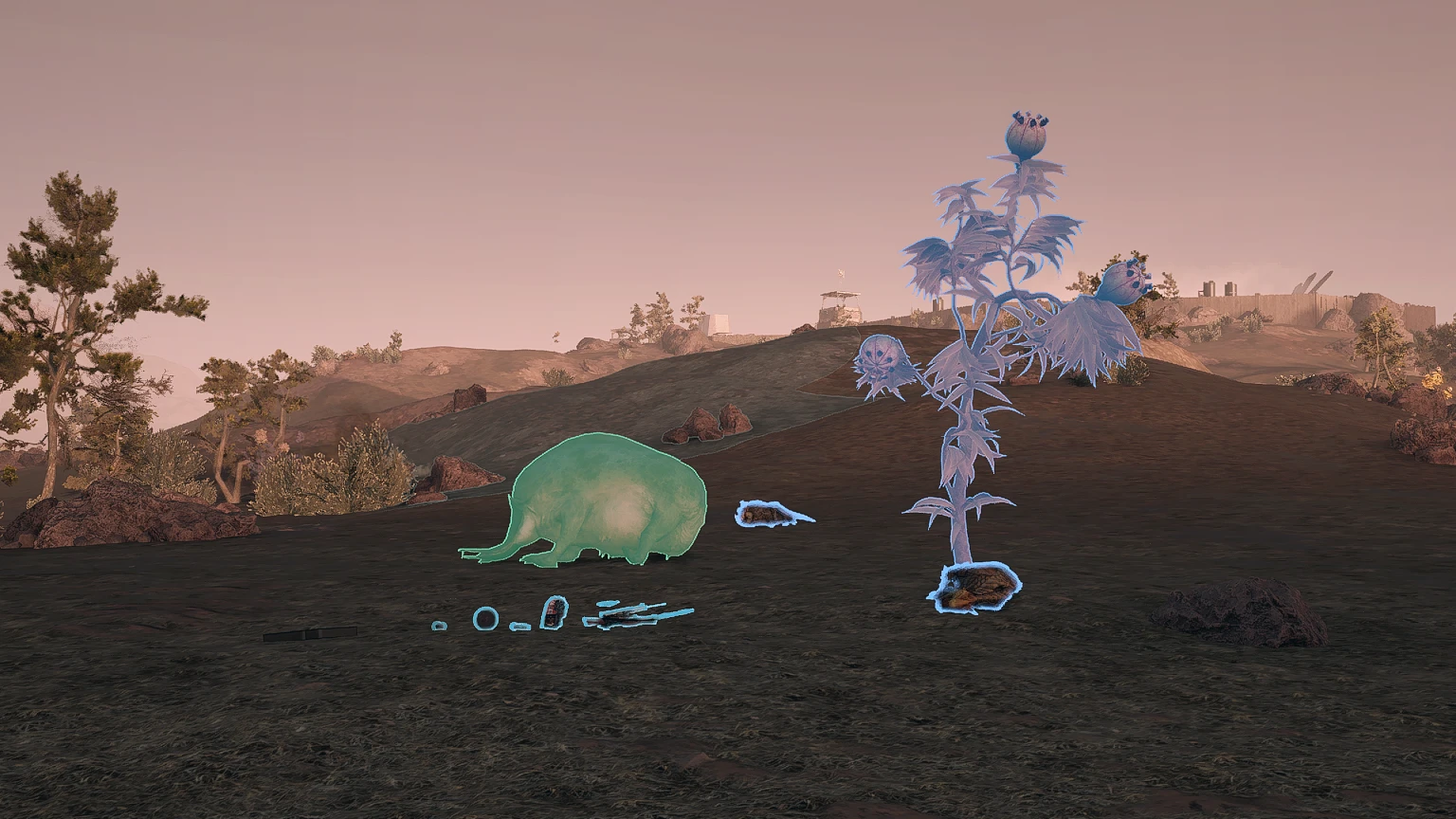
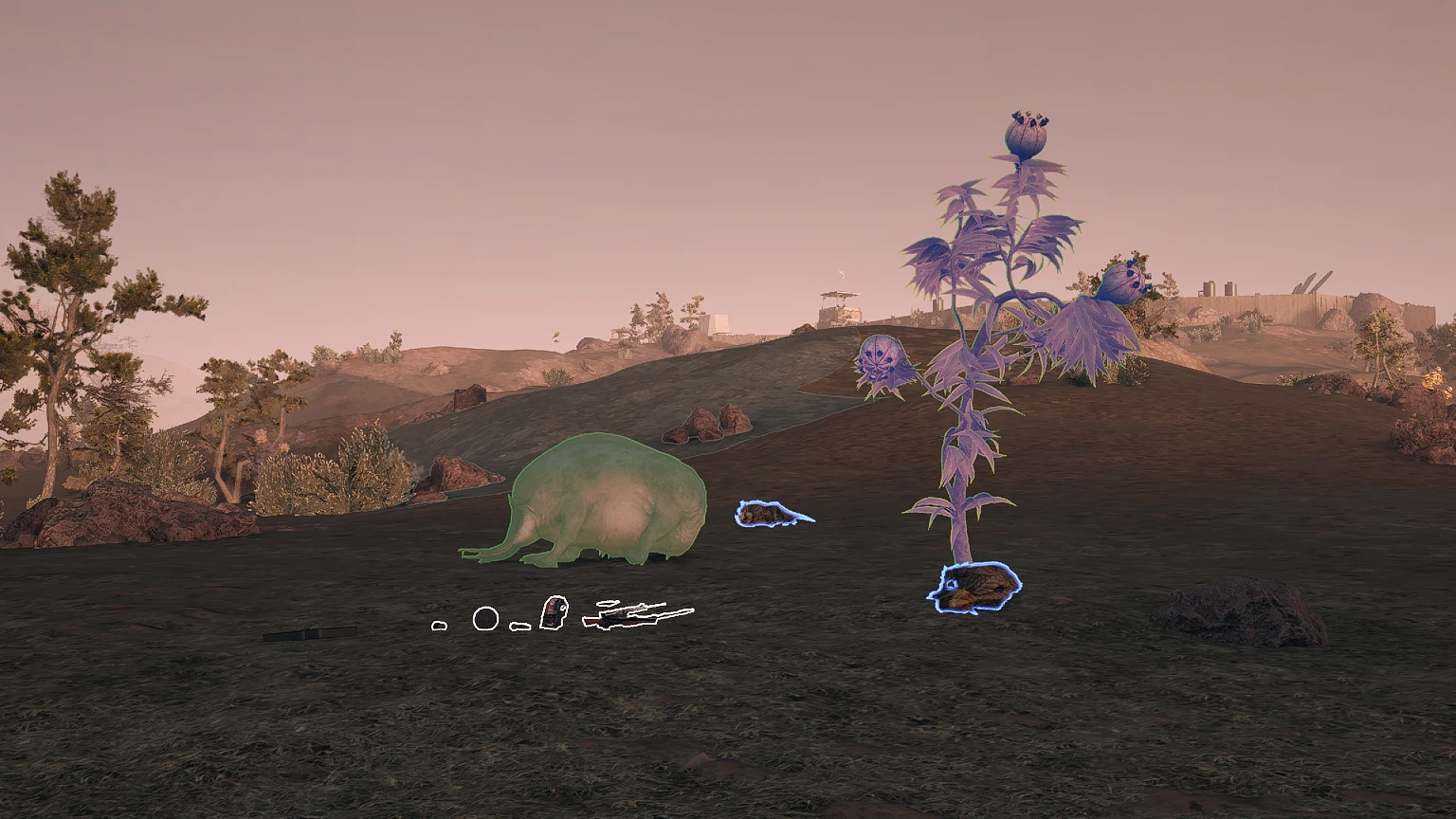
Enhance your scanner’s functionality while retaining a vanilla aesthetic. This mod introduces a variety of tweaks for a smoother, more visually appealing user experience.
This may disable achievements. (Use this mod to avoid that)
Features
– Reduced the thickness of outlines (Only affects non-targeted/non-scanned objects)
– Items and containers are outlined with a white color
– Scanned objects now have a green outline
– Slightly changed some colors to be more pleasant to look at
– Targeting always has the same outline color, improving the visibility of which object is targeted
Installation Instructions
CCR Version:
– This version only works with the Steam release of the game
– Install Console Command Runner and the CRR version of this mod with Vortex
Normal Version:
– Install “Improved Scanner Highlights” with Vortex or unpack it into the base game directory.
– Type “bat ImprovedHighlights” into the console (this will permanently save the changes into your StarfieldCustom.ini)
Credits:
Ixion XVII
Downloads
| Name | Format | Size |
|---|---|---|
| Improved-Scanner-Highlights-CCR-1-0.rar | RAR | 669.00 B |
| Improved-Scanner-Highlights-1-00.rar | RAR | 390.00 B |
To start download click the filename. To open archive files use one of these programs: WinRAR, 7-Zip, WinZip. Some mod archives may need to be extracted before the mods will work.