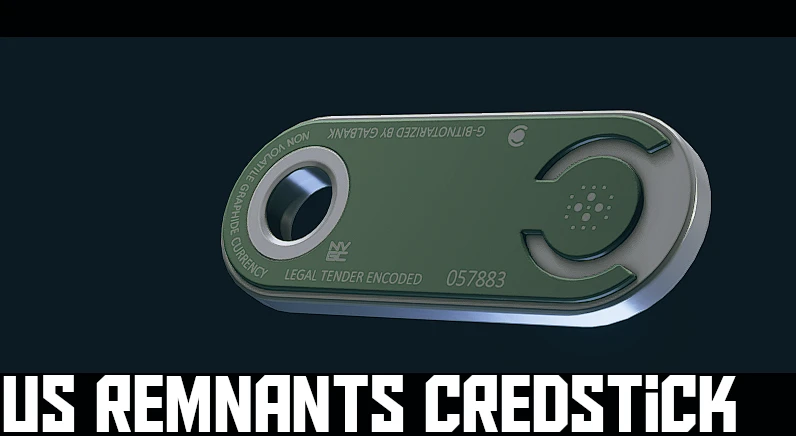
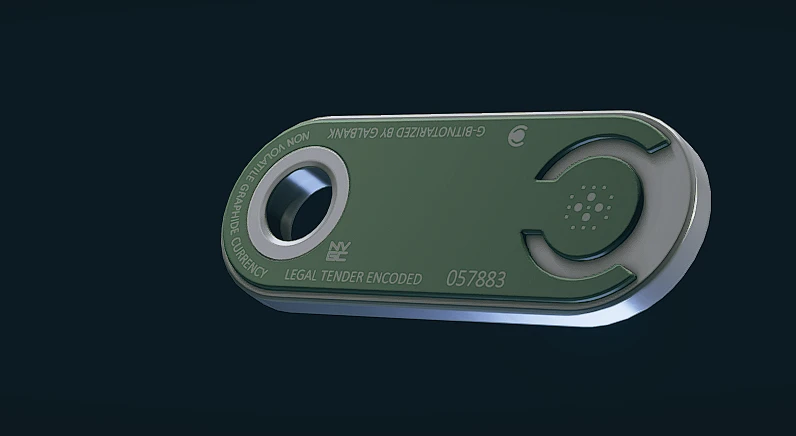
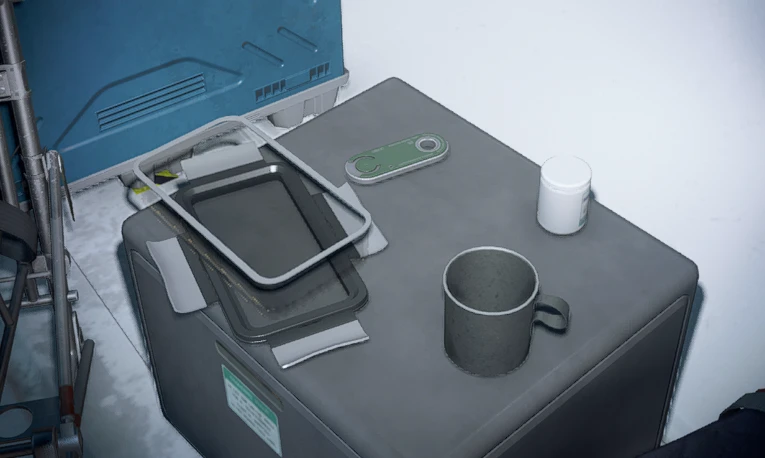
I just think the gold texture looks ugly so I tried to match the colour of US currency. Looks clean and still easy to see.
INSTALL “Textures” FOLDER TO:
Documents/My Games/Starfield/Data (unless using Baka Disable My Games Folder)
[or just use the direct mod manager download]
Make sure your StarfieldCustom ini has:
[Archive]
bInvalidateOlderFiles=1
sResourceDataDirsFinal=
Credits:
PLAGUE
Downloads
| Name | Format | Size |
|---|---|---|
| US-Remnants-Credstick-Retexture-1-0.7z | 7Z | 150.32 KB |
To start download click the filename. To open archive files use one of these programs: WinRAR, 7-Zip, WinZip. Some mod archives may need to be extracted before the mods will work.