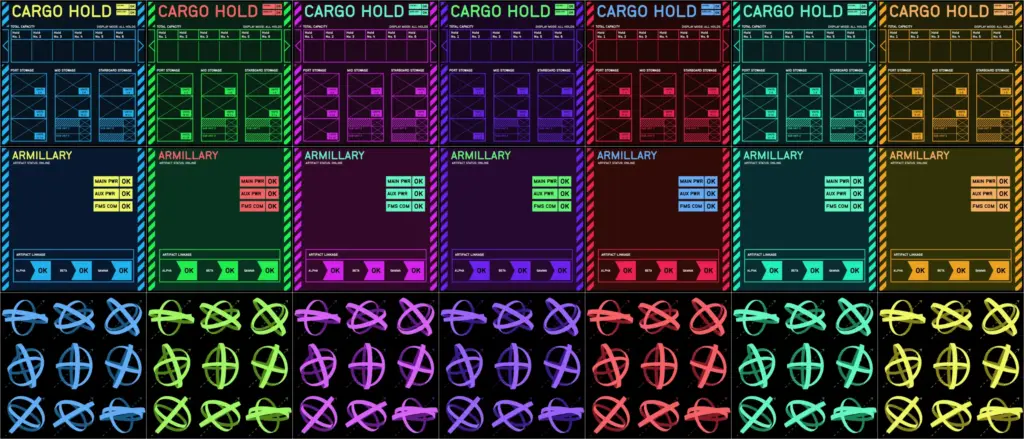
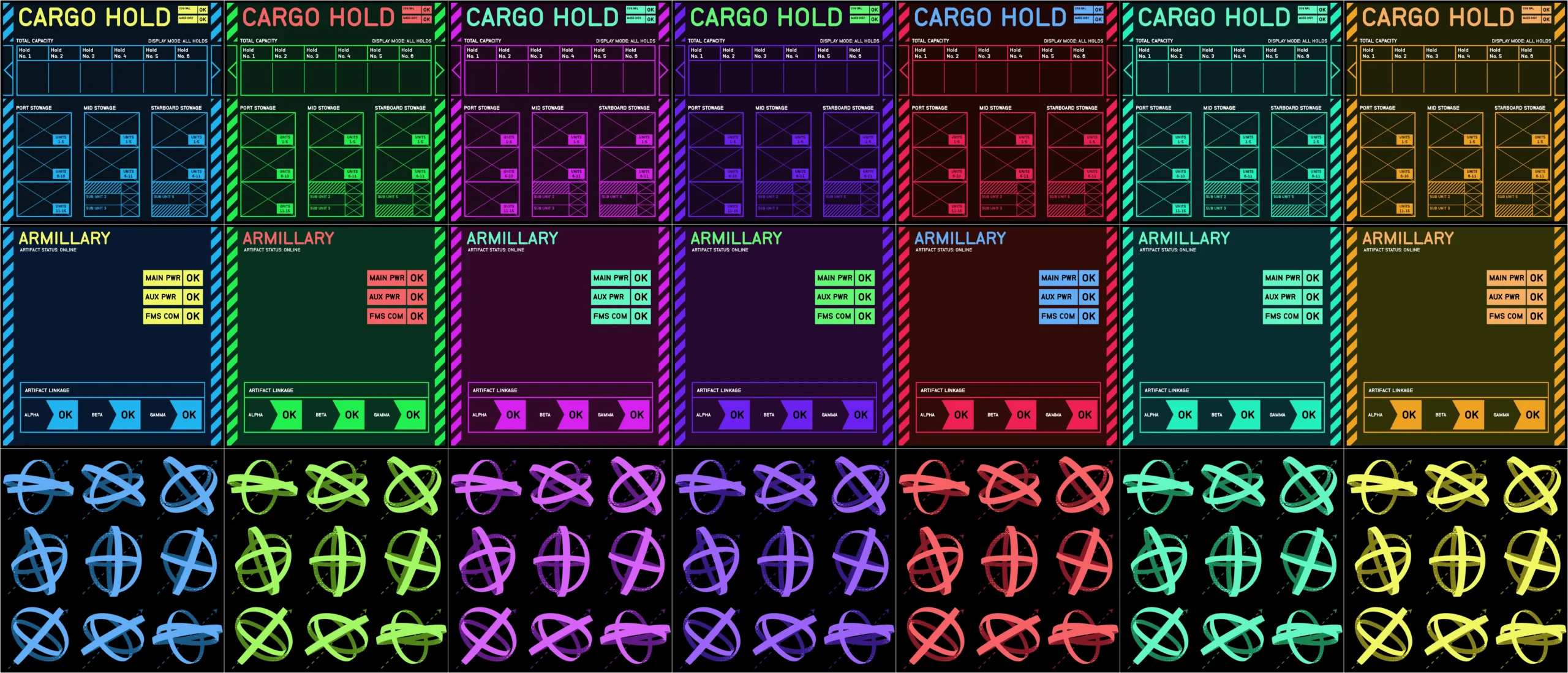
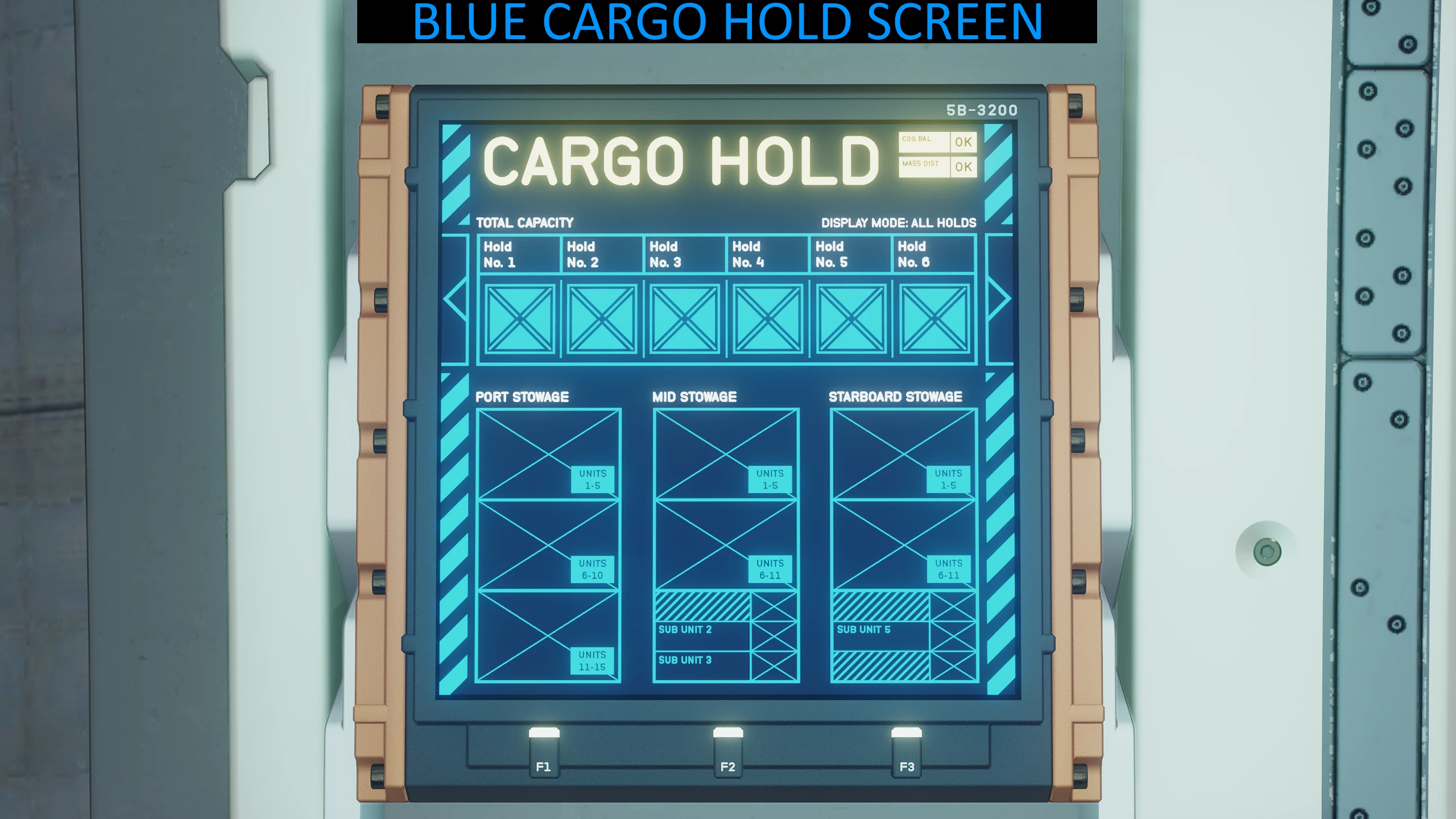
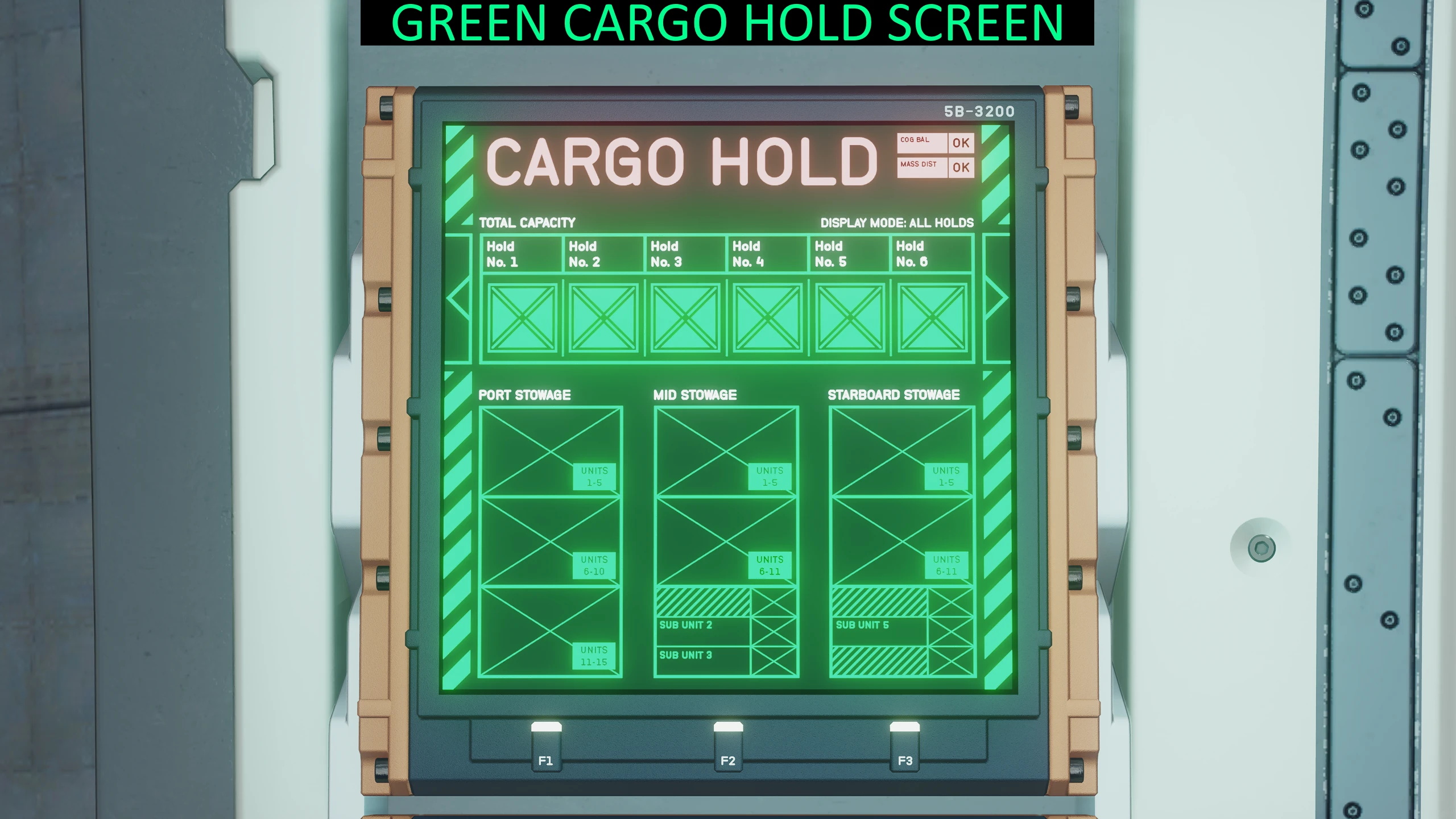
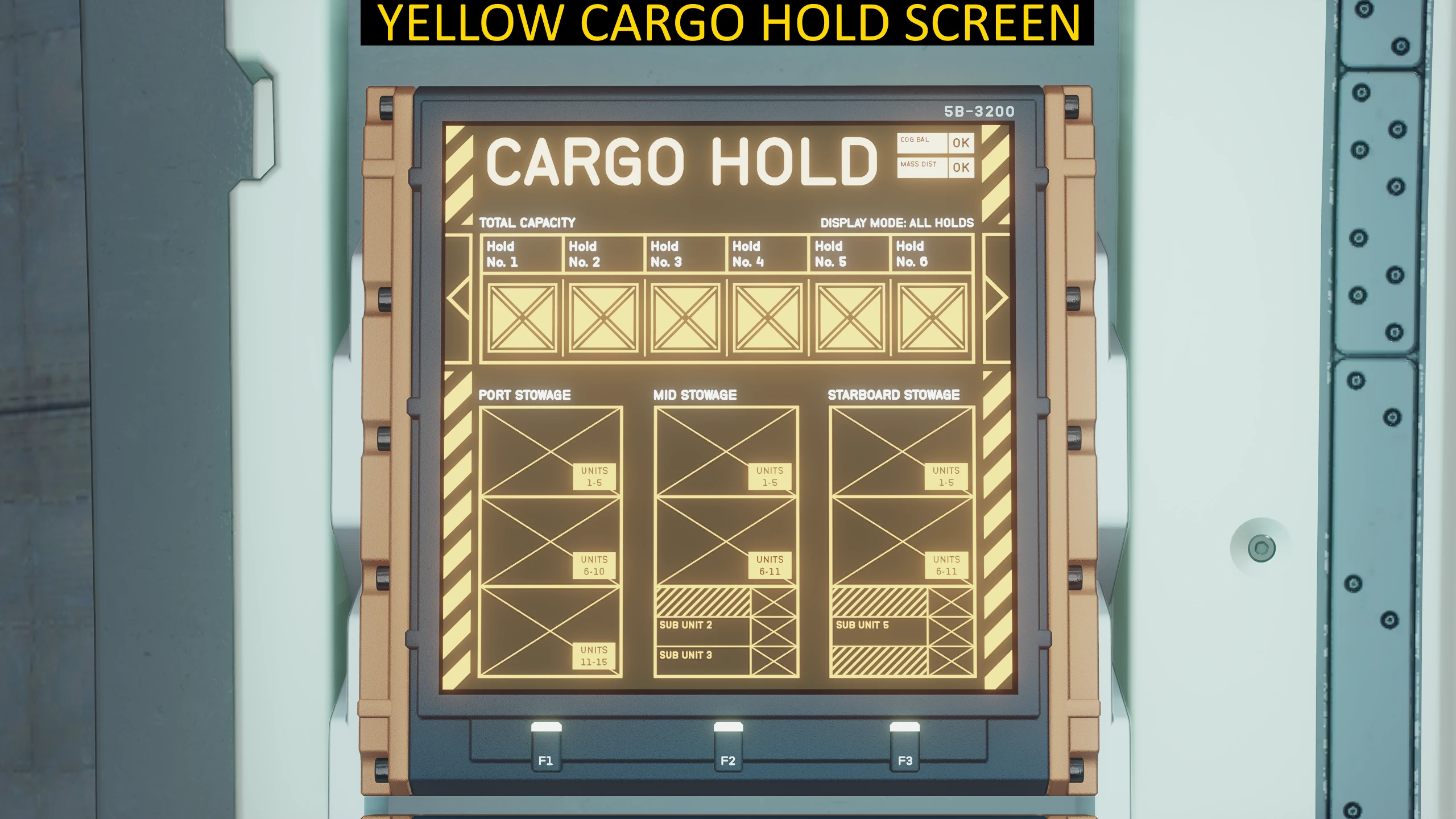
This mod will change the Armillary and Cargo screen colours in all ships and can be combined with my cockpit screen colour mods.
AVAILABLE COLOURS: (choose one)
BLUE
GREEN
PINK
PURPLE
RED
TEAL
YELLOW
INSTALLATION:
To install this mod, simply extract the files to: Documents\My Games\Starfield\Data
Make sure you have a StarfieldCustom.ini file, you can download one from: Base StarfieldCustom.ini to Enable Loose File Mods
or you can create the file yourself and include the following in the file:
[Archive]
bInvalidateOlderFiles=1
sResourceDataDirsFinal=
Credits:
RealWorldMods
Downloads
| Name | Format | Size |
|---|---|---|
| Ship-Armillary-and-Cargo-Screen-Colour_Yellow.zip | ZIP | 209.57 KB |
| Ship-Armillary-and-Cargo-Screen-Colour_Teal.zip | ZIP | 204.99 KB |
| Ship-Armillary-and-Cargo-Screen-Colour_Red.zip | ZIP | 204.28 KB |
| Ship-Armillary-and-Cargo-Screen-Colour_Purple.zip | ZIP | 206.23 KB |
| Ship-Armillary-and-Cargo-Screen-Colour_Pink.zip | ZIP | 204.23 KB |
| Ship-Armillary-and-Cargo-Screen-Colour_Green.zip | ZIP | 207.91 KB |
| Ship-Armillary-and-Cargo-Screen-Colour_Blue.zip | ZIP | 211.40 KB |
To start download click the filename. To open archive files use one of these programs: WinRAR, 7-Zip, WinZip. Some mod archives may need to be extracted before the mods will work.