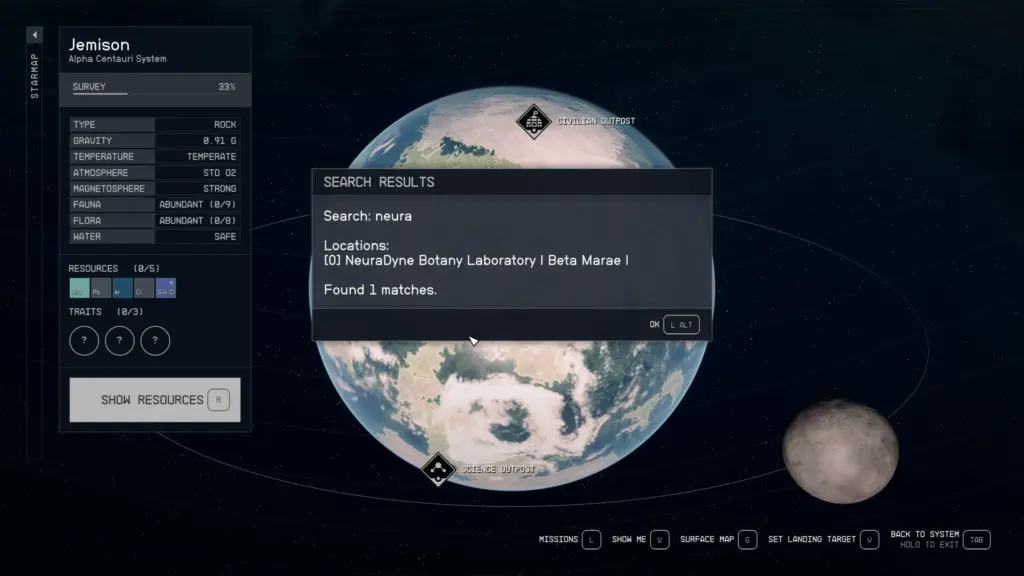
Implements a search engine to the Galaxy StarMap Menu, allowing you to find any location and planet within seconds.
Usage:
1) Open the Galaxy StarMap Menu.
2) Press a hotkey (by default, the ‘Q’ key).
3) By pressing the hotkey, the text input menu opens.
4) Type the name (or part of the name) of a planet/location/starstation/etc.
5) Press OK to search or, press the TAB or Esc key to simply close the text input menu.
6) If you pressed OK, the Search Results window will open.
7) Press one of the numbers (“index”) of the found locations/planets on your keyboard (you can use both the number and numpad keys).
8) The Galaxy StarMap Menu navigates you to the selected location/planet.
Demo:
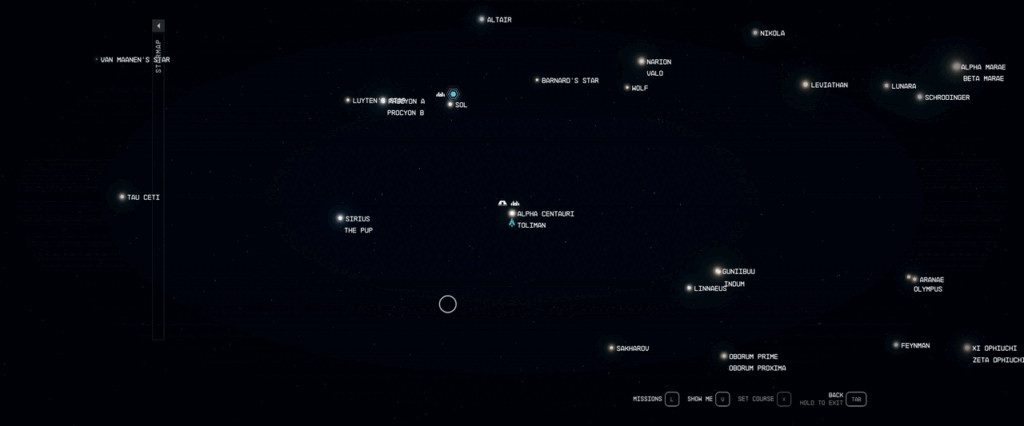
Searched for “beta” to locate “Defensive Battery Beta” (unique location on Kryx, Suvorov) then pressed 4 to auto-navigate.
Settings:
You can change the hotkey that opens the text input menu in the INI (Data\SFSE\Plugins\StarwareSearchEngine.ini).
The value of iTextInputMenuHotkey is a Virtual-Key Code. By default, it’s 0x51 (the ‘Q’ key).
Requirements:
Starfield Script Extender
Credits:
LarannKiar
Downloads
| Name | Format | Size |
|---|---|---|
| Starware-Search-Engine-SFSE-2-0.zip | ZIP | 112.93 KB |
| Starware-Search-Engine-SFSE-3-1.zip | ZIP | 118.55 KB |
To start download click the filename. To open archive files use one of these programs: WinRAR, 7-Zip, WinZip. Some mod archives may need to be extracted before the mods will work.