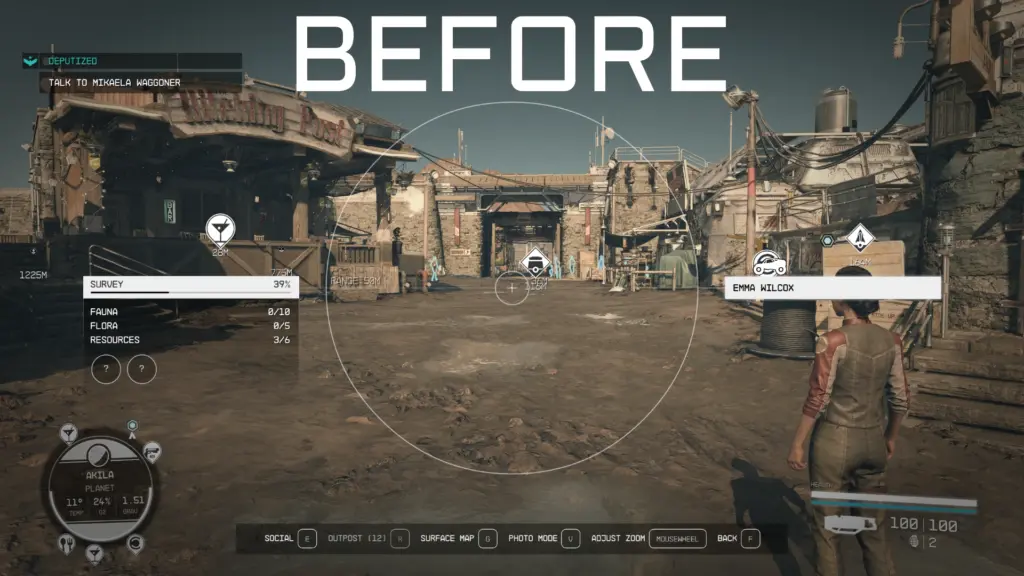
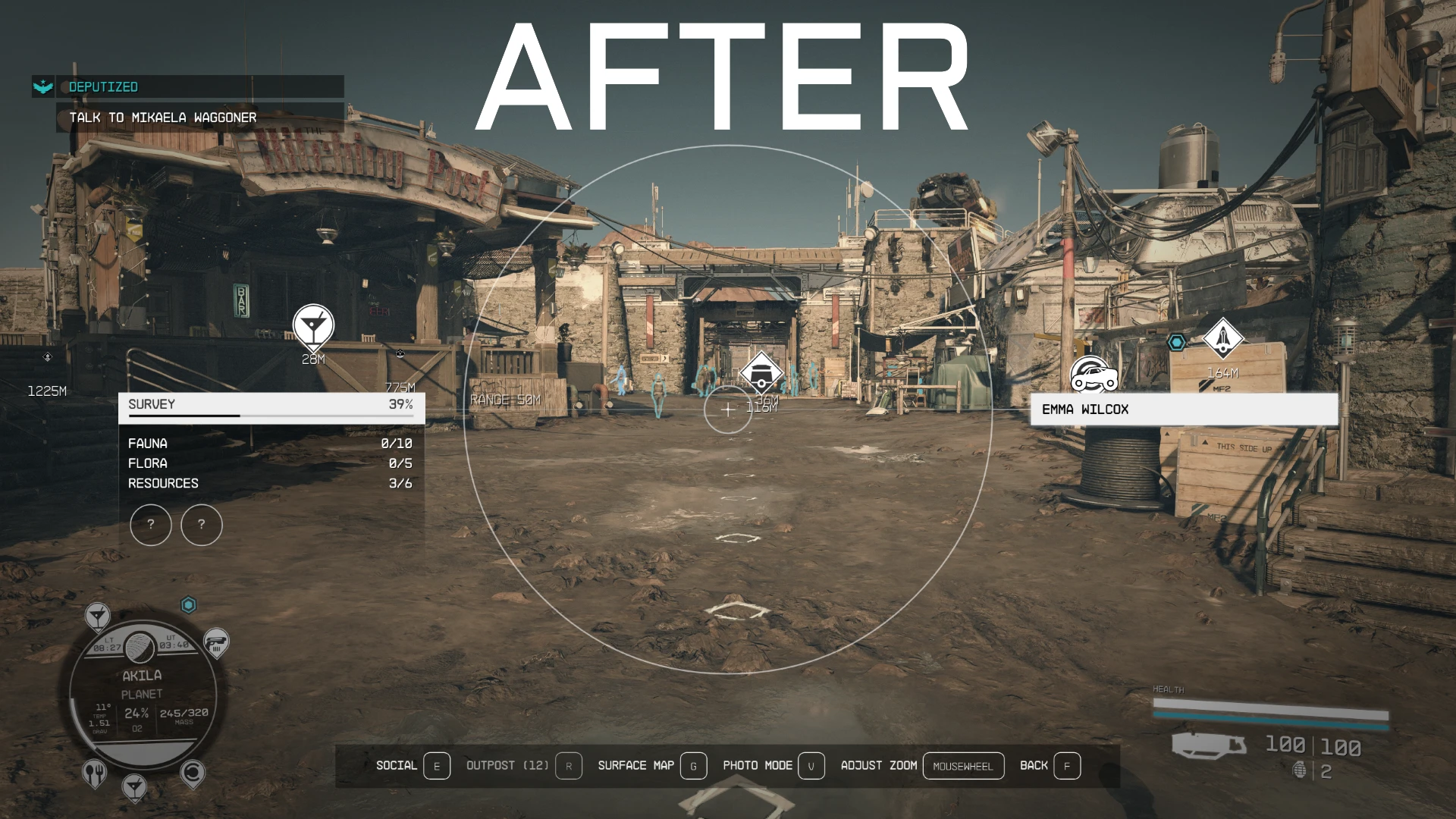
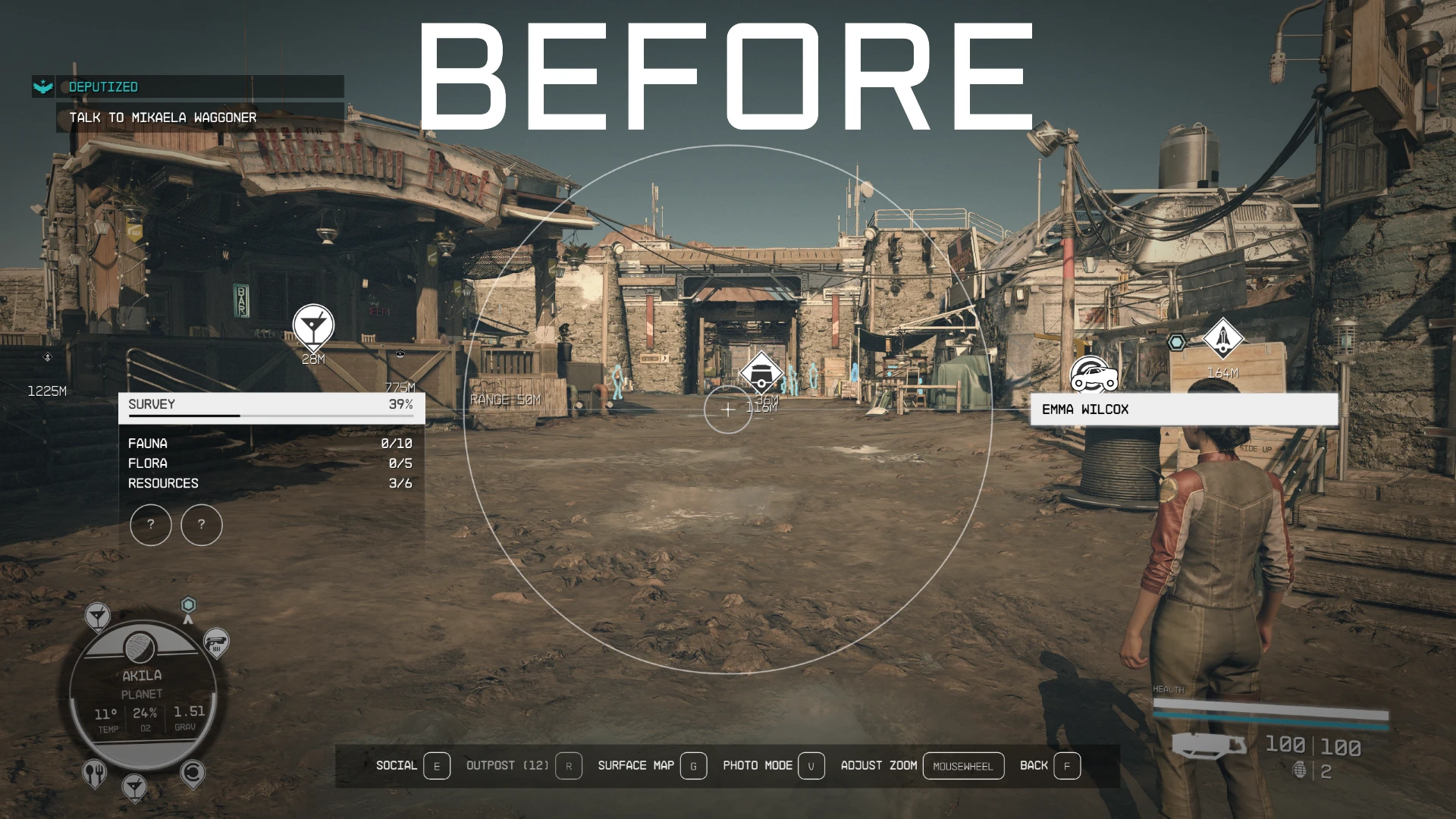
To manually install, download the Scanner Encumbrance Display With Time.zip, extract to your Starfield/Data/Interface folder
Also make sure you have a StarfieldCustom.ini file in your Documents/My Games/Starfield folder, so Starfield can load loose files.
If you don’t, create one and add these 3 lines of text to it.
[Archive]
bInvalidateOlderFiles=1
sResourceDataDirsFinal=
Or you can download the StarfieldCustom.ini i have put up.
The easiest way to create one is to make a copy of the StarfieldPrefs.ini, then rename the copy to StarfieldCustom.ini
Then open it up delete all the text inside and then add the 3 lines of text.
Credits:
PunishD
Downloads
| Name | Format | Size |
|---|---|---|
| Scanner-Encumbrance-Display-With-Time-1-0.zip | ZIP | 125.78 KB |
| StarfieldCustom.ini-1-0.7z | 7Z | 211.00 B |
| VW-SPNOH-HB-BB-O2B-HBV-FPI-1-0.7z | 7Z | 3.05 MB |
| SEDWT-ULTIMATE-1-8.7z | 7Z | 4.94 MB |
| VW_SPNOH_EPHBWYOR_EPBB_O2BWYOR_CONS-1-0.7z | 7Z | 108.79 KB |
| SEDWT-ULTIMATE-2-0.7z | 7Z | 8.40 MB |
| TEDWT-ULTIMATE-3-0.7z | 7Z | 9.21 MB |
| SEDWT-ULTIMATE-3-0.7z | 7Z | 9.39 MB |
| TEDWT-ULTIMATE-4-0.7z | 7Z | 11.18 MB |
| TEDWT-ULTIMATE-4-2.7z | 7Z | 10.33 MB |
To start download click the filename. To open archive files use one of these programs: WinRAR, 7-Zip, WinZip. Some mod archives may need to be extracted before the mods will work.