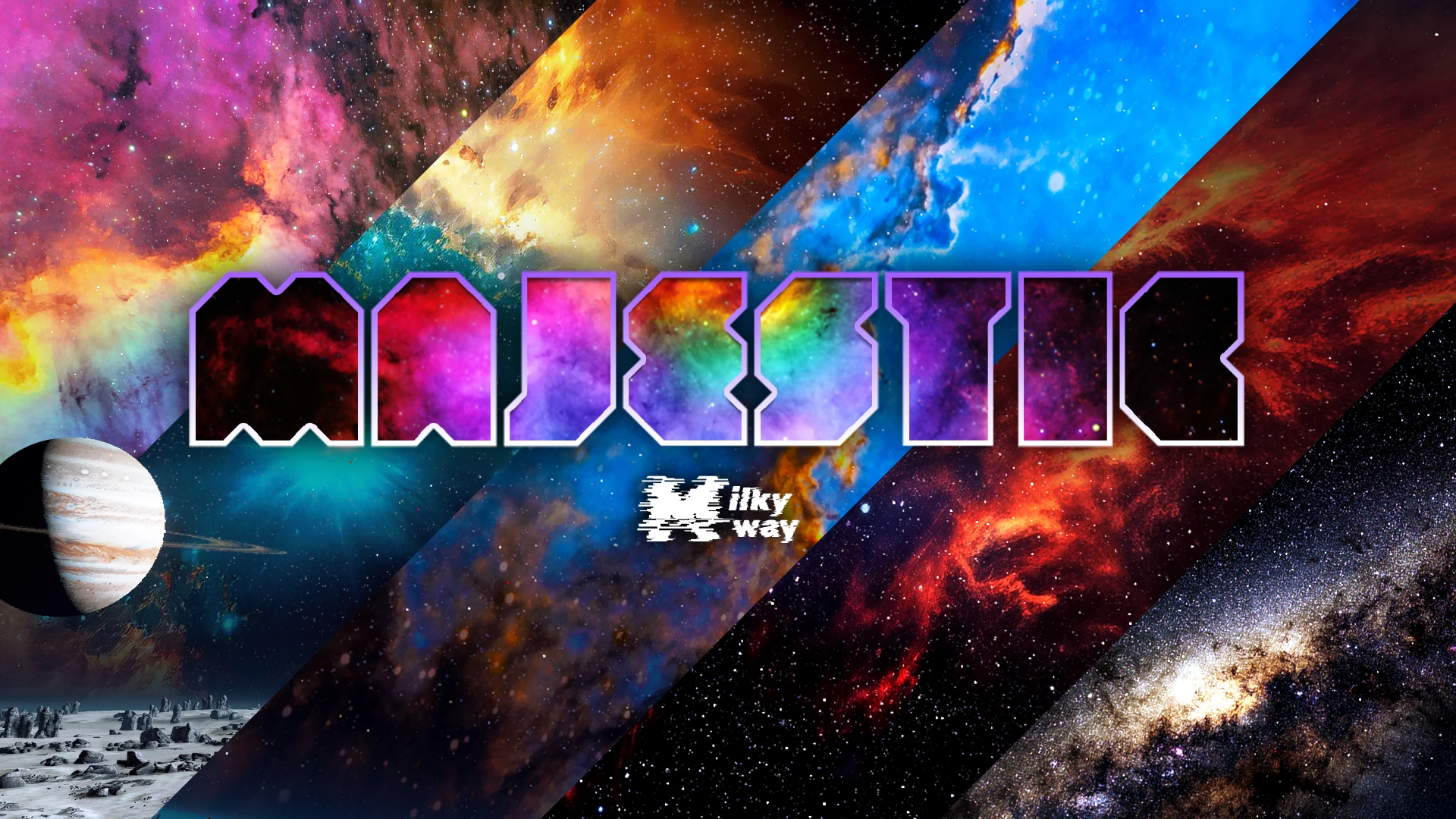
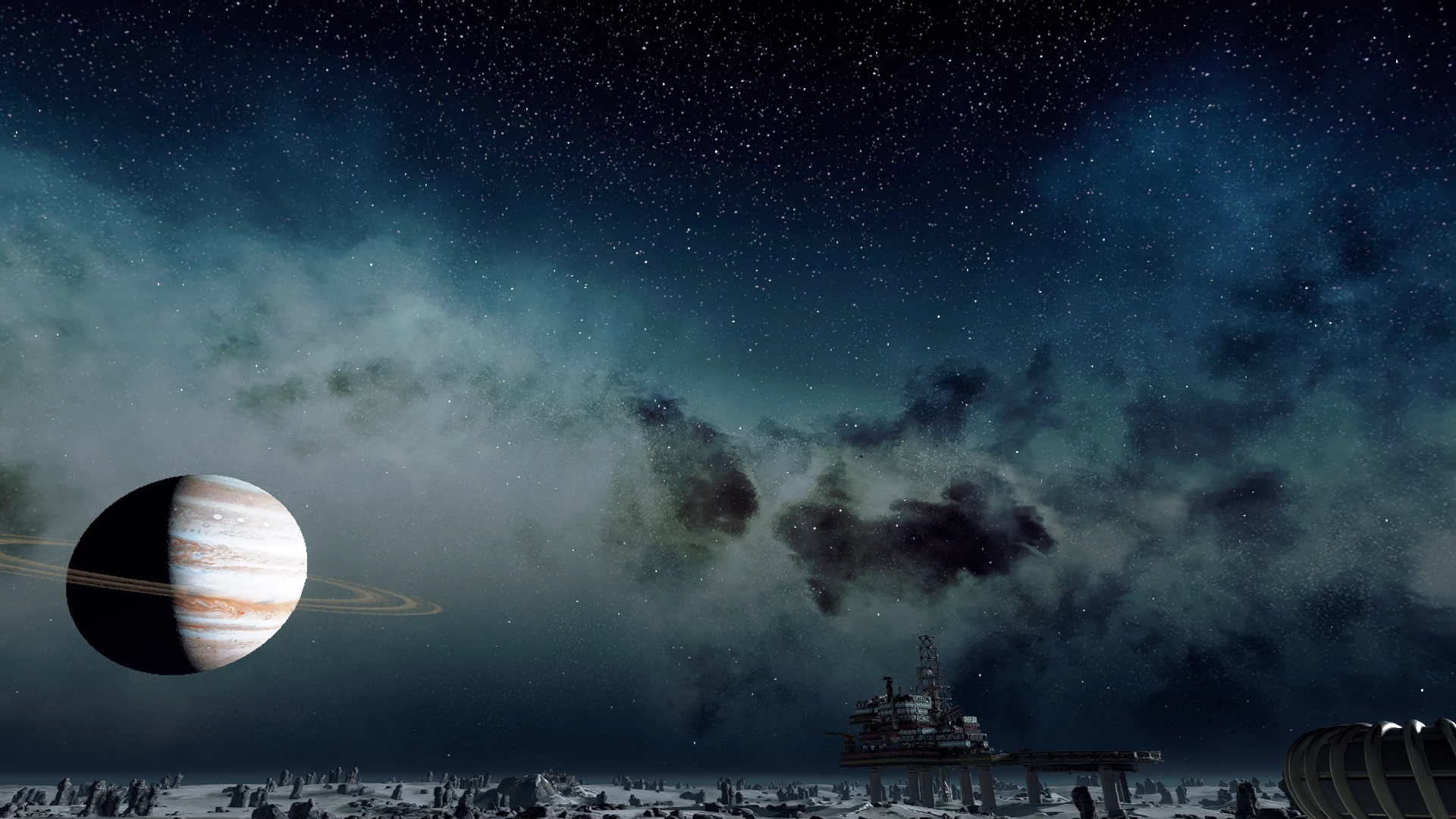
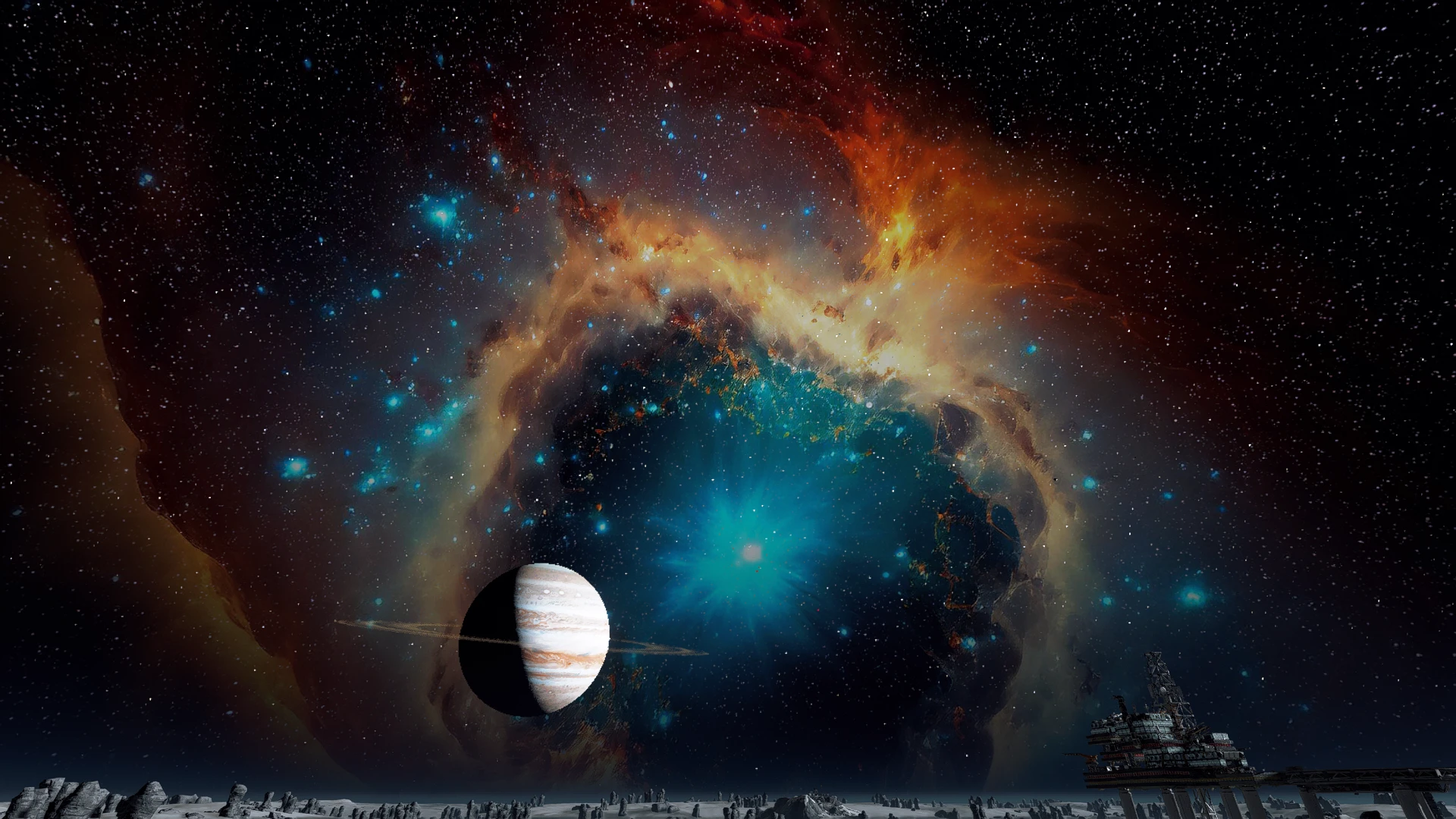
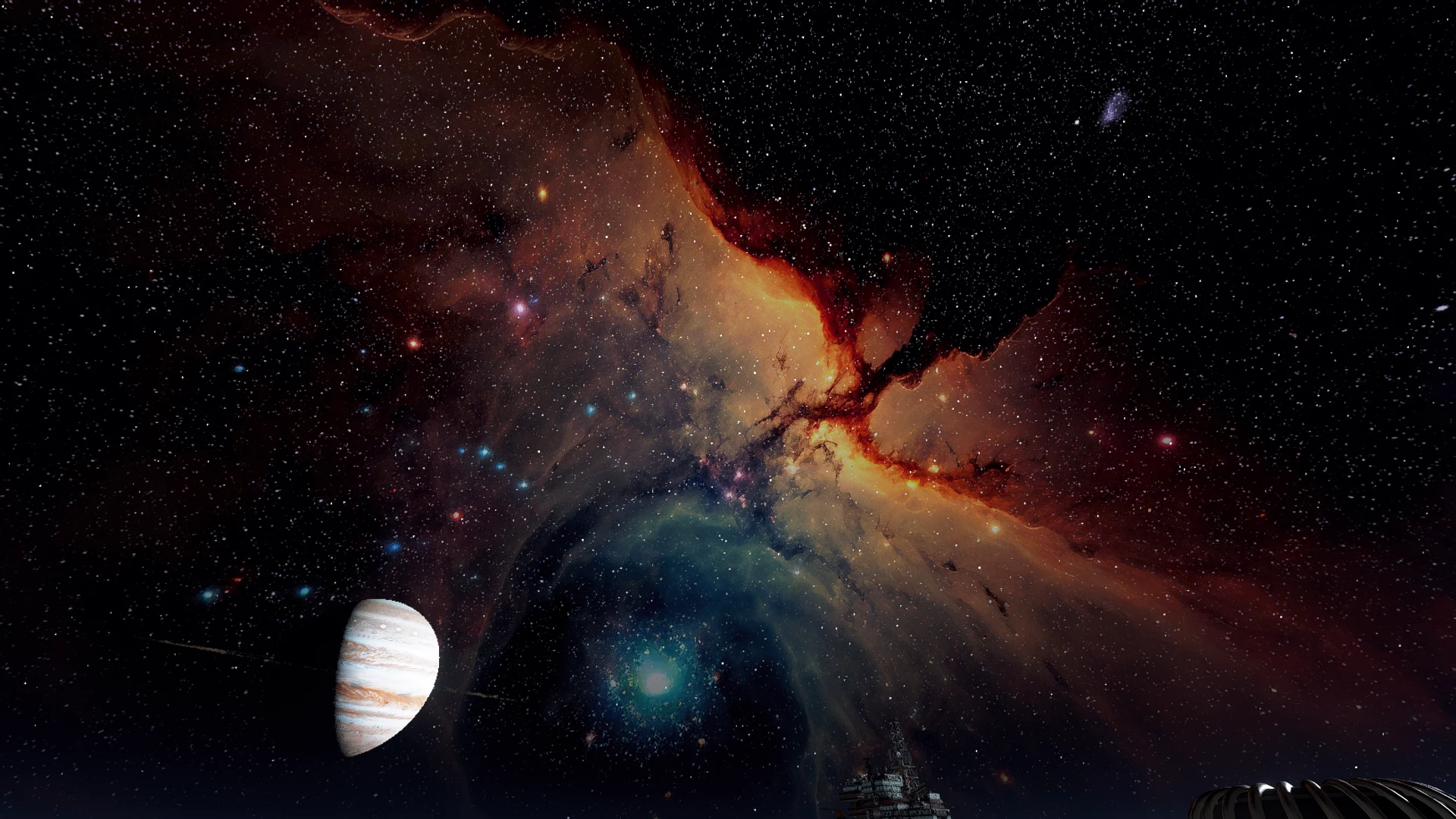
Replace space & planets sky by 8K Galaxies and Nebulae
Installation:
FIRST: Set up StarfieldCustom.ini: If you don’t have one, create it under “Documents/My Game/Starfield” and insert
the following lines:
[Archive]
bInvalidateOlderFiles=1
sResourceDataDirsFinal=
[Display]
fSpaceGlowBackgroundScale=0.0
fStarfieldBackgroundScale=35.0
fStarIntensity=1500.0
fStarSystemFarViewDistance=20000000000.0
fStarfieldStarBrightnessScale=400.0
fStarfieldStarCoordScale=30.0
fSunScale=1.0
VORTEX (& other mod managers)
Simply click on the Vortex button and follow installation instruction from the mod manager.
MANUAL
1) Manually download this mod
2) Unzip file
3) Create folder “
4) Copy / paste file “
VORTEX (& other mod managers)
Simply use the remove feature from your mod manager.
MANUAL
1) Remove file “
Credits:
JustAg0at
Downloads
| Name | Format | Size |
|---|---|---|
| All-in-one-installer-1-0-3.zip | ZIP | 135.65 MB |
To start download click the filename. To open archive files use one of these programs: WinRAR, 7-Zip, WinZip. Some mod archives may need to be extracted before the mods will work.