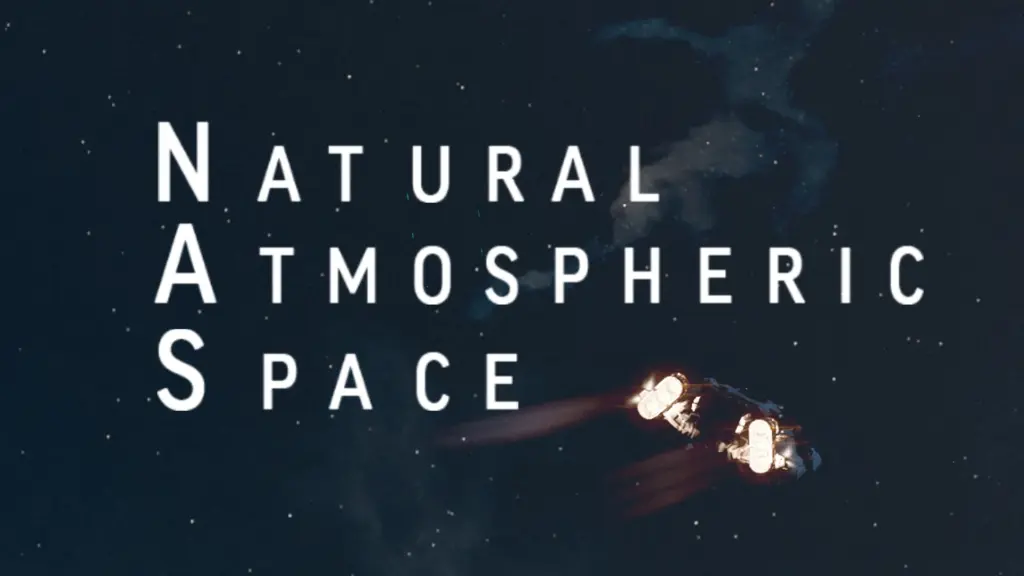
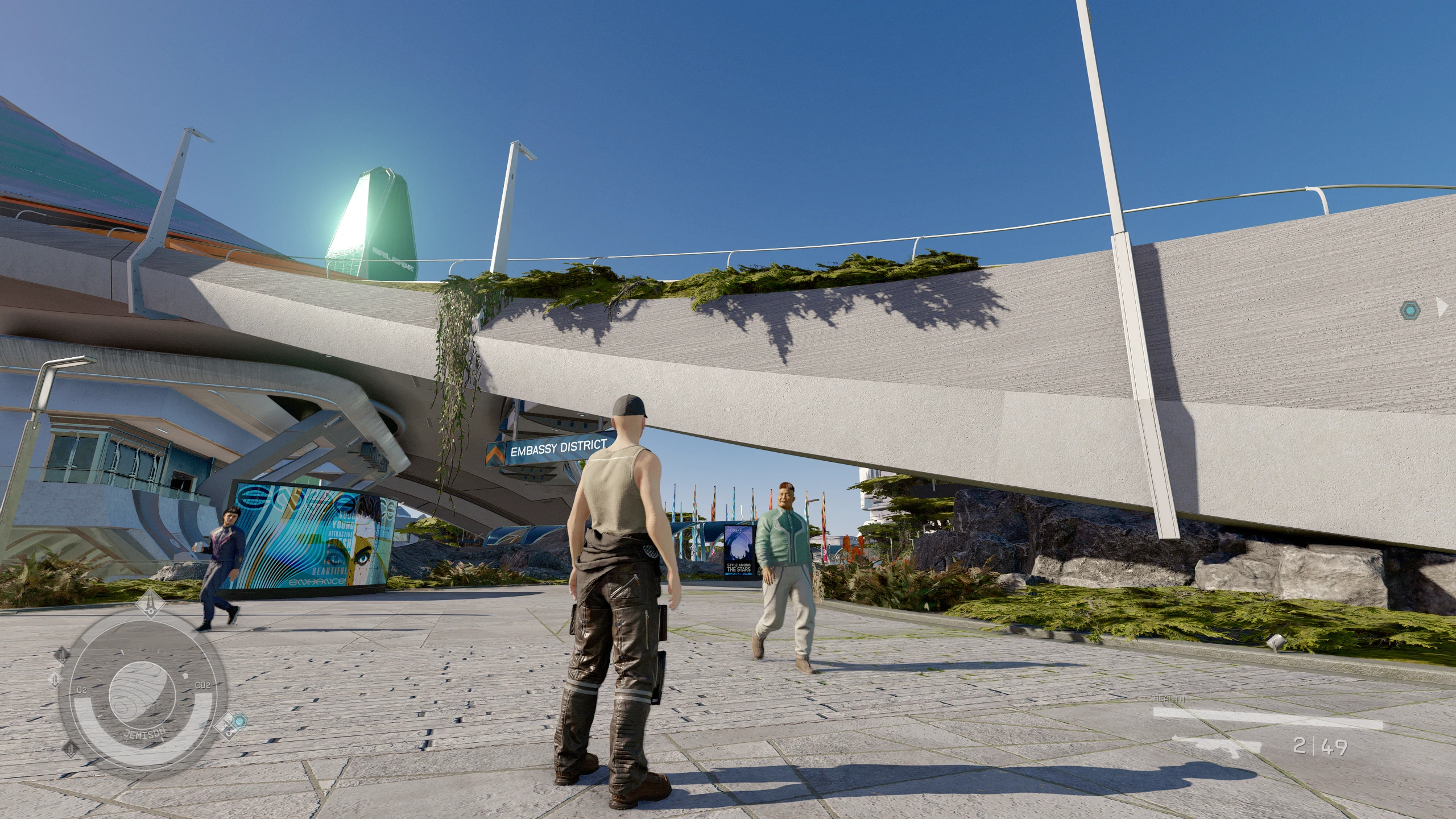
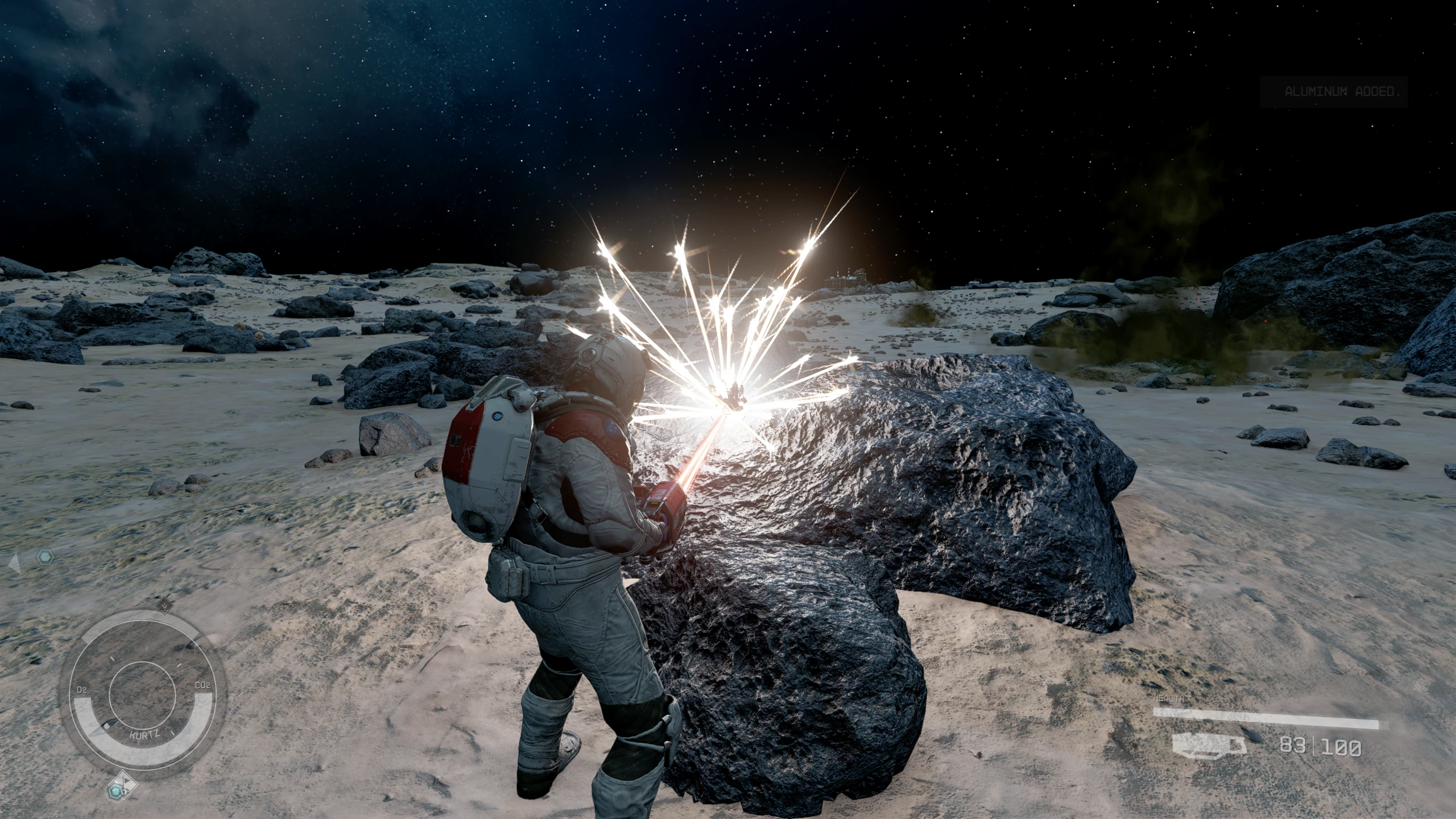
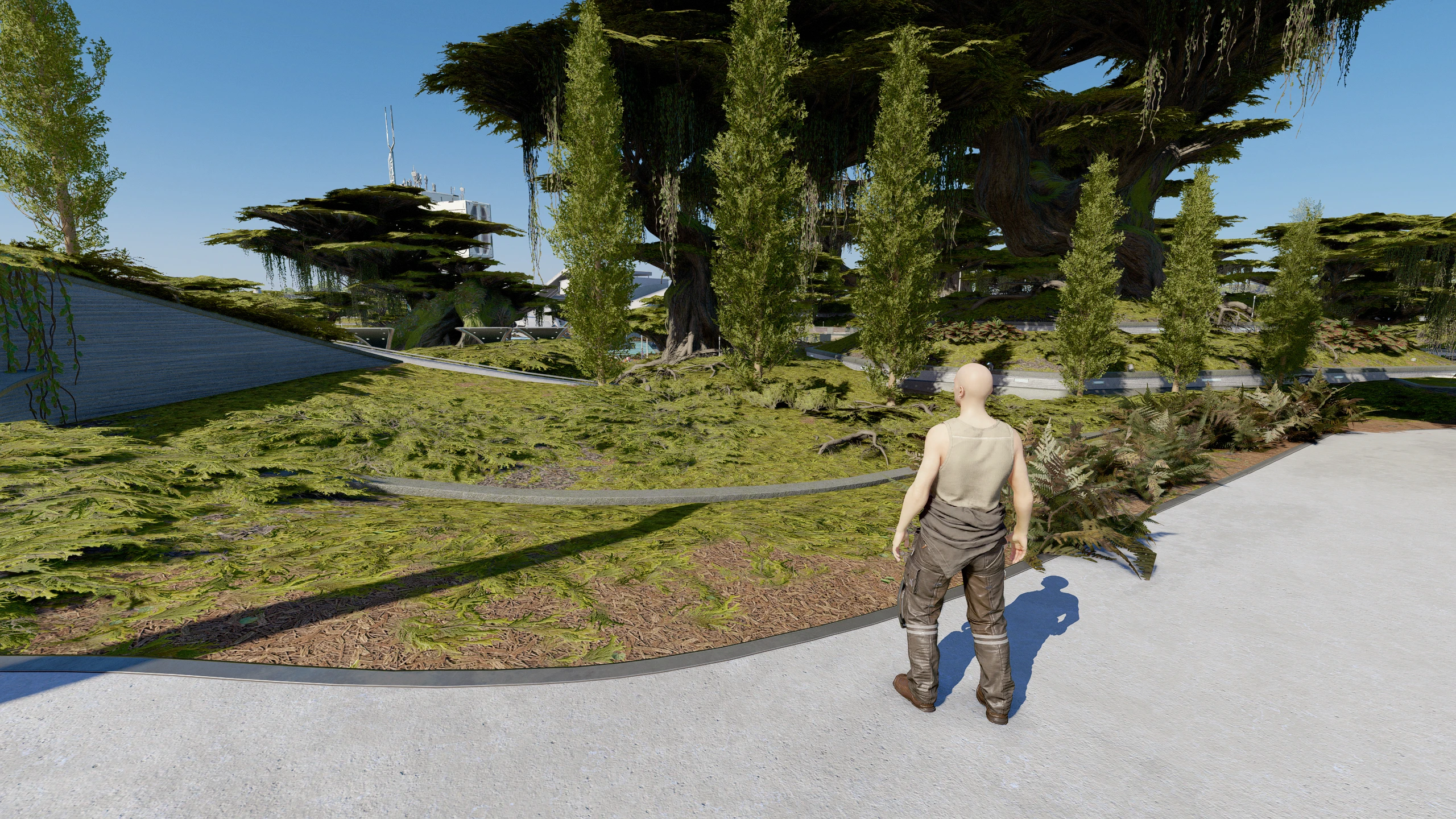
I have started a Natural & Atmospheric project, for Starfield.
Until modding tools are released and find their way on my desk
the version 0.1 of NAS is entirely done using game’s LUT:
– to clean visuals from colorgrading and muddy shades
– to color correct oddities from the game renderer
– to reharmonize colors and reorganize values
(…)
All this in order to make the game shine as much as possible.
This mod will evolve as I play the game and as modding tools release.
INSTALLATION:
If you haven’t already modified StarfieldCustom.ini in order to allow the game to use loose files, create it if it does not exist in:
C:\users\%userprofile%\Documents\My Games\Starfield\StarfieldCustom.ini
In the INI file, add this:
[Archive]
bInvalidateOlderFiles=1
sResourceDataDirsFinal=
Then simply download & install NAS with your usual mod manager,
or move the content of the zip into c:\users\%userprofile%\Documents\My Games\Starfield\
Obviously, this is not compatible with LUTs mods.
I also provide an optional but recommended set of ini settings to make the game look better in the optional downloads
Credits:
L00
Downloads
| Name | Format | Size |
|---|---|---|
| NAS-StarfieldCustom-SAFE-version-0-1.zip | ZIP | 355.00 B |
| NAS-StarfieldCustom-EXPERIMENTAL-version-0-1.zip | ZIP | 995.00 B |
| NAS-Natural-and-Atmospheric-Space-beta-0.1.zip | ZIP | 3.01 MB |
| NAS-Natural-and-Atmospheric-Space-0.1D.zip | ZIP | 2.82 MB |
| NAS-0.1D-Custom-Starfield-ini-settings-0-1D.zip | ZIP | 1.04 KB |
To start download click the filename. To open archive files use one of these programs: WinRAR, 7-Zip, WinZip. Some mod archives may need to be extracted before the mods will work.