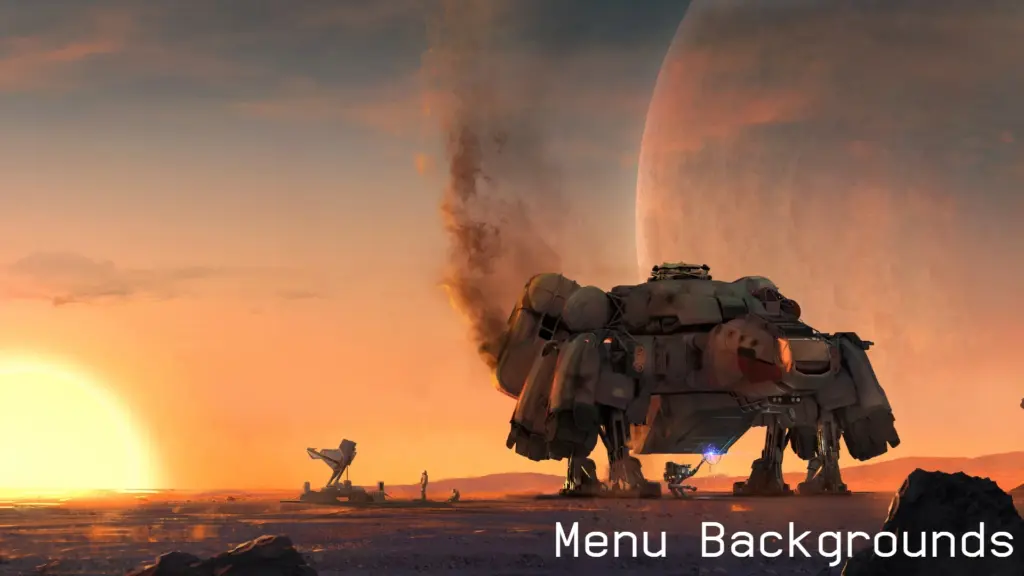
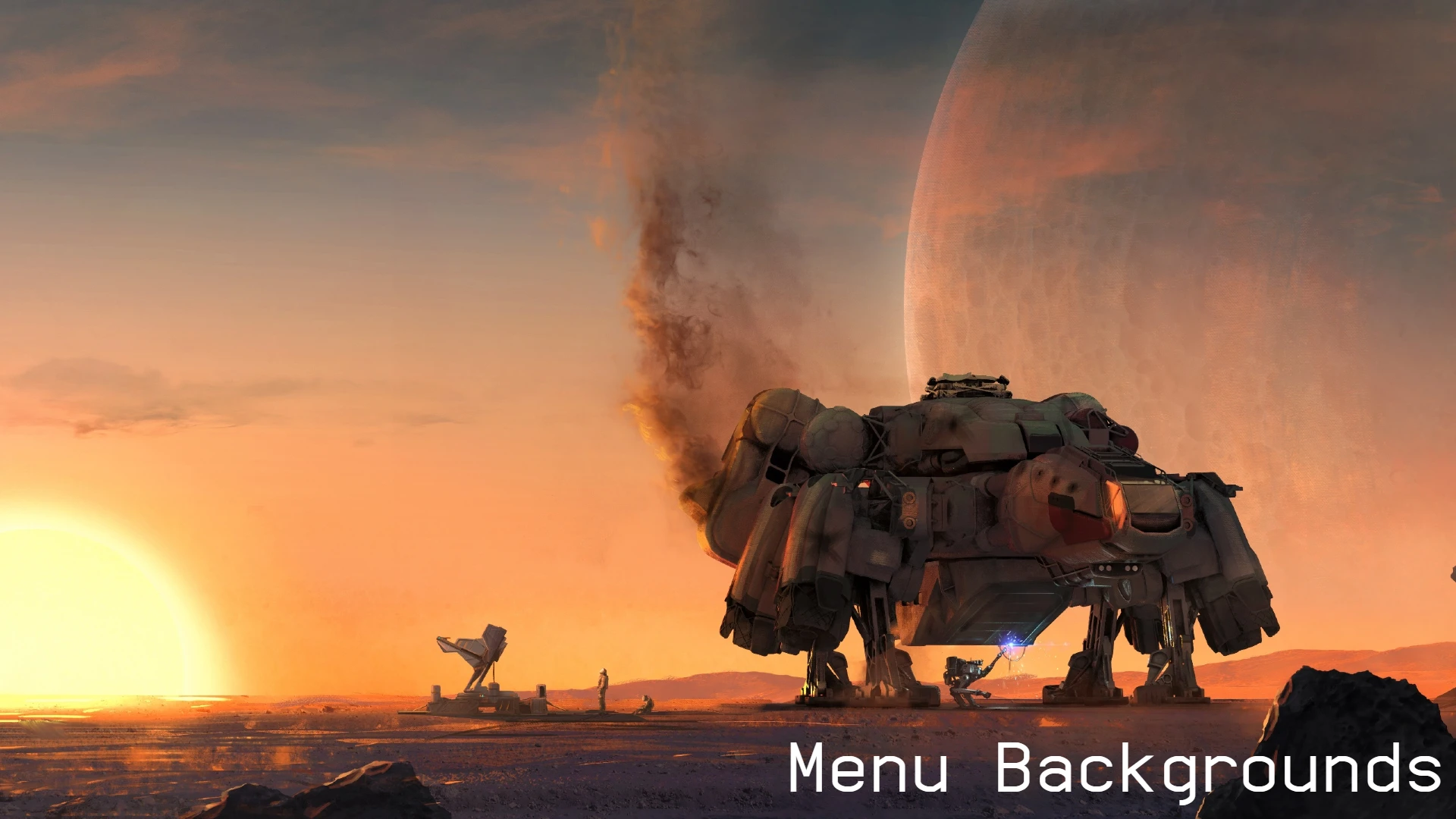
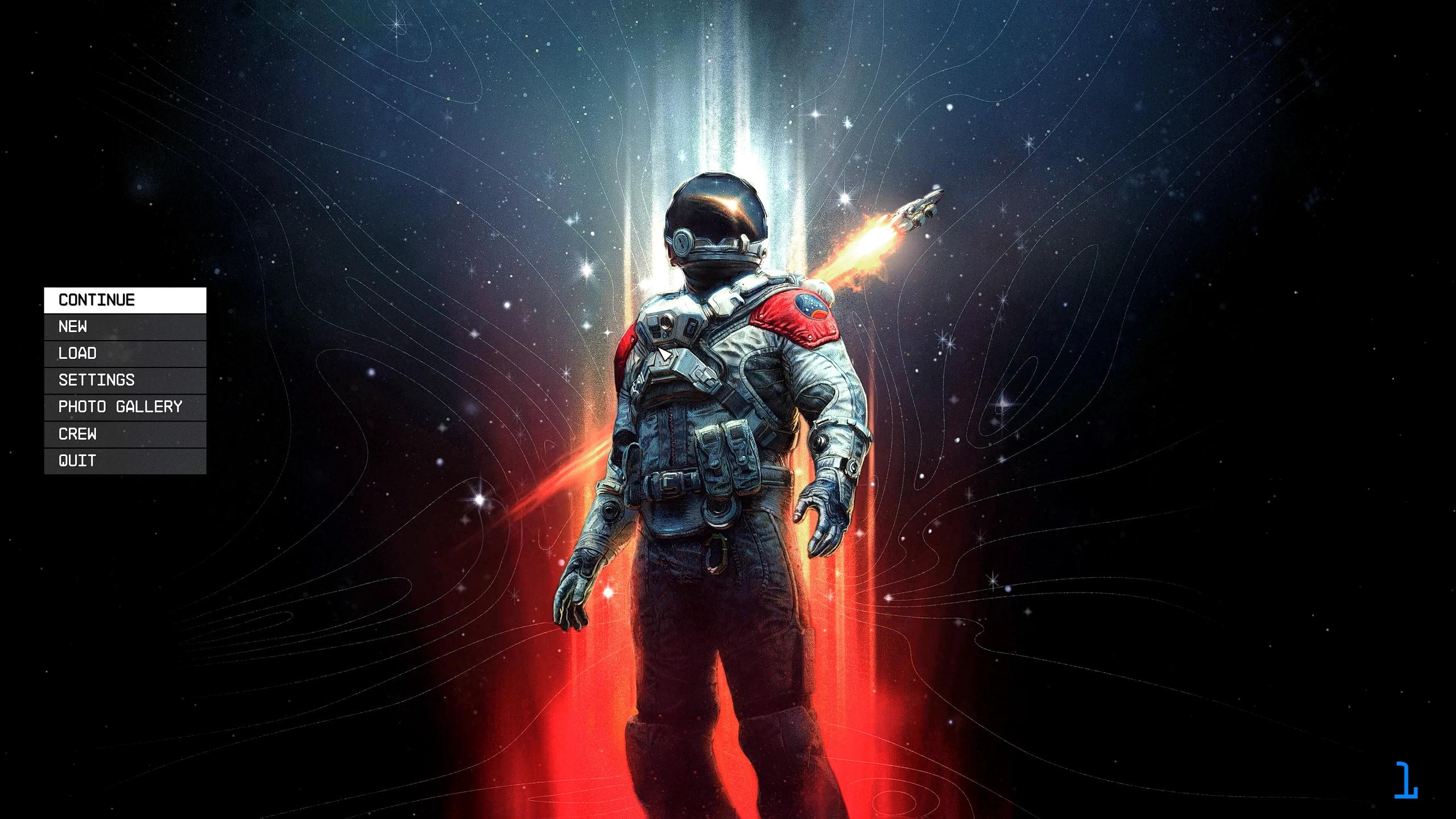
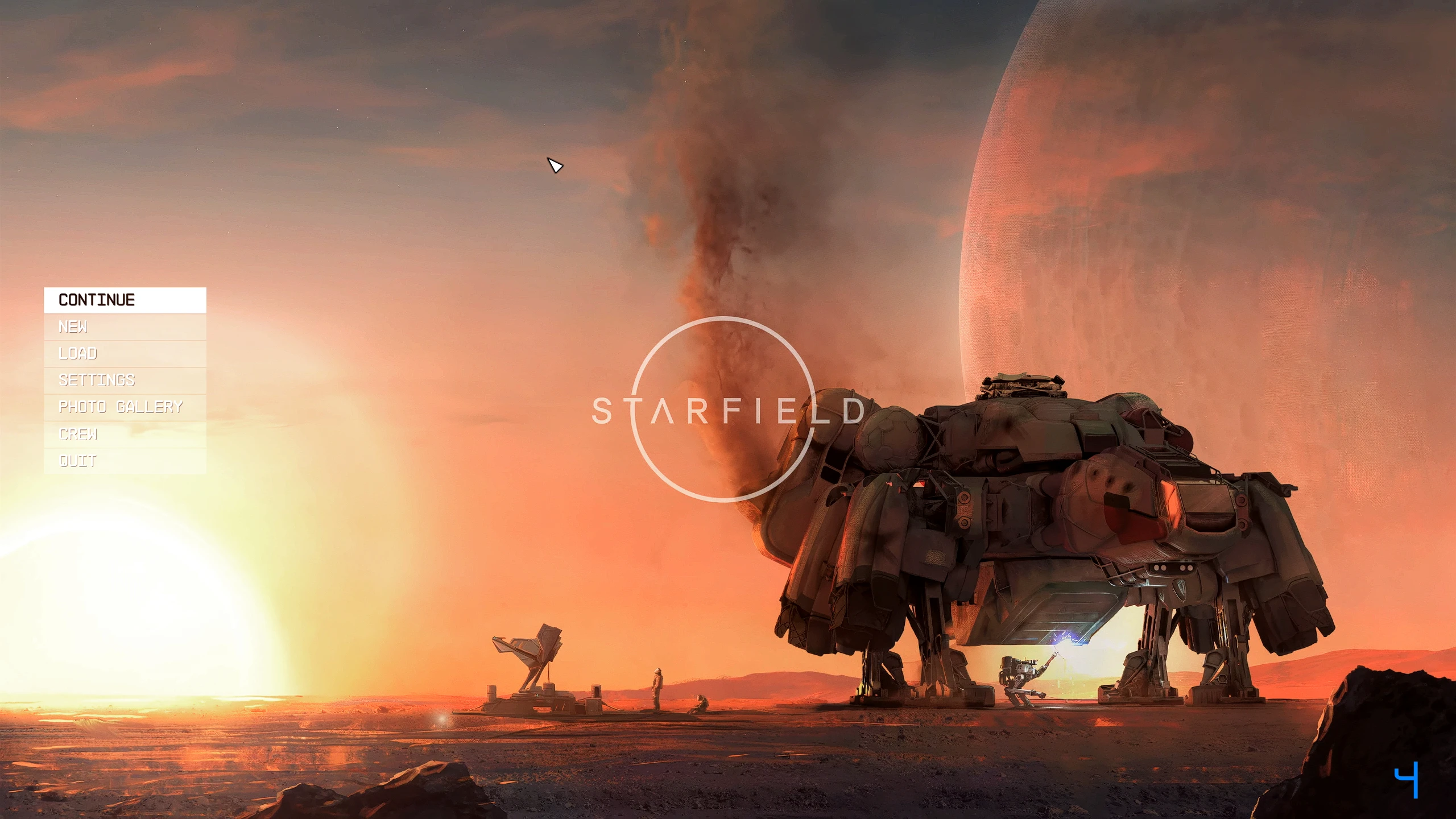
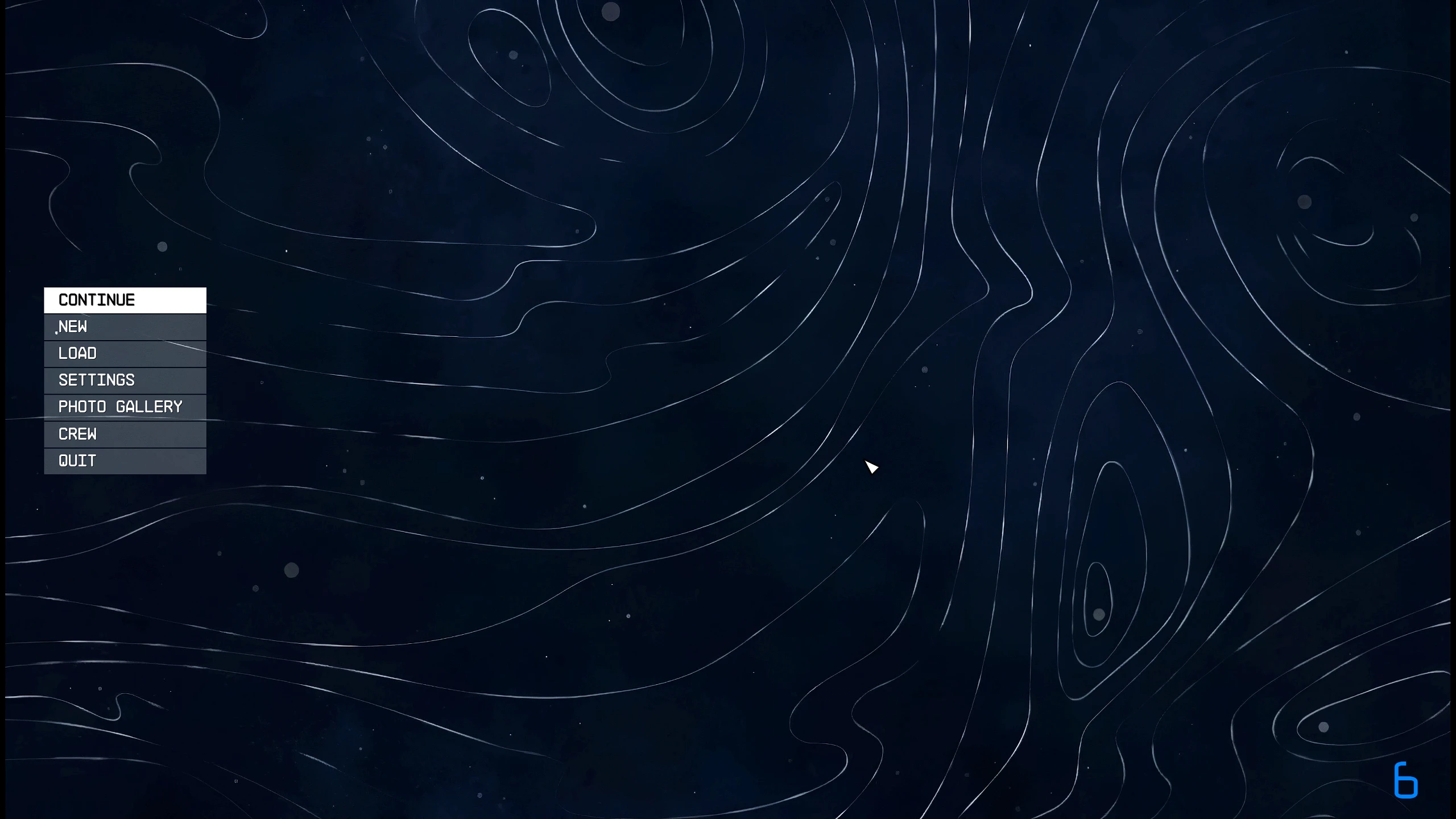
Pick from 8 Animated Menu Backgrounds.
– Interperlated from 30fps to 60fps.
– Sharpened for better quality Visuals.
– Upscaled to 4k.

1. Download and Install with Vortex.
2. Or download the installer to choose from all of them.

1. Copy my files from the “v2_Menu-Bacgrounds” folder to your main “Starfield” folder. (where Starfield.exe is located) Overwrite all files when prompted to do so.
Credits:
2077v2
Downloads
| Name | Format | Size |
|---|---|---|
| v2_Menu-Backgrounds-3-1-0.7z | 7Z | 237.37 MB |
| v2_Menu-Backgrounds-7-1-0.7z | 7Z | 88.83 MB |
| v2_Menu-Backgrounds-6-1-0.7z | 7Z | 214.68 MB |
| v2_Menu-Backgrounds-1-0.7z | 7Z | 207.48 MB |
| v2_Menu-Backgrounds-2-1-0.7z | 7Z | 88.12 MB |
| v2_Menu-Backgrounds-5-1-0.7z | 7Z | 286.74 MB |
| v2_Menu-Backgrounds-4-1-2.7z | 7Z | 288.69 MB |
| v2_Menu-Backgrounds-8-1-0.7z | 7Z | 203.22 MB |
| v2_All-in-one-Vortex-Installer.-Menu-Screens-1-0.7z | 7Z | 1.61 GB |
To start download click the filename. To open archive files use one of these programs: WinRAR, 7-Zip, WinZip. Some mod archives may need to be extracted before the mods will work.