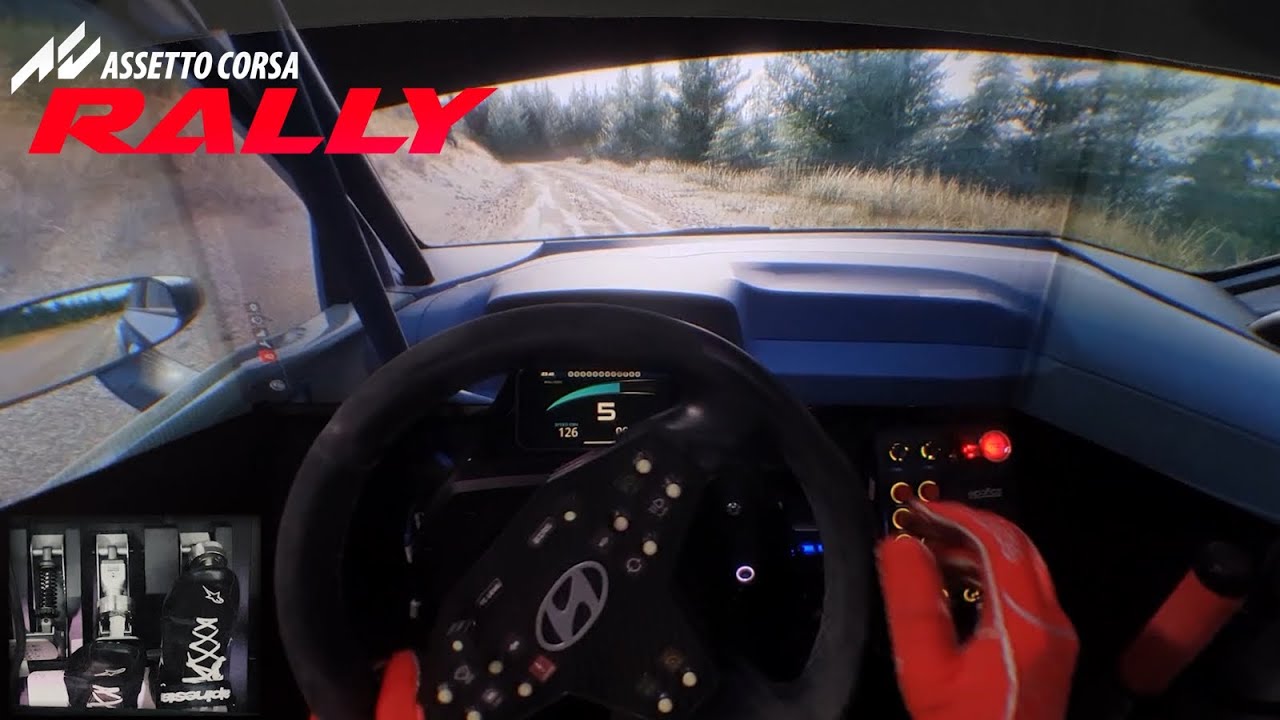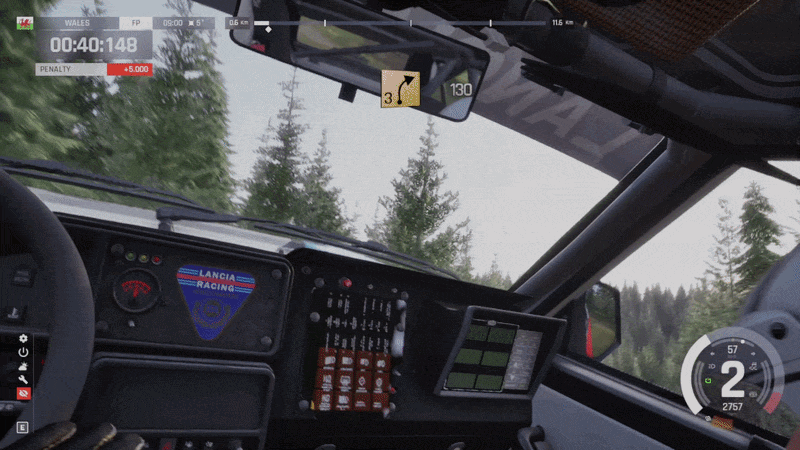
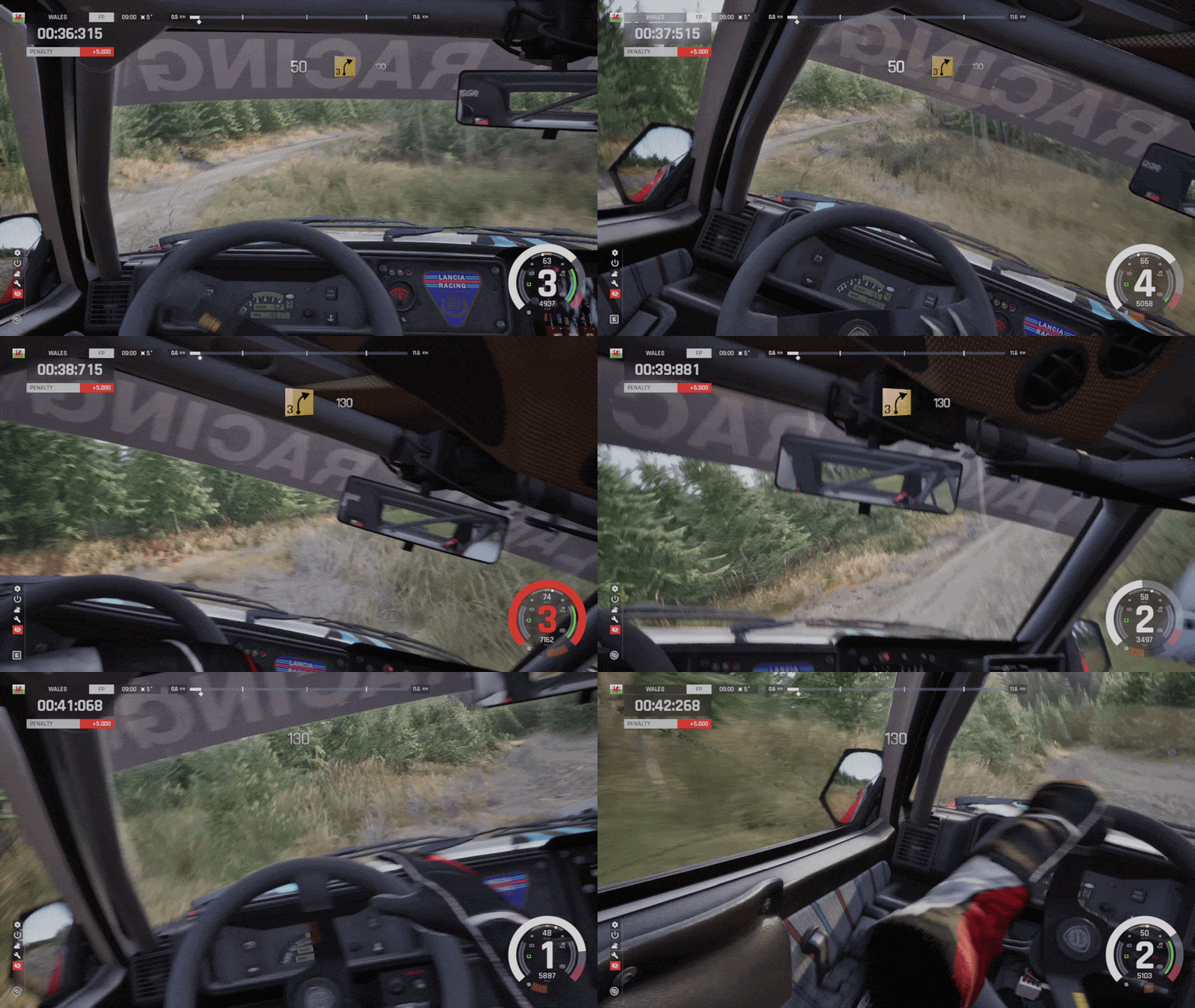
An unofficial OpenTrack compatible head tracking mod for Assetto Corsa Rally, no VR headset required. Use a webcam, a phone, or any OpenTrack-compatible tracker to look around the cockpit by moving your head.
Features
- 6DOF tracking – full rotation (yaw, pitch, roll) plus positional tracking, so you can lean into an apex, look through a corner and peek past the A-pillar
- Works with any OpenTrack-compatible source – webcam, smartphone app, TrackIR, Tobii, or anything that speaks the OpenTrack UDP protocol
Requirements
- Assetto Corsa Rally
- A head tracker that speaks the OpenTrack UDP protocol: OpenTrack itself with any of its inputs (webcam, phone, TrackIR, Tobii, SteamVR), or a phone app which sends a clean OpenTrack UDP signal direct
- Windows 10 or 11, 64-bit.
Installation
- Download the installer for this mod.
- Extract it anywhere.
- Double-click install.cmd. It finds the game and drops the loader and the mod next to acr.exe.
- Point your tracker at UDP port 4242. OpenTrack on the same PC sends to 127.0.0.1; a phone app would need to send to your PC’s local network IP instead
- Launch the game. The mod writes a default HeadTracking.ini and a log next to the EXE on first run.
If the installer cannot find your game, point it at the install folder yourself. Either set the environment variable:
$env:ASSETTO_CORSA_RALLY_PATH = "D:\Games\Assetto Corsa Rally"or pass the path as the first argument:
install.cmd "D:\Games\Assetto Corsa Rally"Manual Installation
Copy two files into <game>\acr\Binaries\Win64\ (the folder containing acr.exe, not the install root):
– vendor\ultimate-asi-loader\dinput8.dll -> dinput8.dll
– plugins\AssettoCorsaRallyHeadTracking.asi -> AssettoCorsaRallyHeadTracking.asi
OpenTrack Setup
- Install OpenTrack.
- Input: whatever tracker you have (Tobii, neuralnet, …).
- Output: UDP over network, IP 127.0.0.1, port 4242.
- Start tracking before or after launching the game – either order works.
Phone App Setup
If your tracking app filters noise on the device (e.g. Headcam) you can point it straight at your PC’s local IP on port 4242 and start tracking. Any other app that emits the OpenTrack UDP protocol works the same way. If a phone tracker feels jittery, point it at OpenTrack and ensure it is filtered before being passed to the game – you’ll need to choose the OpenTrack UDP input and set the port to something other than 4242 (say, 5252) and the OpenTrack UDP output with port 4242.
Controls
Two equivalent binding sets – use whichever your keyboard has:
| Action | Nav-Cluster | Chord |
|---|---|---|
| Toggle Tracking | End | Ctrl+Shift+Y |
| Cycle Tracking Mode | Page Up | Ctrl+Shift+G |
Page Up / Ctrl+Shift+G cycles tracking mode:
- Normal head-tracked gameplay
- Positional tracking disabled, rotational tracking enabled
- Rotational tracking disabled, positional tracking enabled
- Back to normal
The mod never picks a centre on its own. It uses whatever your tracker sends, so centre it in your tracker app while sitting how you drive.
Hotkeys are remappable in [Hotkeys] in HeadTracking.ini, both the nav-cluster key and the chord letter, you’ll need to do this button box or a wheel plugin already sits on one of them.
Hotkeys are codes, not key names: ToggleKey=Insert is refused, ToggleKey=0x2D is the same key. They are read as hex, so a bare 24 is 0x24. Common ones are Home=0x24, End=0x23, Insert=0x2D, Delete=0x2E, Page Up=0x21, Page Down=0x22, F1-F12=0x70-0x7B, A-Z 0x41-0x5A, numpad 0-9=0x60-0x69. Ctrl, Shift and Alt cannot be bound – they are what the chord itself is made of.
Credits
- Supernova Games Studios and Kunos Simulazioni for Assetto Corsa Rally.
- Ultimate ASI Loader by ThirteenAG.
- MinHook by Tsuda Kageyu.
OpenTrack for the tracking protocol.
This mod is not affiliated with or endorsed by Supernova Games Studios or Kunos Simulazioni.
Source Code
Downloads
| Name | Format | Size |
|---|---|---|
| AssettoCorsaRallyHeadTracking-v1.1.0-installer.zip | ZIP | 2.87 MB |
To start download click the filename. To open archive files use one of these programs: WinRAR, 7-Zip, WinZip. Some mod archives may need to be extracted before the mods will work.