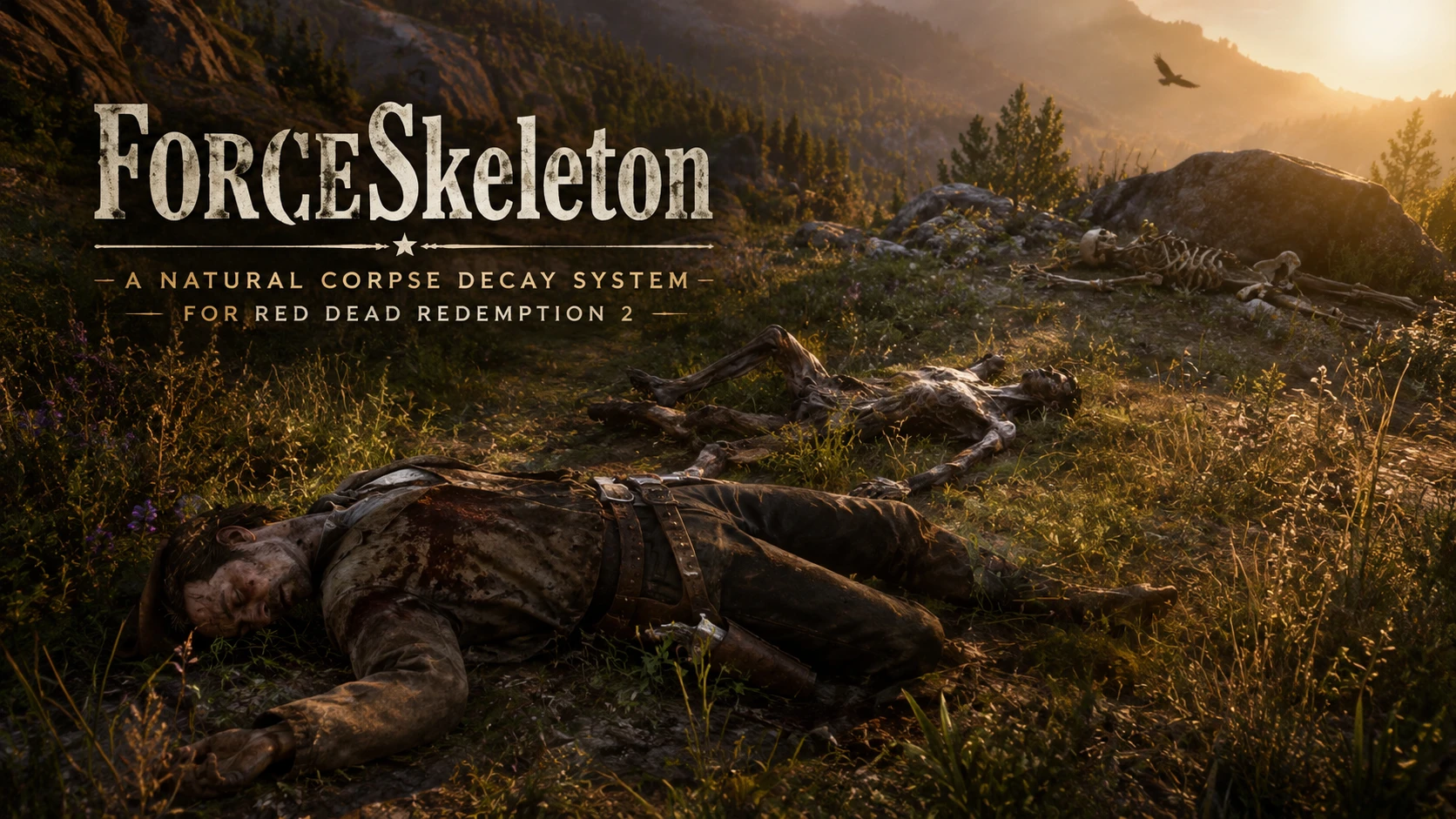
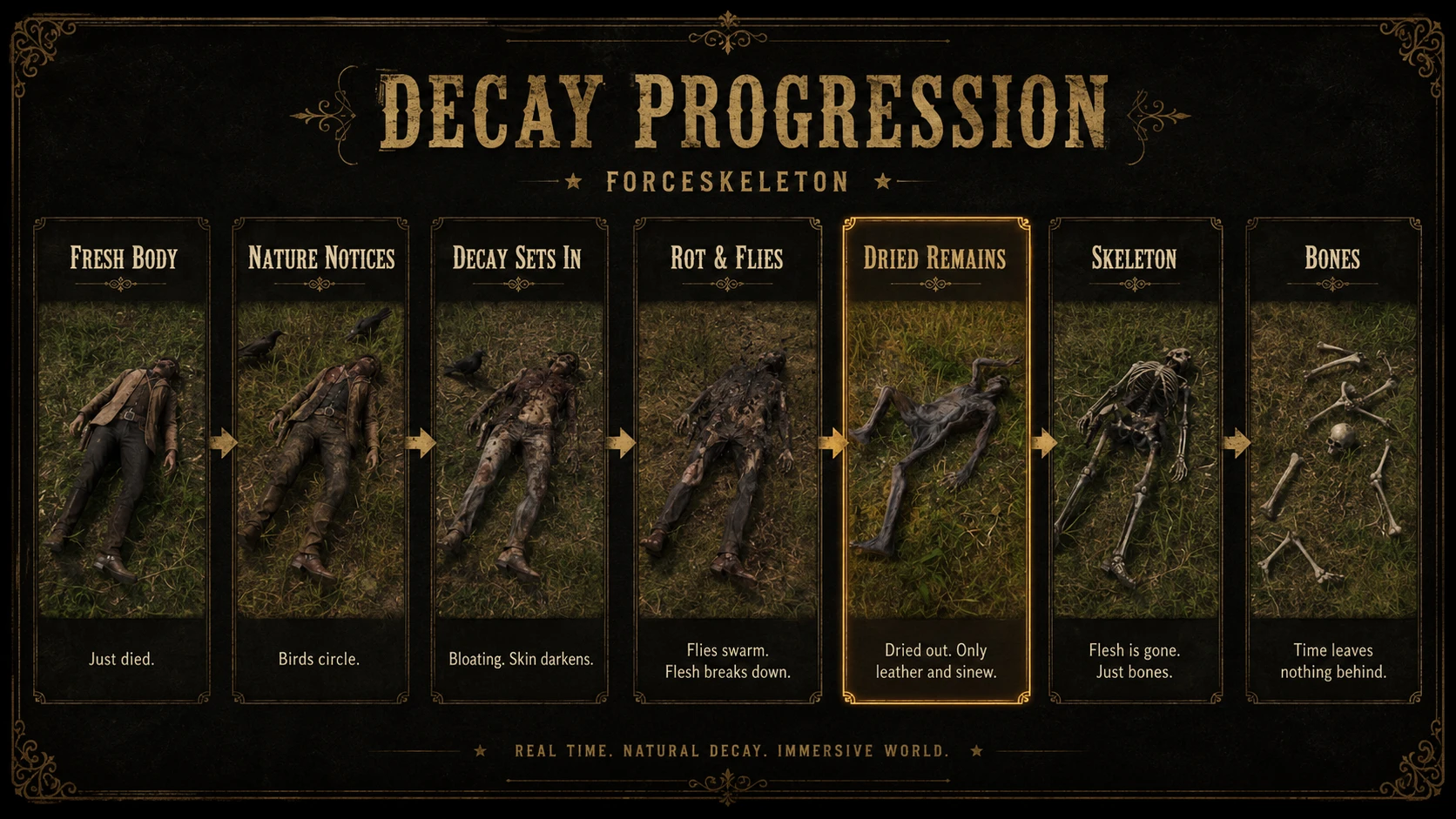
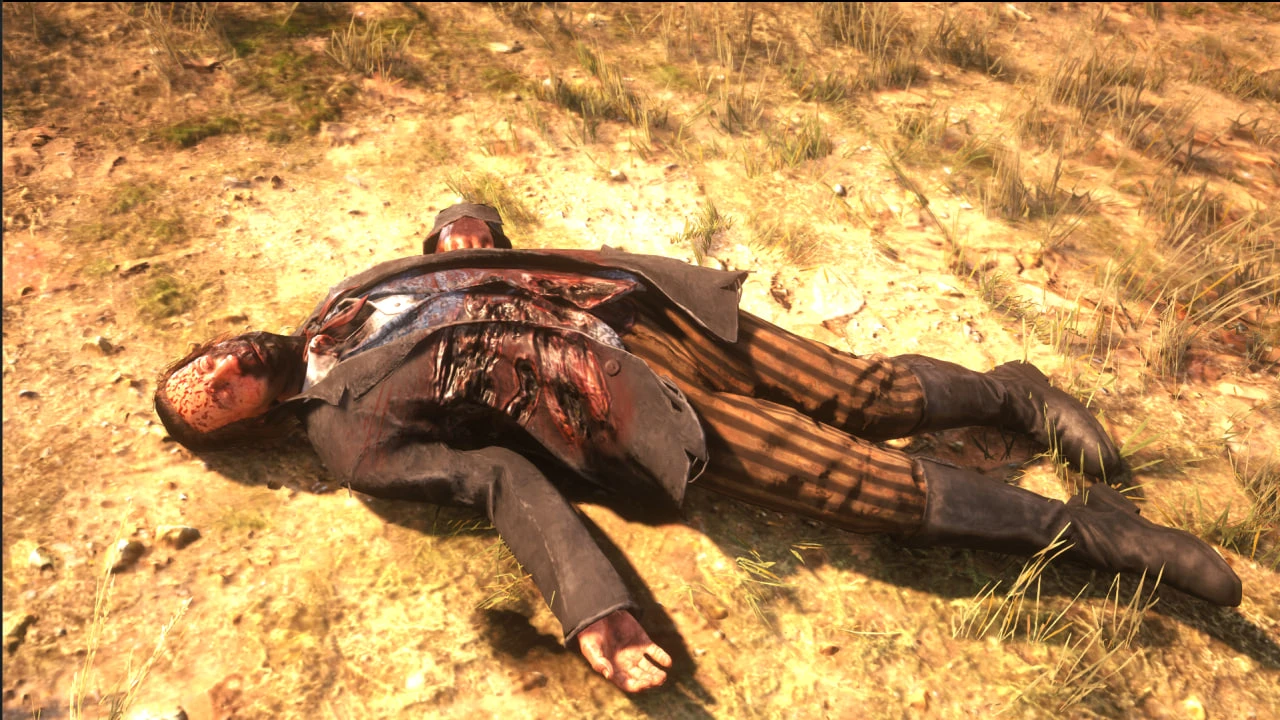
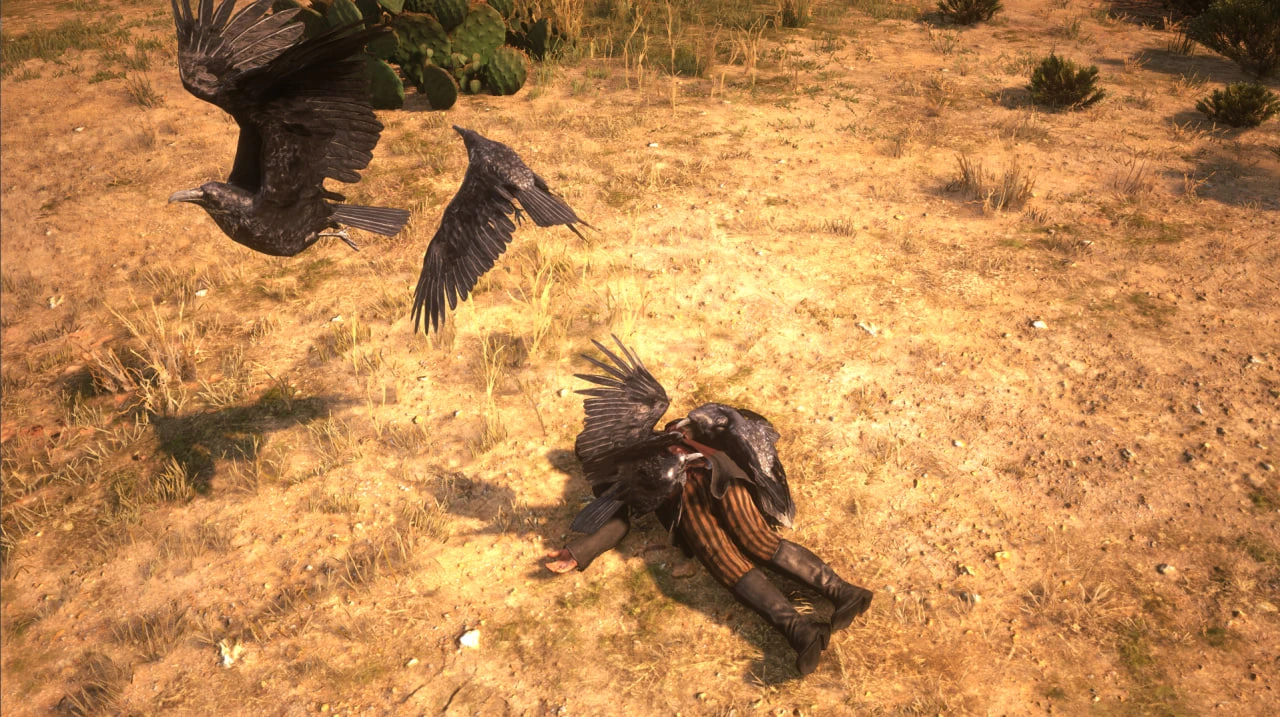
ForceSkeleton is an immersion-focused corpse decay mod for Red Dead Redemption 2.
Red Dead Redemption 2 already has an incredible world. Animals react, bodies persist for a time, and the environment feels alive.
But corpse decay for human NPCs is limited and quite often never truly triggers.
ForceSkeleton was created to push that idea further.
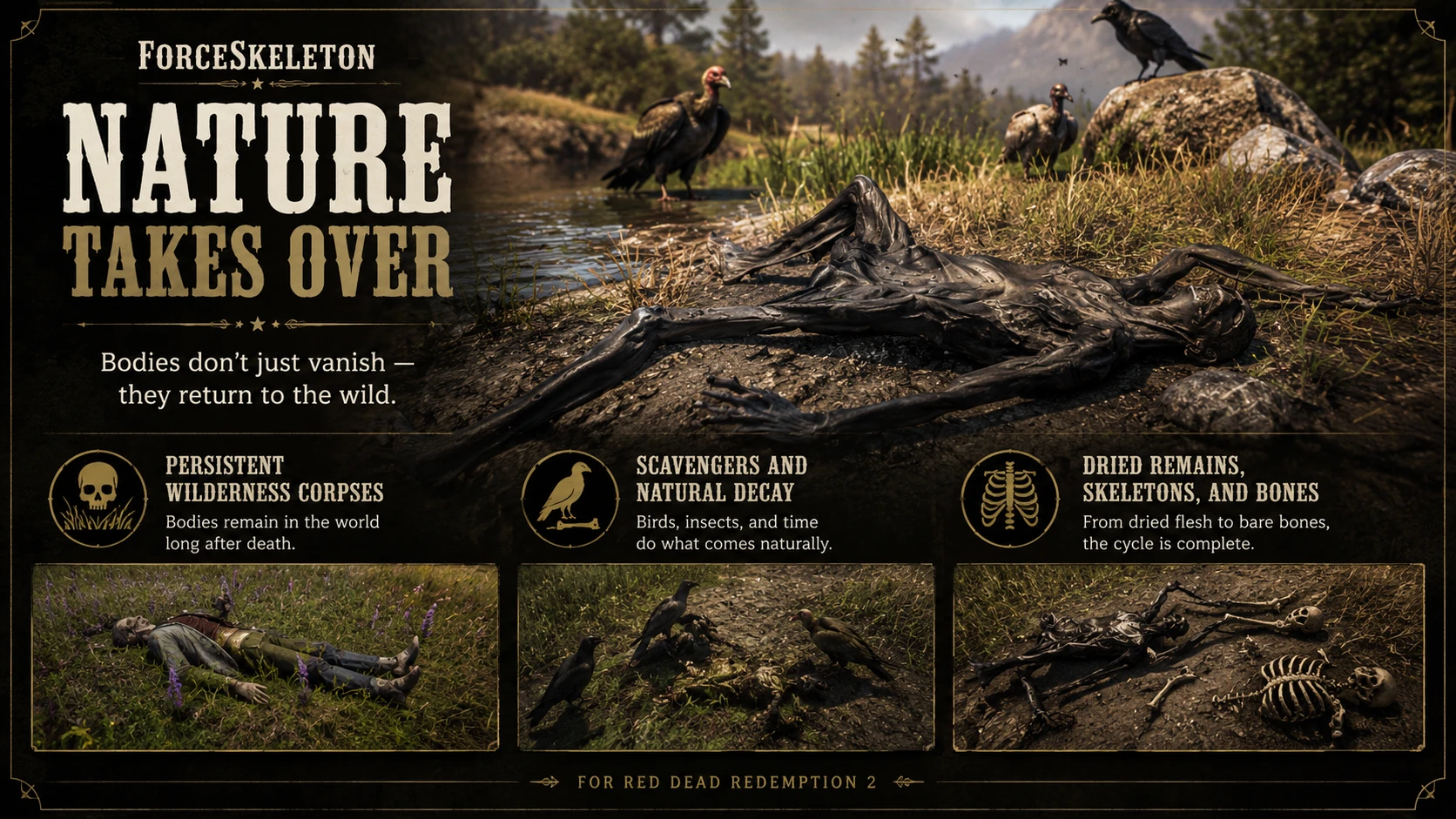
The goal is simple: when human NPCs die out in the wilderness, their bodies should feel like they belong to the world. They should remain, change, rot, dry out, attract nature, and eventually fade into bones.
Instead of letting corpses disappear too quickly or stay visually unchanged forever, ForceSkeleton takes over parts of Red Dead Redemption 2’s own corpse behavior and expands it into a more detailed, customizable and immersive decay system.
What ForceSkeleton Does
Have you ever wondered why npcs would vanish instantly after you leave an area or after a mission? Leaving the world empty without consequences? Well now this is over!
When a human NPC body is left in a suitable wilderness location, outside of a road or a town, ForceSkeleton can keep it in the world and let it pass through a full decay cycle over in-game time.
The body does not instantly become rotten. It begins as a fresh corpse, giving the game time to behave naturally. Later, the body starts to show the effects of time. What makes this mod unique also is the custom decay stages and logic specifically built with immersion in mind. This means the decay process is expanded beyond what Rockstar originally created !
Red Dead Redemption 2 already contains traces of corpse decay behavior, but in normal gameplay it is limited, contains fewer body decay variations, inconsistent, and rarely seen. Bodies are often cleaned up by the engine long before anything meaningful can happen, especially on PC.
ForceSkeleton expands that unfinished idea into a proper wilderness corpse decay system.
The mod also has its own rules to keep the system controlled and performance-conscious. It does not blindly affect every corpse in the game. By default, ForceSkeleton can manage up to 40 tracked corpses, and this value can be changed in the INI.
Bodies that are already handled by the game engine, cleaned up by the world, or outside the mod’s rules will not be affected by this mod. ForceSkeleton focuses on suitable wilderness corpses, not every NPC death everywhere.
ForceSkeleton also has to work within the limits of Red Dead Redemption 2’s engine. Some late-stage remains, such as skeletons and bone props, are not full physics-driven bodies. They cannot always blend perfectly into every piece of terrain the way a living NPC or ragdoll might. The mod already checks collision when placing remains, but some visual limits are part of how these models work in the game.
The limitation of the modding tools in hand can’t allow me to add physics to the models for the time being.
Built Around the Game’s Own Systems
ForceSkeleton does not simply fake everything from scratch.
The mod carefully works with Red Dead Redemption 2’s own corpse logic, animal interest, decay visuals, and world behavior, then expands on it into a stronger and more detailed system.
ForceSkeleton is meant to make the world feel more physical, more reactive, and more unforgiving. It pairs naturally with the game’s crime system, giving you another reason to hide bodies far from roads, towns, and anyone who might stumble across them.
If a body is left in the wild, the wild should take it back.
Designed for the Wilderness
ForceSkeleton is focused on bodies left outside towns, away from normal civilization.
The mod is intended for:
Forests
Trails
Remote roadsides
Swamps
Mountains
Campsites
Open wilderness
Bodies dragged away from populated places
Bodies in towns, vehicles, roads, and other unsuitable places are avoided so the game can continue handling those situations naturally. But do not expect any meaningful decay from those corpses. Rockstar decay behavior is very limited.
This keeps the mod focused on the moments where it makes the most sense: a body abandoned somewhere in the wild, slowly being taken by the land. But nothing stop you from killing an npc and moving it outside the town. The corpse will dynamically enter the decay pipeline.
Configurable Experience
ForceSkeleton includes an INI file so you can tune the experience to your liking.
You can adjust:
How long each decay phase takes
How many corpses the mod can manage
How far around the player the mod watches
Model chances
Hotkeys
Planned Features
ForceSkeleton is still growing. The current goal is to make corpse decay feel more natural, but future updates aim to make the world react to death in even more believable ways.
Dismembered Corpse Decay
A planned feature is custom decay logic for dismembered bodies.
If a corpse is missing a head, an arm, or a leg, the later remains should reflect that. If you destroyed an NPC’s head, it should not make sense to later find a perfectly preserved skull in the same place.
The goal is to make damaged corpses continue through the decay cycle in a way that respects what actually happened to the body.
Corpse Recovery Behavior
Custom behavior for civilians who discover bodies.
Depending on the situation, civilians may react in different ways. Some may call the law. Some may carry the body away. Some may try to burn the corpse, At the turn of the 20th century, disease was still a serious fear, and cholera was still a major public-health concern in parts of the world. The sixth cholera pandemic began in 1899. In fact the town of Armadillo is facing such plague and as such npcs will try to stop the decay from spreading. Others may dispose of the body in darker, more disturbing ways…
More Wildlife Variety
Expanded animal interest around corpses.
The goal is to increase the variety of wild animals that can be drawn to bodies beyond what Rockstar originally intended, making corpse scenes feel less predictable and more alive.
Burial and Graveyard System
Burial system.
Some bodies may eventually be buried by people connected to them, creating a more emotional and grounded outcome than simple disappearance.
Memory and Consequences
Another planned feature is a memory system inspired by one of Rockstar’s most interesting unfinished ideas: lasting consequences.
NPCs you kill may leave more than a corpse behind.
Their family may remember. Their friends may remember. Their gang may remember.
Kill the wrong person, and someone may come looking for you. A gang member’s death may bring revenge. A civilian’s death may leave grief, suspicion, or fear behind.
Will you face the consequences of your actions, or run from them?
And More…Stay Tuned!
Installation
Place the mod files in your Red Dead Redemption 2 game folder.
Your game folder should contain:
RDR2.exe
ScriptHookRDR2.dll
dinput8.dll
ForceSkeleton.asi
ForceSkeleton.ini
Do not use version.dll. This mod will not work with it!
Requirements
A Legal copy of RDR2
ScriptHook V2
Ultimate ASI loader
Default Controls
But all hotkeys can be changed in ForceSkeleton.ini.
DebugMenu = F3
MenuUp = UP
MenuDown = DOWN
MenuSelect = ENTER
MenuBack = BACKSPACE
ToggleOverlay = F9
ForceSkeleton Toggle
The menu lets you enable or disable ForceSkeleton in-game.
Use this only if you want to quickly stop the mod while testing. If you report a bug, please mention if you disabled or re-enabled the mod during the test.
Stability Monitor
The Stability Monitor shows live ScriptHook pool counts for stability testing.
Use it when checking performance, spawn behavior, pool pressure, high corpse limits, the optional Persistence Boost, heavy population mods, or large LML setups.
Normal players do not need to keep the Stability Monitor enabled.
Tracked Corpses
The Tracked Corpses menu shows corpses currently managed by ForceSkeleton.
You can use it to teleport back to a tracked corpse, check whether a body is still being managed, or confirm whether a corpse has disappeared while still appearing in the tracked list.
Ped Spawner
The Ped Spawner creates one test human NPC nearby.
Use this for controlled testing instead of relying on mission NPCs, lawmen, bounty hunters, scripted encounters, or random bodies.
Model Catalogue
The Model Catalogue lets you spawn dried corpse variants, skeleton models, human bone props, skull props, and body-part models for visual checks.
This is only for checking how models look. It does not mean those models came from the natural decay system.
Debug Tools
The Debug Tools menu contains corpse testing actions.
Advance decomposition state
Moves an aimed tracked corpse to its next decay stage.
Use this to test stage transitions, but do not use it when testing natural timing.
Apply rot/flies visual for testing purpose
Applies only the rot and flies visual layer to an aimed corpse.
Use this to check whether the visual layer works.
If you use any debug option while testing, please mention exactly which one in your bug report.
Compatibility
Generally Compatible
ForceSkeleton should be compatible with all mods, as long as they do not interfere with corpse persistence, entity cleanup, or decomposition behavior.
This mod runs as an ASI script and hooks into Rockstar’s decay system, but it does not simply make bodies last longer. It adds its own custom decay logic, tracks eligible corpses, controls their decay timing, and adds later decay stages that do not exist in vanilla.
Not Compatible
Mods that globally preserve entities or prevent the world from cleaning itself up are not compatible with this mod.
Enhanced Entity and World Persistence Reloaded
WhyEm’s Setup
Credits:
MaroKit
Downloads
| Name | Format | Size | Description |
|---|---|---|---|
| ForceSkeleton-0-5-37.zip | ZIP | 146.54 KB | |
| Optional-Persistence-boost.zip | ZIP | 17.04 KB | - Adds an experimental optional LML gameconfig file for players who want more room for persistent corpse scenes. |
To start download click the filename. To open archive files use one of these programs: WinRAR, 7-Zip, WinZip. Some mod archives may need to be extracted before the mods will work.