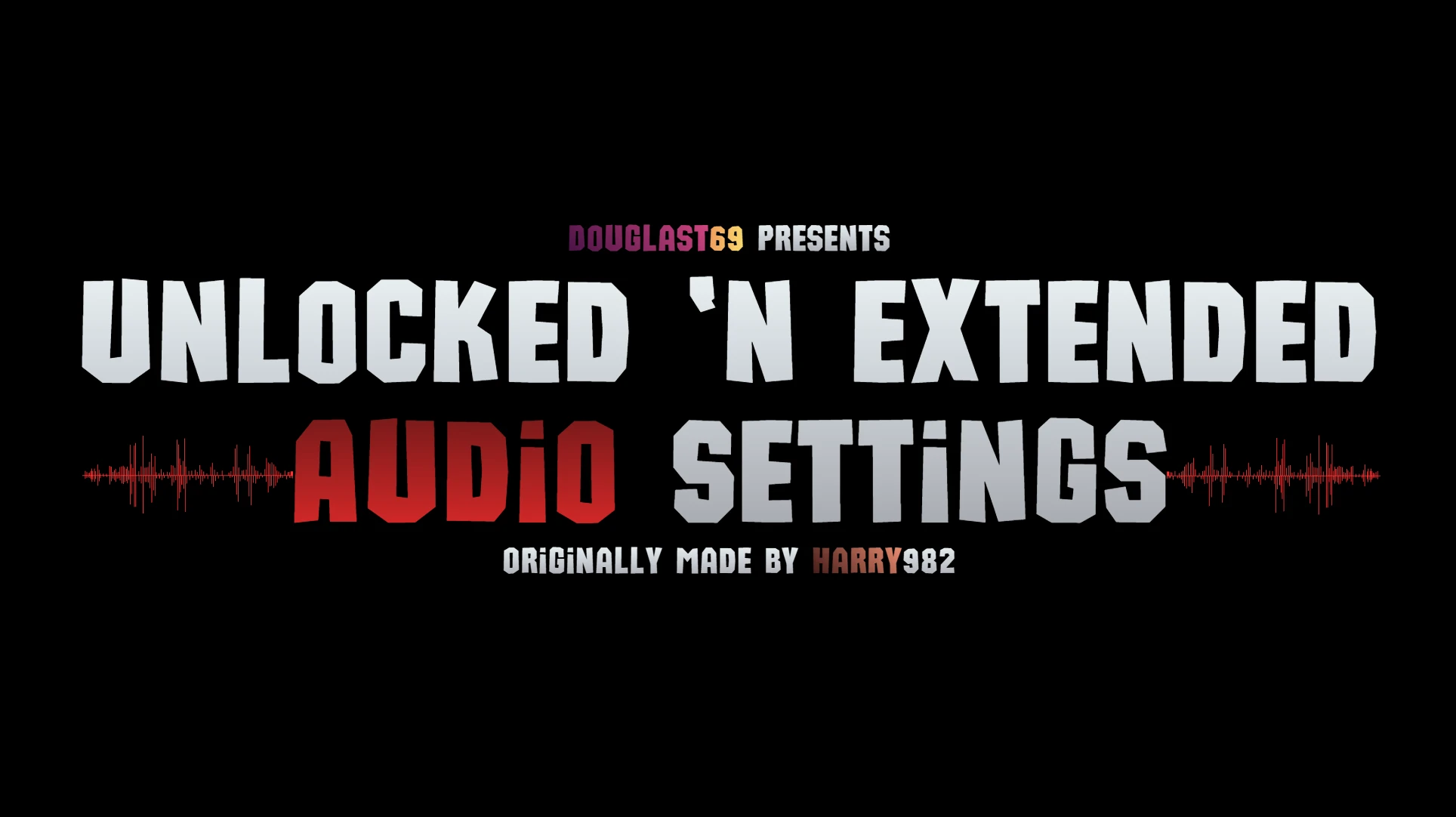
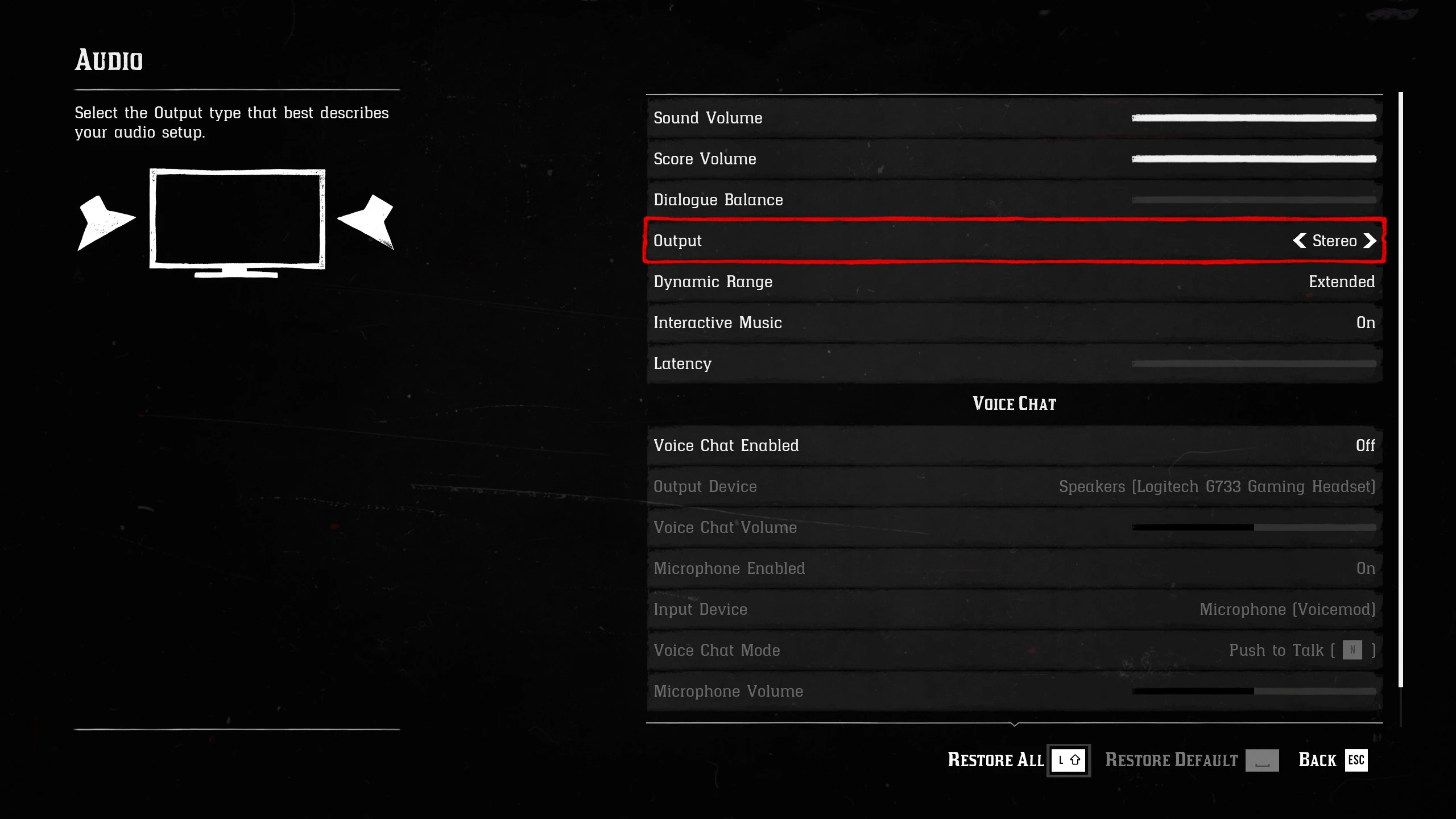
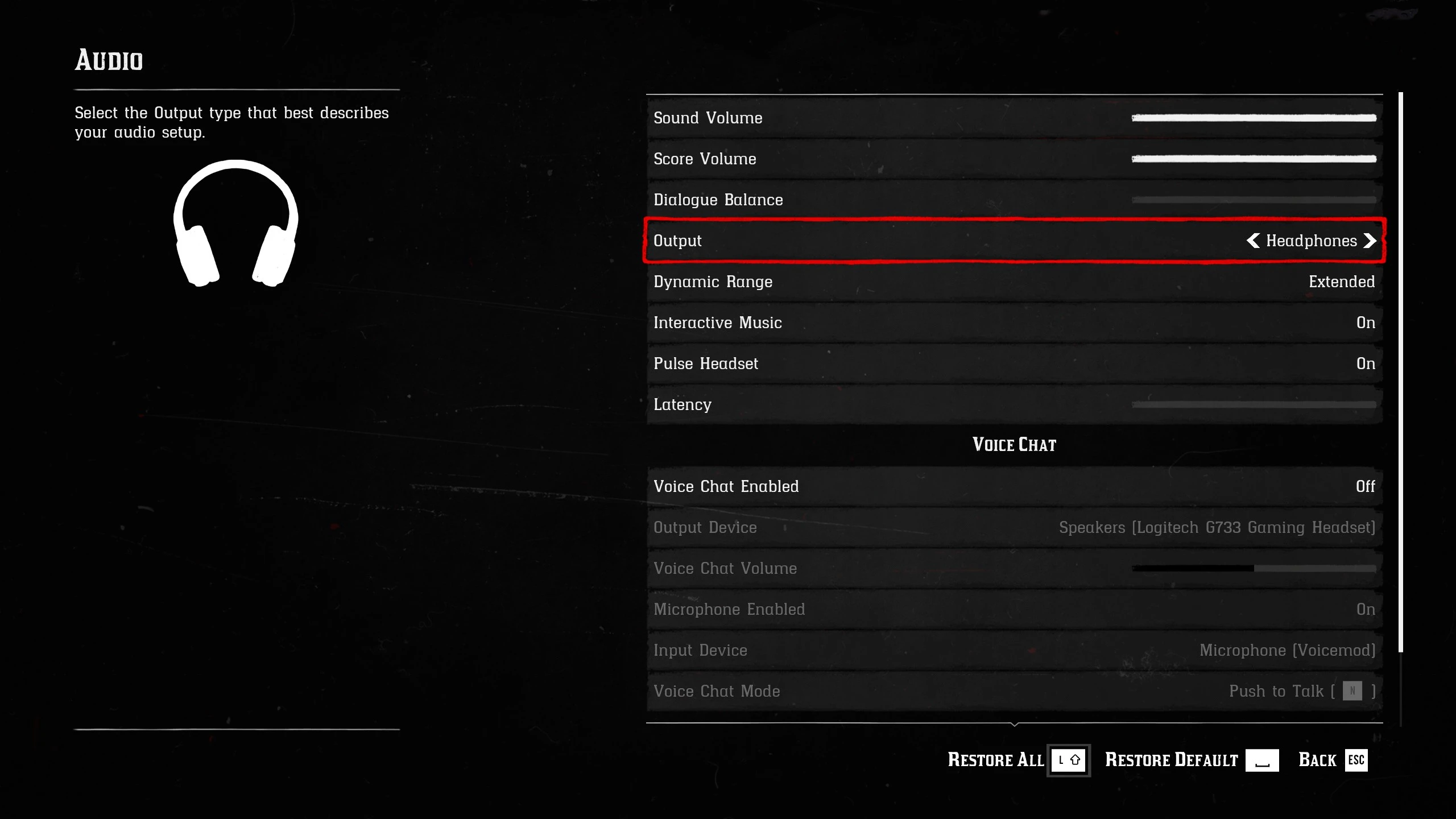
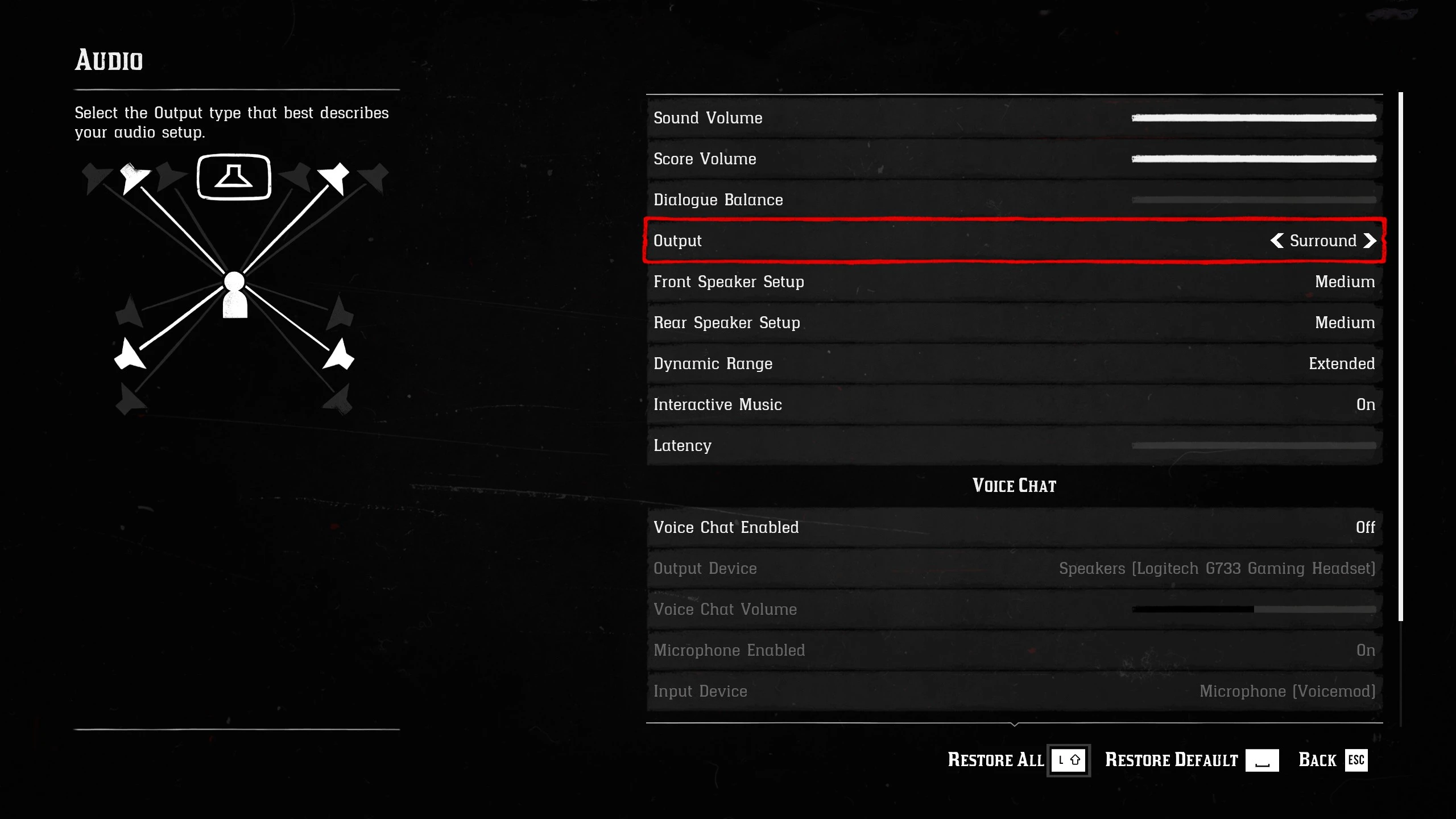
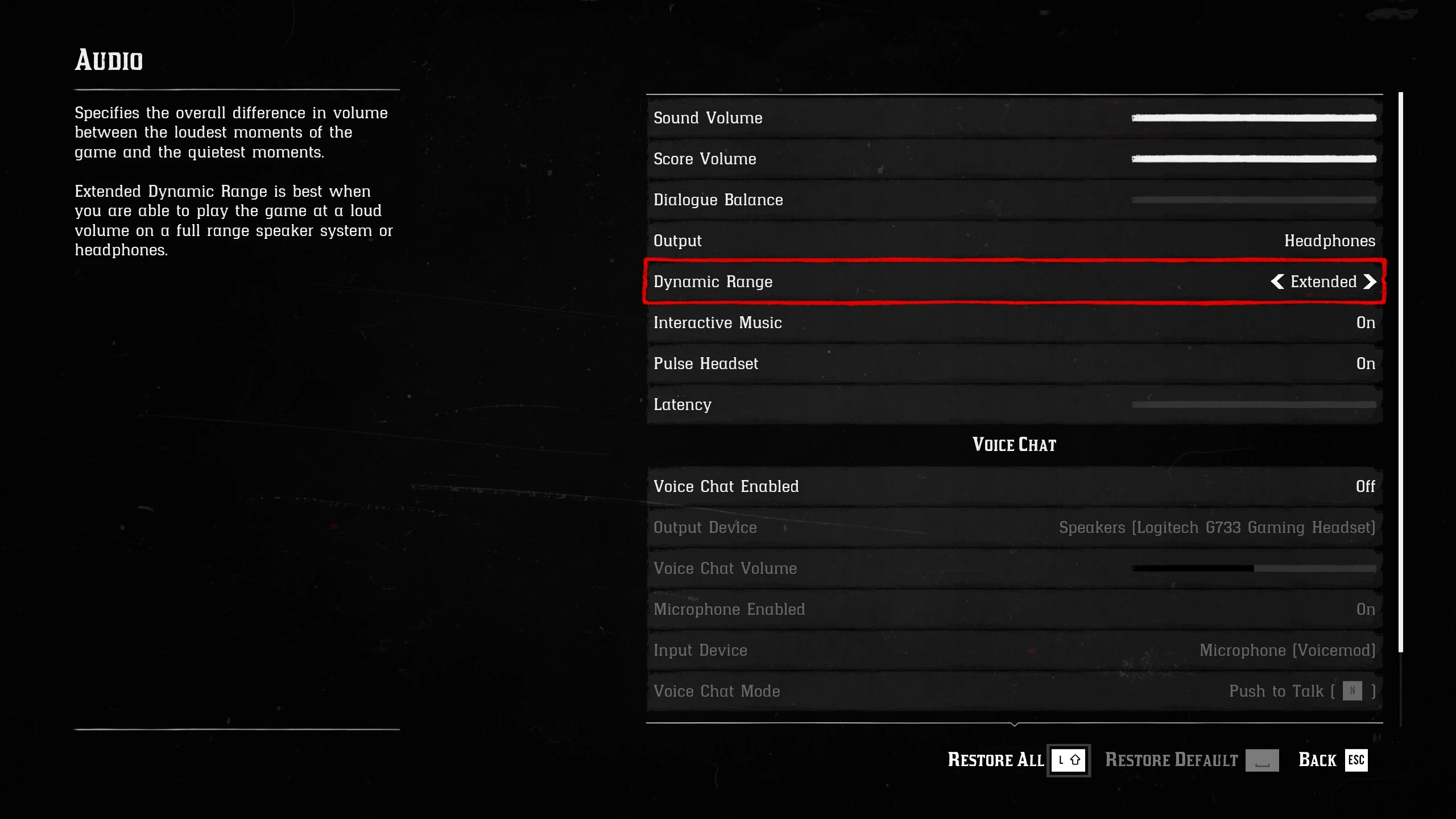
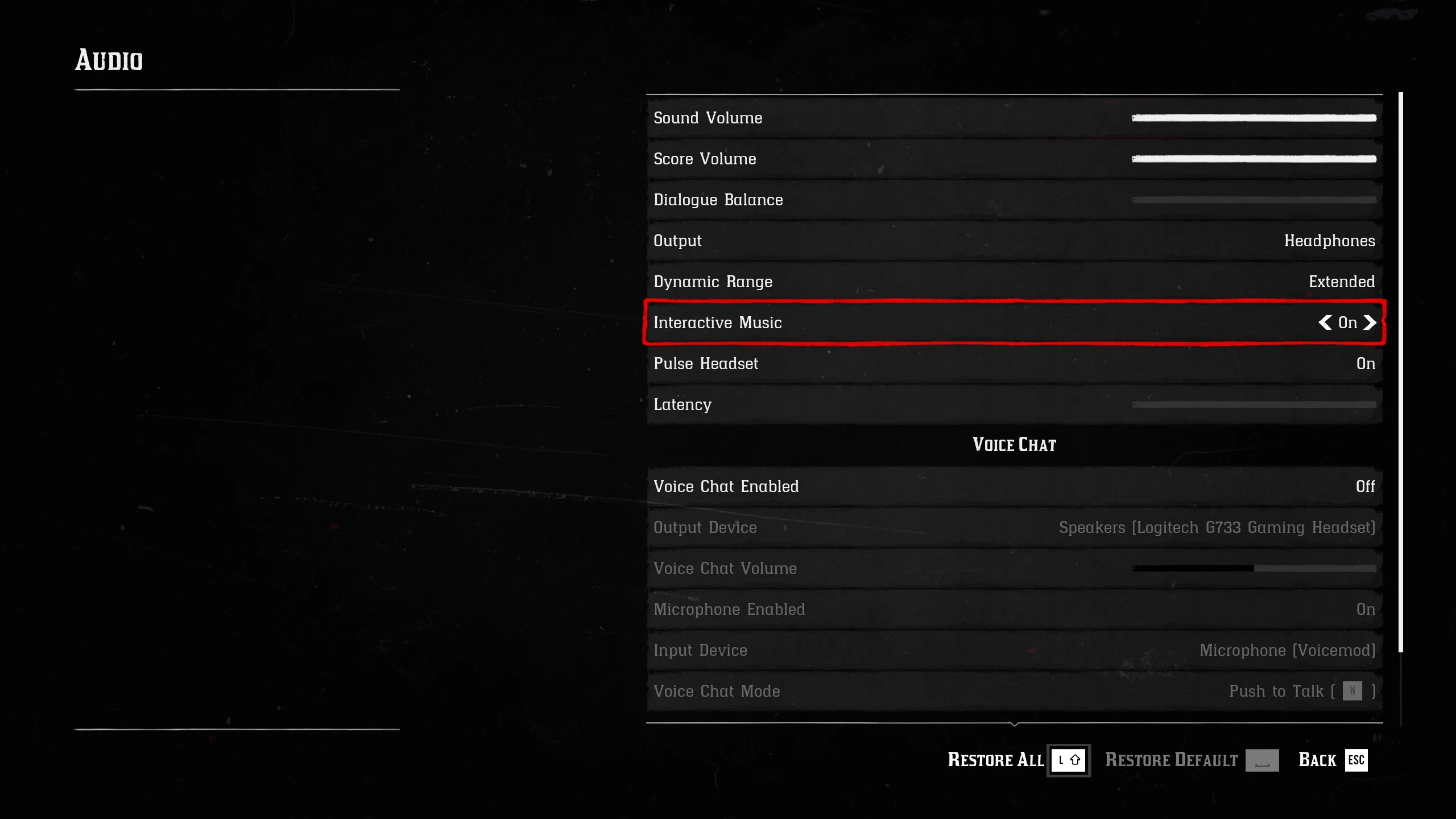
Unlocks hidden audio settings such as; Dynamic Range, Interactive Music, and Pulse Headset (3D Audio)… to further maximize the Red Dead Redemption 2 listening experience.
Installation (Lenny’s Mod Loader Required)
Drag and Drop, Copy and Paste, or etc… “lml” into RDR2’s main directory.
Optionals
Installation Instruction for “Remove Online Options” Merged Option (Lenny’s Mod Loader – Mod Manager Required)
Drag and Drop, Copy and Paste, or etc… “lml” into Red Dead Redemption 2’s main directory. (Make sure to give “UnE Audio Settings – ROO Merged” a priority over the regular “Remove Online Options”.)
Installation Instruction for “Increased Max Audio Volume Settings” Merged Option (Lenny’s Mod Loader – Mod Manager Required)
Drag and Drop, Copy and Paste, or etc… “lml” into Red Dead Redemption 2’s main directory. (Remove the entirety of Increased Max Audio Volume Settings, if it has already been installed… since they’ve already been merged in together.)
Installation Instruction for ROO & IMAVS Merged Option (Lenny’s Mod Loader – Mod Manager Required)
Drag and Drop, Copy and Paste, or etc… “lml” into Red Dead Redemption 2’s main directory. (Make sure to give “UnE Audio Settings – ROO Merged” a priority over the regular “Remove Online Options”.) & (Remove the entirety of Increased Max Audio Volume Settings, if it has already been installed… since they’ve already been merged in together.)
Credits:
DougLast69
Downloads
| Name | Format | Size |
|---|---|---|
| Unlocked-n-Extended-Audio-Settings-3-3.rar | RAR | 3.91 KB |
| UnE-Audio-Settings-ROO-n-IMAVS-Merged-3-3.rar | RAR | 3.60 KB |
| UnE-Audio-Settings-IMAVS-Merged-3-3.rar | RAR | 3.99 KB |
| UnE-Audio-Settings-ROO-Merged-3-3.rar | RAR | 3.57 KB |
| Unlocked-n-Extended-Audio-Settings-3-2.zip | ZIP | 4.85 KB |
| UnE-Audio-Settings-ROO-n-IMAVS-Merged-3-2.zip | ZIP | 4.52 KB |
| UnE-Audio-Settings-IMAVS-Merged-3-2.zip | ZIP | 4.98 KB |
| UnE-Audio-Settings-ROO-Merged-3-2.zip | ZIP | 4.48 KB |
| Unlocked-n-Extended-Audio-Settings-3-0.zip | ZIP | 3.33 KB |
| UnE-Audio-Settings-IMAVS-Merged-3-0.zip | ZIP | 3.47 KB |
| UnE-Audio-Settings-ROO-n-IMAVS-Merged-3-0.zip | ZIP | 3.01 KB |
| UnE-Audio-Settings-ROO-Merged-3-0.zip | ZIP | 2.97 KB |
| Unlocked-n-Extended-Audio-Settings-2-1.zip | ZIP | 3.38 KB |
| UnE-Audio-Settings-IMAVS-Merged-2-3.zip | ZIP | 3.52 KB |
| UnE-Audio-Settings-ROO-n-IMAVS-Merged-2-3.zip | ZIP | 3.04 KB |
| UnE-Audio-Settings-ROO-Merged-2-3.zip | ZIP | 3.01 KB |
| Unlocked-n-Extended-Audio-Settings-1-3.zip | ZIP | 3.72 KB |
To start download click the filename. To open archive files use one of these programs: WinRAR, 7-Zip, WinZip. Some mod archives may need to be extracted before the mods will work.