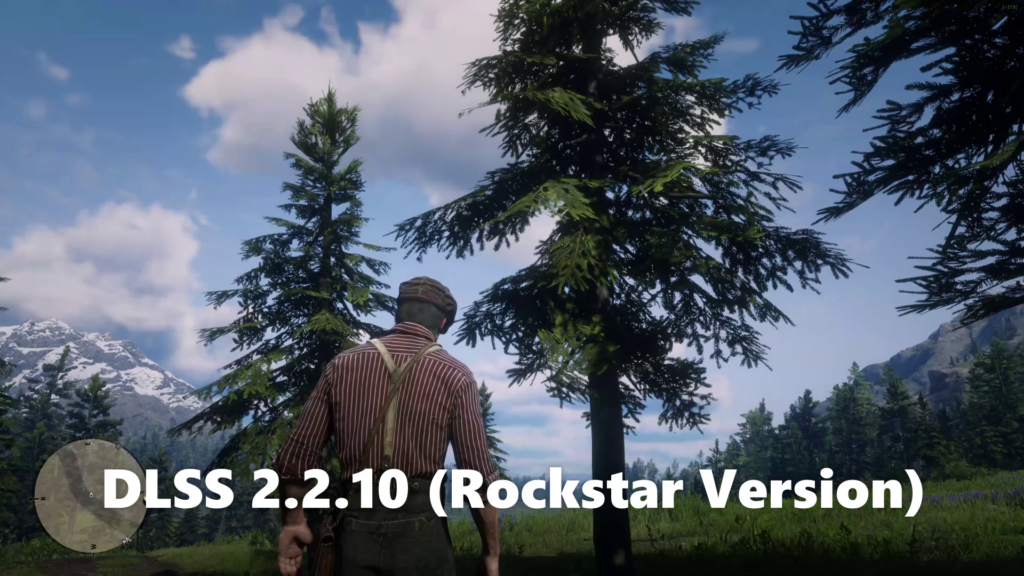
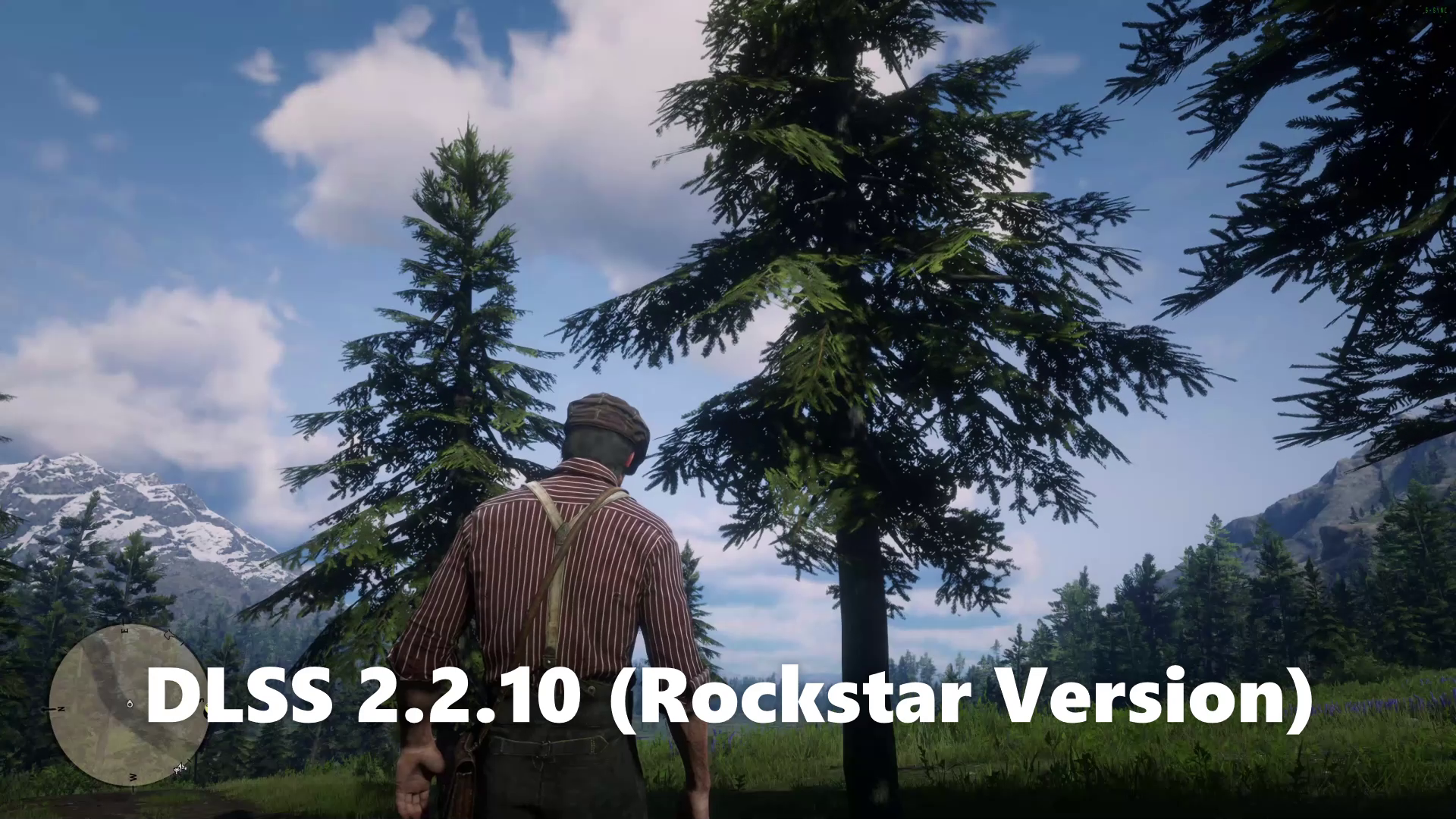
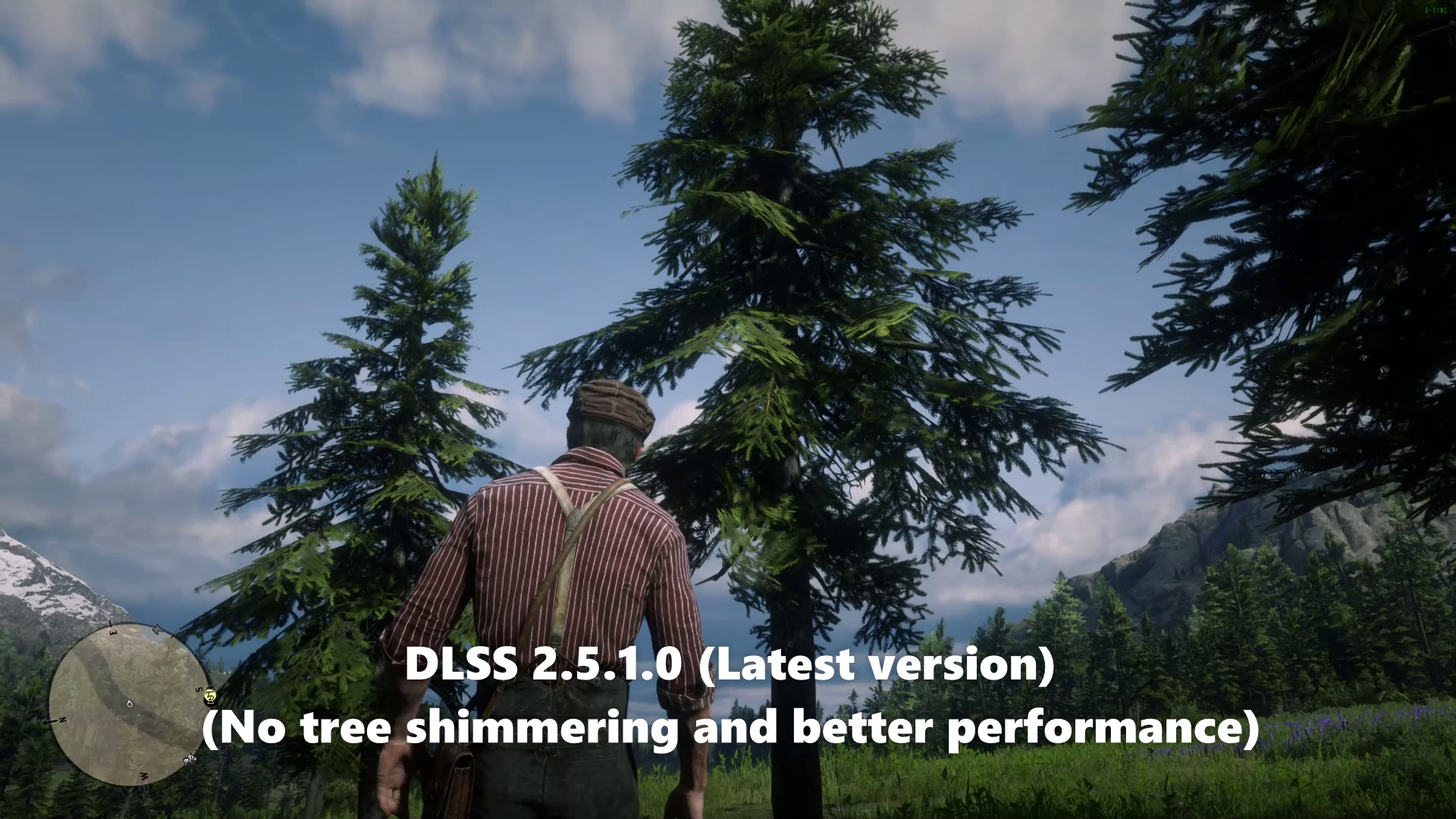
Rockstar Launcher replaces DLSS file with their own version every time you start Red Dead Redemption 2. This app bypasses this problem, so you can use your preferred DLSS version easily. It keeps monitoring RDR2 process and replaces DLSS file automatically when the game is started, and restore DLSS file to original when the game is exited.
Run it before launching RDR2, it will replace DLSS with your preferred version, and when you exit RDR2 it will restore original DLSS file so that Rockstar Launcher does not update the game every time you launch or exit game.
How to use:
1. Download this mod.
2. Extract it.
3. Run `RDR2_DLSS_Replacer.exe`
- It needs Administrator Privileges to replace `nvngx_dlss.dll` in RDR2 directory.
- It requires .NET Framework 4.7.2+ installed.
4. Start Red Dead Redemption 2 game.
`RDR2_DLSS_Replacer.exe` can be kept open for as long as you want, it does not exit with the game, so you can launch or exit the game multiple times and it will keep processing.
(Optional) Auto launch RDR2 when you start this mod.
Open `rdr2_location_for_auto_start.txt`
Provide absolute location to RDR2.exe at end of file.
How it works:
It monitors `RDR2.exe` process in task manager and as soon as it finds the process, it immediately replaces the game’s DLSS in the game’s location and creates backup of original DLSS file. Similarly, when the `RDR2.exe` process exits it reverts back DLSS. Your game location can be anywhere, it will be detected automatically by this app.
Credits:
Bullz3y3
Downloads
| Name | Format | Size |
|---|---|---|
| RDR2_DLSS_Replacer_v0.3.zip | ZIP | 10.26 KB |
To start download click the filename. To open archive files use one of these programs: WinRAR, 7-Zip, WinZip. Some mod archives may need to be extracted before the mods will work.