I dont understand English. I’m sorry if my English is difficult to understand.
By the way, “KeyMappings” file can be modified with a binary editor.
Description:
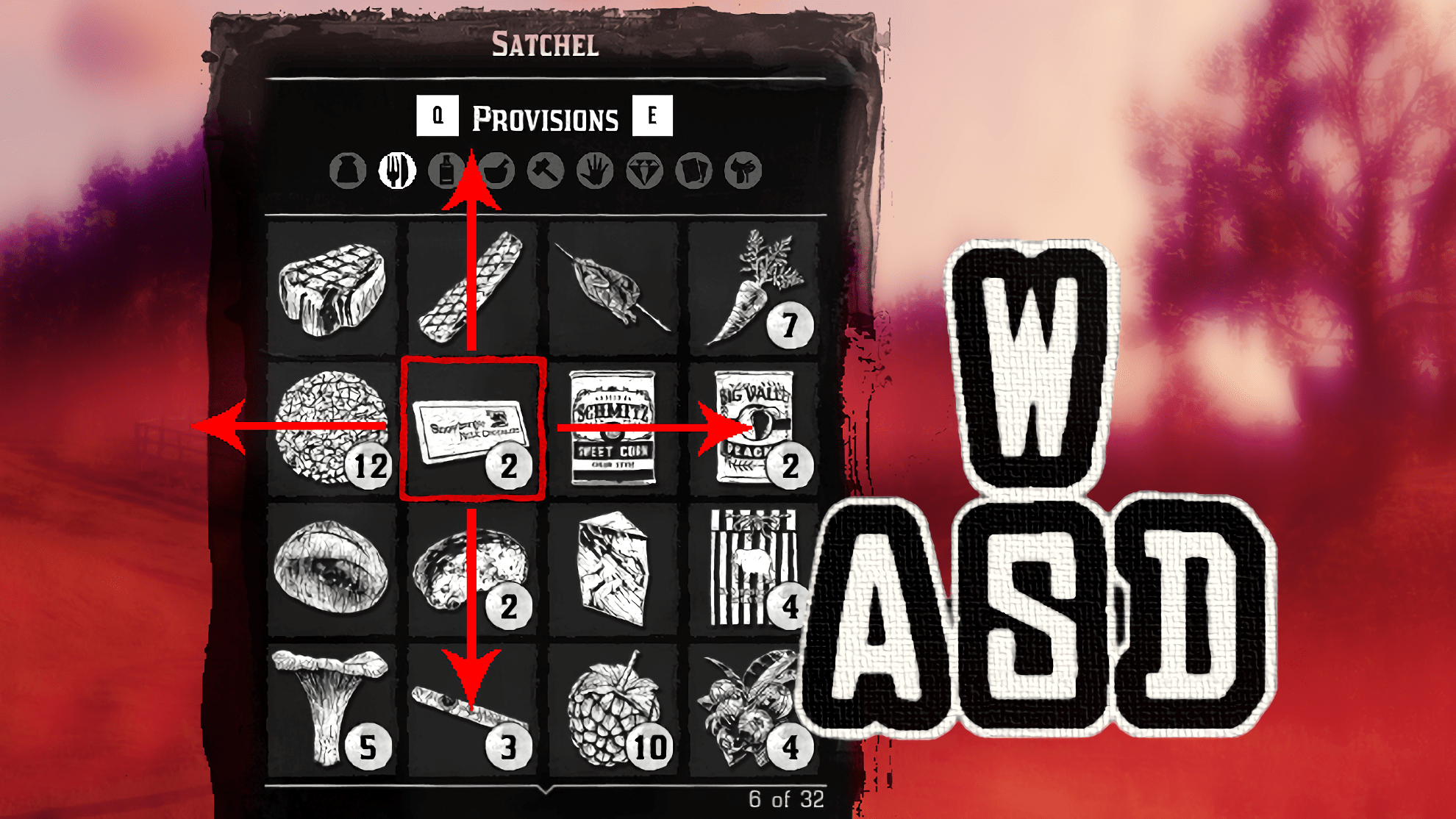
This mod allows you to interact in In-Game Menus with WASD keys. And other keybinds Wil be changed to be smarter too.
Installation:
Copy “KeyMappings” File into the Savedata Folder.
If you have the Rockstar launcher version, typically this will be:
%USERPROFILE%\Documents\Rockstar Games\Red Dead Redemption 2\Profiles\\KeyMappings
Major Changes:
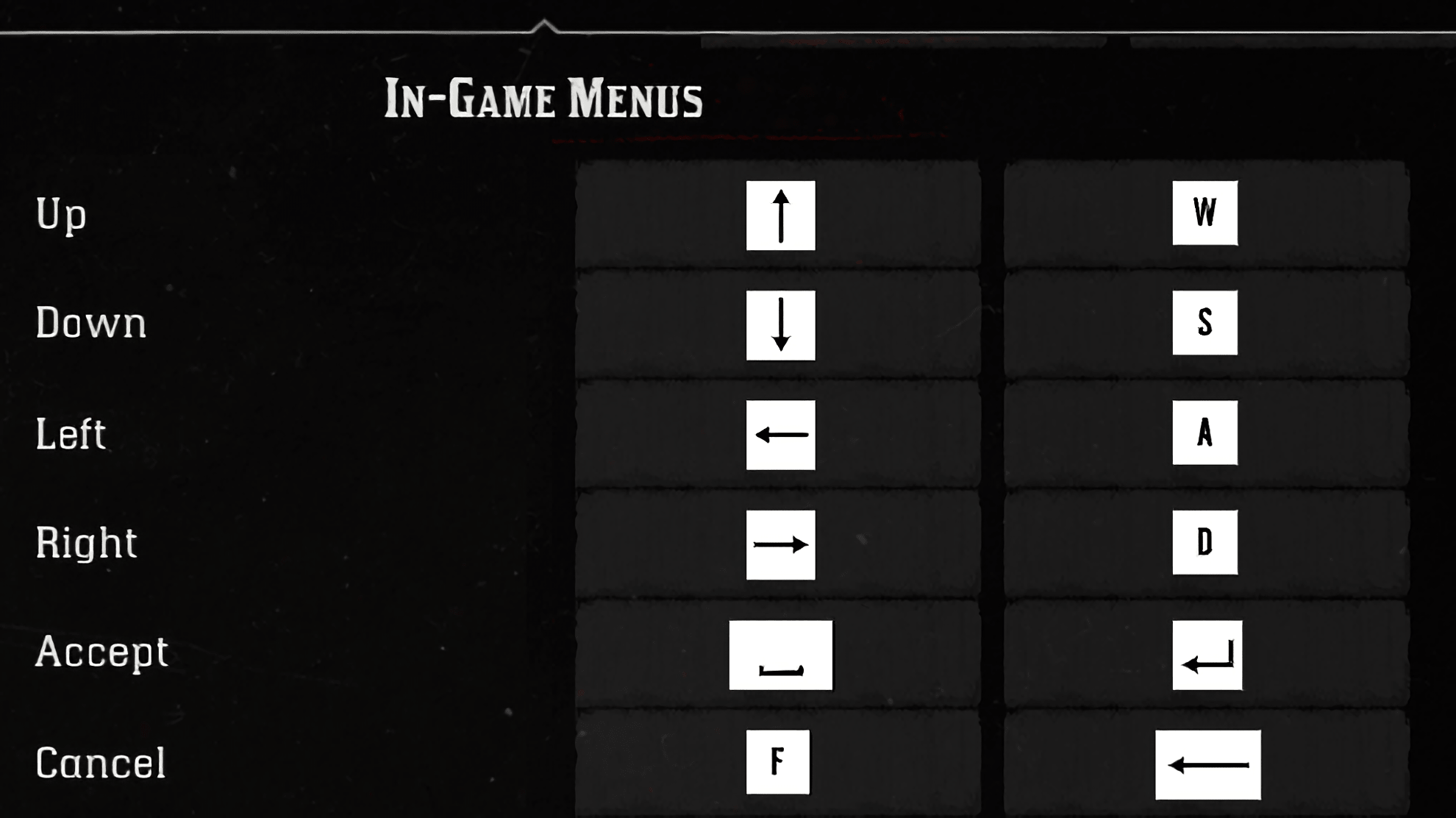
[In-Game Menus]
Up = W, Up
Down = S, Down
Left = A, Left
Right = D, Right
Accept = Space, Return
Cancel = F, Backspace
[Combat]
Eagle Eye/Dead Eye = Q
Dead Eye Tag Enemies = Space, C
Aim in the Air = Z
Change Camera Shoulder View = X
Switch Weapon Firing Mode = MMB, B
Weapon Zoom In = Mouse Wheel Up
Weapon Zoom Out = Mouse Wheel Down
Next Weapon = >
Previous Weapon = <
Look Behind = MMB
[In-Game Camera]
Look Behind = MMB
[On Foot]
Enter/Exit Cover = C
[Common]
Interact with Feed Message = X
[On Horse]
Whistle for Horse = Z
Ineract with Animal = X
[Wagons, Boats & Trains]
Headlight = F
Train Whistle = X
Change Vehicle Seat = X
[Inventory]
Next Wheel Menu = Q, R
Next Wheel Menu Item = Mouse Wheel Up
Previous Wheel Menu Item = Mouse Wheel Down
Open Item Wheel = T
Next Prompt Page = Mouse Wheel
Quick Use Item = X, I
Credits:
tigcow
Downloads
| Name | Format | Size |
|---|---|---|
| Change-WASD-Only.zip | ZIP | 1.52 KB |
| Better-Keybinds.zip | ZIP | 3.49 KB |
To start download click the filename. To open archive files use one of these programs: WinRAR, 7-Zip, WinZip. Some mod archives may need to be extracted before the mods will work.