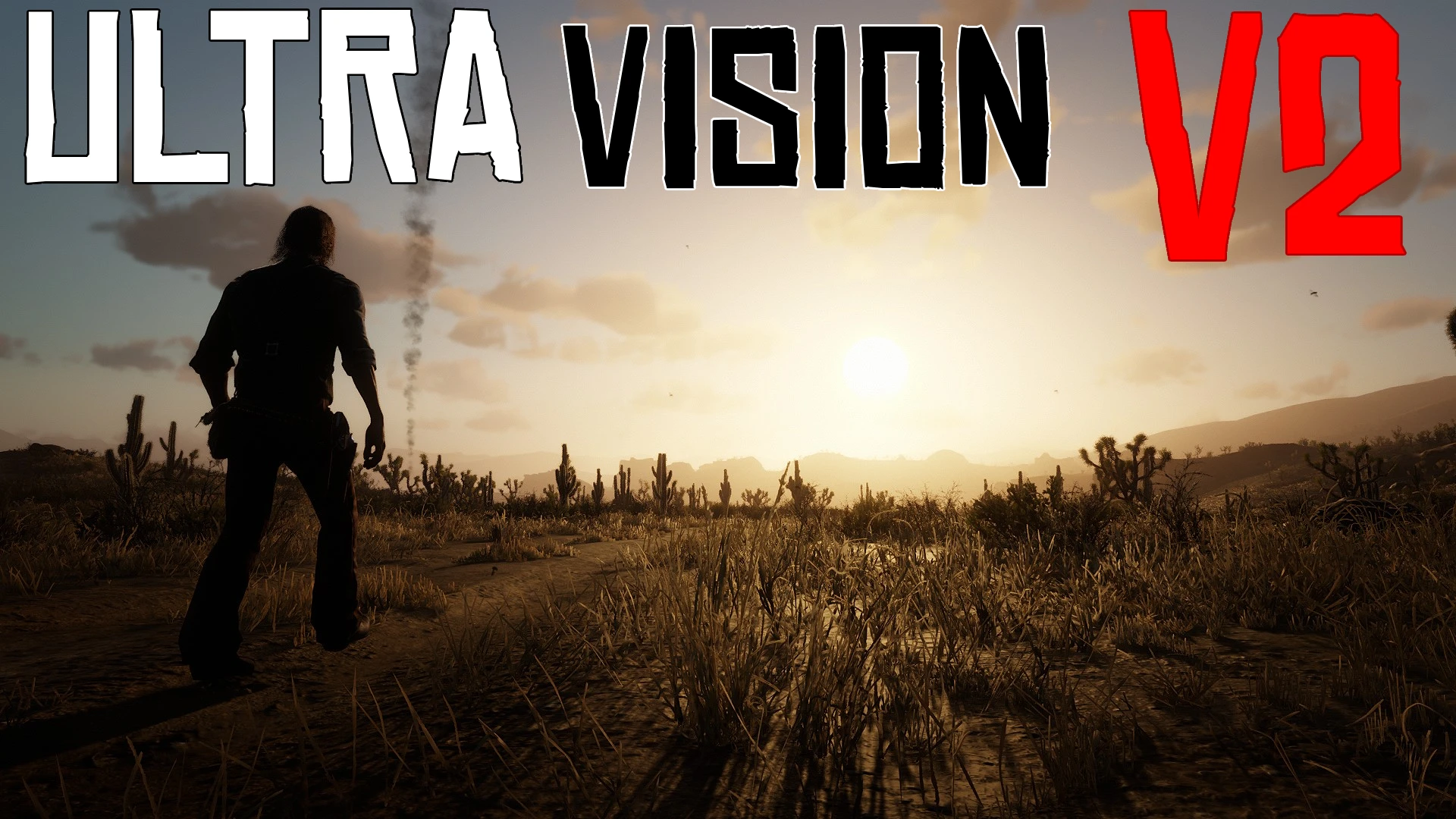
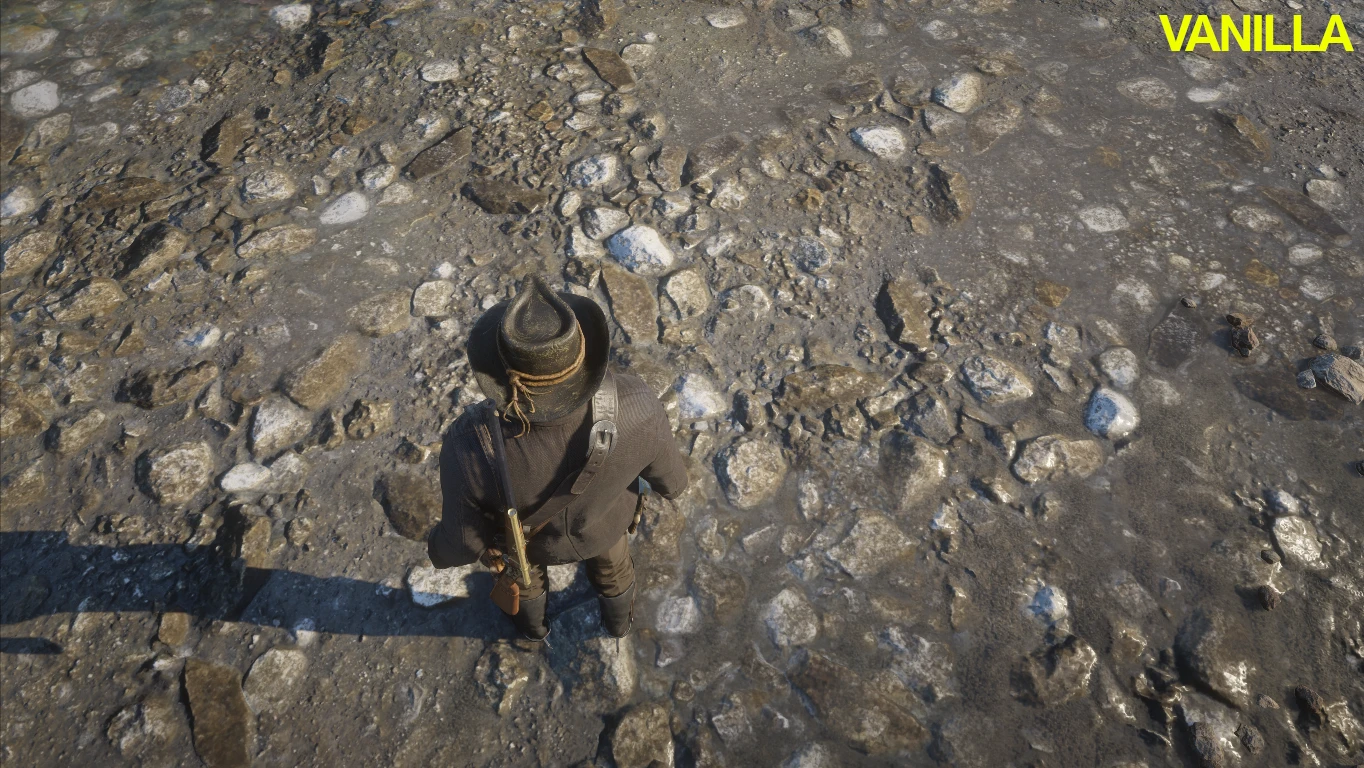
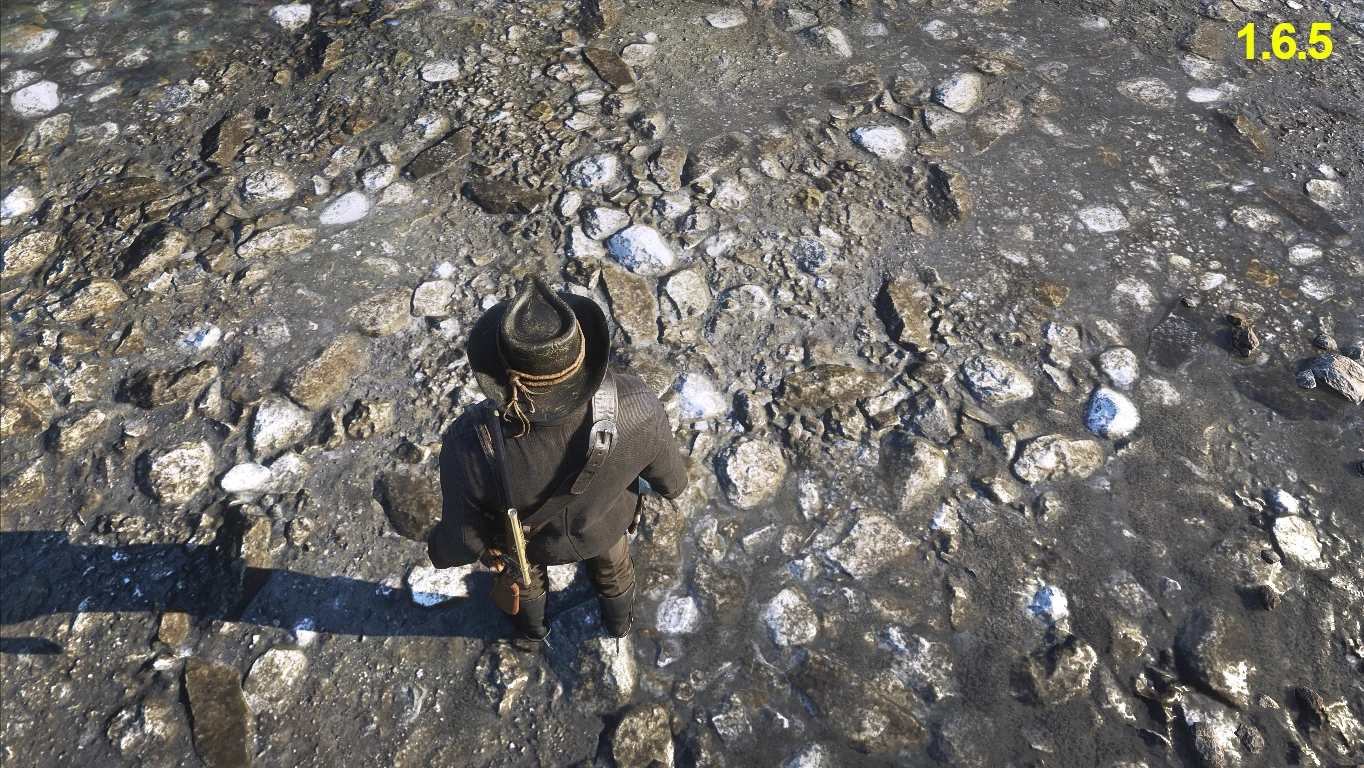
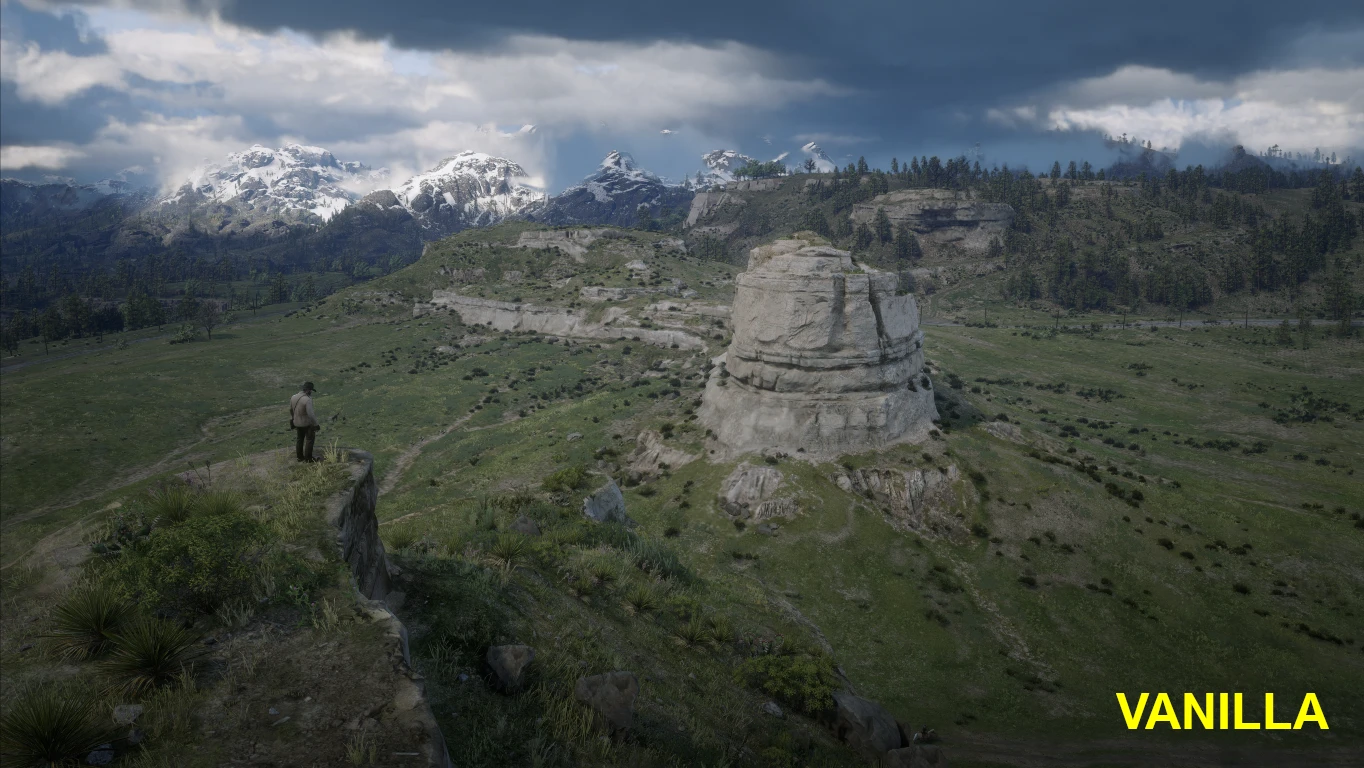
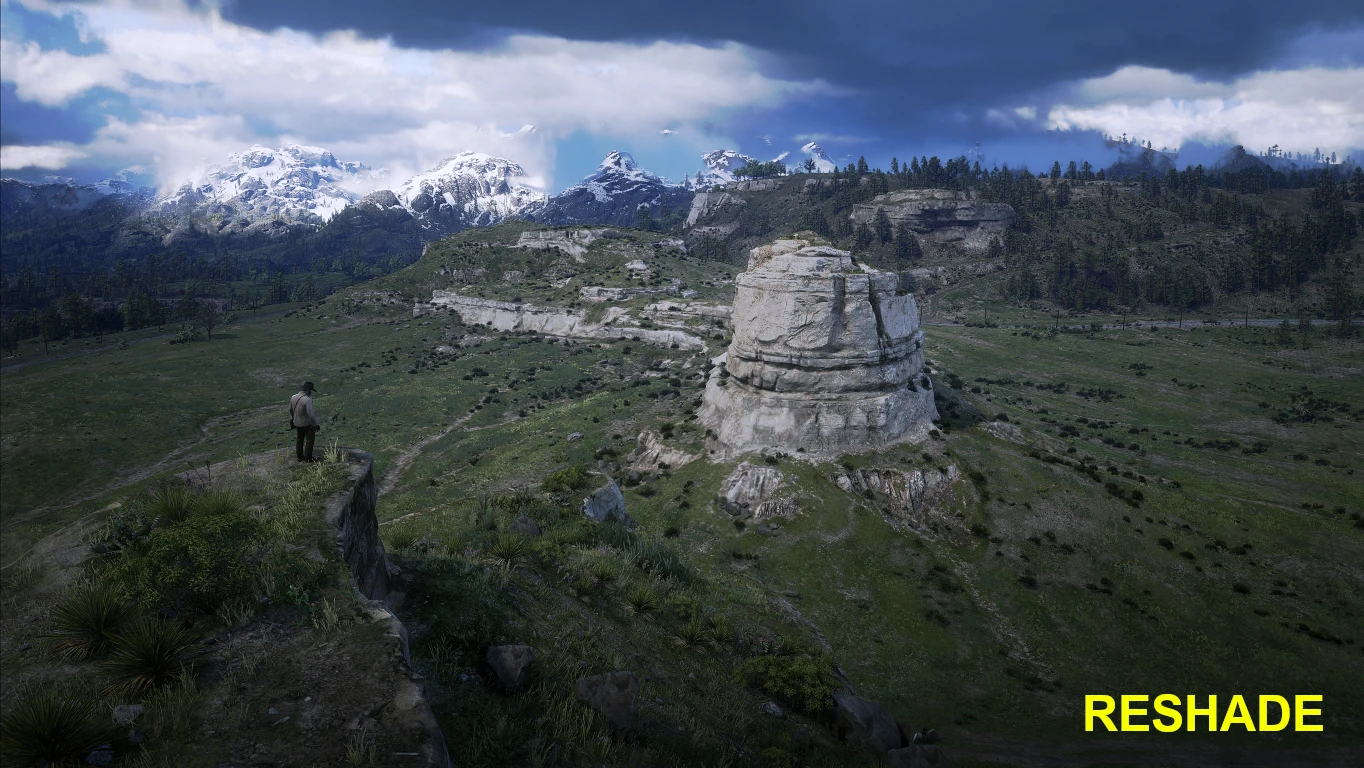
Supports both Vulkan and DX12.
Please read the installation guide properly.
Uninstall any previously installed reshade before installing this one.
Notice: press “PageUP” inside game to bring up the reshade menu. “Scroll Lock” to toggle reshade
Reshade Offerings:
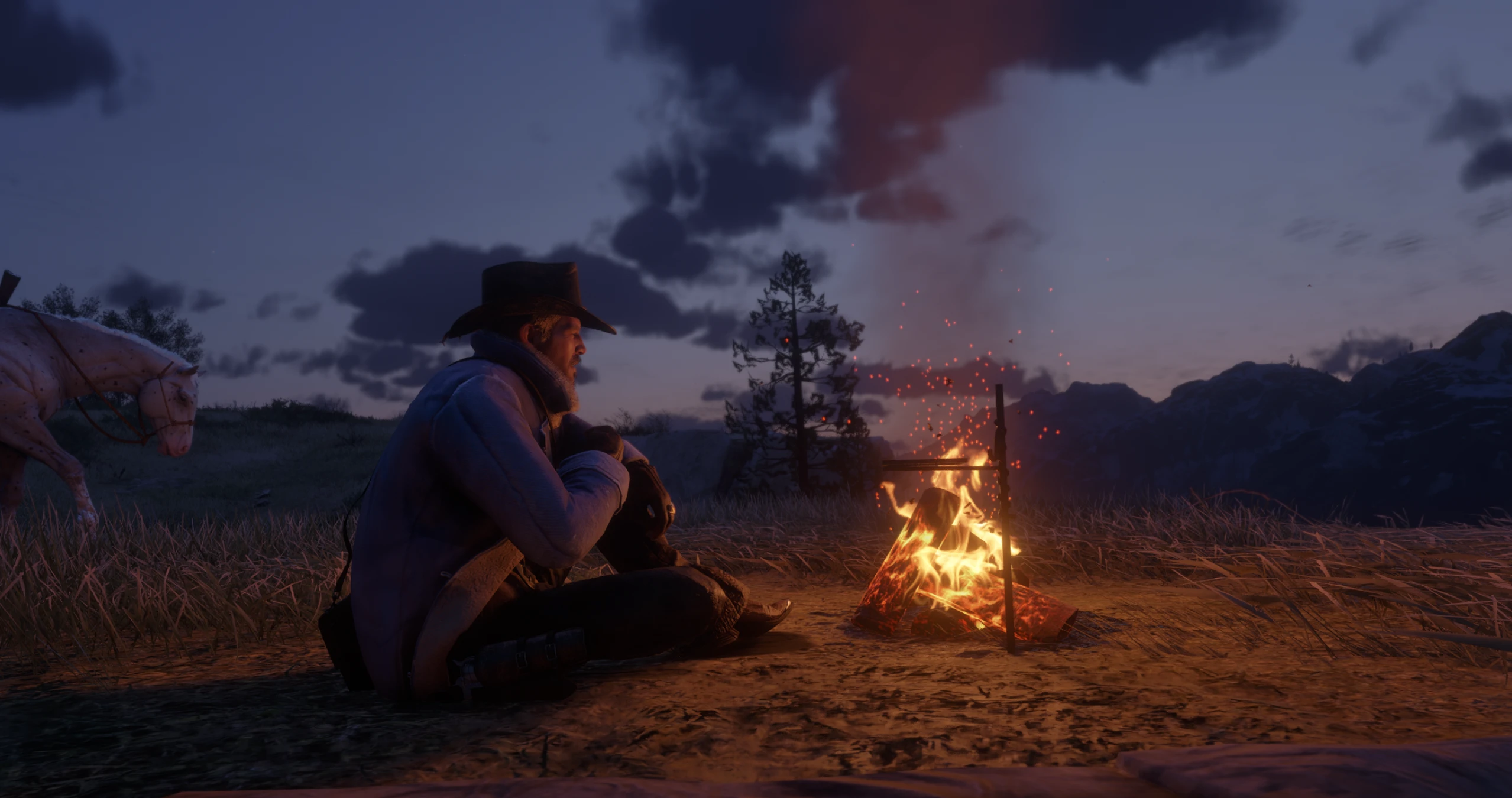
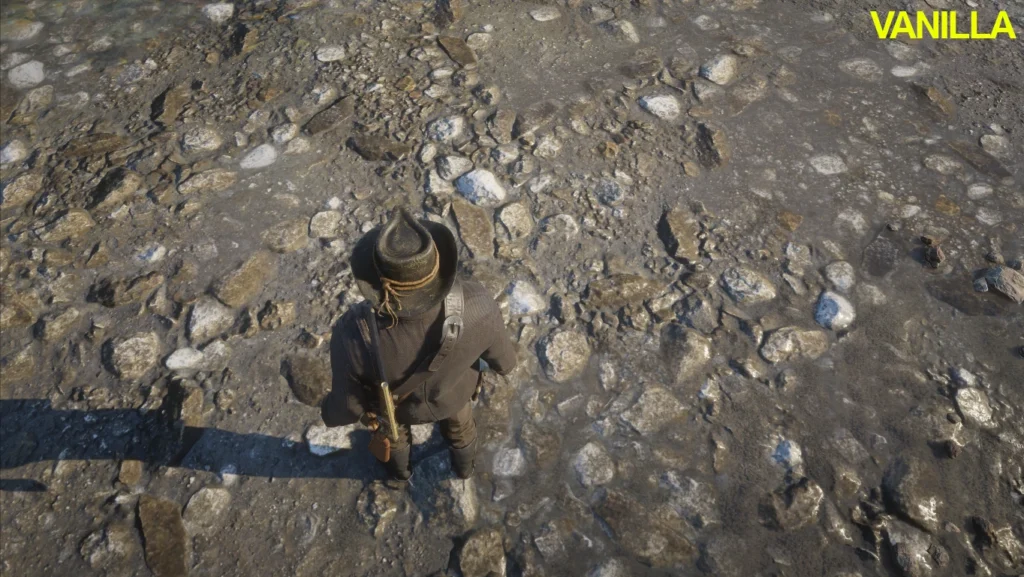
* Enhanced Graphics/Texture details of everything (No more over-sharpening)
* Even the details that are not noticeable in vanilla graphics are noticeable now.
* Reduce vanilla vignette.
* Vanilla night visibility is intact (No pitch blackness in dark areas)
* Fog removal option
Installation Guide:
*Make sure that you have installed reshade first
*You can skip downloading official effects.
*Don’t forget to enable global Vulkan settings in the reshade installer if you installed for Vulkan.
*After installing reshade, extract all the mod files in the directory of “RDR2.exe”
*Press “Page Up” key ingame to bring up reshade overlay settings.
*Press “Scroll Lock” key to toggle reshade.
Credits:
srgamerio
Downloads
| Name | Format | Size |
|---|---|---|
| Realistic-Reshade-Real-Blue-With-No-Performance-Loss-And-Fog-Removal-Option-1-7.zip | ZIP | 29.03 KB |
| Realistic-Reshade-With-No-Performance-Loss-And-Fog-Removal-Option-1-7.zip | ZIP | 29.00 KB |
To start download click the filename. To open archive files use one of these programs: WinRAR, 7-Zip, WinZip. Some mod archives may need to be extracted before the mods will work.