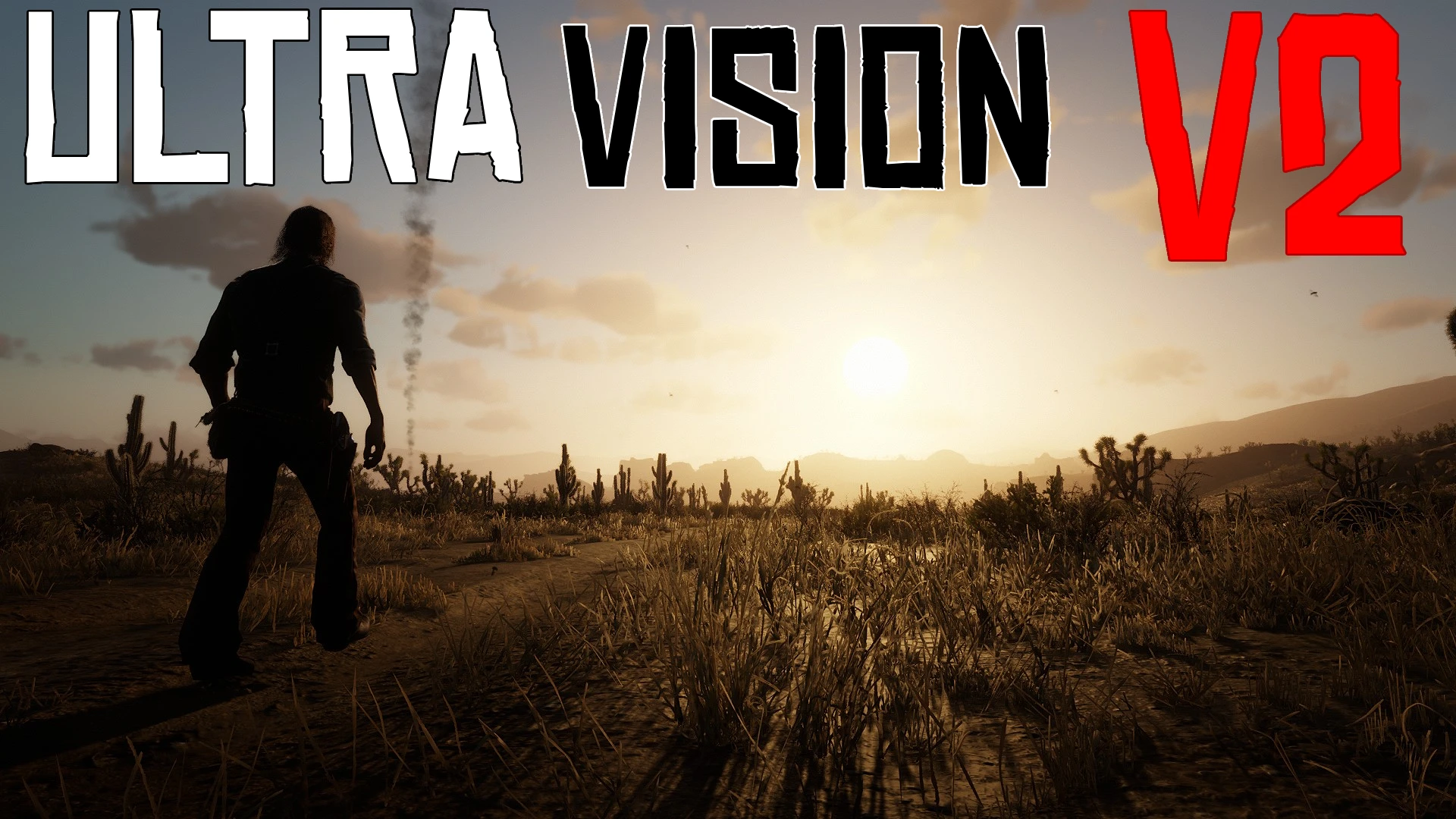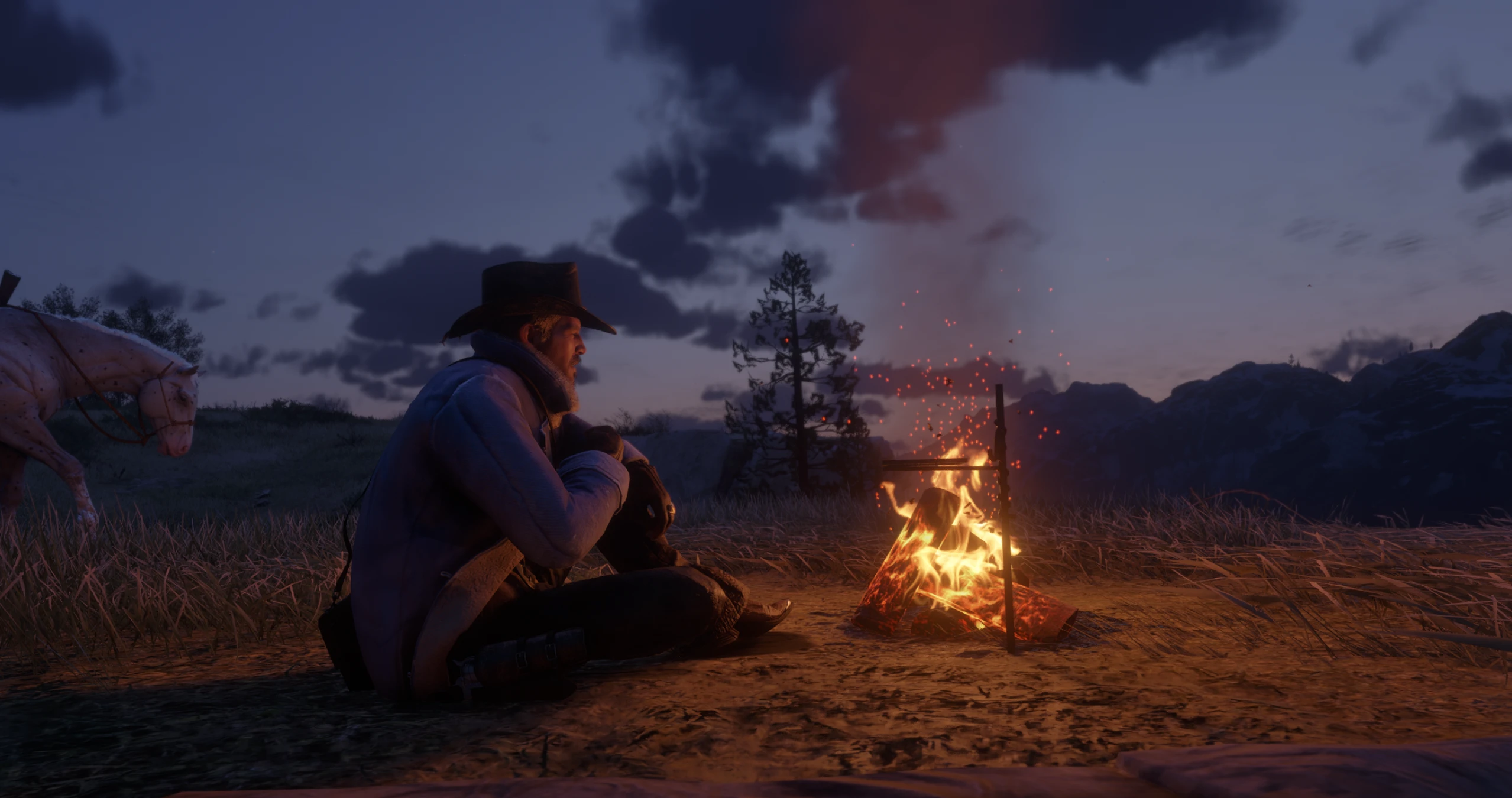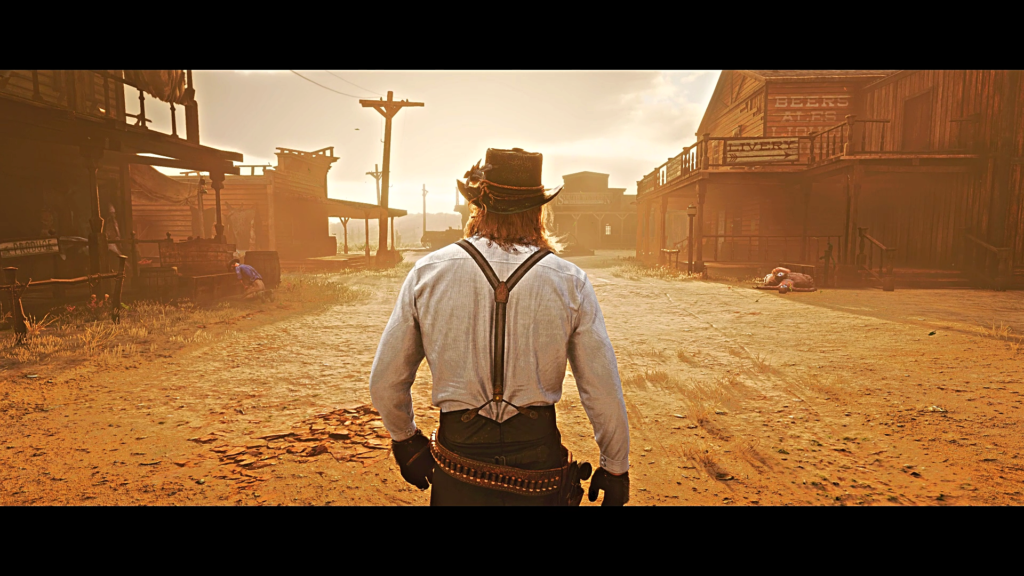
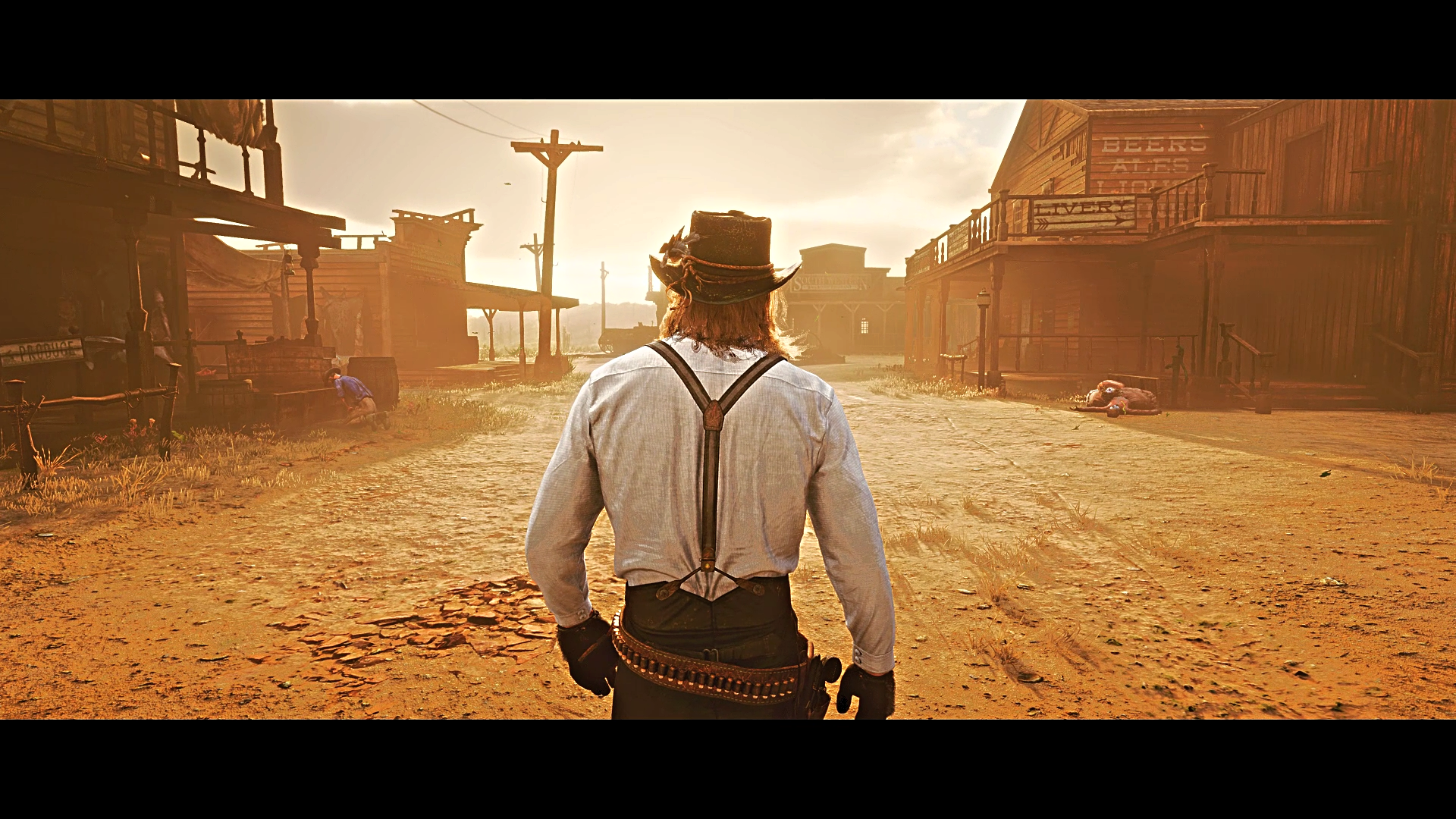
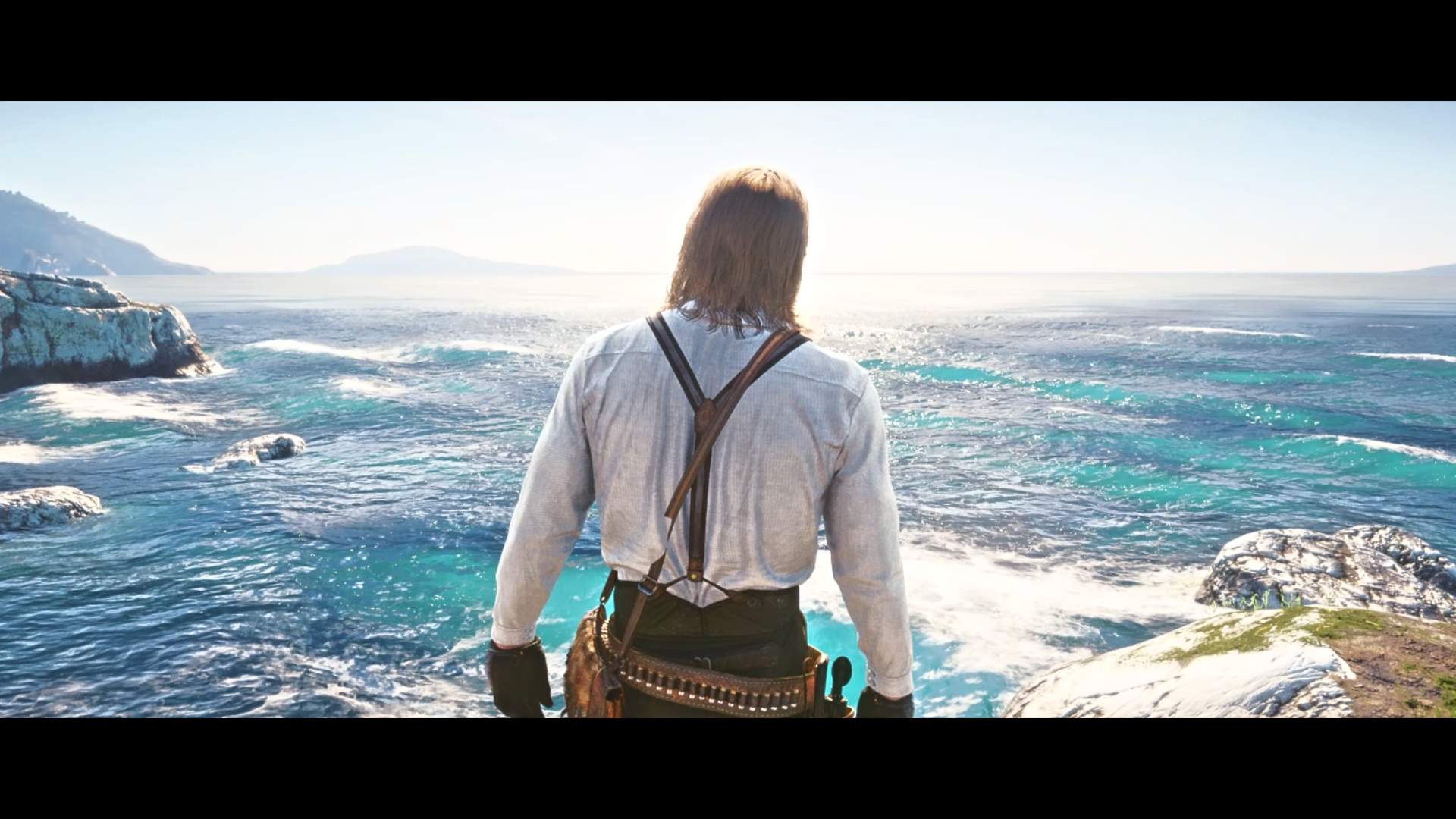
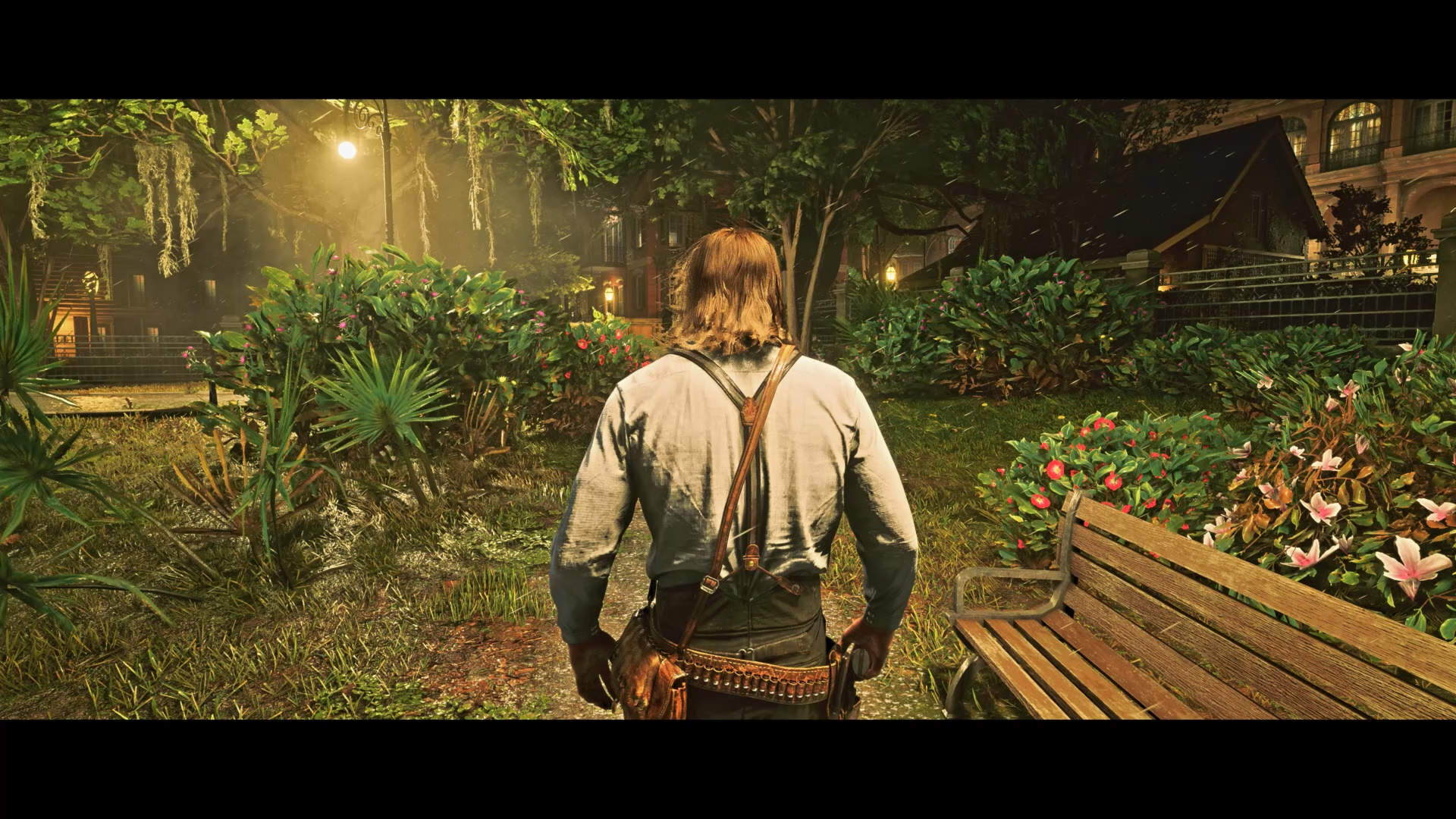
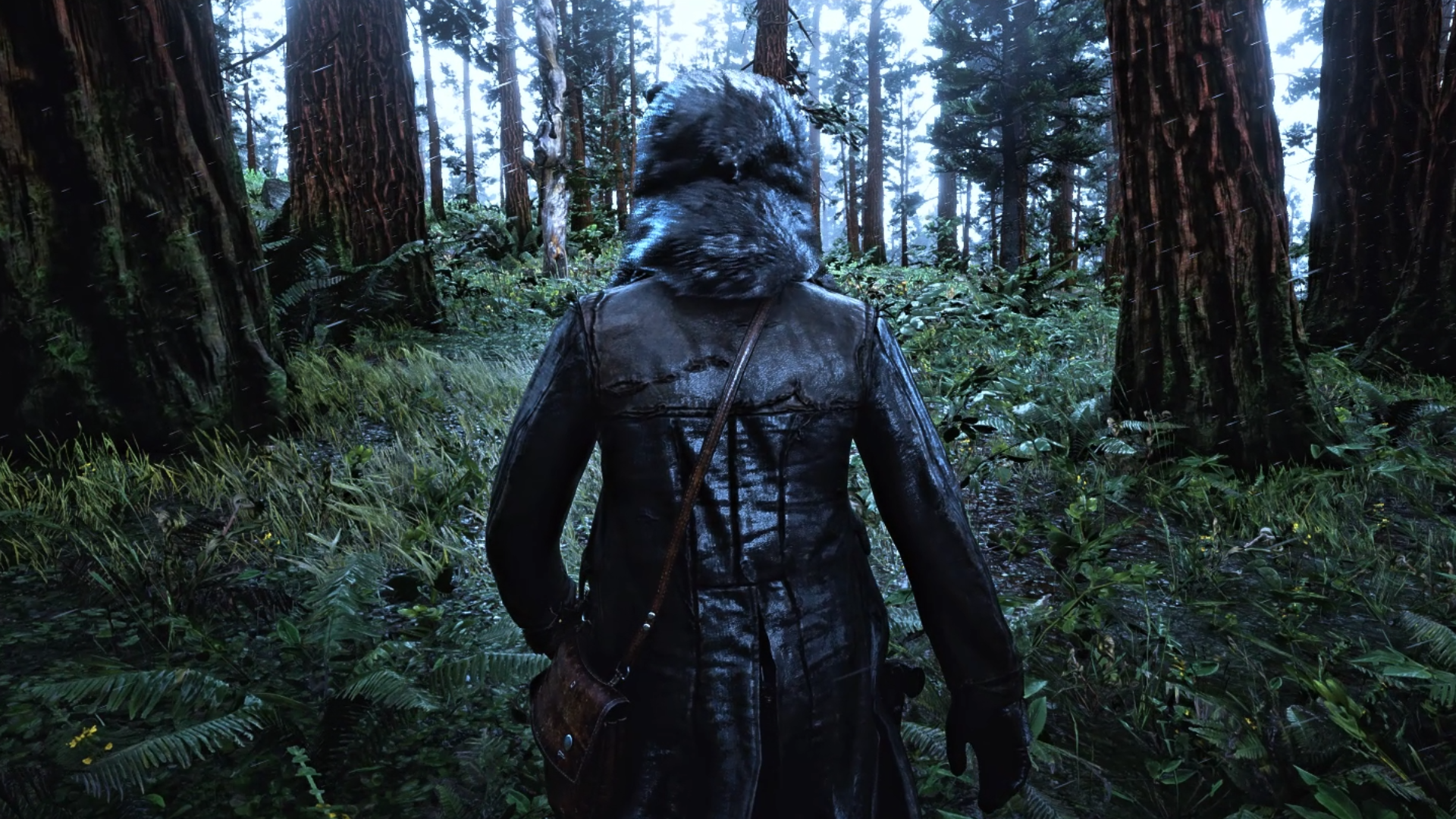
This is the free version of my Realistic Preset for RDR2.
Watch the video showcase!
Installation Guide:
Make sure that you have installed reshade first (you have many tutorials on youtube about how to install it)
You can check all effects to download or skip them (cause you are downloading the necessary effects from here)
After installing reshade, extract all the mod files in to game’s main directory (where the “RDR2.exe” is)
Once you start the game you will see Reshade compiling the effects if it’s installed properly
Press Home to open the Reshade overlay
Go to Settings tab and set a key to open the Reshade overlay and Toggle Effects
Credits:
Reshade Guy on YT
Downloads
| Name | Format | Size |
|---|---|---|
| Reshade-Guy-Realistic-Preset-1.1-Free-Version.rar | RAR | 35.07 KB |
To start download click the filename. To open archive files use one of these programs: WinRAR, 7-Zip, WinZip. Some mod archives may need to be extracted before the mods will work.