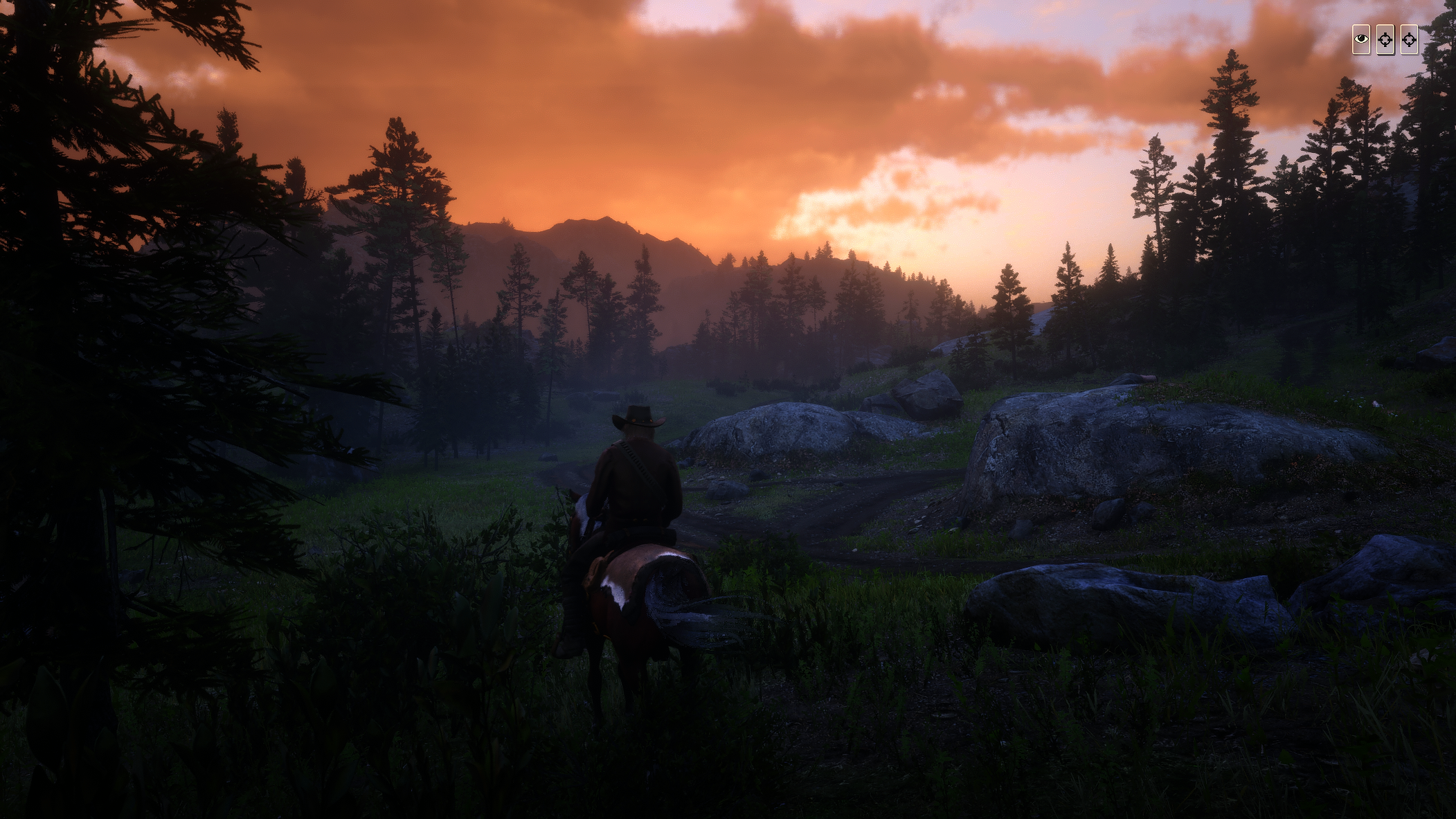
This Mod is a work-around the blurryness of Vulkan with TAA
in default the Game gets pretty blurry with TAA activated .
The TAA Sharpener causes a lot of Fragments and is still blurry in movement.
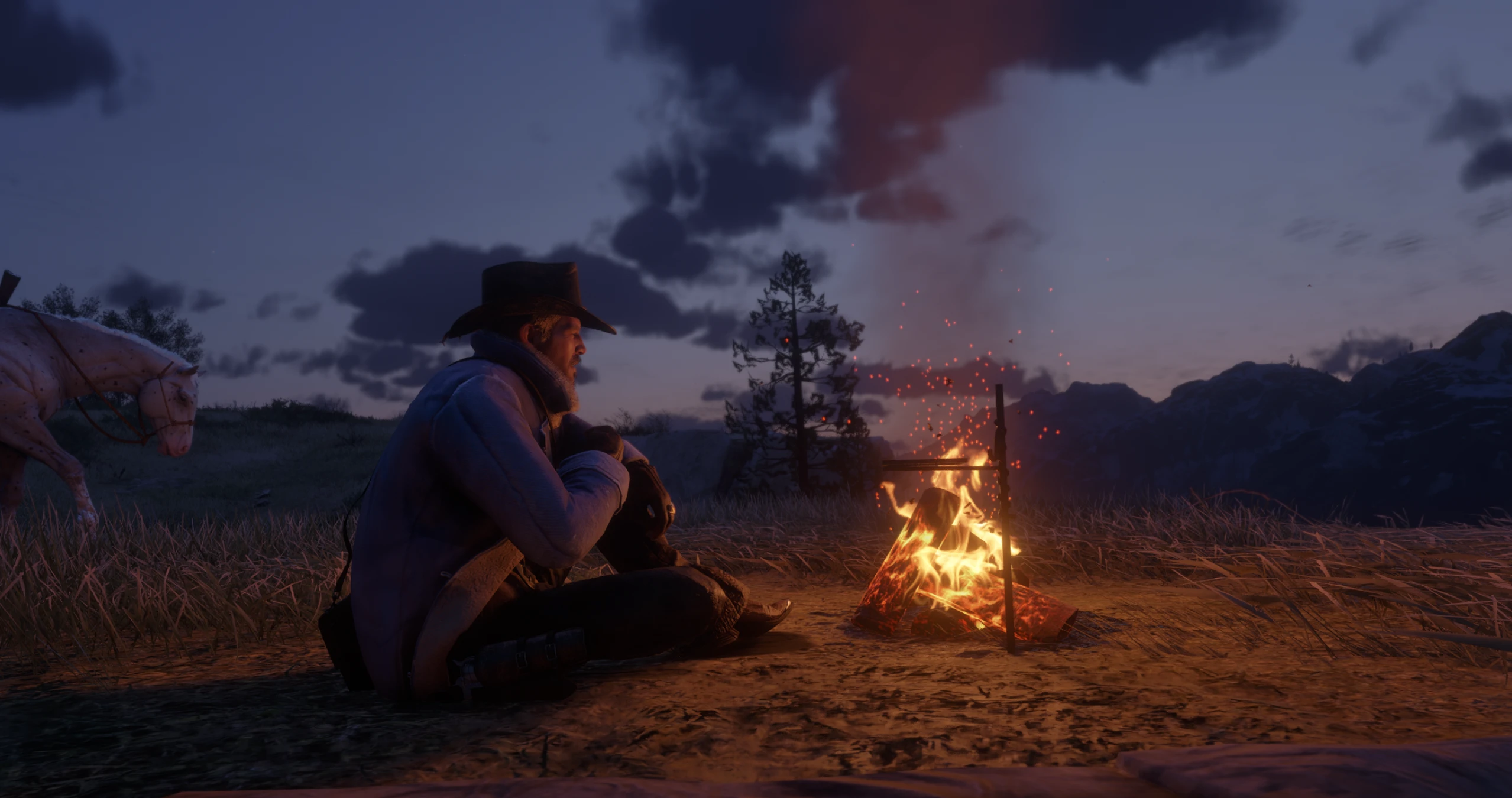
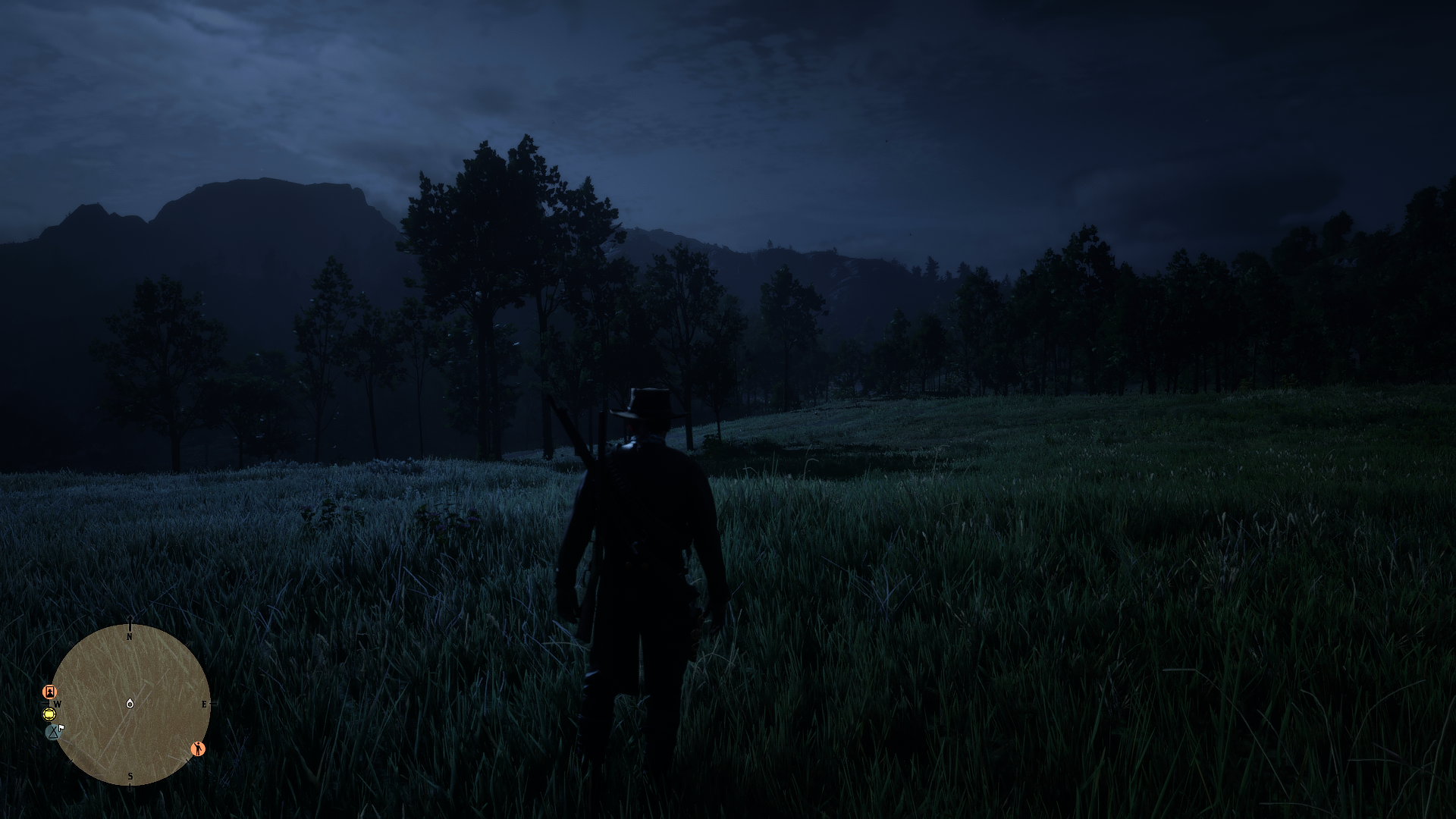
This Sharpener-Settings via Reshade minimze the blurryness and let the game look far more natural
Install latest Reshade and choose Vulkan as rendering-Method.
Activate in Shader-Options while installing the last part with “legacy Standart effects”
Download my preset and unzip it in to your install-location of RDR2
Ingame press the Home/POS1-Button to enter the Menue
On Top select the Natural Vulkan preset and enjoy
Ingame Options:
Resolution: 1920 x 1080
Use TAA: medium
FXAA: on
TAA Sharpening: only 2 klicks right from zero
If you already have a monitor with HDR deaktivate the FAKE-HDR by pressing the Home/POS1-Button and unklick the HDR Option
Credits:
Lecoolas
Downloads
| Name | Format | Size |
|---|---|---|
| Lecoolas-natural.zip | ZIP | 687.00 B |
To start download click the filename. To open archive files use one of these programs: WinRAR, 7-Zip, WinZip. Some mod archives may need to be extracted before the mods will work.