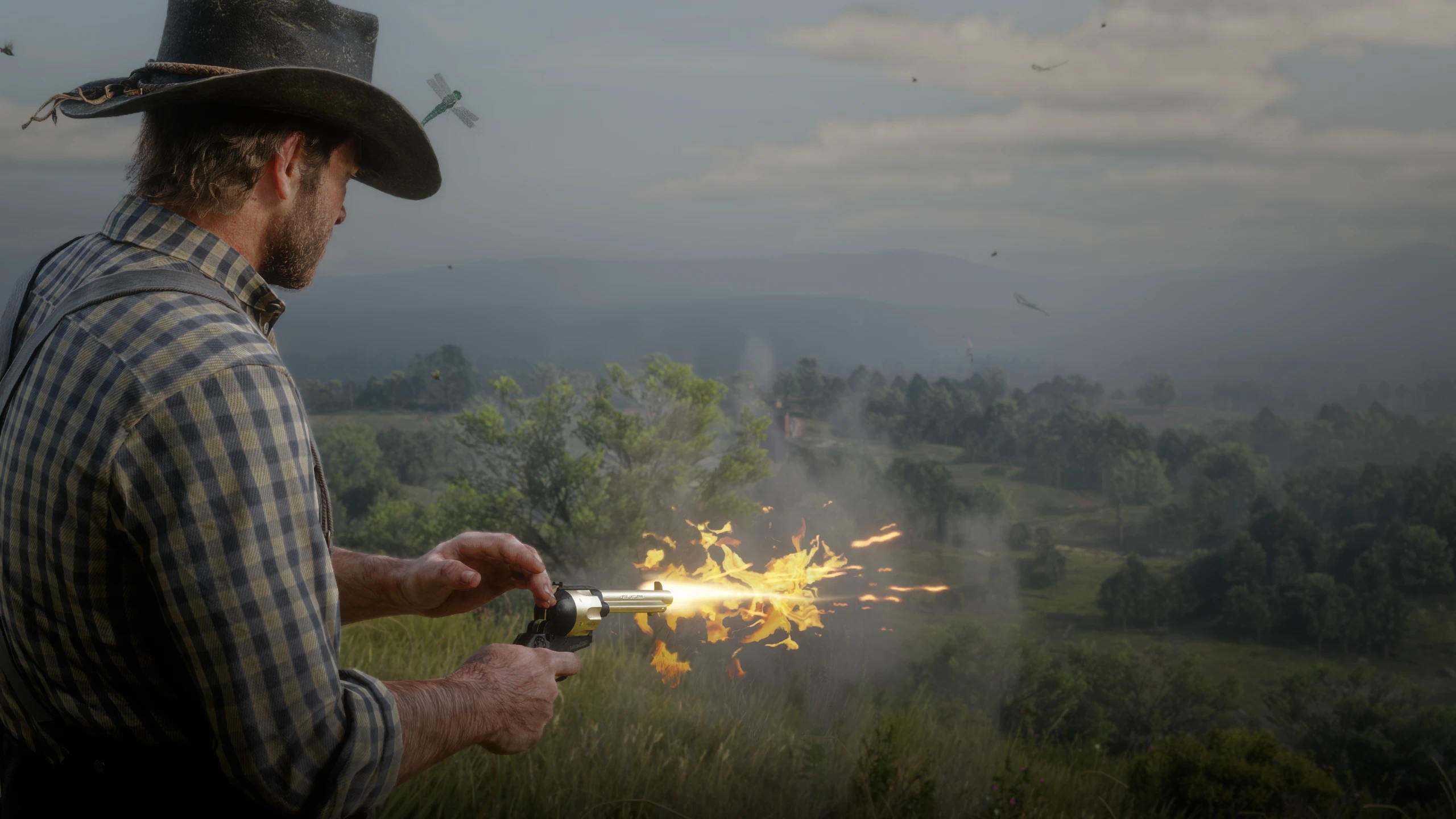
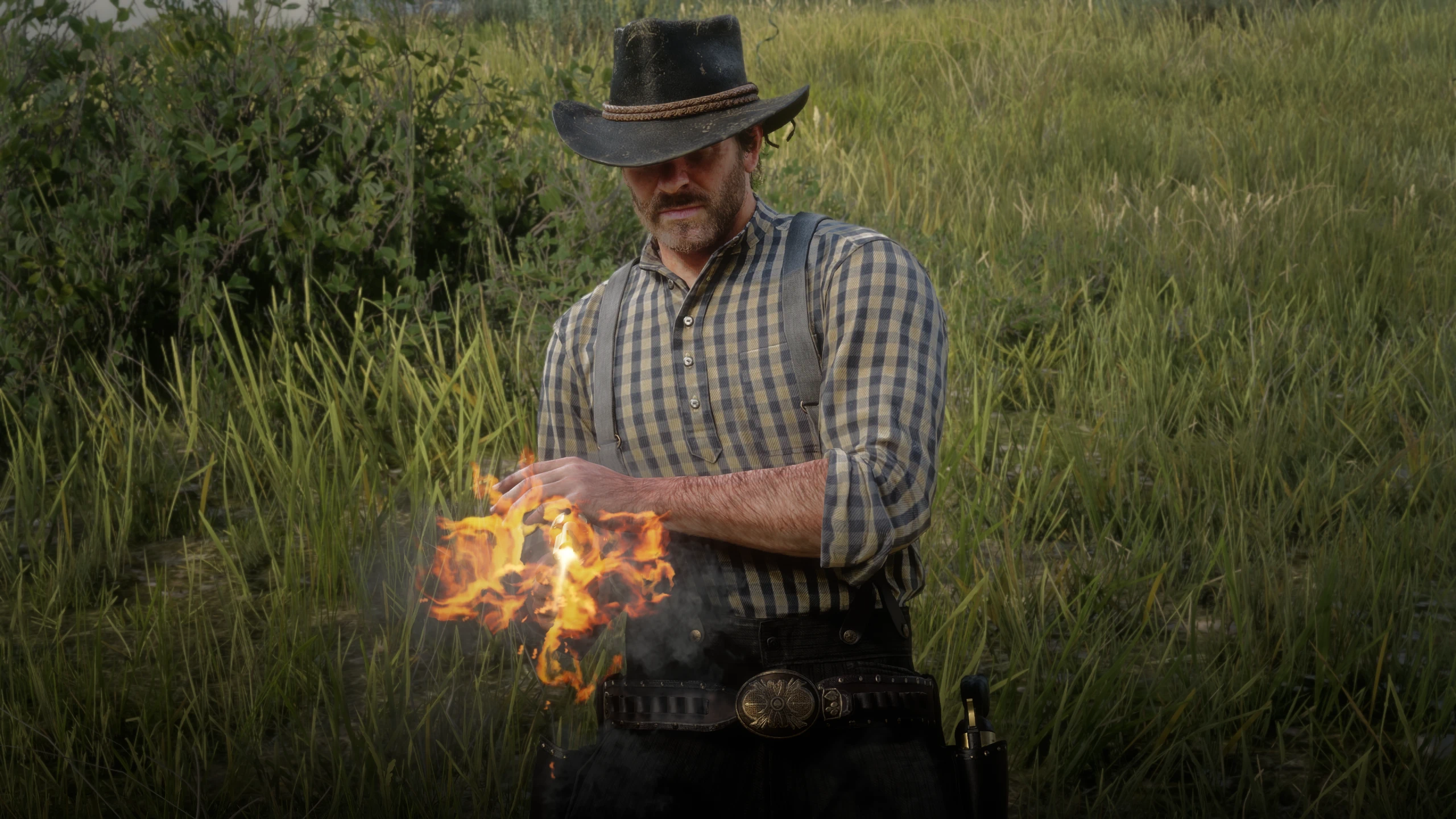
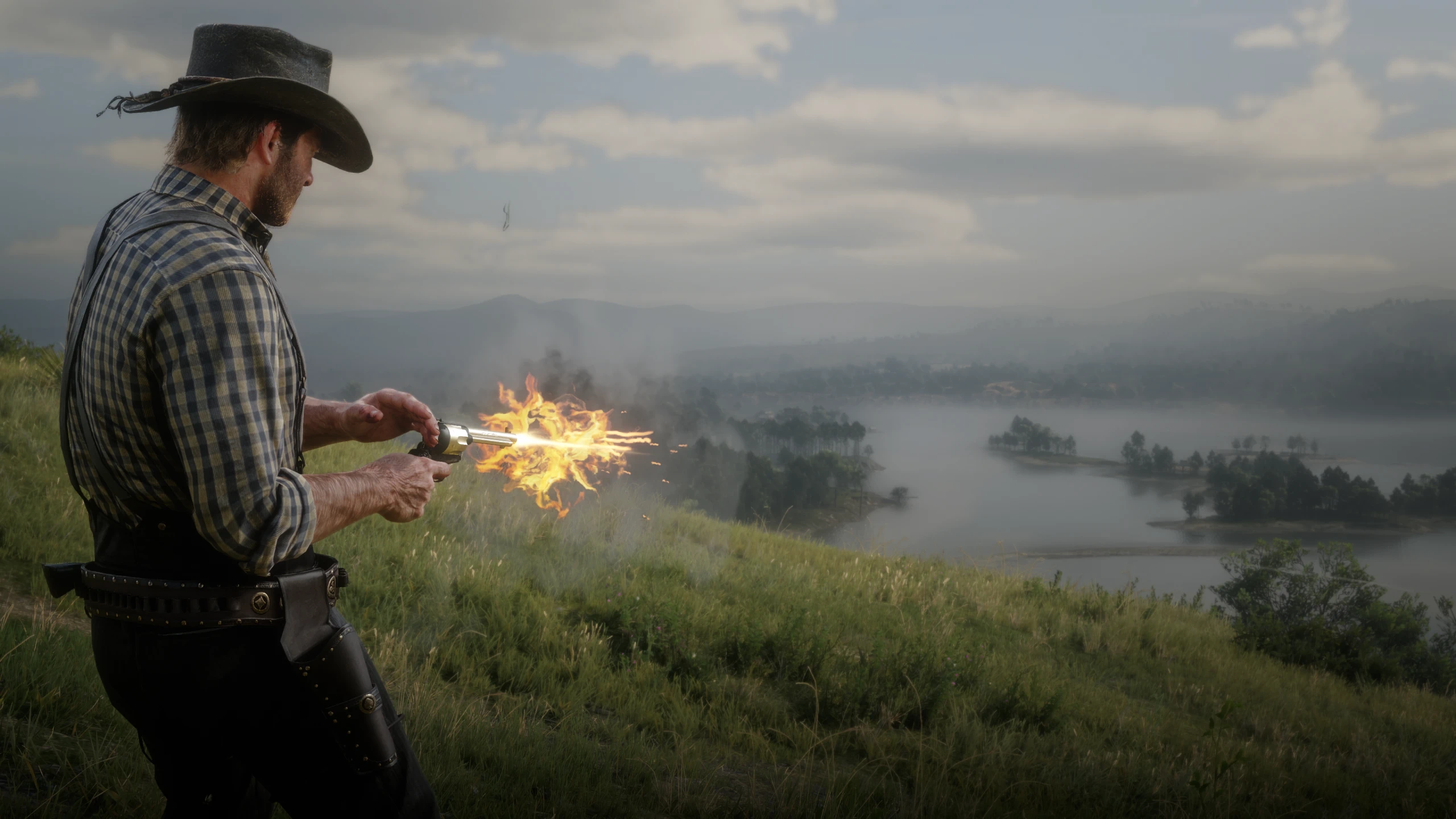
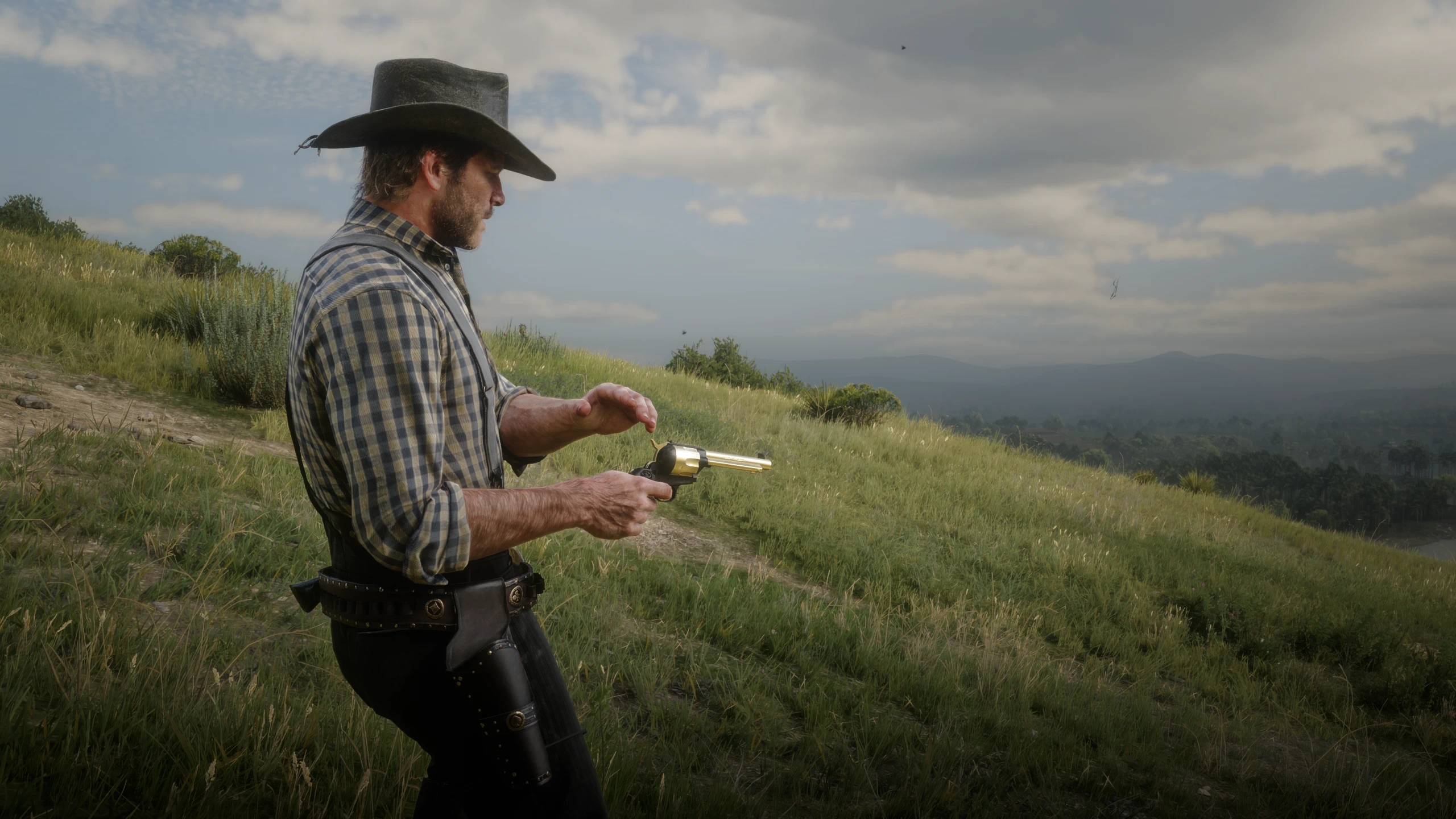
V2 Out Now! Switch Fast Draw on and Arthur or John becomes a gunslinger: with his revolver or pistol in its holster, one left click pulls it and fires from the hip in the same motion. You don’t aim first and you don’t need a second click.
Switch Fast Draw on and Arthur or John becomes a gunslinger: with his
revolver or pistol in its holster, one left click pulls it and fires from
the hip in the same motion. You don’t aim first and you don’t need a second
click. The draw is the game’s own unholster, played three times as fast. The shot
is the game’s own hip shot, aimed where the crosshair points, and he turns
to it the way he normally does.
After that first shot the gun works as normal: aim, fire and cock as you
always do. Keep clicking straight after the draw and he fans the hammer at
the game’s normal pace. Once the gun is back in the holster (Tab, the game putting it
away, or another holster mod), the next left click fast-draws again.
Switch it off when you don’t want it, and left click does what it always
did.
Normally there’s no crosshair on screen until you aim, which makes a hip
shot hard to place. Hold Z for half a second to put a small round dot in
the middle of the screen, where the game’s crosshair sits when you aim, so
you can line up the draw before the gun is out. Hold Z again to hide it.
If you’d rather always have the dot with Fast Draw, set Mode=2 under
[Crosshair] and one tap of Z switches both on and off.
REQUIREMENTS
– Script Hook RDR2 (by Alexander Blade)
– Story mode only (Script Hook mods don’t run in Red Dead Online)
INSTALL
1. Copy FastDraw.asi into your Red Dead Redemption 2 game folder (the folder
with RDR2.exe in it).
2. Optional: copy FastDraw.ini there as well. If you don’t, the mod creates
one with the default settings the first time you start the game.
UNINSTALL
Delete FastDraw.asi, FastDraw.ini and FastDraw.log from the game folder.
KEYS
Z (tap) Switch Fast Draw on/off (“Fast Draw: ON/OFF” shows on screen).
It always starts off when you load the game.
Z (hold) Hold for half a second to show or hide the crosshair dot
(“Crosshair: ON/OFF”). It also starts off. It hides itself
while you aim, because the game shows its own crosshair then.
With Mode=2 there’s no hold: the dot comes and goes with
Fast Draw.
Left click With Fast Draw on and the gun holstered: draw and fire.
You can change Z in FastDraw.ini (ToggleKey); the new key does both the
tap and the hold. If Z already does something in your keybinds, pick
another key.
WHEN IT WORKS
– Fast Draw is on, your hands are empty, and a revolver or pistol is in the
right-hip holster. That’s the gun it draws.
– On foot and on horseback (set OnHorse=0 for on foot only).
– Not in menus, cutscenes, the weapon wheel, while aiming, swimming,
ragdolling, or when the game has taken control away from you.
– Not in camp or anywhere else the game doesn’t let you draw.
– If he’s carrying a rifle or shotgun in his other hand, he keeps holding it.
– With a gun on each hip, it always draws the right-hip one.
– If that gun is empty, he still draws it but doesn’t fire; click again
and he reloads as normal.
SETTINGS
FastDraw.ini explains every setting. You can change it while the game is
running: save it and the mod picks up the change within a second.
Enabled 0 = the whole mod off, 1 = on (the default).
ToggleKey The key: tap for Fast Draw, hold for the crosshair
(0x5A = Z).
OnHorse 1 = fast draw on horseback too (the default),
0 = on foot only.
DrawSpeed How fast he pulls the gun (1 = the game’s normal draw,
2 = twice as fast, 3 = the default). Only for the fast
draw; his normal draws stay normal.
Mode Crosshair: 1 = hold Z to show or hide it (the default),
2 = it shows whenever Fast Draw is on.
HoldMs How long to hold Z for the crosshair, in milliseconds
(500 = half a second, the default). Shorter is a tap.
Size Crosshair dot size in pixels on a 1080p screen (default 6).
Opacity How solid the crosshair dot is, in percent (100 = solid,
50 = half see-through, the default).
DebugLog 1 = write details to FastDraw.log, for troubleshooting.
UPDATES
Shaun’s Fast Draw V2:
Faster follow-up shots
– Clicking again right after a fast draw now fires straight away. Before, the click you made during the draw was lost, so the second shot needed an extra click or a pause before the fanning started.
– Follow-up shots now come at the game’s normal fanning pace.
Fast draw on horseback
– Fast draw now works from the saddle. Before, the gun came out, nothing happened for a moment, and then a stray shot went off.
– Horseback is now on by default (OnHorse=1). Set OnHorse=0 if you only want it on foot.
Empty gun
– If the right-hip gun is empty, a fast draw brings it out without firing, and your next click reloads as normal. Before, he started reloading and fired as soon as the first round went in. This mostly affected players carrying the same gun on both hips.
Crosshair option
– New [Crosshair] Mode setting:
– 1 (default): as before. Tap Z for Fast Draw, hold Z for the crosshair dot.
– 2: the dot shows whenever Fast Draw is on, so one tap of Z switches both.
Credits:
shaun9797
Downloads
| Name | Format | Size |
|---|---|---|
| Shauns-Fast-Draw-V2.zip | ZIP | 175.51 KB |
To start download click the filename. To open archive files use one of these programs: WinRAR, 7-Zip, WinZip. Some mod archives may need to be extracted before the mods will work.