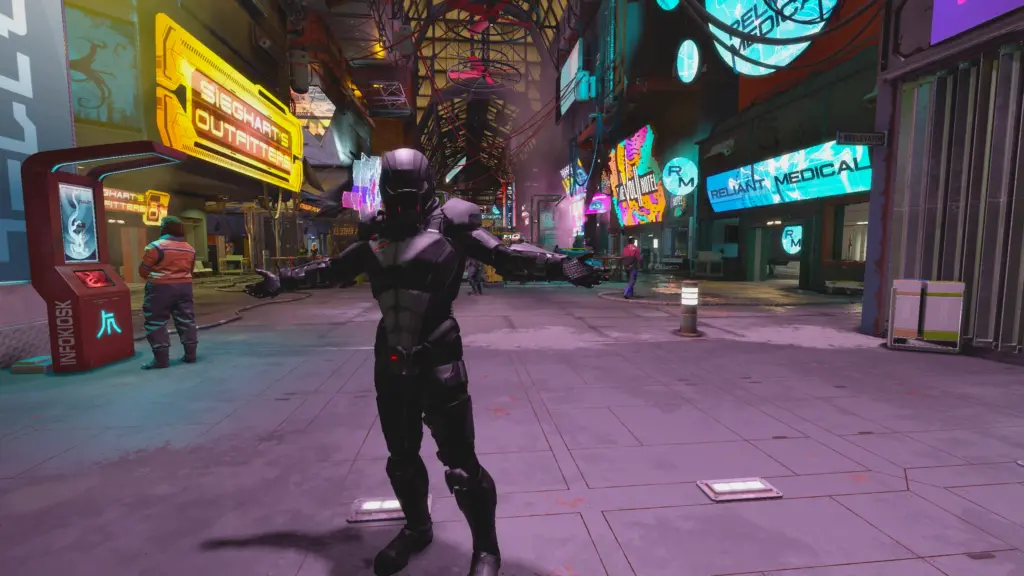
If you are like me and hate it when games add an invisible guy that scans for your presence then blares out advertisements on a looping track whenever you come close, then this mod is for you my friend.
This mod will completely disable all the looping Neon store advertisements and its subtitles.
– Madame Sauvage’s Bar
– Reliant Medical
– Volii Hotel
– Sieghart Outfitters
– Stroud Eklund Ship store
– Newill’s Shop
– Legrande Liquor Store
– Enhance
– GalBank
– TerraBrew
– Euphorika
– Emporium
– Chunks
Installation:
Simply copy the Sound folder into – Documents\My Games\Starfield\Data:
Put the SilentNeonAdverts.esm in – Steam\steamapps\common\Starfield\Data:
I have added a plugins.txt with the required text for this mod, so if you don’t have one, you can use this one. If you already have one, just copy the text or add it manually.
Starfield Script Extender (SFSE) – Required for the .esm
Credits:
Talyair
Downloads
| Name | Format | Size |
|---|---|---|
| Silent-Neon-Advertisements-1-0.zip | ZIP | 39.02 KB |
To start download click the filename. To open archive files use one of these programs: WinRAR, 7-Zip, WinZip. Some mod archives may need to be extracted before the mods will work.