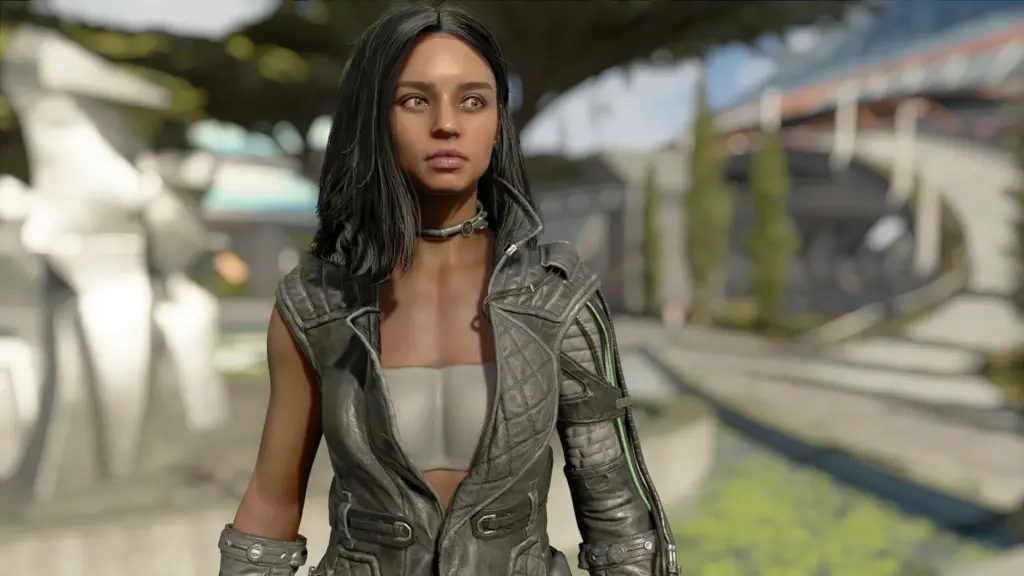
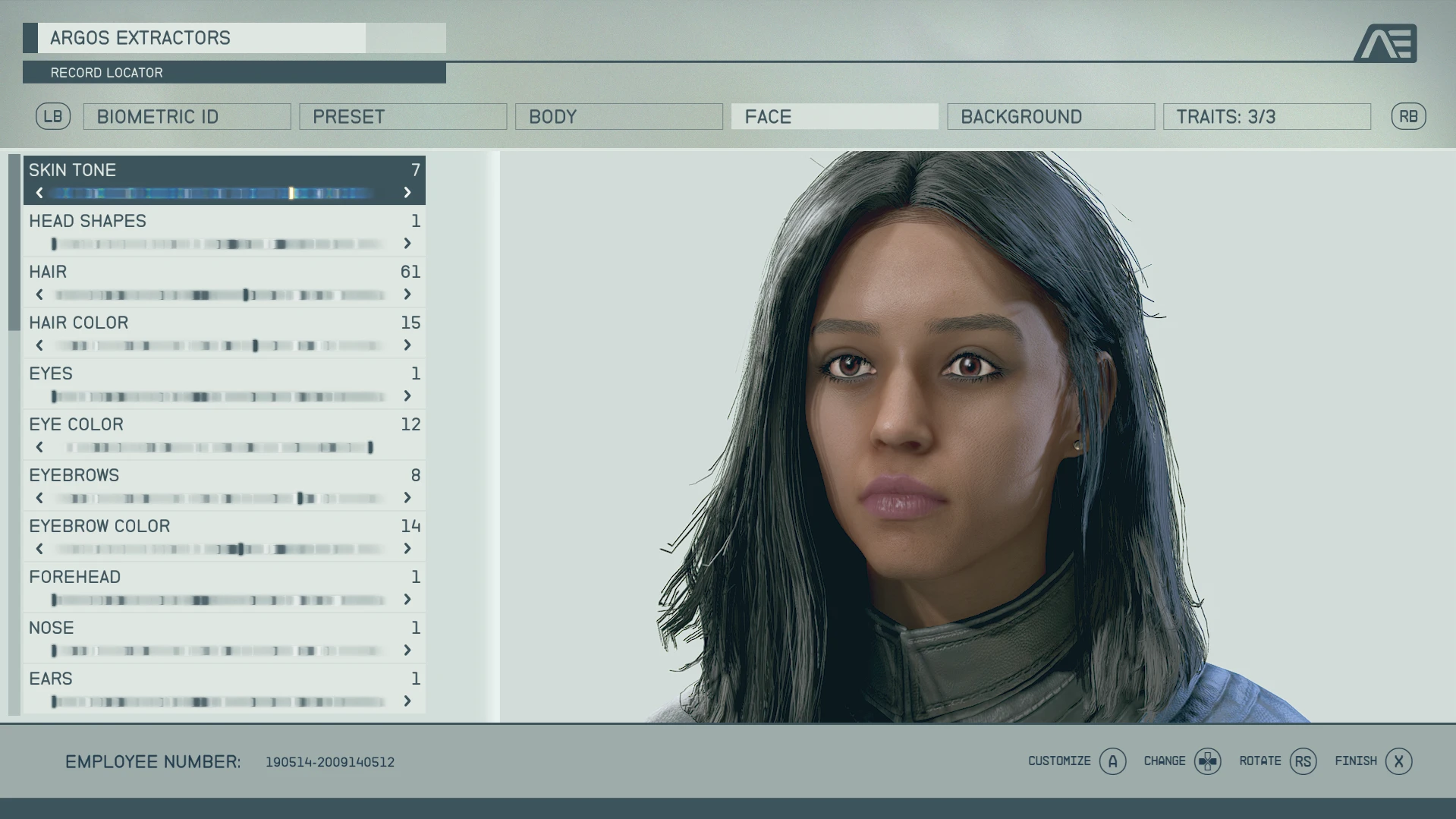
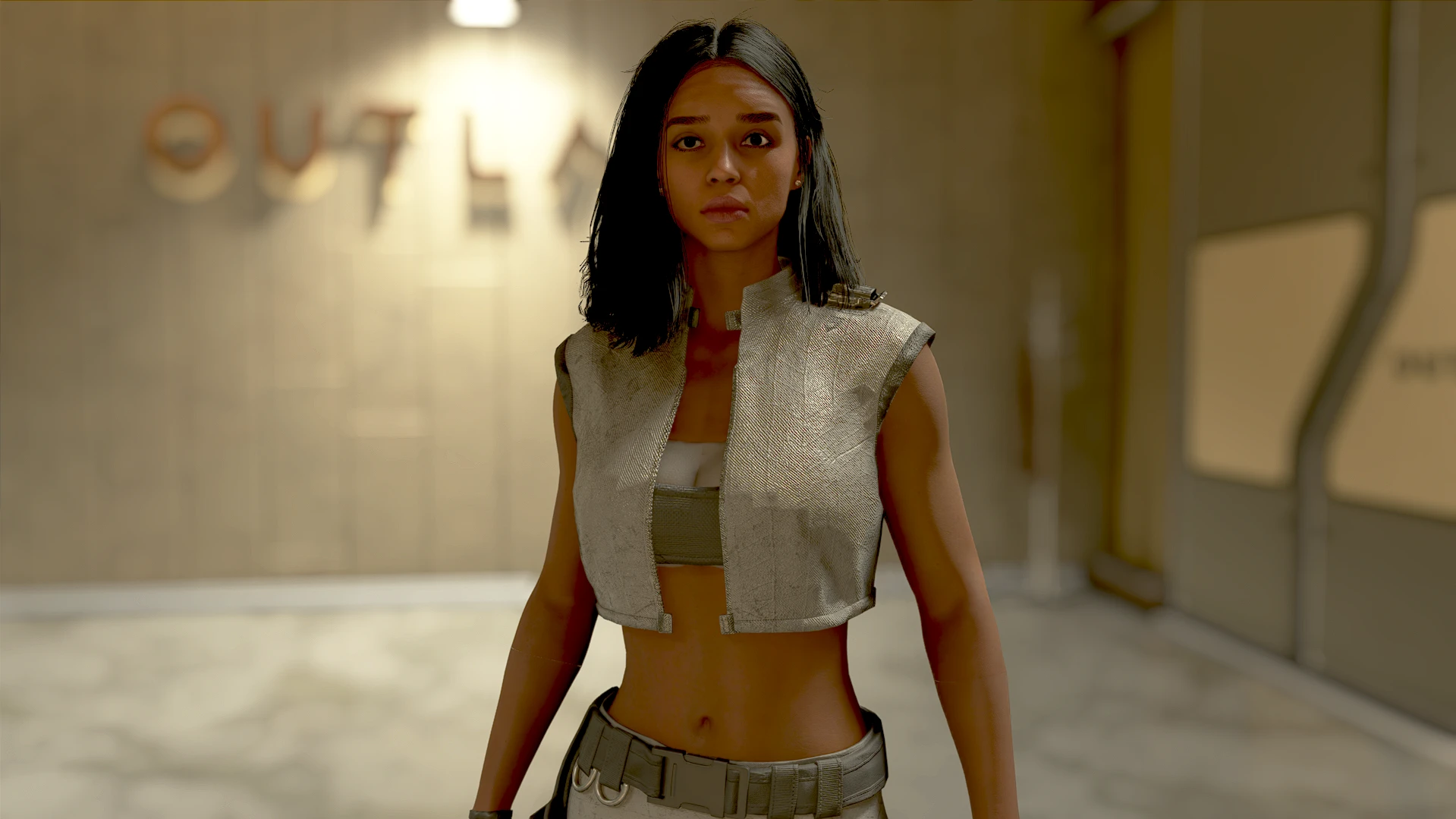
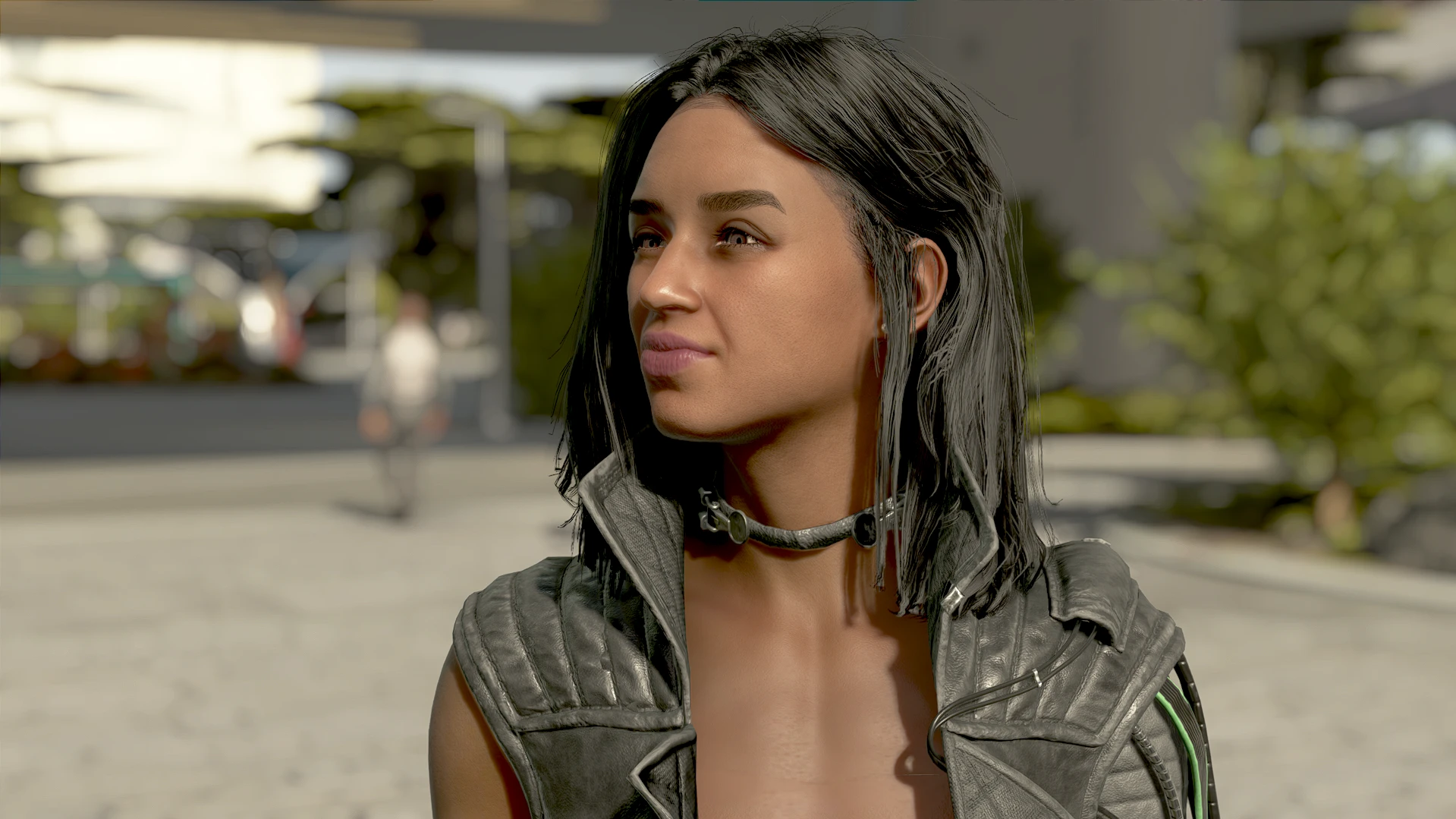
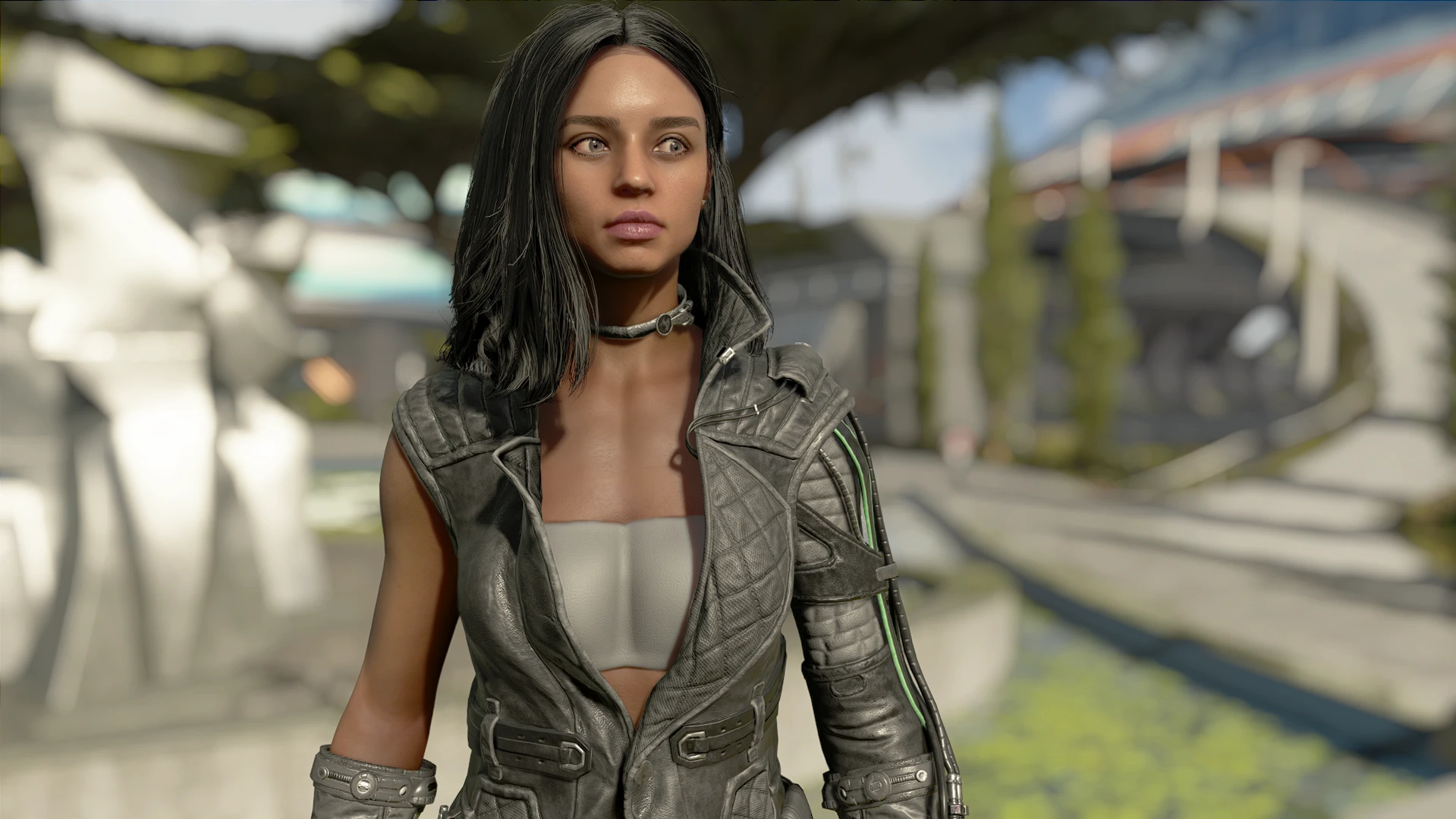
CharGen Character Preset for my created charcter from my Starfield Mods series on YouTube
Installation:
– Mod Manager of your choice. (MO2/Vortex)
Requirements:
– CharGenMenu – Used for applying preset
Appearance Mods: (Optional)
– Starfield Hair And Beards
– Pekoe Brows
Instructions:
– Use Mod Organizer 2 or Vortex to download/install mods.
– Download and install CharGenMenu
– Type “SLM 14” into the console to bring up the character creator menu.
– Click on ODB under the Presets tab.
– Or use NPC Enhancer Gun to apply the preset to one of your companions!
Shoutout to Zone79 for the hair and Avarantia for the brows!
Credits:
OutdoorBuilder
Downloads
| Name | Format | Size |
|---|---|---|
| ODBPreset-1-0.zip | ZIP | 2.16 KB |
To start download click the filename. To open archive files use one of these programs: WinRAR, 7-Zip, WinZip. Some mod archives may need to be extracted before the mods will work.