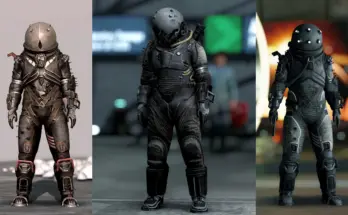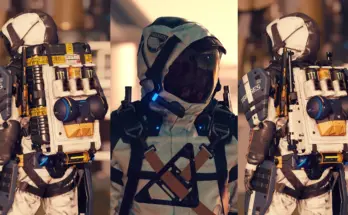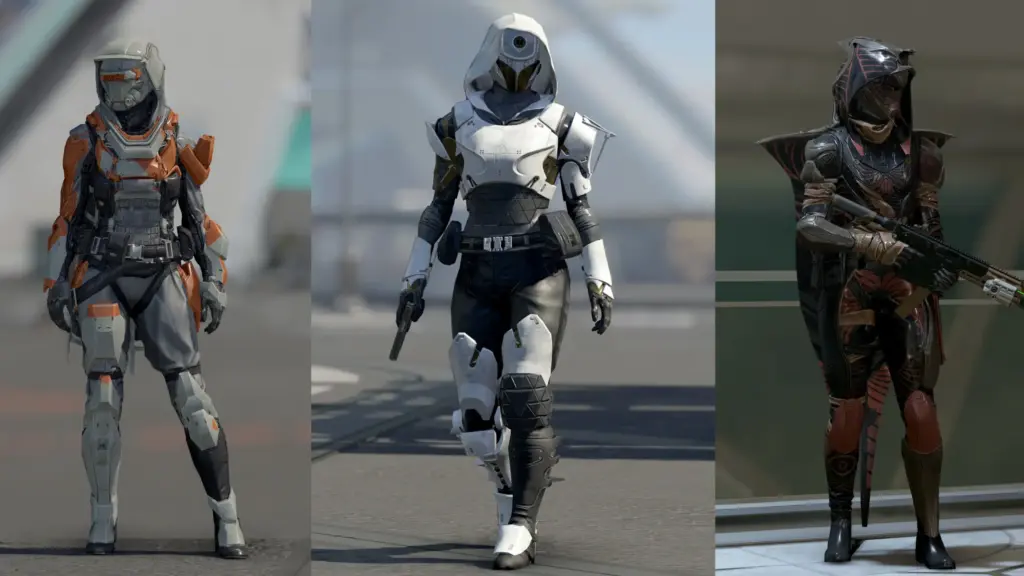
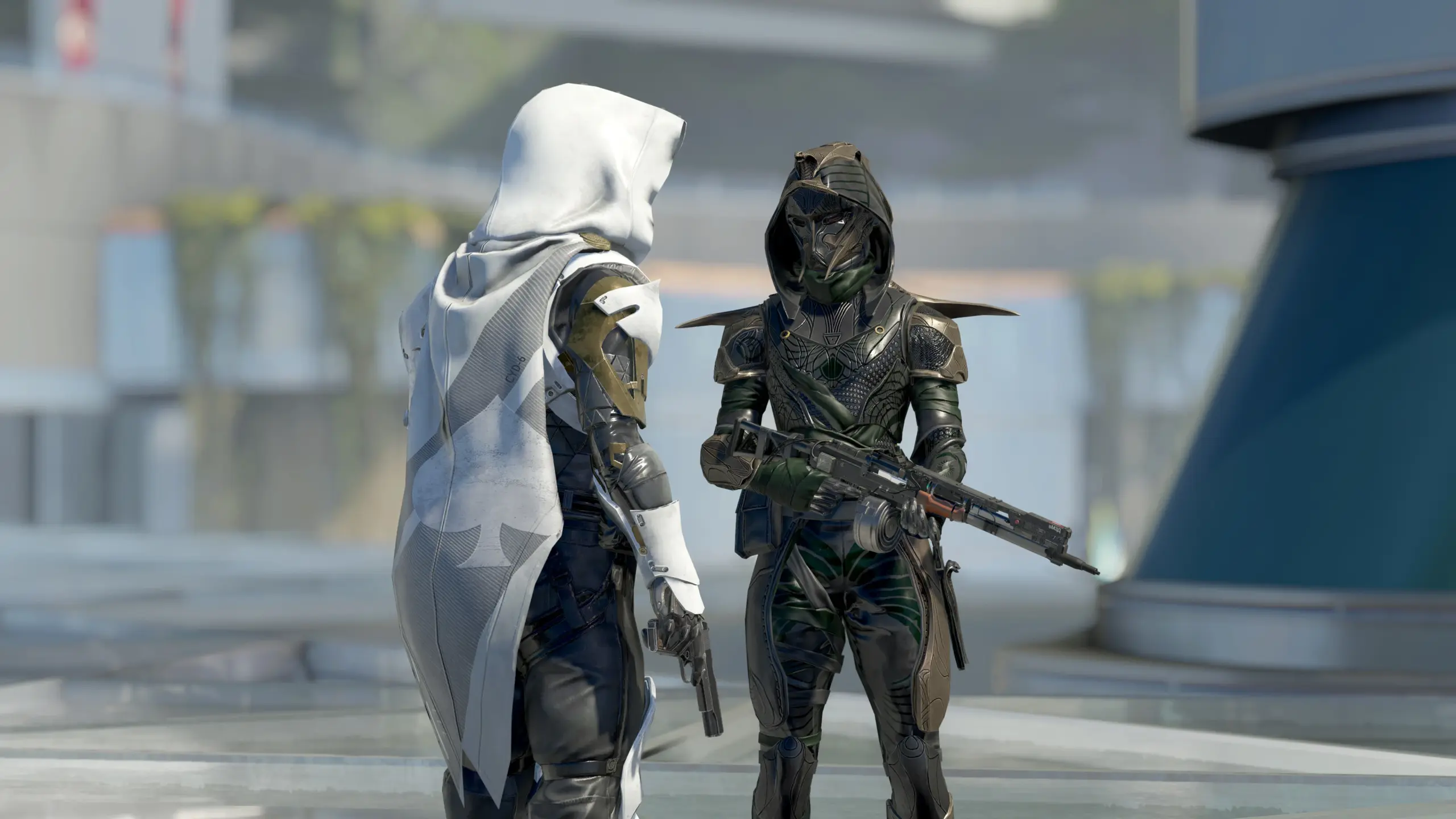
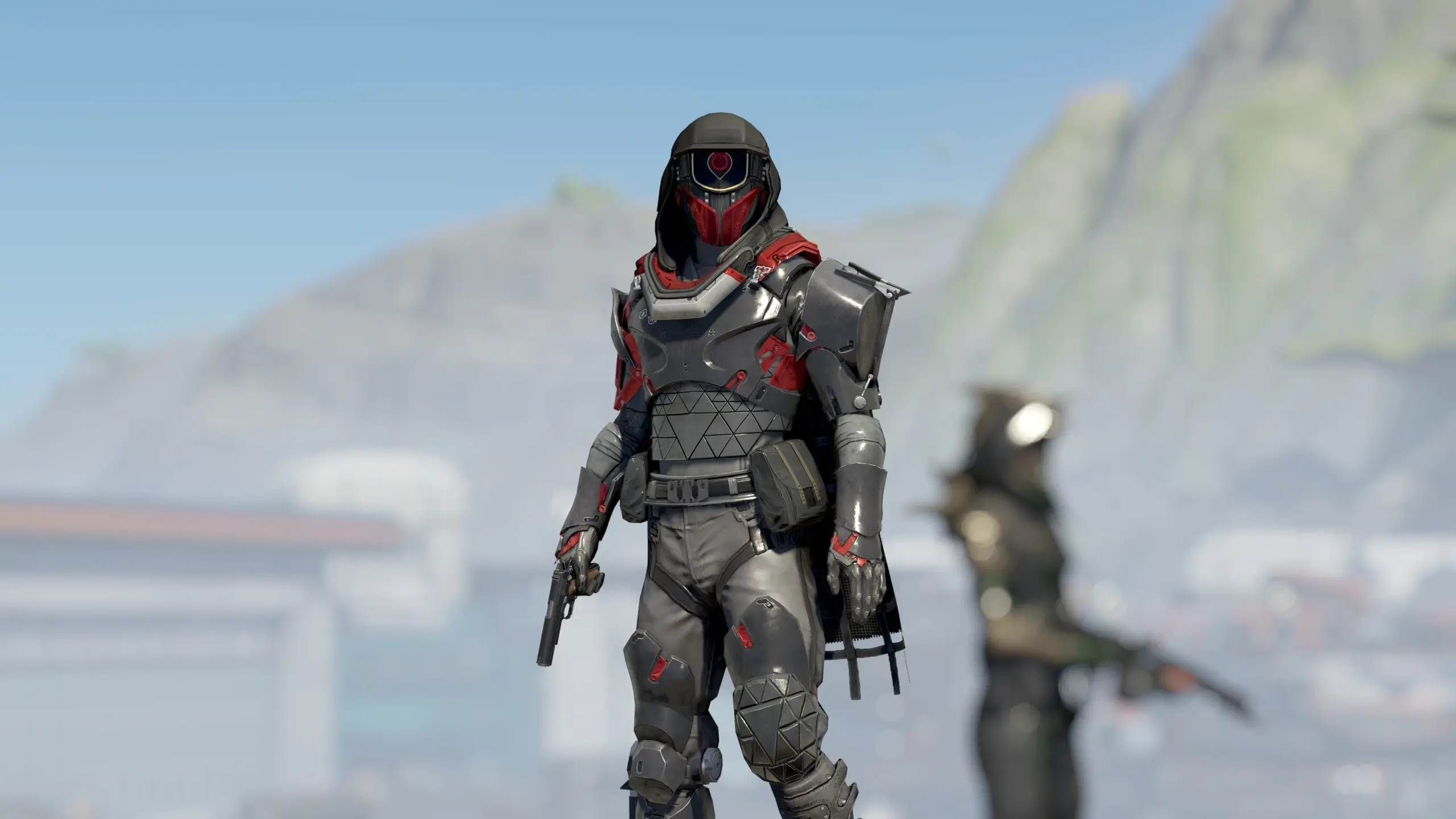
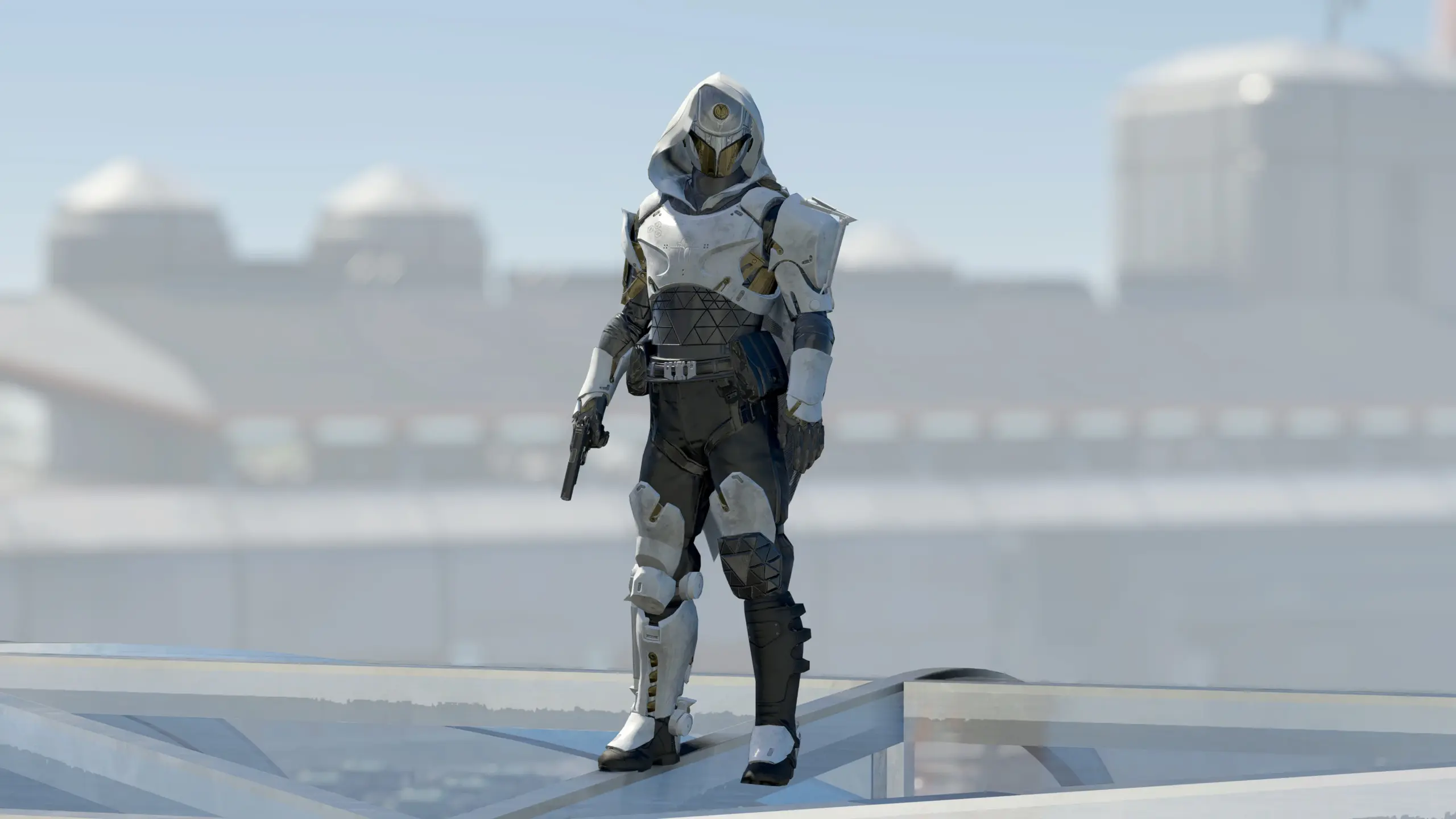
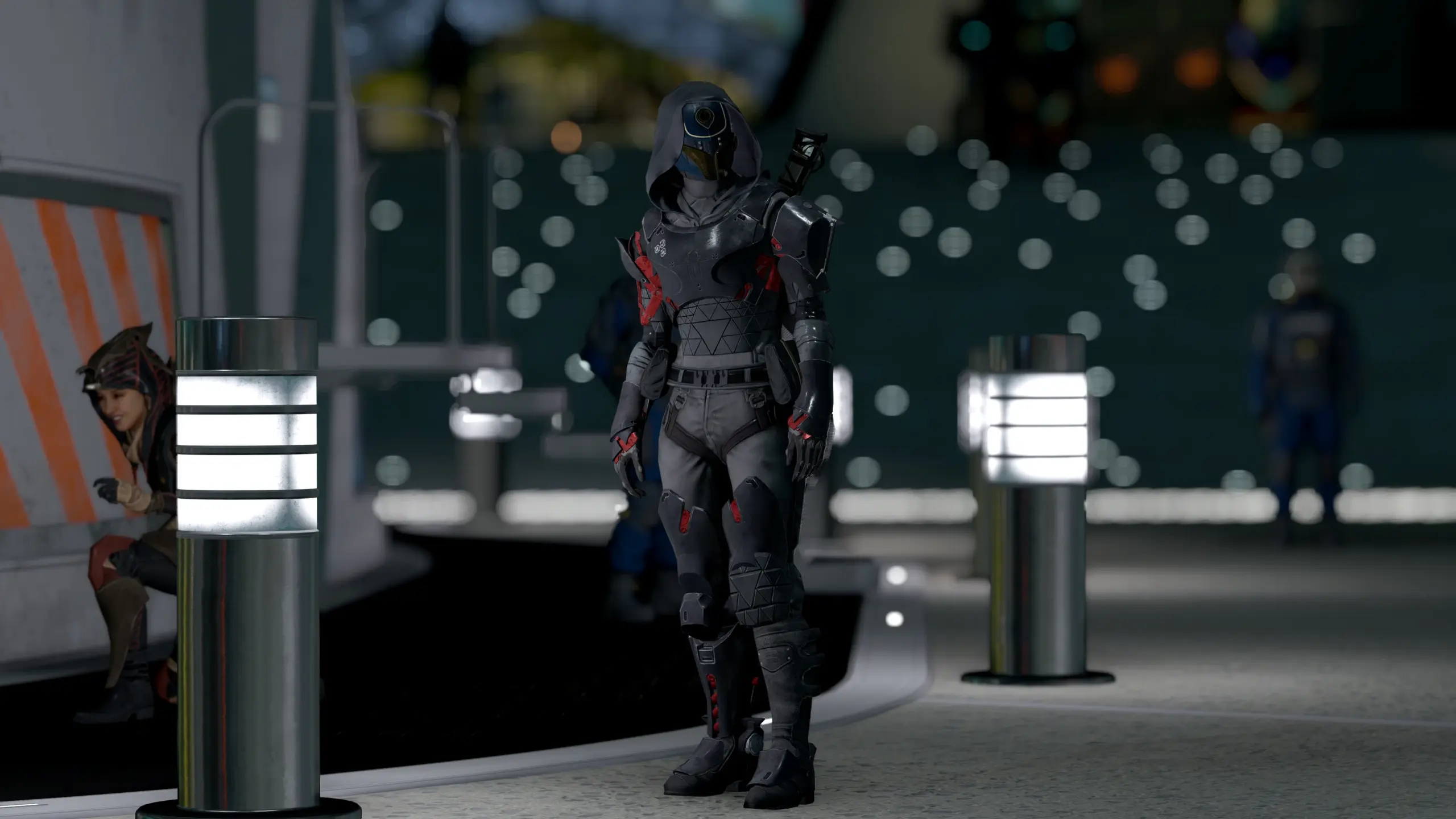
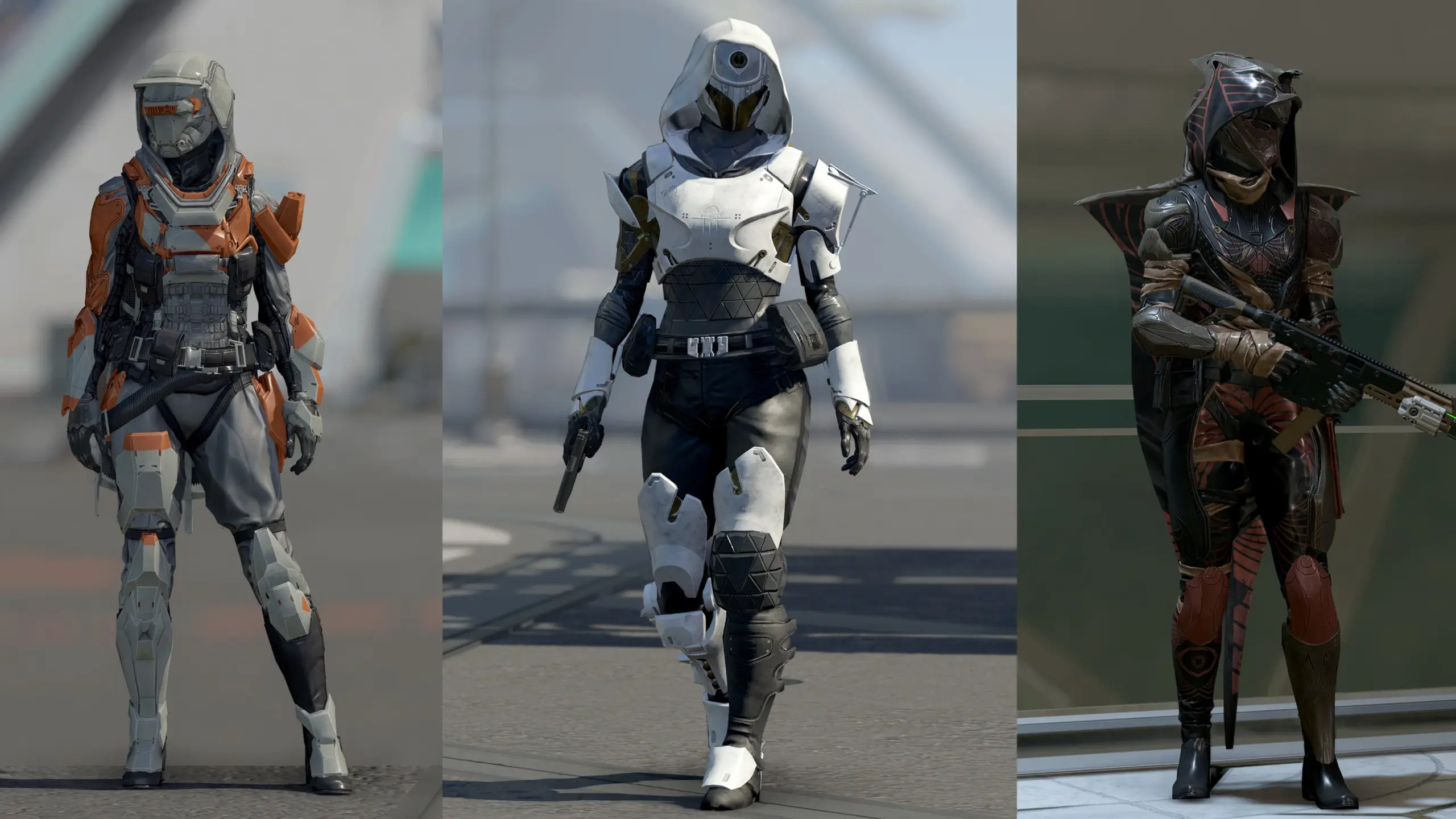
Model port of 3 armors from Destiny 2 – full Pyrrhic Ascent set, full Deep Explorer set and a mix of Vowen Firesmith suit, Great Hunt helmet and Memory of Cayde cloak with a few color options for both male and female characters. Morphs not included, so expect clipping on overweight or buff bodytype.
Installation:
1) Add lines below (If you haven’t already) to your StarfieldCustom.ini in Documents\my games\Starfield\:
[Archive]
bInvalidateOlderFiles=1
sResourceDataDirsFinal=
2) Extract contents of the archive to Data inside your game folder.
3) Enable Destiny2_armor.esm plugin from Creations menu or manually by adding line below to Plugins.txt located at C:\Users\*YOURUSERNAME*\AppData\Local\Starfield:
*Destiny2_armor.esm
How to get:
– You can craft suits, helmets, cloaks and separated hoods as apparel and as spacesuit with Industrial Workbench – look for “D2 – Pyrrhic Suit”, “D2 – Deep Explorer Suit” and “D2 – Vowen Firesmith Suit” and etc., “SS” at the end stands for Spacesuit version. For different color options use Spacesuit Workbench.
OR
– Type “help D2 4 armo” into the console
– Find the Armor ID, it should look like this:
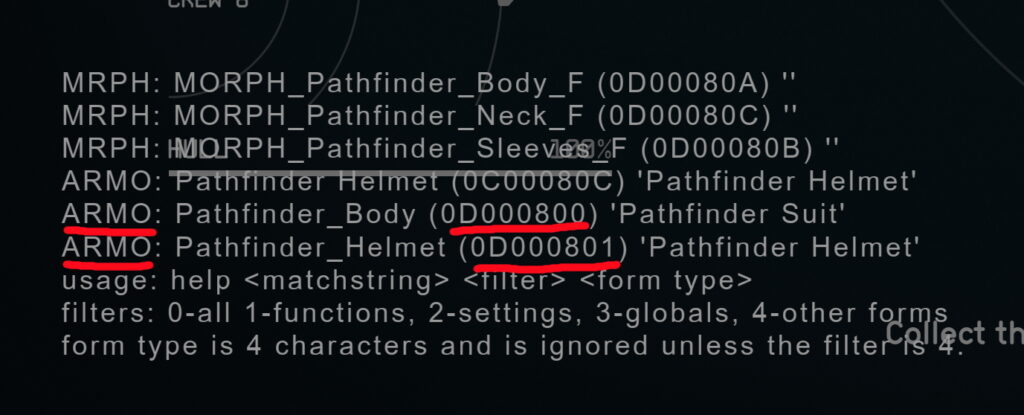
– Type:
“player.additem xx000800 1” – for Pyrrhic suit
“player.additem xx000801 1” – for Pyrrhic helmet
“player.additem xx000802 1” – for Pyrrhic cloak
“player.additem xx000803 1” – for Pyrrhic hood
“player.additem xx000804 1” – for Deep Explorer suit
“player.additem xx000805 1” – for Deep Explorer helmet
“player.additem xx000806 1” – for Deep Explorer cloak
“player.additem xx000807 1” – for Deep Explorer hood
“player.additem xx000808 1” – for Vowen Firesmith suit
“player.additem xx000809 1” – for Great Hunt helmet
“player.additem xx000810 1” – for Memory of Cayde cloak
“player.additem xx000811 1” – for Memory of Cayde hood
“xx” is different for everyone as it depends on your mod load order.
– Those numbers are for apparel, to spawn spacesuit variants change “xx0008xx” to “xx0009xx”:
so for example if you want to spawn Deep Explorer as spacesuit you need to type “player.additem xx000904 1”.
Fix:
– Fixed random disappearance of Exo Stranger set
Install packed or unpacked version of the Main mod first and rewrite the plugin with the one in this archive.
Credits:
HooliG4N83
Downloads
| Name | Format | Size |
|---|---|---|
| Destiny-2-Armor-1-0.zip | ZIP | 84.69 MB |
| Destiny-2-Armor-1-0-2.zip | ZIP | 84.31 MB |
| Destiny-2-Armor-unpacked-1-0-2.zip | ZIP | 84.64 MB |
| Destiny-2-Armor-unpacked-1-0-3.zip | ZIP | 230.68 MB |
| Destiny-2-Armor-1-0-3.zip | ZIP | 230.15 MB |
| Exo-Stranger-fix-1-0-3-1.zip | ZIP | 14.16 KB |
To start download click the filename. To open archive files use one of these programs: WinRAR, 7-Zip, WinZip. Some mod archives may need to be extracted before the mods will work.