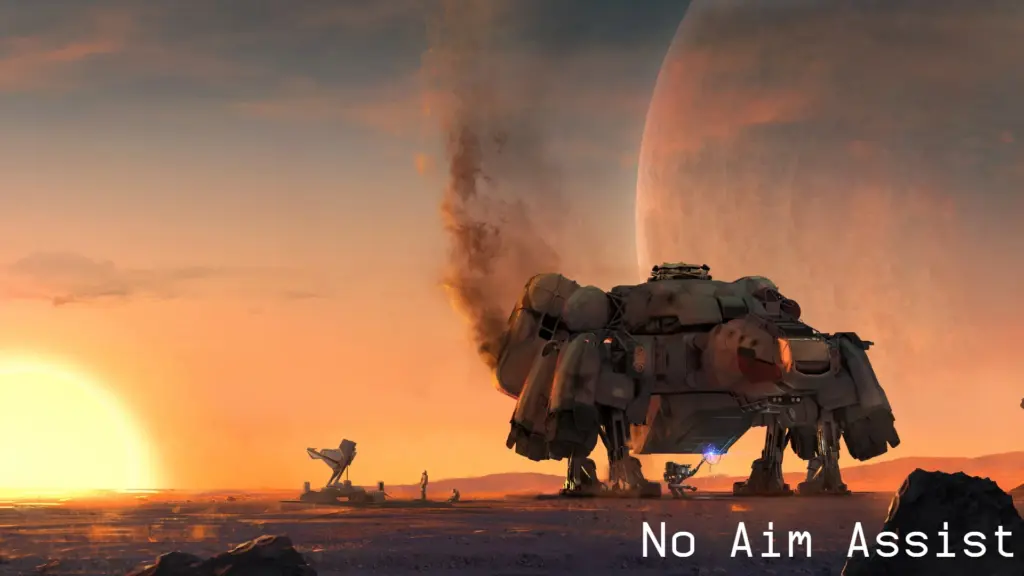
No Aim Assist
Removes Aim Assist on Controller.
Vortex:
1. Download and Install with Vortex.
2. Add this line bat v2_NoAimAssist under [General] next to sStartingConsoleCommand= to your “StarfieldCustom.ini” Located in your Documents Folder. Once done should look as follows.

If you already have other Mods in sStartingConsoleCommand= then add to it so it looks as follows

3. Run the game
Manual installation:
1. Download the main file extract it and place the txt file into your main “Starfield” folder. (where Starfield.exe is located) Overwrite all files when prompted to do so.
2. Add this line bat v2_NoAimAssist under [General] next to sStartingConsoleCommand= to your “StarfieldCustom.ini” Located in your Documents Folder. Once done should look as follows.
If you already have other Mods in sStartingConsoleCommand= then add to it so it looks as follows
3. Run the game
Credits:
2077v2
Downloads
| Name | Format | Size |
|---|---|---|
| v2_No-Aim-Assist-CCR-1.2.7z | 7Z | 407.00 B |
| v2_No-Aim-Assist-1-0.7z | 7Z | 250.00 B |
To start download click the filename. To open archive files use one of these programs: WinRAR, 7-Zip, WinZip. Some mod archives may need to be extracted before the mods will work.