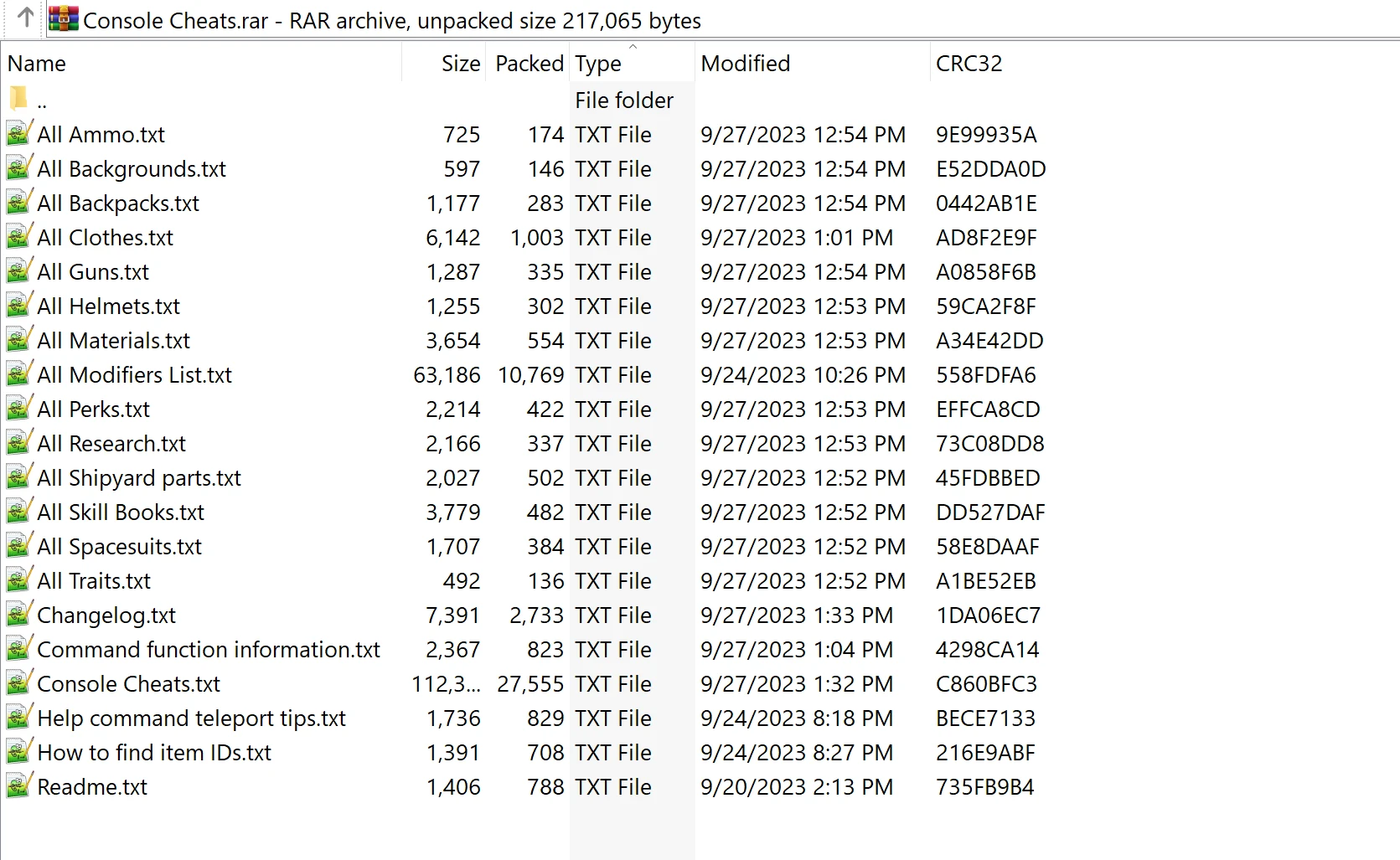
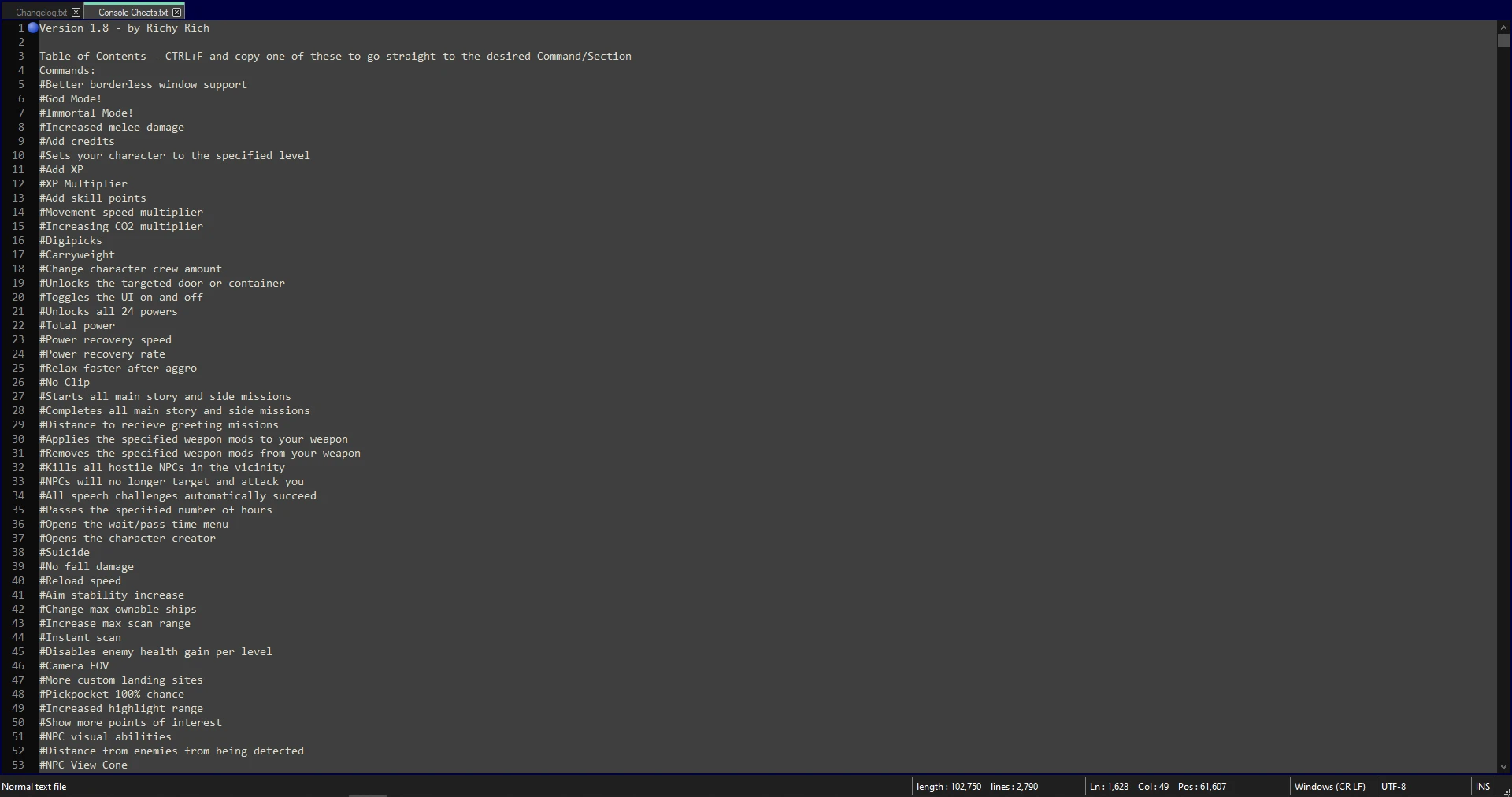
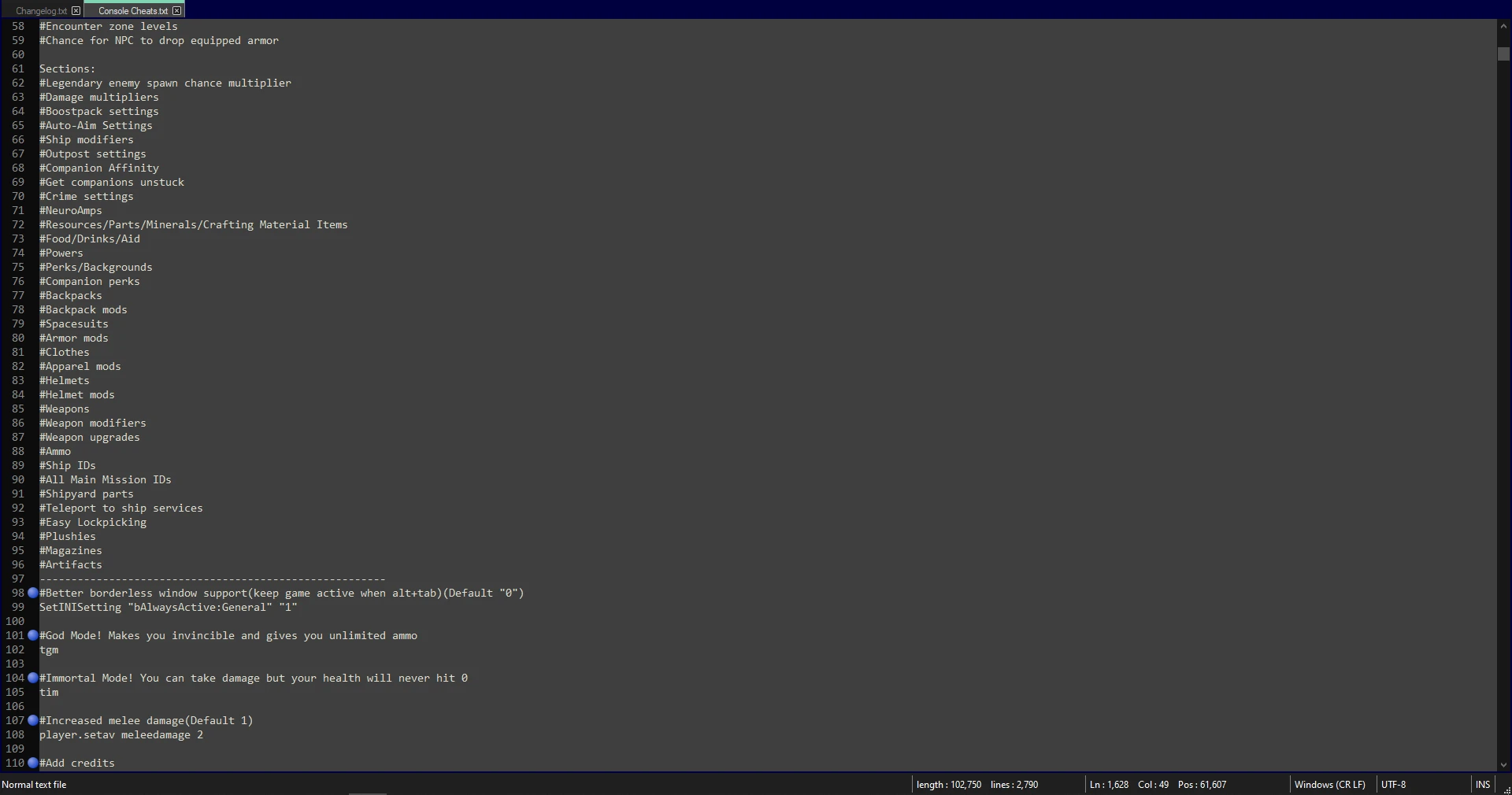
Description: This is an easy to use Console Command Cheat list I made that has many console codes written out and detailed so you can just copy and paste into your console menu(~)(@)(.) in-game very quick and easy for fast activation’s. I hope you all enjoy this as it took me quite some time organizing this list together to make it simple to use for everyone!
Instructions: Just press one of these (~)(@)(.) in game to pop up your console and copy/paste a code on the lists to get the thing you want.
NOTE: No installation needed, just open the text file and copy/paste the code of your choice into your games command console(~)(@)(.)
TIPS:
– To start the game with certain commands you like to use frequently go to your Documents/My games/Starfield/StarfieldCustom.ini and enter this command:
[General]
sStarting Console Command=
(NOTE: No spaces, for some reason it shows this “sStartingConsoleCommand=” on here with no spaces so I had to add spaces to show the real command)
After the = put in the commands you would like to start the game with. NOTE: not every command will work like money/materials etc. You will
need to see what will and wont work on your own.
Example:
sStarting Console Command=tgm;tcl;tm;SetINISetting “bUsePressAndHoldControls:Boostpack” “1”
(NOTE: No spaces, for some reason it shows this “sStartingConsoleCommand=” on here with no spaces so I had to add spaces to show the real command)
This enables god mode, no clip, no hud, and holding the boostpack button instead of pressing it on the start of your game each time you load it up.
Credits:
Richy Rich
Downloads
| Name | Format | Size |
|---|---|---|
| Console-Command-Cheats1-9.rar | RAR | 49.29 KB |
To start download click the filename. To open archive files use one of these programs: WinRAR, 7-Zip, WinZip. Some mod archives may need to be extracted before the mods will work.