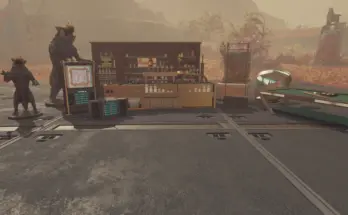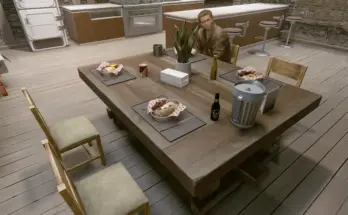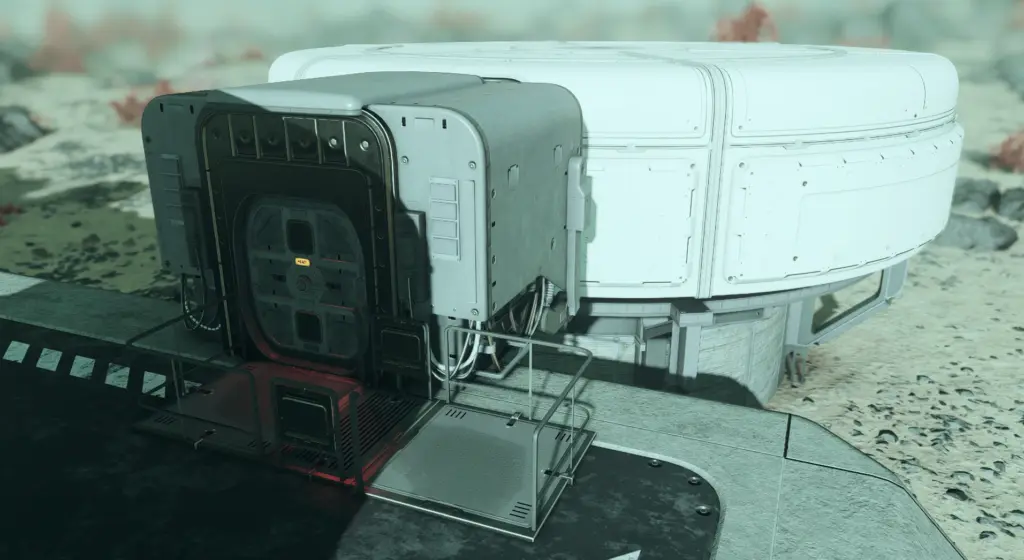
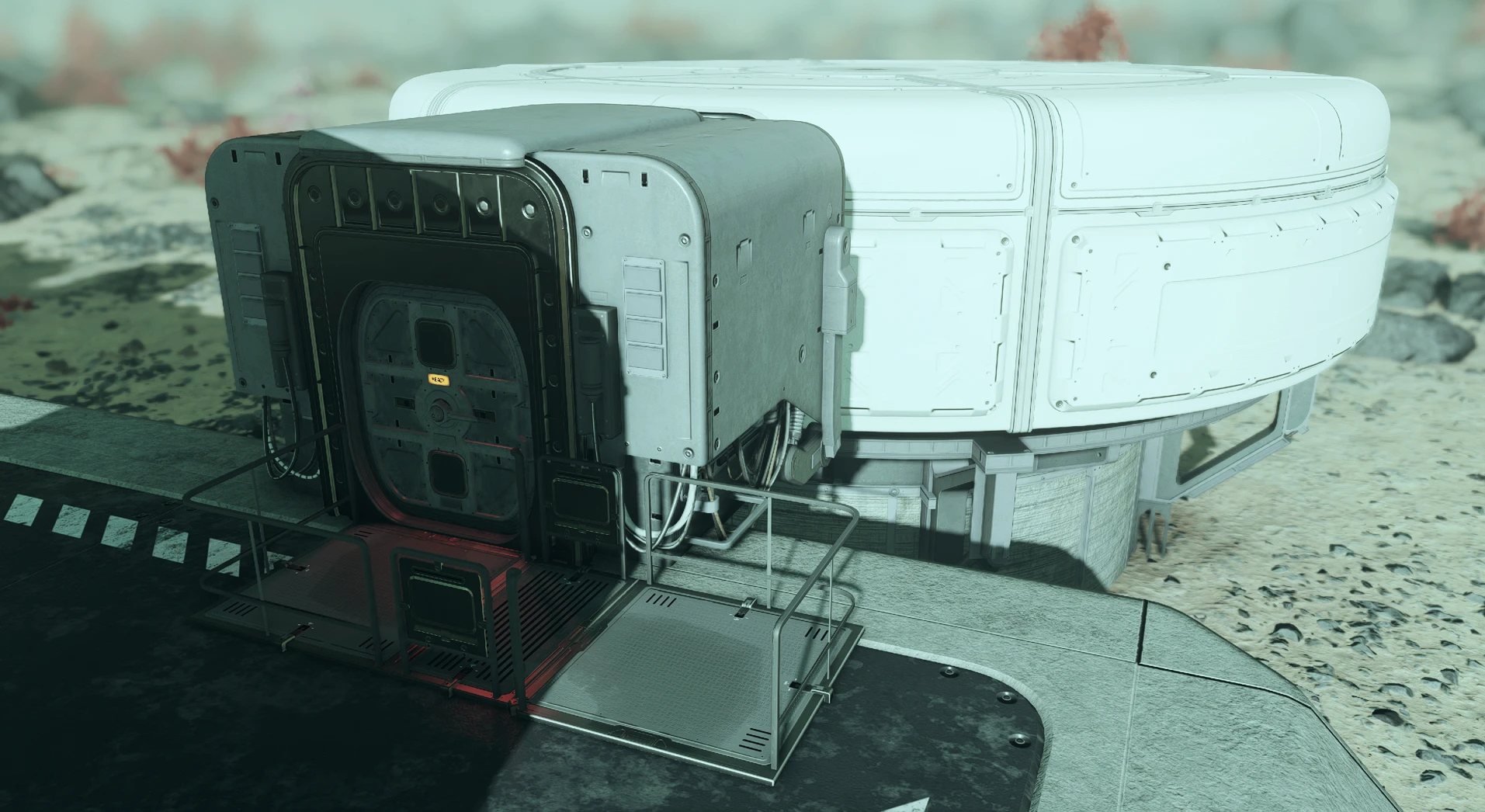
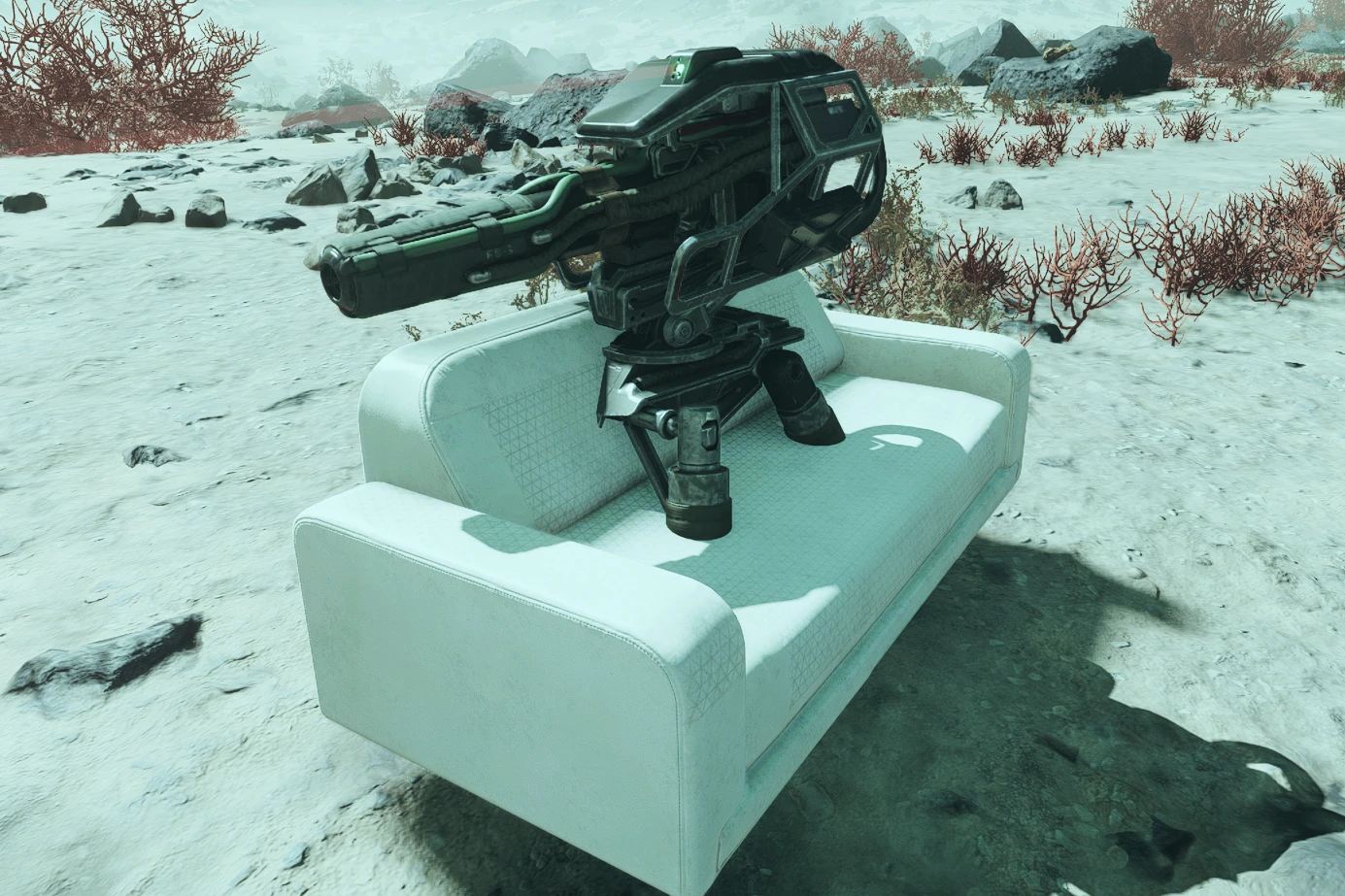
Place outpost objects with freedom, allowing for overlapping.
Let you place objects where you really want them to be, without binding collisions.
Installation:
Simply put the .txt files in the game root folder.
Steam: ..\Steam\steamapps\common\Starfield
Game Pass: ..\XboxGames\Starfield\Content
Usage:
Nothing more simple, press the console key (“~” on default QWERTY) and type the following command:bat outpostOverlap
Note that you only have to run it once.
To disable the mod, type:bat outpostOverlapReset
Disclaimer:
Sometimes, the game still won’t let you place objects; it is a bit capricious but works perfectly for most positions. It might not work on landing pads for example.
I did not test if this kills NPCs’ pathfinding. (If you look at the first image, yes it does)
It does not overwrite snapping.`
Turrets placement seems to work differently; you may want to disable the mod to place your turrets.
Credits:
3stan
Downloads
| Name | Format | Size |
|---|---|---|
| Outpost-Objects-Overlap-1-0.zip | ZIP | 585.00 B |
To start download click the filename. To open archive files use one of these programs: WinRAR, 7-Zip, WinZip. Some mod archives may need to be extracted before the mods will work.