
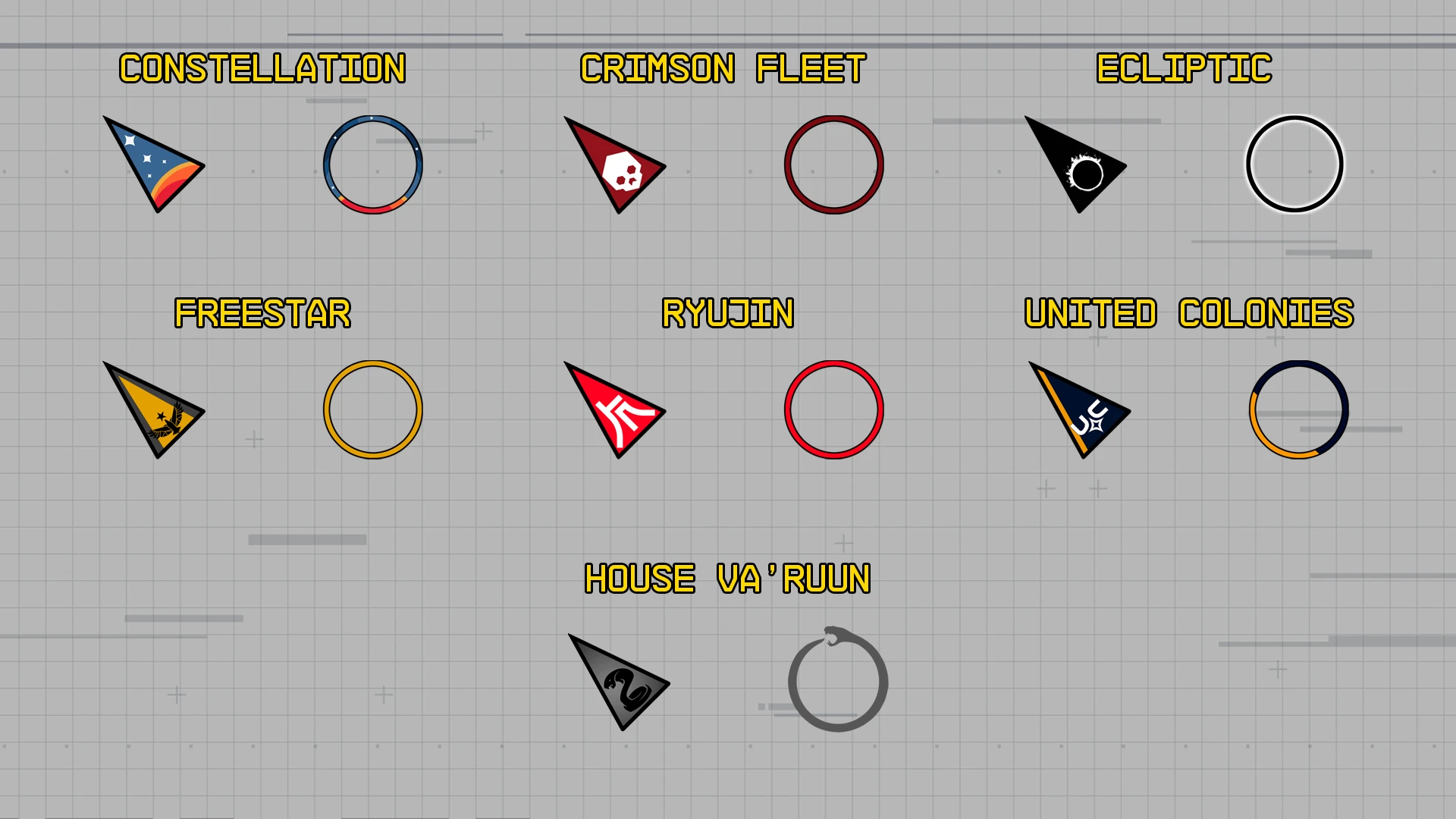
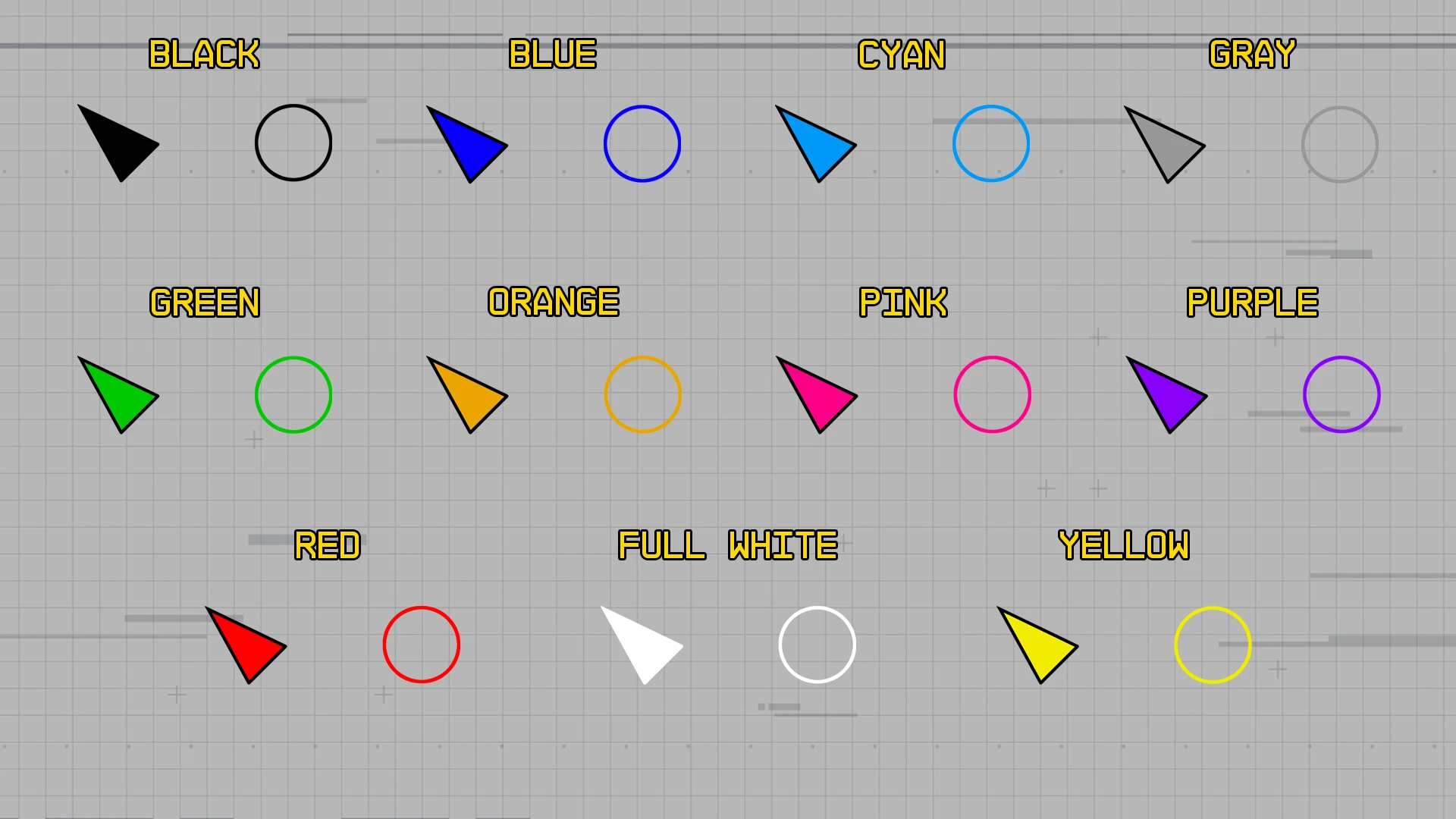
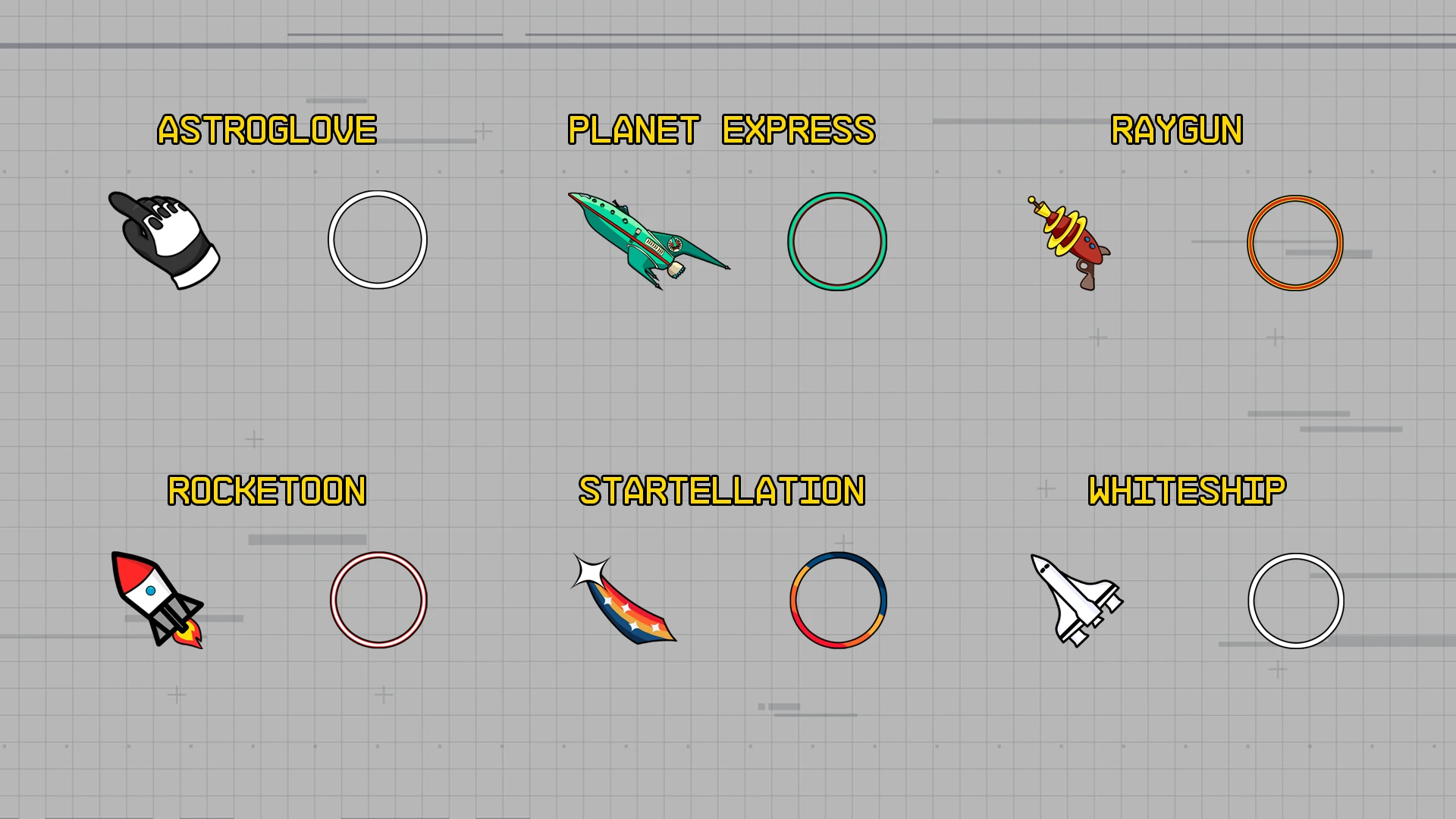
Replace the boring Starfield cursor. 24 cursors available.
HOW TO INSTALL
– Make sure you have enable Archive Invalidation (INI settings). Check this link if you need help creating it.
– Recommended. Install the mod via your mod manager (Vortex, Mod Organizer 2).
– Manual install: Unzip the downloaded folder (ignore the ‘fomod’ folder), choose the cursor you want to install and copy the file named “cursormenu.swf” (or “cursormenu” if your Windows doesn’t display file extensions) into the directory Documents/My Games/Starfield/Data/Interface (create the Data/Interface folder if it doesn’t exist yet). If you have enabled Archive Invalidation, this path should work. If this doesn’t work for you, you can copy the file into the directory Starfield/Data/Interface (where the Starfield.exe is located).
– To unistall, simply delete the file.
Note: Cartoons designs are only available in standard size at the moment. I’m experiencing some issues with the program when I try to resize them (artifacts appear). I hope to resolve this soon.
Credits:
JackHerer1820
Downloads
| Name | Format | Size |
|---|---|---|
| Herers-cursors-1-0.zip | ZIP | 29.54 MB |
To start download click the filename. To open archive files use one of these programs: WinRAR, 7-Zip, WinZip. Some mod archives may need to be extracted before the mods will work.